 Video, audio & media
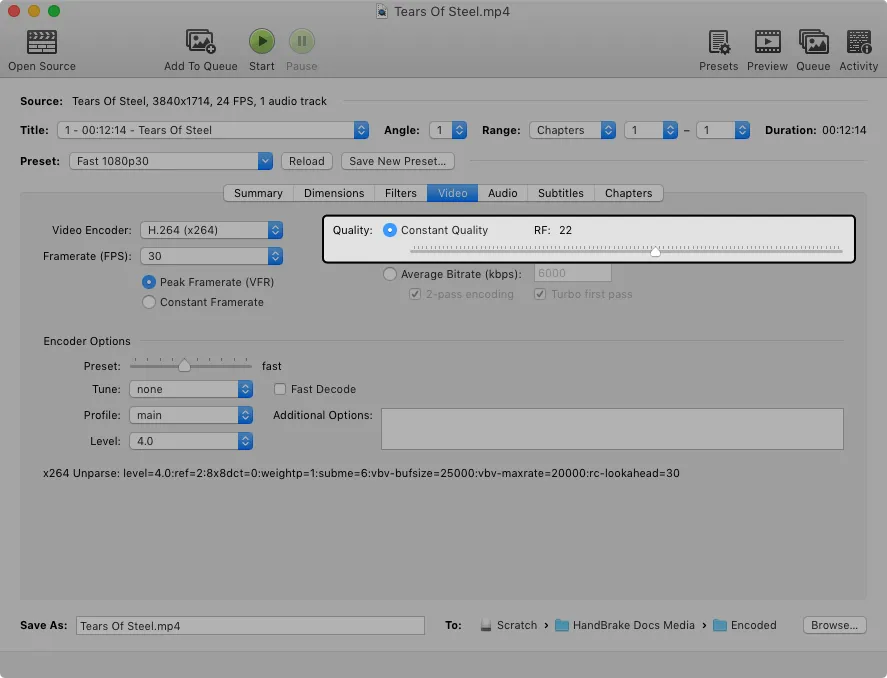
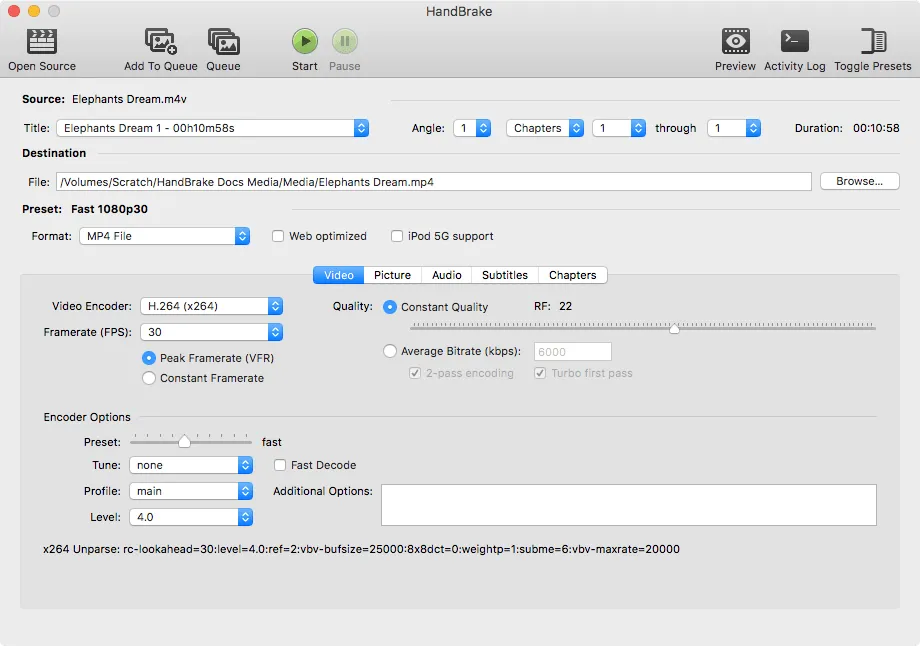
HandBrake is the answer to a 12 GB 4K file that your phone refuses to play. It reads nearly anything and writes H.264, H.265, AV1 or VP9, with presets already tuned for Apple devices, web upload, Matroska and archiving, so the common jobs need no decisions at all. On Apple silicon it hands the encoding to VideoToolbox and a feature-length file finishes in minutes rather than hours.
Volunteers have kept it alive since 2003 and it is still the first recommendation for shrinking video on a Mac. The queue takes a folder of files with per-item settings, burns in subtitles, keeps chapter markers, picks audio tracks, and carries enough filters to clean up interlaced footage from old cameras.
Two honest limits. It transcodes rather than edits — cropping and chapter-range trimming are as far as it goes. And it will not read the copy protection on a commercial DVD or Blu-ray on its own; people work around that, but it is not something the project ships.
The settings are dense and the encoder tabs are genuinely off-putting on a first run. Stay on the presets until a specific result disappoints you, then change one thing. Get it from handbrake.fr and nowhere else.
 IINA
IINA Permute
 Downie
 Yate
Yate