AltTab
window switcher with thumbnails, free core plus a one-time pro tier
This version
The free build is genuinely free and open source and still does the main job — per-window switching with live thumbnails across Spaces and displays, dark mode, live preview, window controls, trackpad gestures. But several things people assume are free became Pro-only in 2026: typing to search the window list, the App Icons and Window Titles display styles, auto-sizing, and more than a handful of shortcut sets (Pro allows up to nine). Pro at $9.99 is version-locked to the current major release, so a future major version would be another purchase; only the $24.99 Lifetime tier includes every future update. AltTab needs Accessibility and Screen Recording permission to draw thumbnails, which costs some CPU and battery on older Macs with many windows open, and its default binding collides with system Command-Tab until you remap one of them.
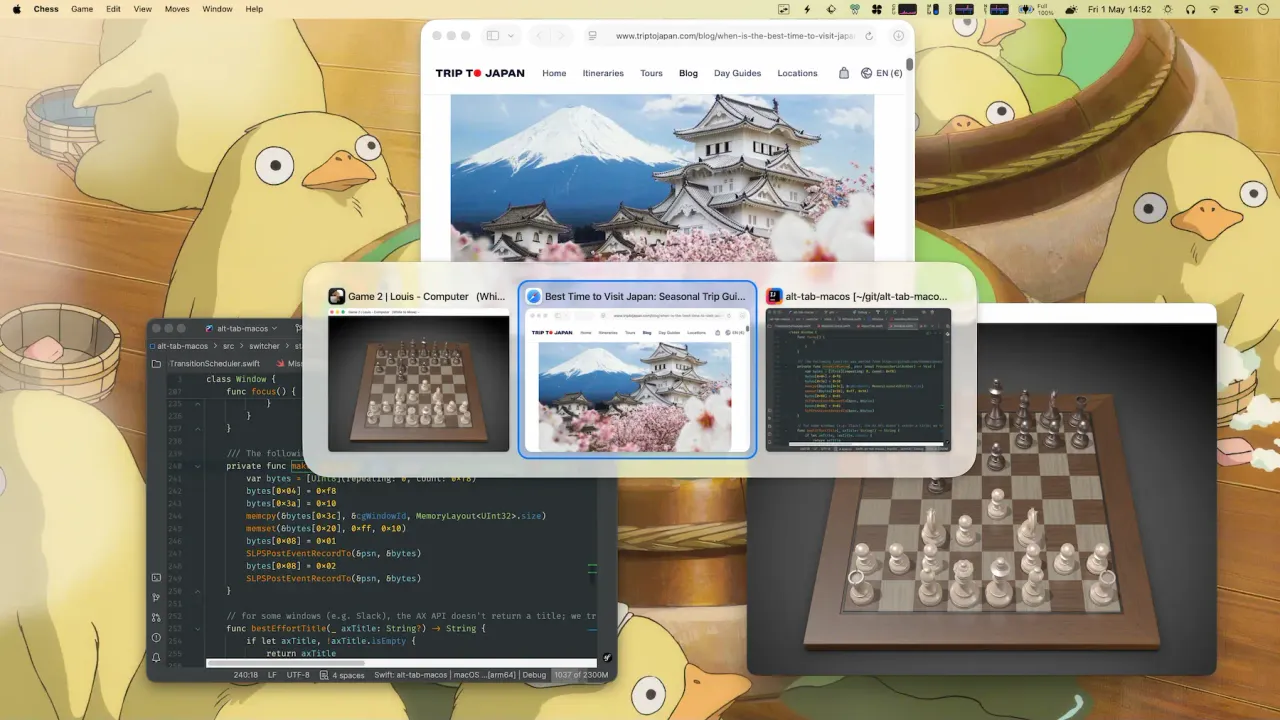
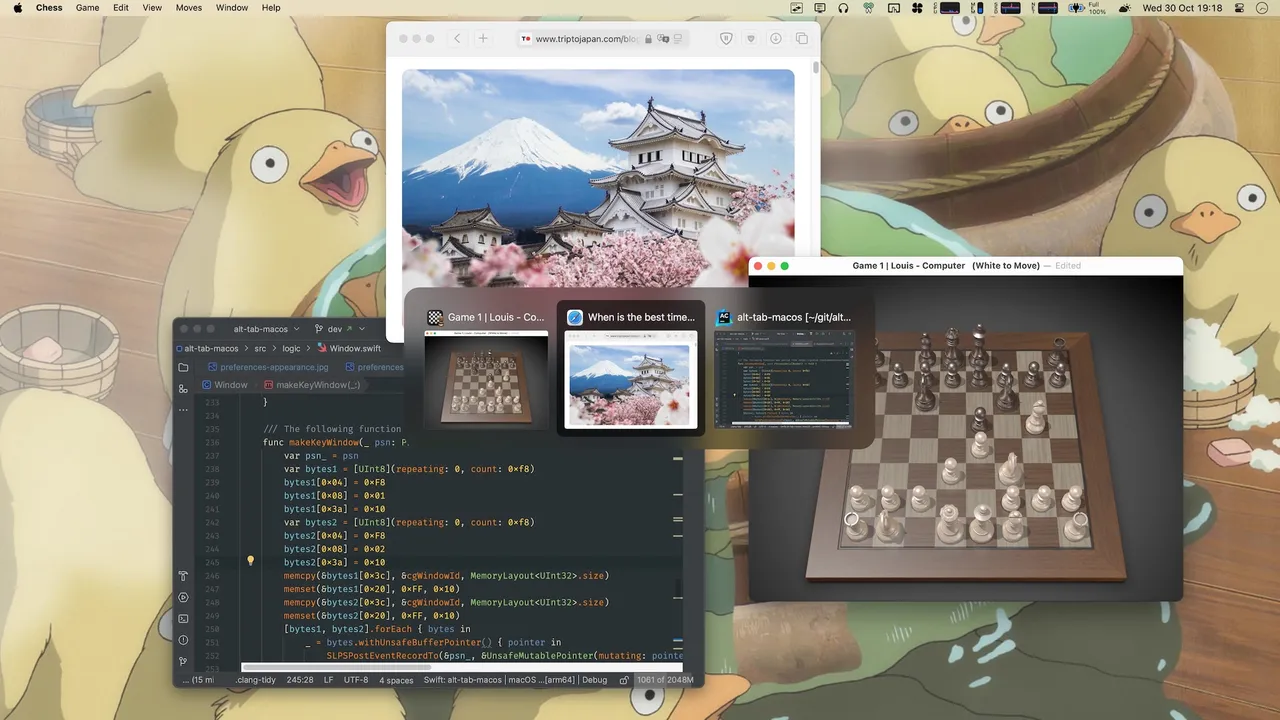
Command-Tab on macOS cycles applications, so six browser windows are one entry and you land in the wrong one. AltTab replaces it with a switcher that lists every window separately, each with a live thumbnail, including windows sitting on other Spaces and other displays. You can close or minimise a window from inside the switcher without bringing it forward first.
The licensing changed in 2026 and the old "it is just free" answer no longer holds. The core remains GPL-3.0 and free: per-window switching, thumbnails, live preview, window controls, trackpad gestures. Behind Pro sit the things heavy users reach for — typing to filter the window list, the App Icons and Window Titles display styles, auto-sizing, and more than a couple of shortcut sets. Pro is $9.99 once for the current major version; Pro Lifetime is $24.99 and covers every future one. Both are single payments, both cover three devices, and there is a 14-day trial and a 30-day refund window.
Two practical notes: it needs Accessibility and Screen Recording permission to draw the thumbnails, which costs a little battery when many windows are open, and its default binding will fight system Command-Tab until you remap one of them.
If you keep four windows open, the free build is the whole app. Pro is for people who live in the switcher.
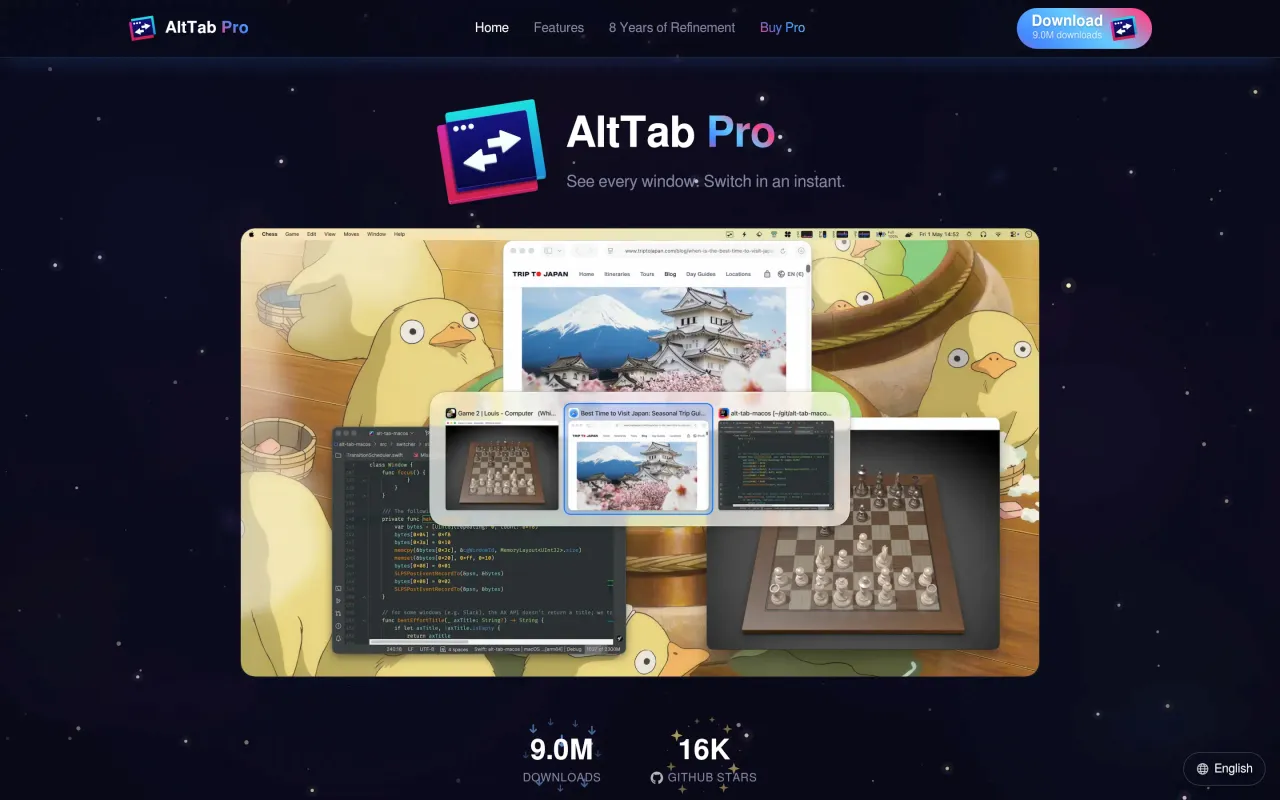
What it looks like

What it does
- Switches between individual windows rather than apps, with live thumbnails
- Shows windows across every Space and every display
- Close, minimise or quit a window from inside the switcher
- Multiple shortcut sets, filters and appearance options
- Free core is GPL-3.0 with roughly 16k GitHub stars and recent commits
Cancel instead
Also bought outright in windows
Rectangle Pro
$9.99 for saved layouts, display-triggered arrangements and window throwing
$9.99Witch
paid text-list switcher for windows, tabs and apps across spaces
$14Magnet
the $4.99 App Store snapper with no subscription and no in-app purchases
$4.99BetterTouchTool
gestures, shortcuts and window snapping, with a real $25 lifetime licence
$15The facts
- Price
- $9.99
- Licence
- Own this version forever
- What you get
- One payment buys this major version outright. The next major version is a separate purchase, if you want it.
- Details
- The base app is free and GPL-3.0 — `brew install --cask alt-tab` or a GitHub release. On top of that, AltTab Pro is $9.99 one-time, described on the pricing page as "All Pro features. One-time purchase, no subscription. Includes all updates for the current major version." Pro Lifetime is $24.99: "Everything in Pro, plus every future update — forever." Both cover 3 devices per licence, with a 14-day Pro trial and a 30-day money-back guarantee. Paddle handles local currency, so UK and EU buyers see £7.99 / £19.99 and €9.99 / €24.99.
- Free trial
- Yes
- On Setapp
- No
- Minimum macOS
- not stated
- Developer
- Louis Pontoise (lwouis)
- Source
- Repository
- Price checked
- 2026-09-22
Check it yourself - Price band
- Under $15