Lifetime Mac
Files, disk & backup
Carbon Copy Cloner

Full-disk copies and versioned local backups you can restore from

Price: $49.99 once

This versionThe next major is a new purchase

Price read on sites.fastspring.com, the page Buy direct opens.

The catch

CCC 8 will be a paid upgrade, discounted for existing owners

The full picture

Major versions are paid: your CCC 7 licence also unlocks CCC 5 and 6, but the next major release will cost again at a 25-50% discount. Apple no longer guarantees a bootable clone of the system volume on Apple silicon, so treat CCC as a data-restore tool rather than a guaranteed spare boot disk. It copies to drives and network shares you own; no cloud storage is included, and the current version requires macOS Ventura or later.

Pays back in
6 months
Seats
No Mac count statedNo seat count: the Personal & Household licence covers every Mac in your household for non-commercial use.
Developer account
None needed
Buy once$49.99Rent 5 years$495

$445 kept over five years, and you still have the app.
Against Backblaze Personal Backup at $99 a year, offsite subscription backup — CCC replaces the local half of a backup plan, not the offsite half.

What it looks like

Images belong to their developers.

What you’re buying

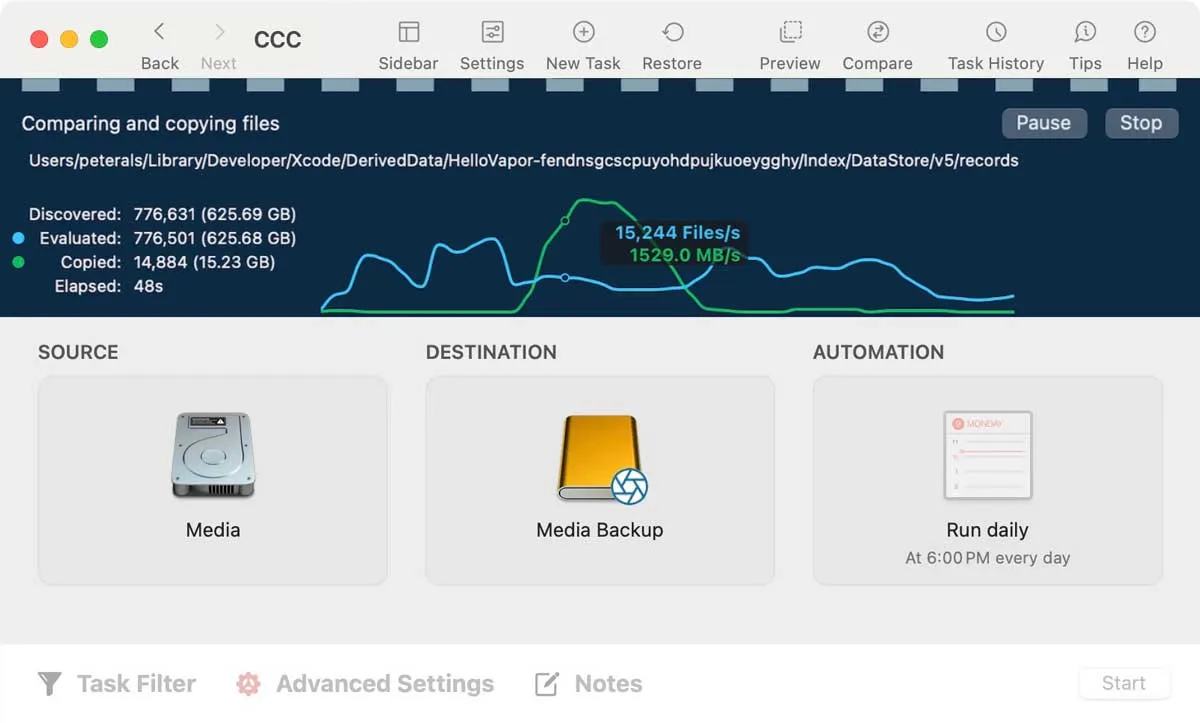
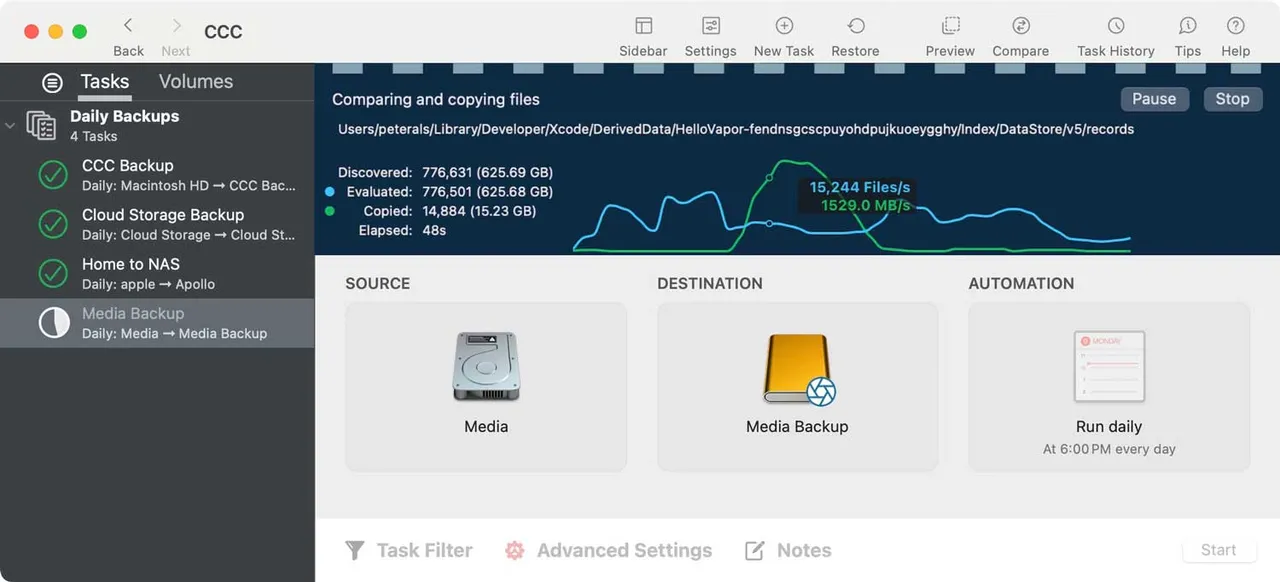
Carbon Copy Cloner is the app Mac people reach for when they want a local backup they have actually tested. Point it at an external drive and it writes a full copy of your disk, file for file, then keeps that copy current on a schedule or whenever the drive is plugged in. On APFS it takes snapshots, so you can go back to how a folder looked last Tuesday rather than only to the latest state. The task history is legible in a way Time Machine's is not: you can see what was copied, what was skipped and why.

One payment of $49.99 covers every Mac in your household for personal use, and that licence keeps working on CCC 5, 6 and 7. The boundary is the major version. CCC 8 will be a fresh purchase at a discount, and the app will not stop working if you decline it.

Do not buy it expecting an emergency boot disk. On Apple silicon, Apple no longer promises that a copied system volume will boot, and Bombich is upfront about that. What you get is a complete, mountable copy of your data that restores quickly from a drive on your desk.

If Time Machine has never let you down and you have no external drive routine, start with a drive, not with this.

What owners report

Points that recur across the discussions below. A report of what users say, not our verdict: we don’t review software.

Praised

  • Owners keep coming back to the control it gives them — choosing exactly what is copied, where it goes, and when, including copies to network volumes
  • Fast incremental runs and a copy you can open and browse yourself are the reasons people give for paying rather than leaving it to Time Machine

Criticised

  • A recurring outcome in these threads is someone deciding Time Machine already covered them, and that CCC's extra control was not worth configuring
  • Owners on Apple silicon repeatedly report clones that will not boot, or stall partway, and advise treating it as a data copy rather than a spare startup disk

Details

The price in full

$49.99 for the Personal & Household licence, valid on every Mac in your household for non-commercial use, and also valid with CCC 5 and CCC 6. Upgrades from older versions run 25-50% off. Commercial use needs a separate licence from Bombich's corporate store. Prices exclude local taxes and VAT.

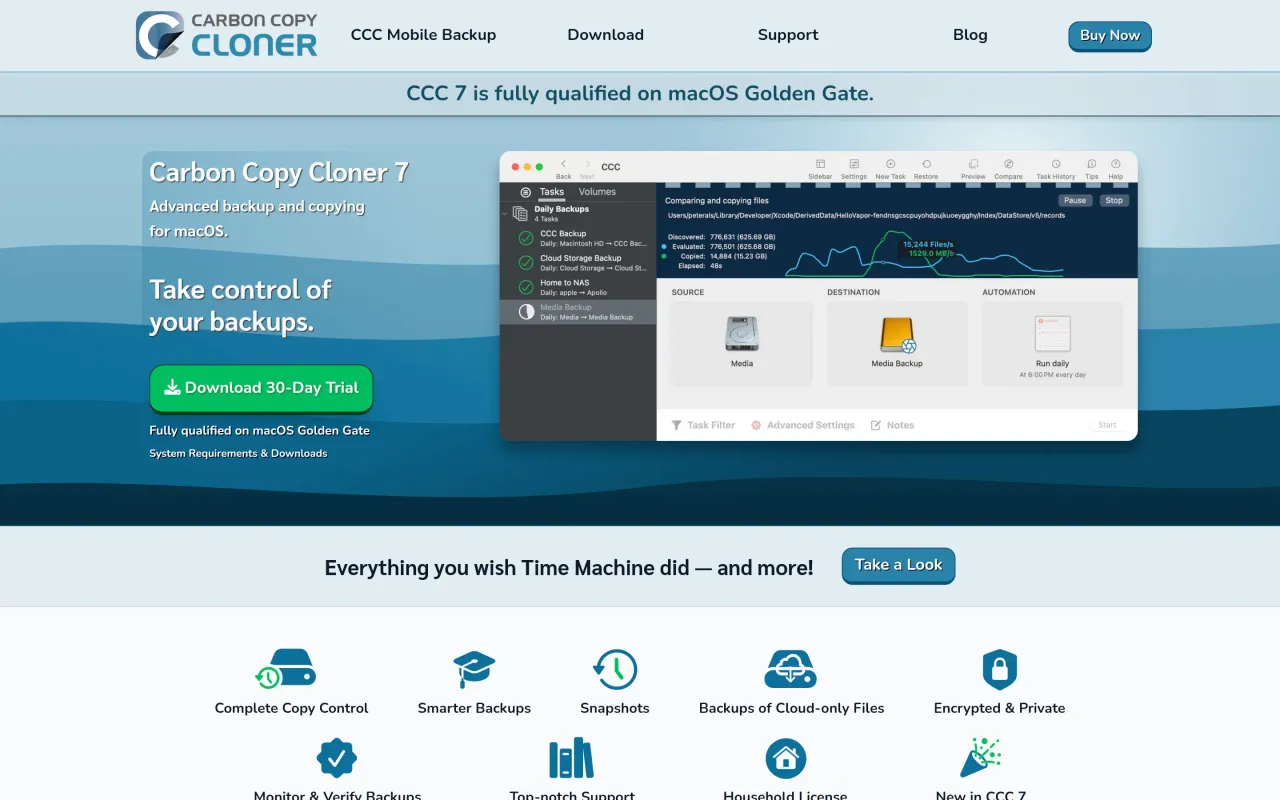
The Carbon Copy Cloner page at bombich.com
The developer’s own page. bombich.com, captured 22 Sep 2026
Free trial
Yes
Works offline
Yes
Apple Silicon
Native
On Setapp
No
Minimum macOS
macOS 13
Developer
Bombich Software

Also bought outright