LifetimeMac

Dato

menu bar calendar and clock with a no-subscription promise in writing

Perpetual

No catch found

Mac only — there is no iPhone or iPad version. It is a menu bar companion rather than a calendar client: events can be created and lightly edited from the dropdown, but you will still manage your schedule in Calendar, BusyCal or Fantastical. It shows the calendars macOS already knows about, so any account your Mac cannot connect to will not appear in it.

Buy Dato once
Rent Flexibits Premium (Fantastical)

$18 once = 4 months of Flexibits Premium (Fantastical). Over five years that is $285 rented against $18 owned — $267 kept, and you still have the app.

Flexibits Premium (Fantastical) priced at $57 a year — $56.99 a year for the individual plan. Checked 2026-09-22.

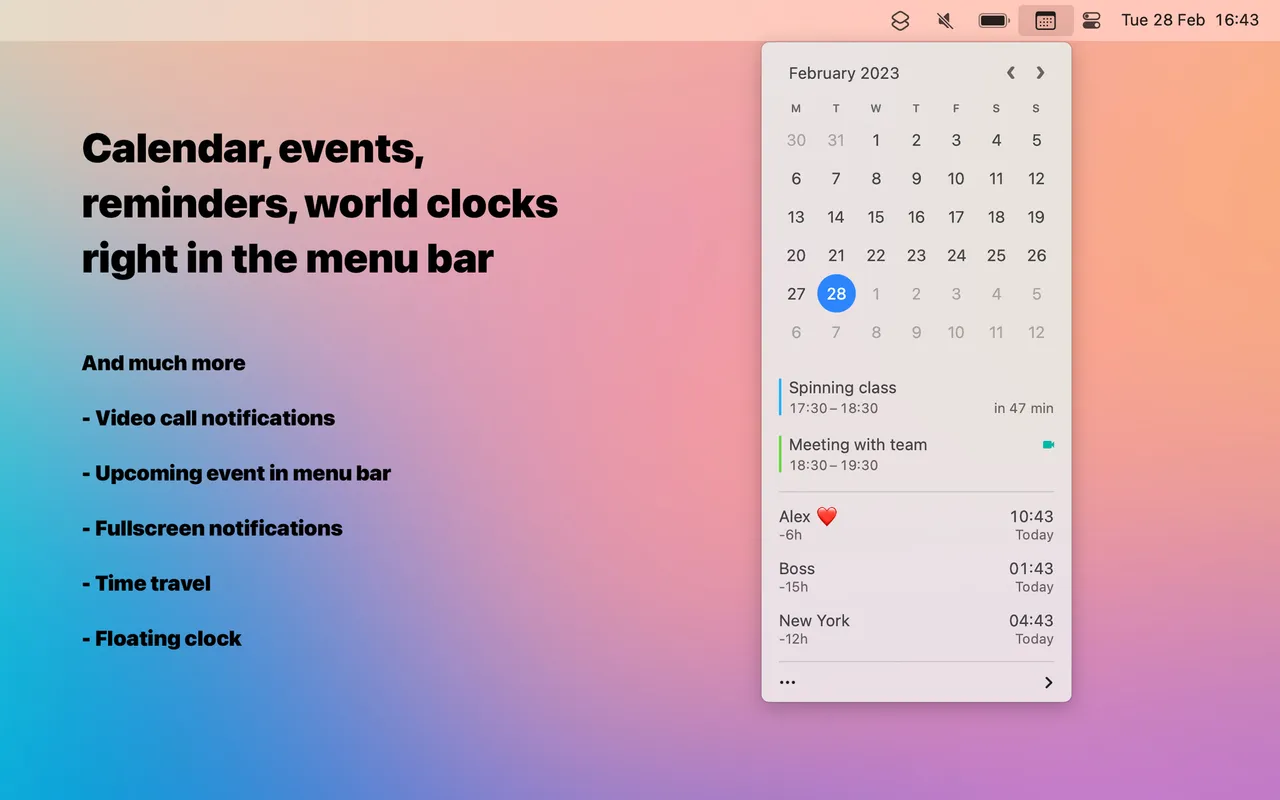
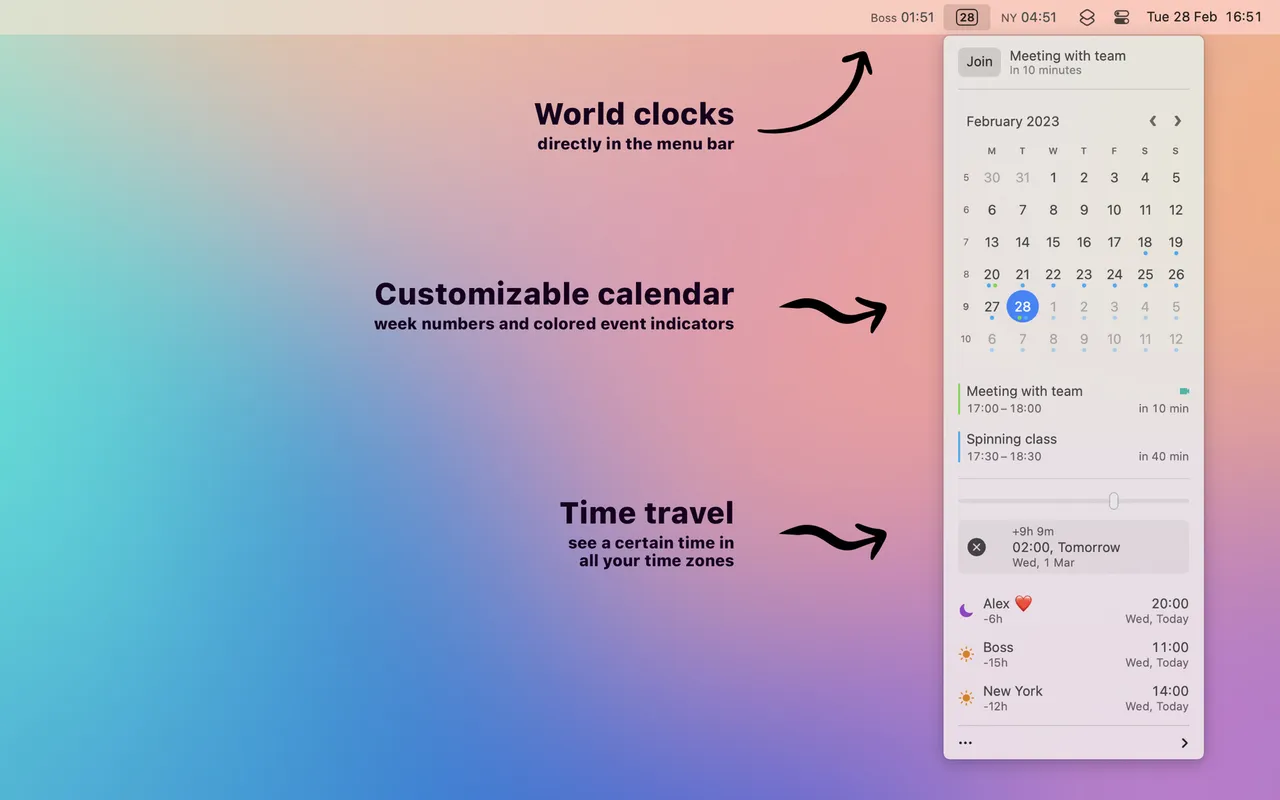
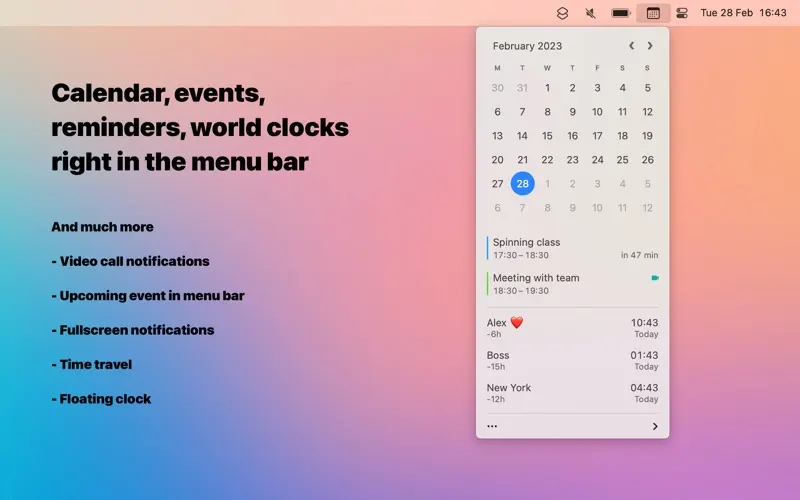
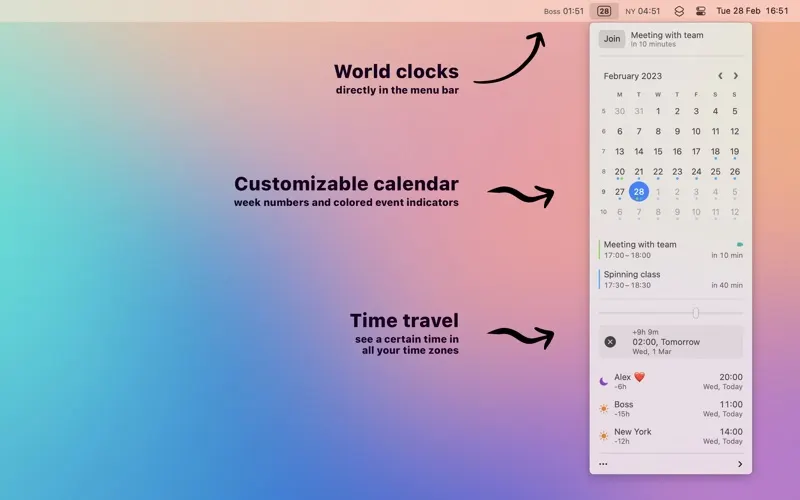
Dato replaces the macOS menu bar clock. Click it and you get a month calendar with your actual events, the next meeting with a join button for its Zoom, Meet or Teams link, and as many extra time zones as you have colleagues in other countries. The clock itself is formattable down to whether you want seconds, the week number, or the date written out.

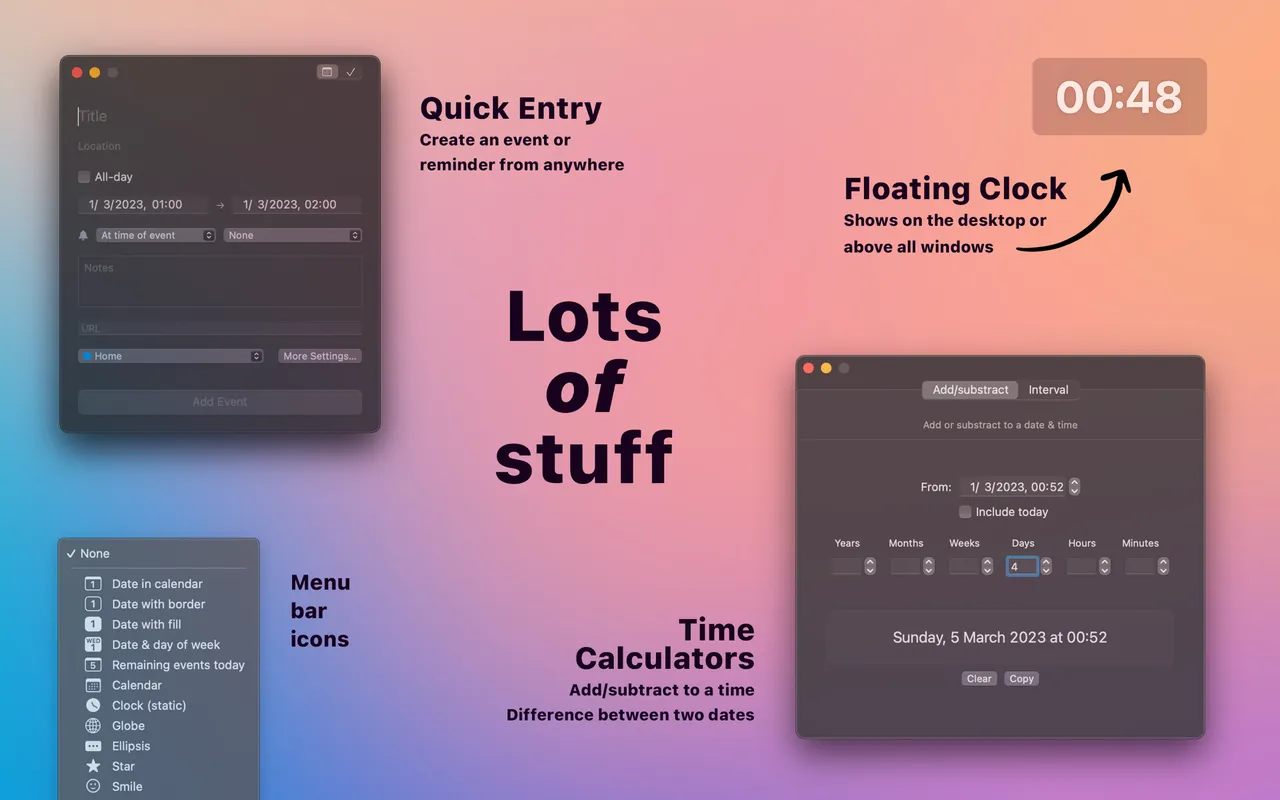
It reads whatever calendars macOS already knows about, so there is nothing to connect and no second copy of your schedule anywhere. You can add and lightly edit events from the dropdown, but this is a companion to Calendar, BusyCal or Fantastical rather than a replacement for one.

$18 once on the Mac App Store, and Sindre Sorhus puts the terms in the listing itself: a one-time purchase with free upgrades forever, and it will never be subscription-based. That sentence is the reason this entry sits on the front page. Written commitments like it are rare, and the app has been shipping updates under them for years. There are no in-app purchases and nothing degrades if you never pay again.

Mac only, with no iPhone version, so what you buy is the whole thing. If you are happy with the stock clock and open Calendar when you need it, you do not need this at all. If you check what is next a dozen times a day, $18 stops being a decision.

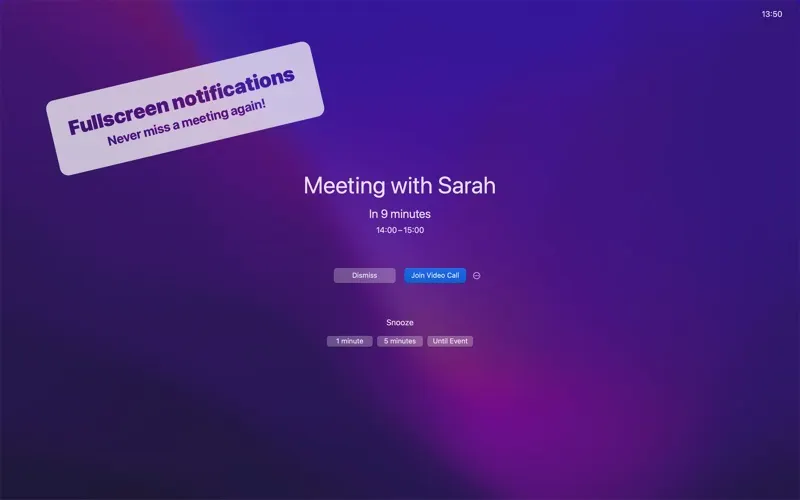
Dato screenshot 1 of 3
Dato screenshot 2 of 3
Dato screenshot 3 of 3
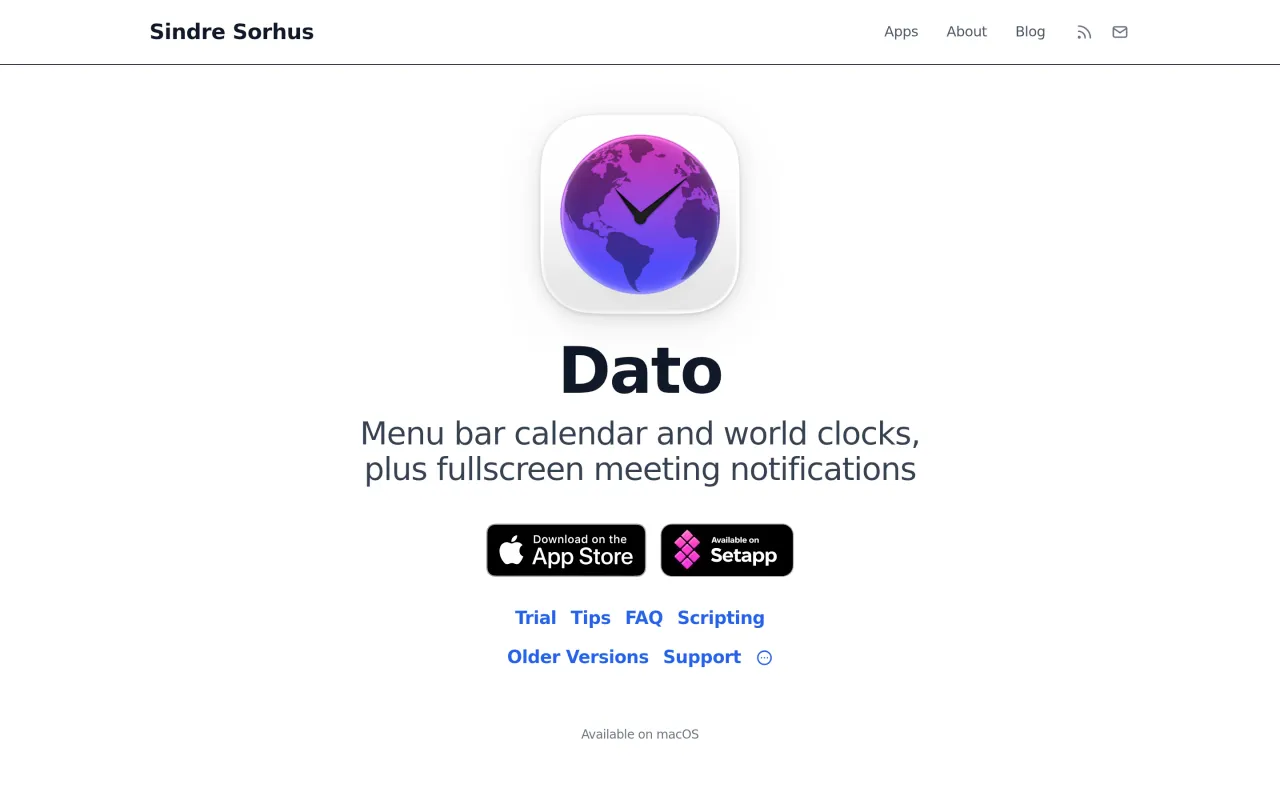
The Dato page at sindresorhus.com
3 screenshots published by the developer via Mac App Store (id 1470584107). Page capture from sindresorhus.com, taken 2026-09-22. Images belong to their developers.
  • Developer states in the listing that it is a one-time purchase with free upgrades forever
  • Customisable menu bar date and clock format, including week numbers
  • Dropdown month calendar showing events from your existing macOS calendar accounts
  • One-click join for Zoom, Meet and Teams links in the next meeting
  • Multiple time zones shown in the dropdown

The facts

Price
$18
What you get
One payment. Updates included, indefinitely.
Details
$18 one-time on the Mac App Store, with no in-app purchases. The developer states on the listing: "It's a one-time purchase with free upgrades forever. Dato will never be subscription-based." A fully functional trial is available from the developer's site, limited only by a reminder to buy every 12 hours and no automatic updates. Dato is also included in Setapp.
Free trial
Yes
On Setapp
Yes
Minimum macOS
not stated
Developer
Sindre Sorhus
Price checked
2026-09-22
Check it yourself
Price band
$15 to $30