LifetimeMac

Keyboard Maestro

the heavyweight Mac macro engine, bought outright once

Paid upgrades

The catch

You own the version you bought and can run it as long as it launches, but staying current means paying again every two years or so, at around 70% of list price. macOS only, with no iOS companion. The app needs broad accessibility and automation permissions, because driving other applications is the entire job. The editor looks its age, and the learning curve is real enough that the first useful macro usually follows an hour in the forum.

Keyboard Maestro is the automation tool you graduate to when Shortcuts stops being enough. A macro is a trigger plus a list of actions, and the trigger can be a hotkey, a typed abbreviation, a time of day, a USB device appearing, an application activating, or a specific image showing up on screen. The actions include genuine conditionals, loops and variables, so what you end up writing is a small program that happens to control your Mac rather than a linear recipe.

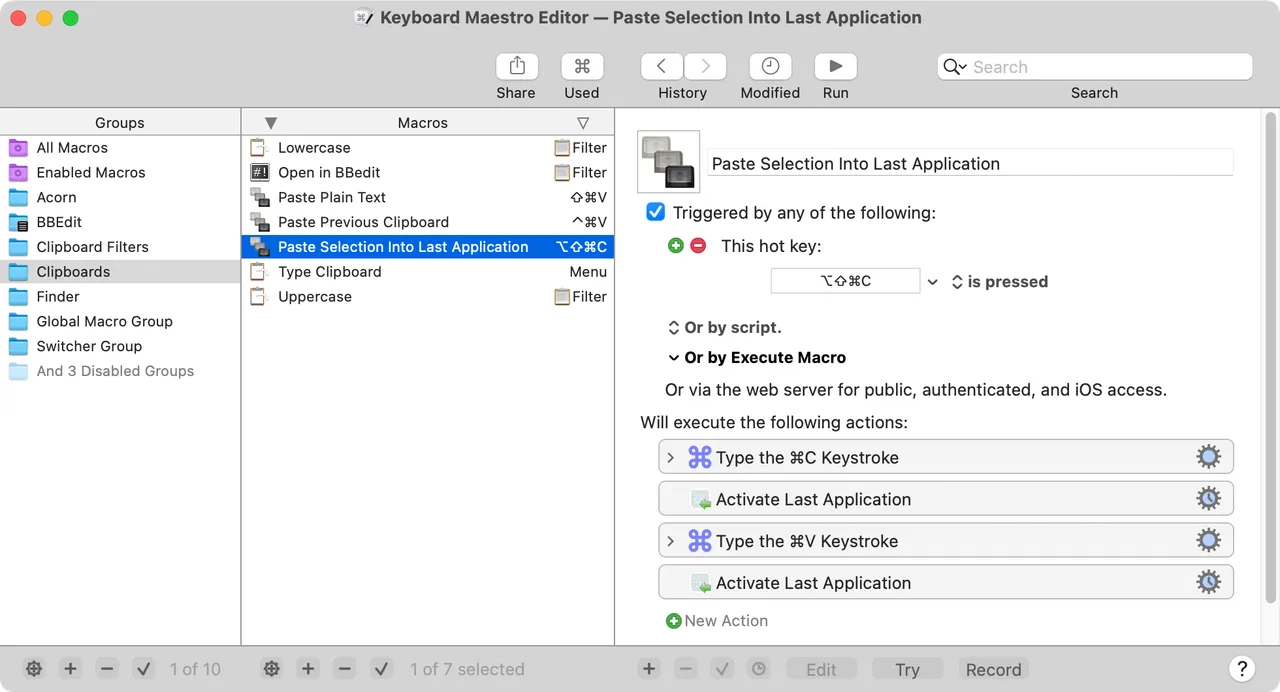
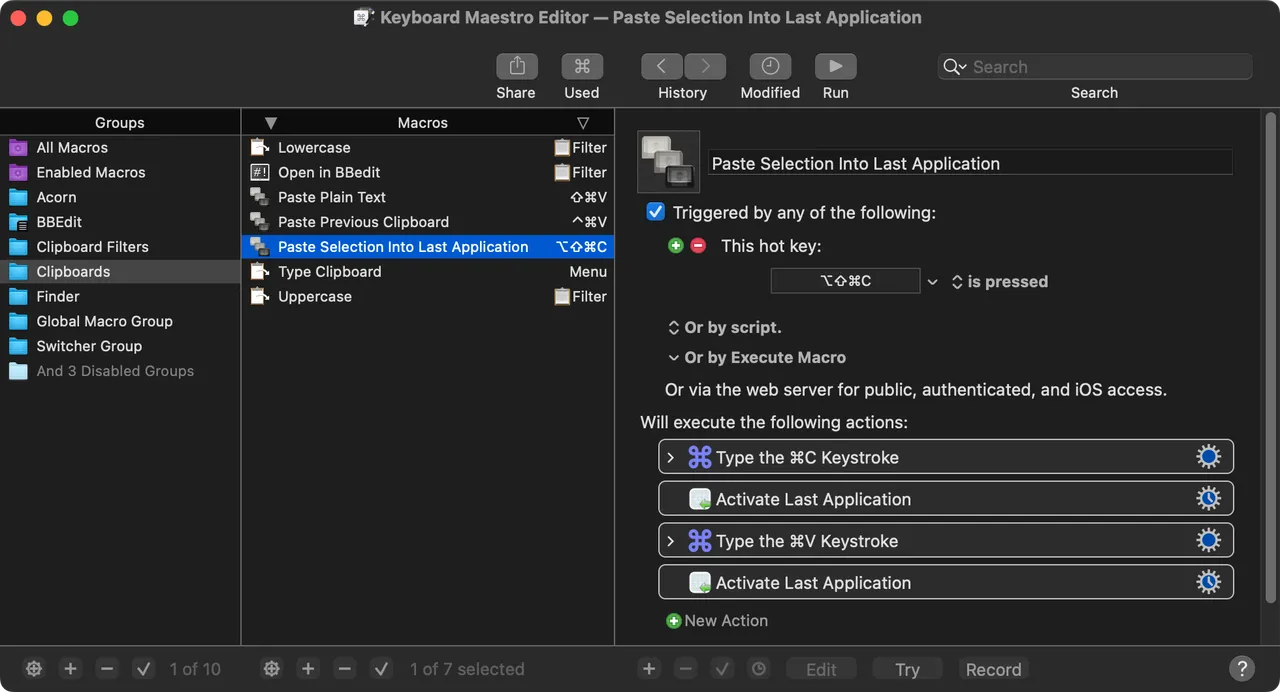
It looks its age. The editor is a three-pane window that has not been redrawn in years, and the first week involves a lot of reading the forum, where people have been trading macros since the mid-2000s.

Thirty-six dollars buys version 11 outright, and you can keep running it as long as it launches. What it does not buy is version 12: major releases land roughly every couple of years and cost $25 to move up. That is still far cheaper than anything billed monthly, but it is a recurring bill of a sort, and worth planning for. Expect to grant broad accessibility and automation permissions before anything works.

If your ambitions stop at opening three apps every morning, Shortcuts already does that and costs nothing.
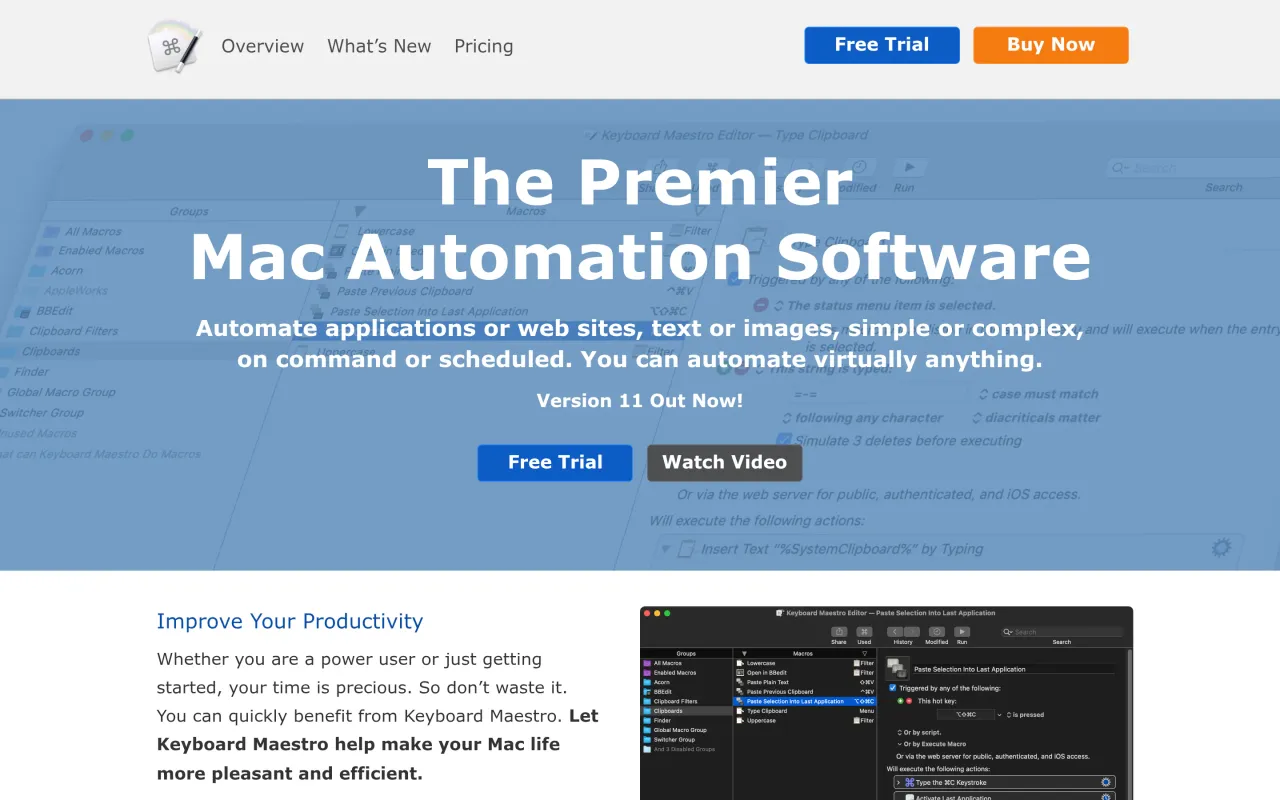

The Keyboard Maestro page at keyboardmaestro.com
Page capture from keyboardmaestro.com, taken 2026-09-22. Images belong to their developers.
  • Triggers on hotkeys, typed strings, time, USB devices and app events
  • Conditional logic, loops and variables inside a macro
  • Screen image recognition and OCR-driven actions
  • Clipboard history and named clipboards
  • Twenty years of user-shared macros in the official forum

The facts

Price
$36
What you get
One payment, and the developer charges for major versions on a stated cadence.
Details
$36 plus applicable tax for Keyboard Maestro 11, a one-time purchase that you can keep using indefinitely. An upgrade from any previous version is $25 plus tax. No subscription is offered, and the developer states that major upgrades arrive every couple of years.
Free trial
Yes
On Setapp
No
Minimum macOS
not stated
Price checked
2026-09-22
Check it yourself
Price band
$30 to $60