Lifetime Mac
Files, disk & backup
Arq Backup

Encrypted offsite backup to storage you rent yourself

Price: $59.99 once

Paid upgradesMajor versions cost again

Price read on arqbackup.com, the page Buy direct opens.

The catch

Updates stop after one year unless you pay $25 a year; your version keeps working

The full picture

The one-time price includes a single year of app updates. After that, more updates cost $25 per year per computer, and if you decline you keep the version you bought forever - which does eventually mean running an older build against a changing macOS. Licensing is per computer, so a two-Mac household pays twice. Cloud storage is not included: budget a few dollars a month for B2, S3 or Wasabi on top. Restores run at the speed of your download link, so keep a local copy too.

Pays back in
7 months
Seats
1 Mac
Developer account
None needed
Buy once$59.99Rent 5 years$495

$435 kept over five years, and you still have the app.
Against Backblaze Personal Backup at $99 a year, flat-rate unlimited backup for one computer. Also replaces Arq Premium at $70 a year and iDrive.

What it looks like

Images belong to their developers.

What you’re buying

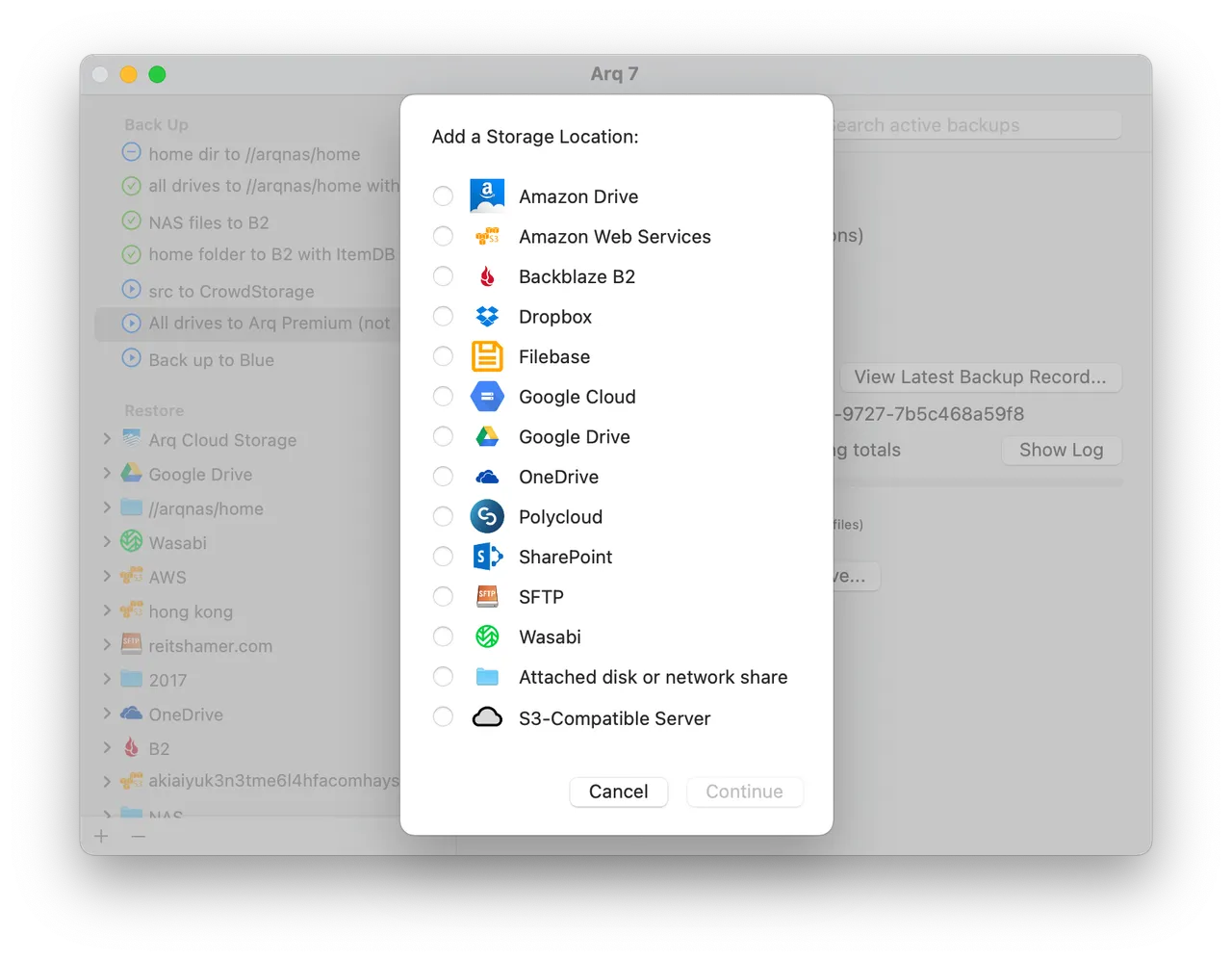
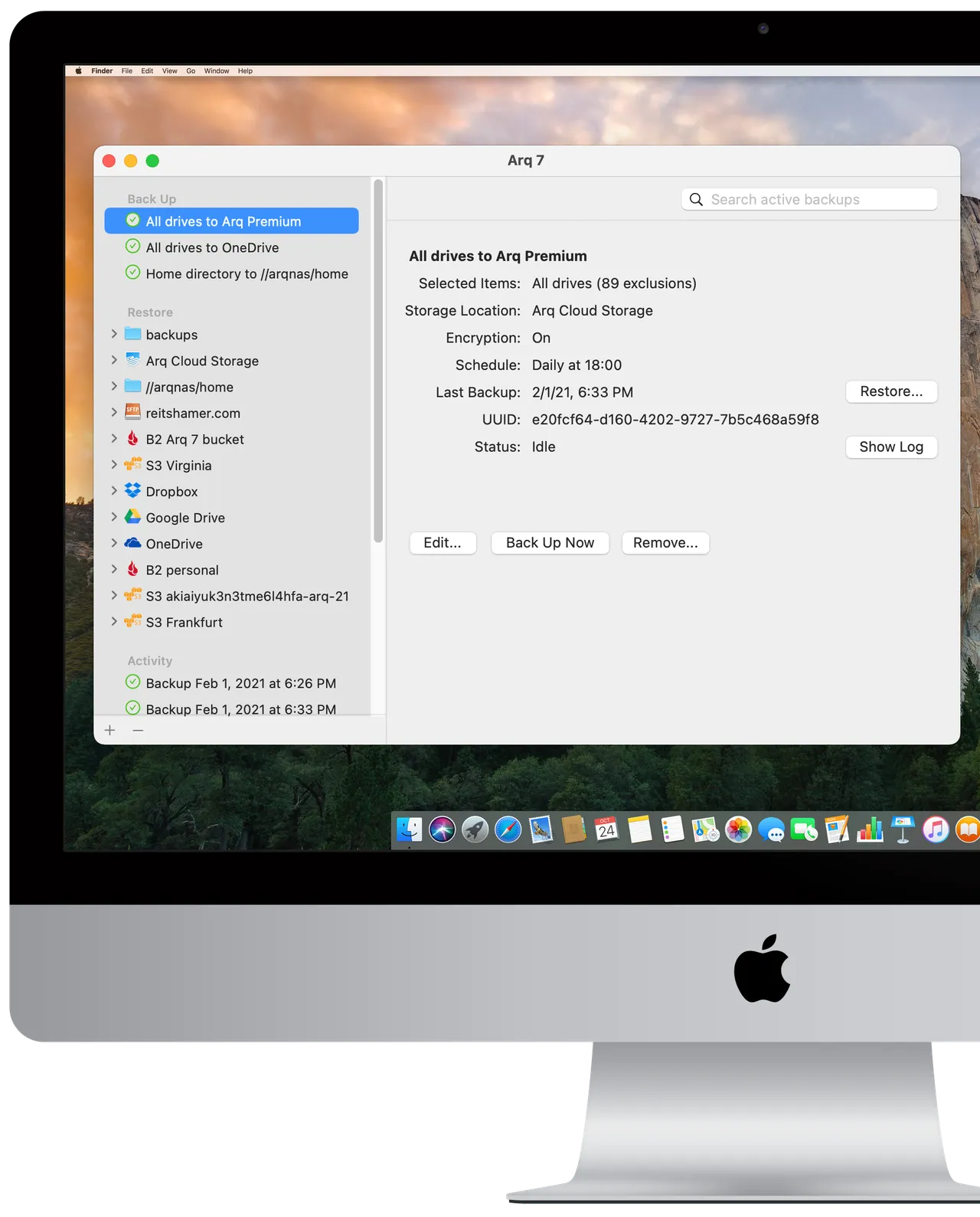
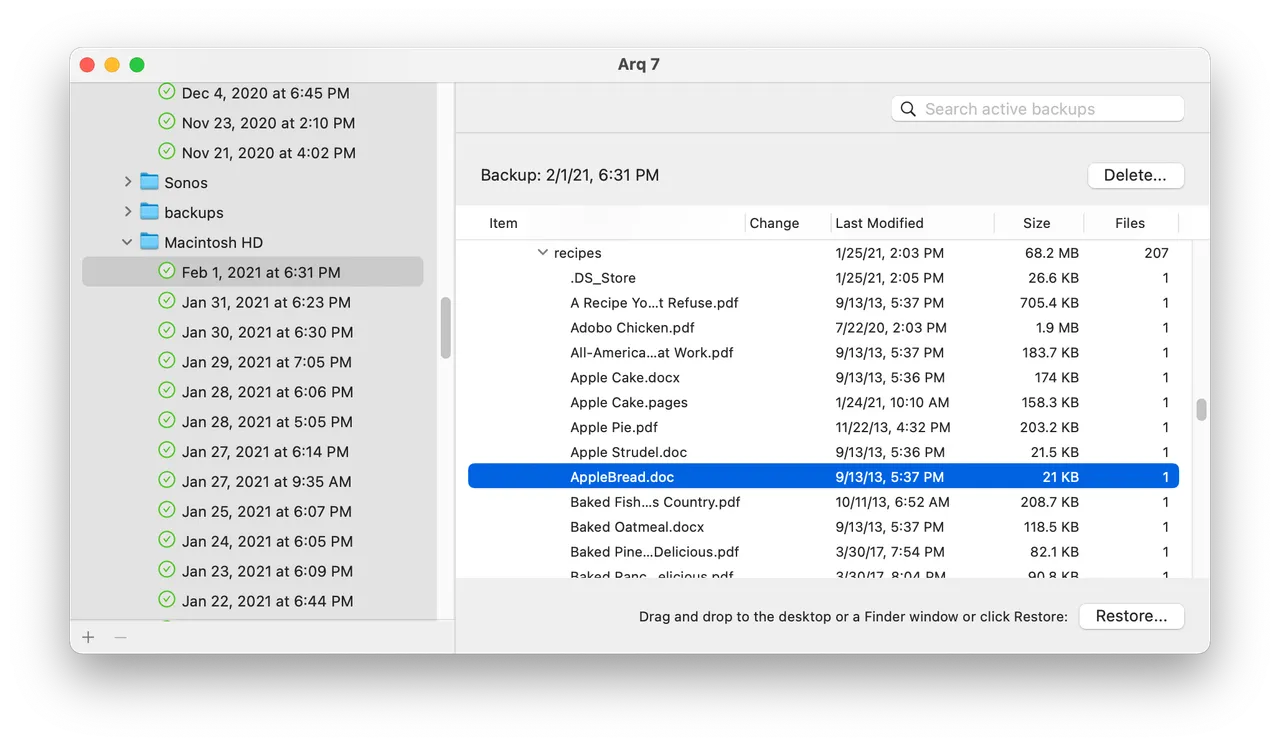
Arq is the backup client for people who would rather rent storage than rent a backup service. You point it at a bucket you control — Backblaze B2 and Wasabi are the usual cheap answers, but S3, Google Cloud, an SFTP box or a NAS all work — and it encrypts everything on your Mac before it leaves, so the provider stores blobs it cannot read. Backups run hourly with versioning and retention rules you set, and you can restore a single file from three months ago without pulling the whole set down.

For a few hundred gigabytes, B2 storage costs a few dollars a month, which is why buying the app once tends to beat a flat-rate subscription over any long period. The catch is stated plainly on Haystack's site: $59.99 buys the app plus one year of updates, then updates are $25 a year per computer. Decline and nothing is taken away — you keep and keep using the build you have.

It is priced per computer, so a household with two Macs doubles the number. And a restore only moves as fast as your connection, which is the argument for pairing it with a local clone rather than choosing between them.

If your data fits comfortably in iCloud and you have never wanted a second copy offsite, this is more machinery than you need.

What owners report

Points that recur across the discussions below. A report of what users say, not our verdict: we don’t review software.

Praised

  • The reason owners give for staying is control — encryption happens on the machine, the bucket is theirs, and an open-source restore tool exists if Haystack ever disappears
  • Reports of years of uneventful running are common, often from people who came over after Time Machine or CrashPlan let them down
  • The developer answering support email himself, and announcing a serious bug publicly rather than quietly patching it, comes up repeatedly as the reason people trust it

Criticised

  • Regulars keep correcting newcomers that this is file-level backup and not a bootable system restore, and advise running Time Machine or Carbon Copy Cloner alongside it
  • Haystack's own product names confuse buyers, and threads stall while people work out which of Arq, Arq Cloud Backup and Arq Premium they are looking at and what storage each one uses

Details

The price in full

$59.99 per computer, one time, for Arq 7 - app only, you supply the cloud storage. Further app updates after the first year are $25 per year per computer. Arq Premium, at $69.99 a year, is the separate subscription that bundles 5 computers and 1 TB of storage.

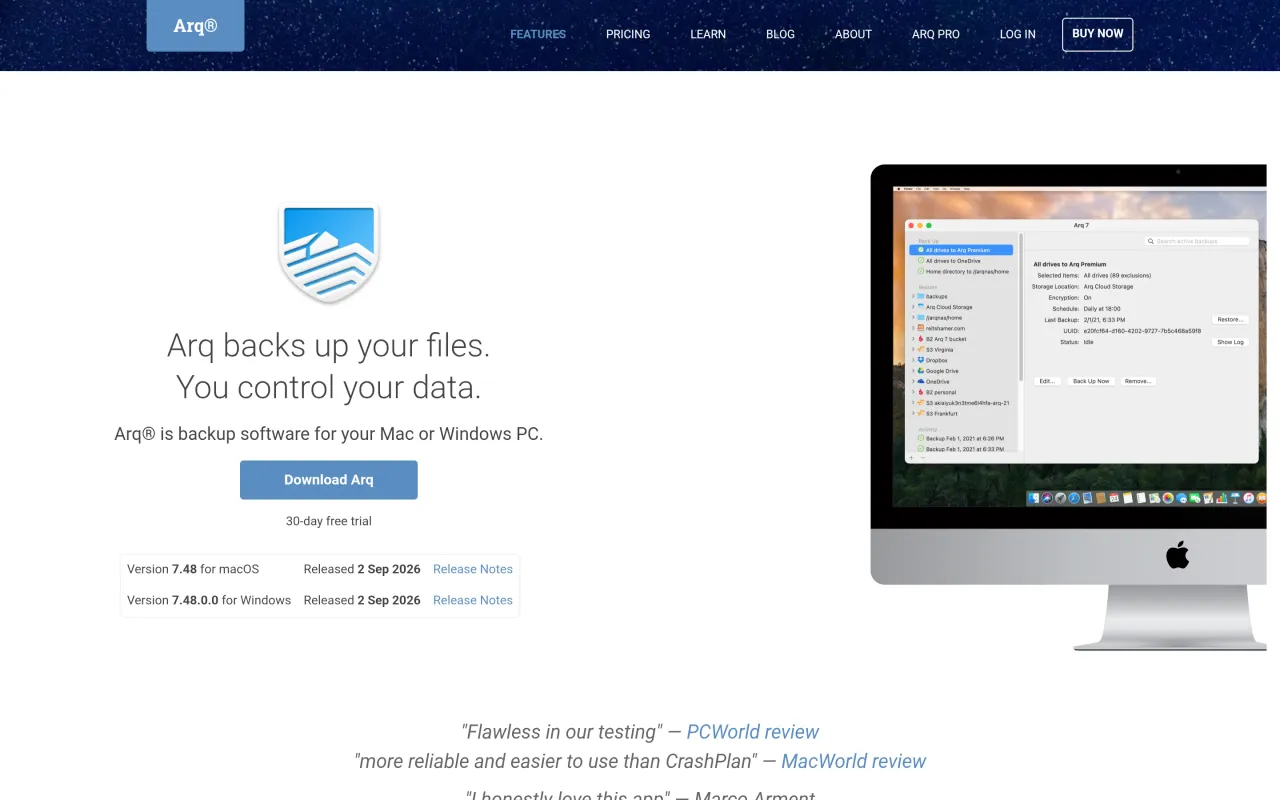
The Arq Backup page at arqbackup.com
The developer’s own page. arqbackup.com, captured 22 Sep 2026
Free trial
Yes
Works offline
Partly
Apple Silicon
Native
On Setapp
No
Minimum macOS
not stated
Developer
Haystack Software

Also bought outright