BetterDisplay
custom HiDPI modes and DDC control for external monitors
This version
The developer is explicit that the licence is perpetual rather than a subscription — you keep the versions your licence covered — but the free-update window is roughly a year, and later major versions need paying for again. The free tier is free for non-business use only: businesses need a licence even for the features that are otherwise free. DDC brightness and volume control depends on your monitor, cable and dock actually implementing DDC/CI, and plenty of USB-C hubs quietly drop it. The GitHub repository hosts releases and documentation, but the app itself is not open source.
If macOS offers your external monitor exactly one usable resolution and text looks soft in it, BetterDisplay is the fix. It creates custom HiDPI modes so a 4K or 1440p panel renders at a sharp scaled resolution the system will not propose on its own, and it puts brightness, contrast and volume for external displays back under keyboard control over DDC.
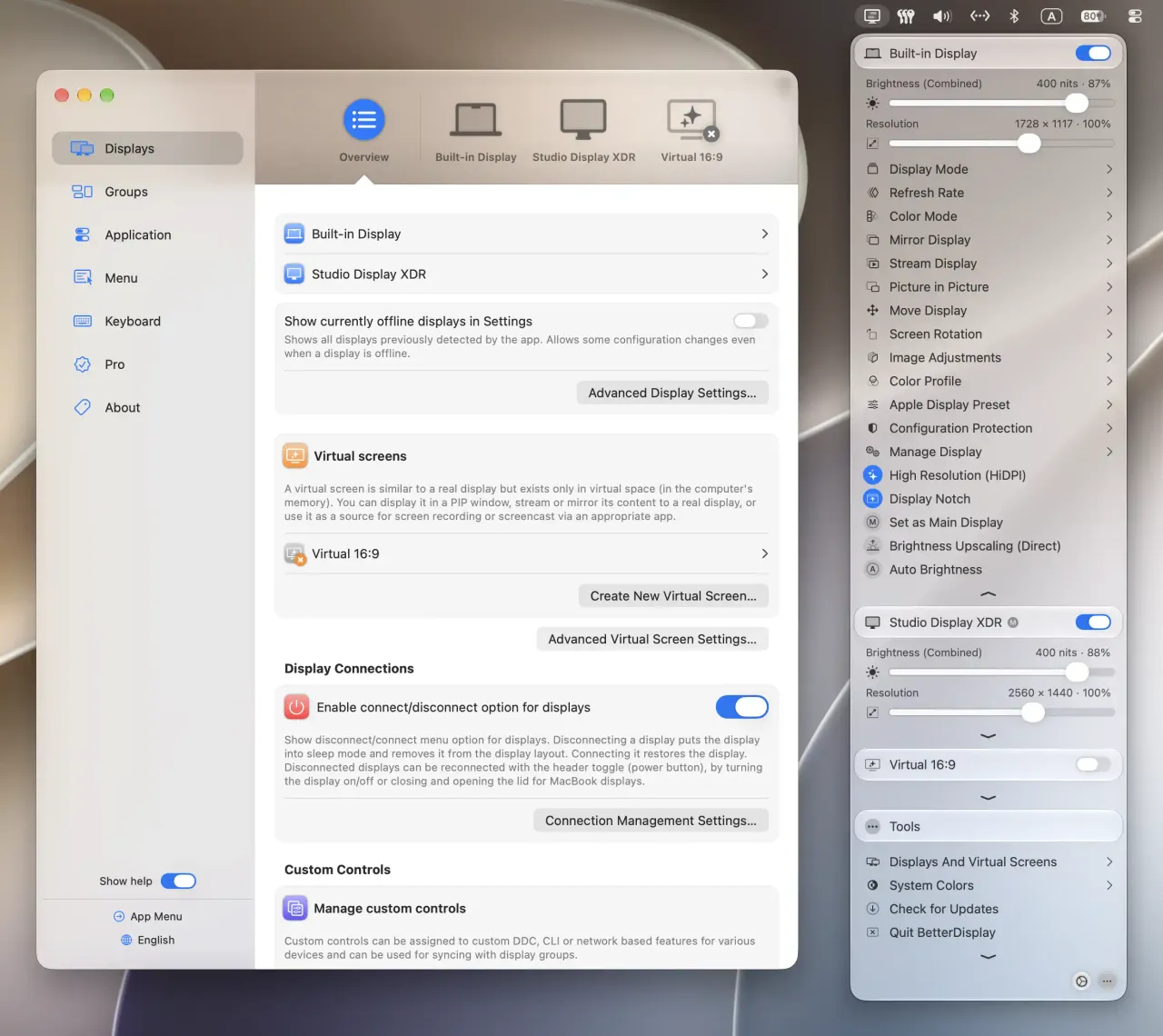
The rest is the long tail of multi-monitor annoyance: dummy displays so a headless Mac mini still has something to share, virtual displays as extra desk space, picture-in-picture mirroring of one screen into a floating window you can park in a corner.
DDC is the part to check before paying. It depends on the monitor, the cable and whatever dock sits in between, and the failure is silent rather than loud. The free tier covers enough for personal use that you can find out whether your hardware cooperates before spending anything.
On the licence, the developer says plainly that Pro is not a subscription and the versions you unlocked stay yours. What it is not is updates forever. Around a year in, the next major version becomes a separate purchase, and sitting on an old build through a macOS release is the usual gamble with display plumbing. If you use the Mac for work, note that business use requires a licence even for the free features.
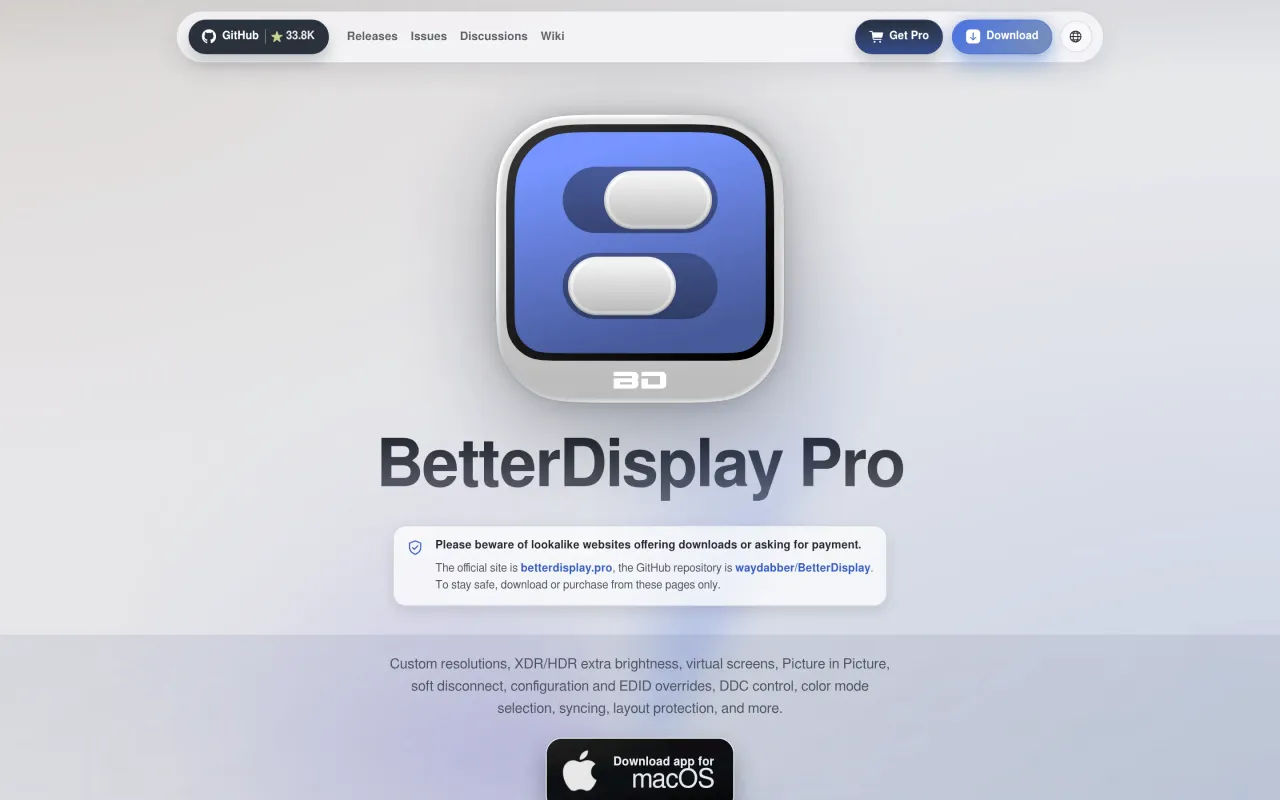
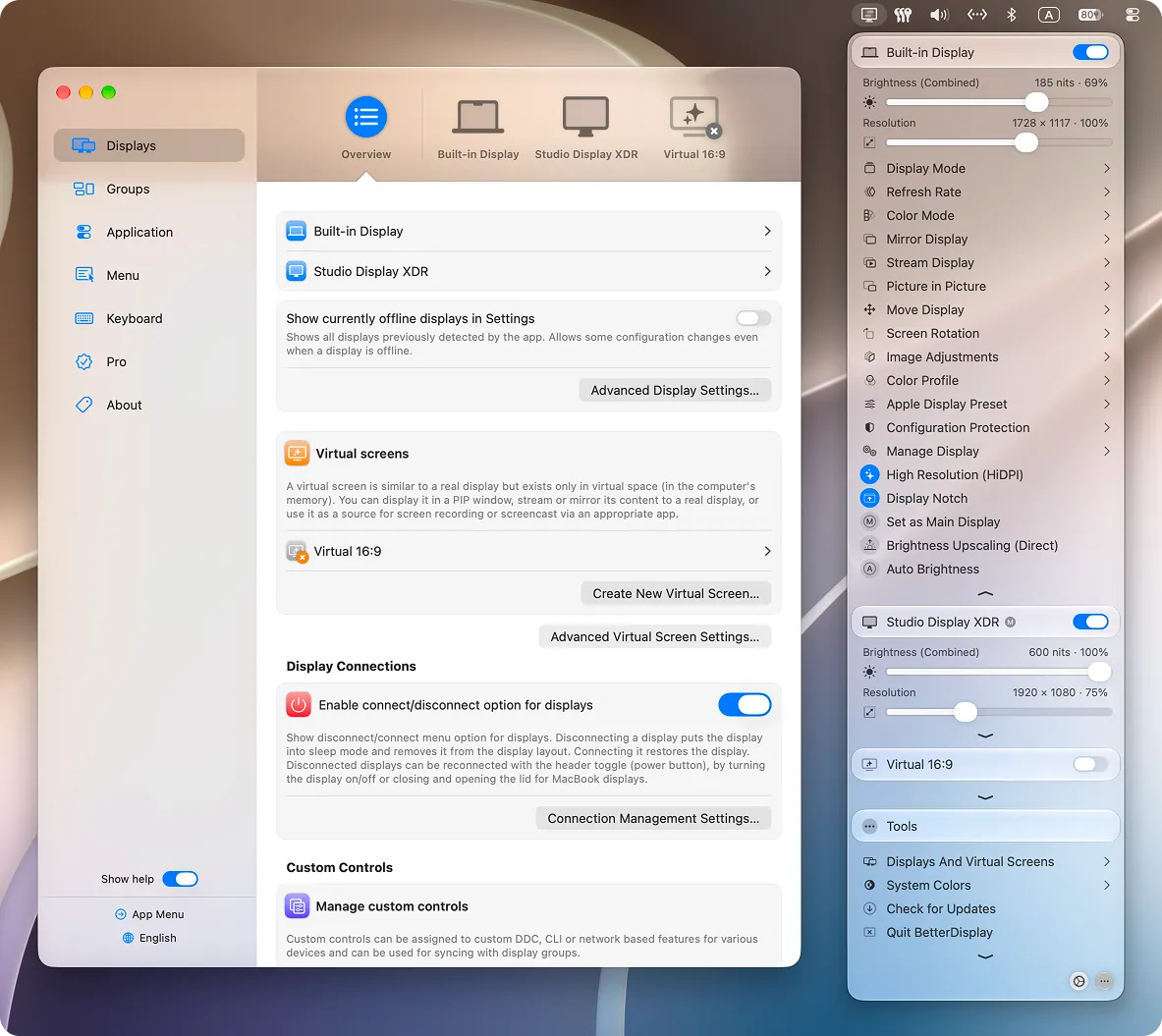
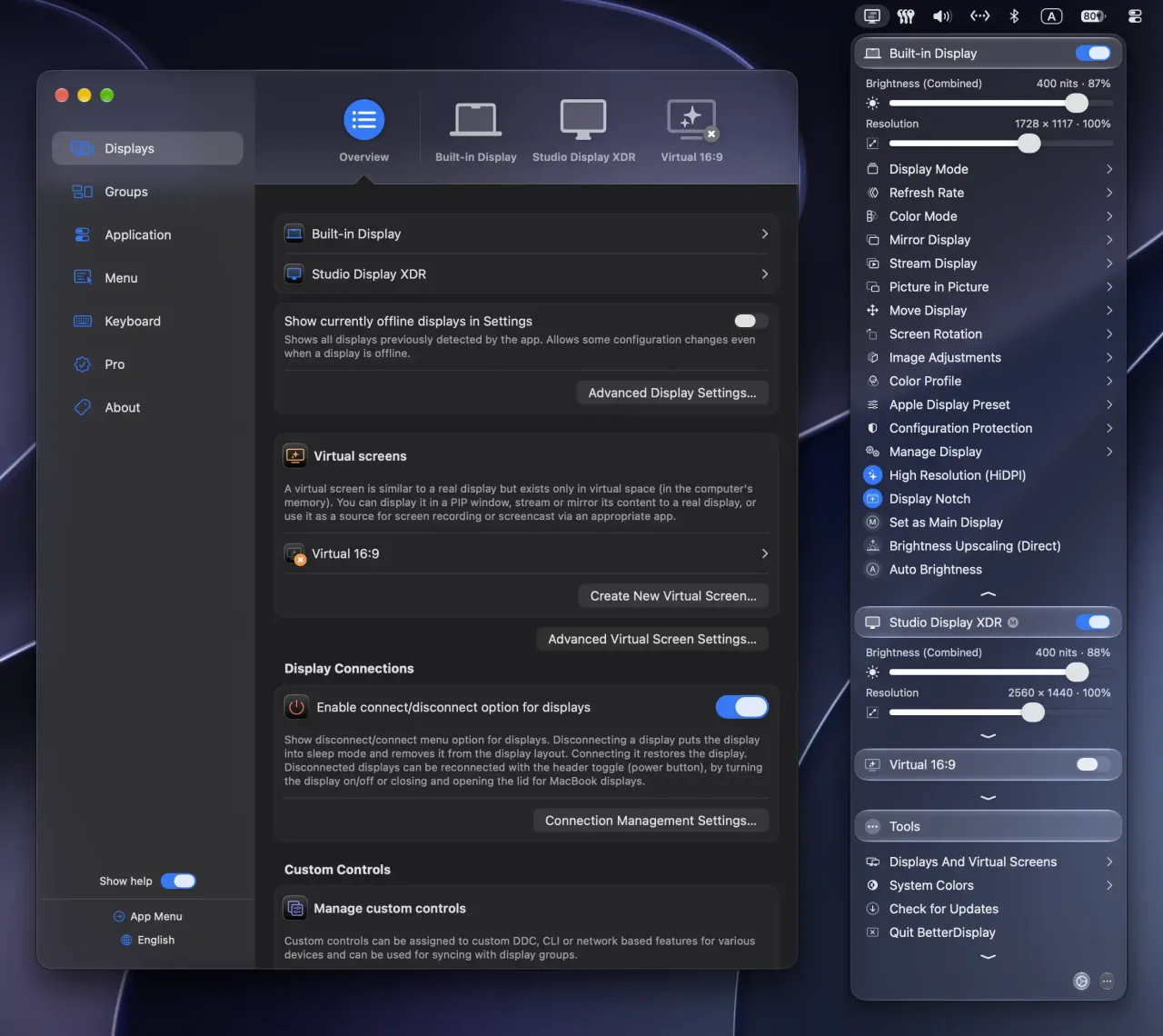
What it looks like

What it does
- Custom HiDPI and arbitrary scaled resolutions on displays macOS will not scale
- DDC brightness, contrast and volume control for external monitors
- Virtual and dummy displays for headless Macs and screen sharing
- Picture-in-picture mirroring of a display into a resizable window
- 14-day Pro trial, with a large free tier for non-business use
Cancel instead
Also bought outright in windows
Bartender
menu bar icons hidden behind a chevron, sold as a licence or a subscription
$24.99Swish
two-finger trackpad gestures on the title bar instead of shortcuts
$16BetterTouchTool
gestures, shortcuts and window snapping, with a real $25 lifetime licence
$15Moom
grid popup on the green button, plus layouts that follow your displays
$15The facts
- Price
- $21.99
- Licence
- Own this version forever
- What you get
- One payment buys this major version outright. The next major version is a separate purchase, if you want it.
- Details
- "Pricing is $21.99 / €19.99; price, currency, and taxes may vary by country or state." A Pro licence covers the current major version and earlier ones where needed, and includes at least one year of updates including major upgrades released in that window. 14-day trial of all Pro features; a large set of features stays free for non-business use.
- Free trial
- Yes
- On Setapp
- No
- Minimum macOS
- not stated
- Developer
- waydabber (István Tóth)
- Price checked
- 2026-09-22
Check it yourself - Price band
- $15 to $30