Moom
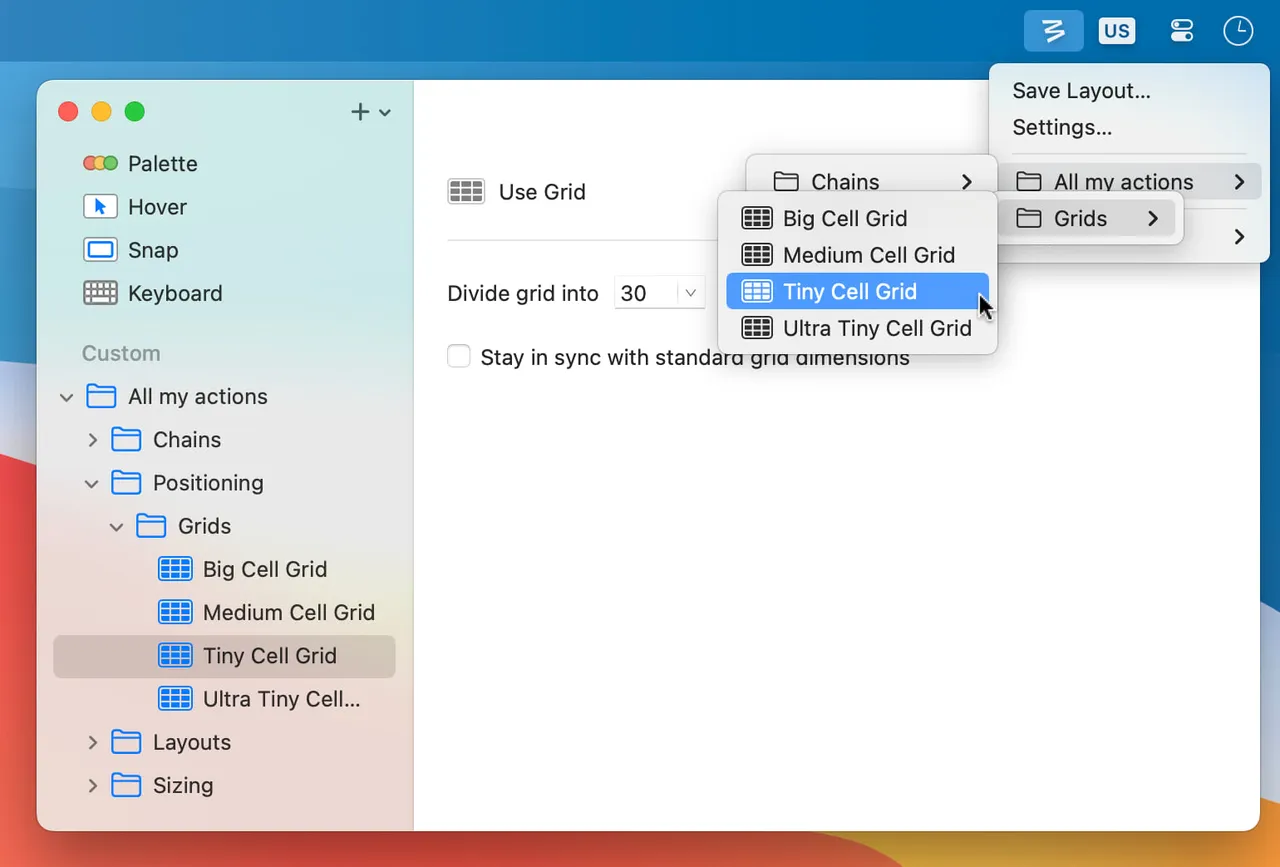
grid popup on the green button, plus layouts that follow your displays
This version
The update window is a period of time, not a version: the wording is "at least 1 year of updates", after which the licence still works but new builds may cost. The Moom 3 to Moom 4 upgrade was $8, about half list price. Buy from manytricks.com, not the Mac App Store, where the only listing is the older Moom Classic rather than Moom 4. Not on Setapp.
Cost over five years
$15 once = 2 months of Setapp. Over five years that is $540 rented against $15 owned — $525 kept, and you still have the app.
Setapp priced at $108 a year — Mac plan billed annually; $14.99/month if billed monthly. Checked 2026-09-22.
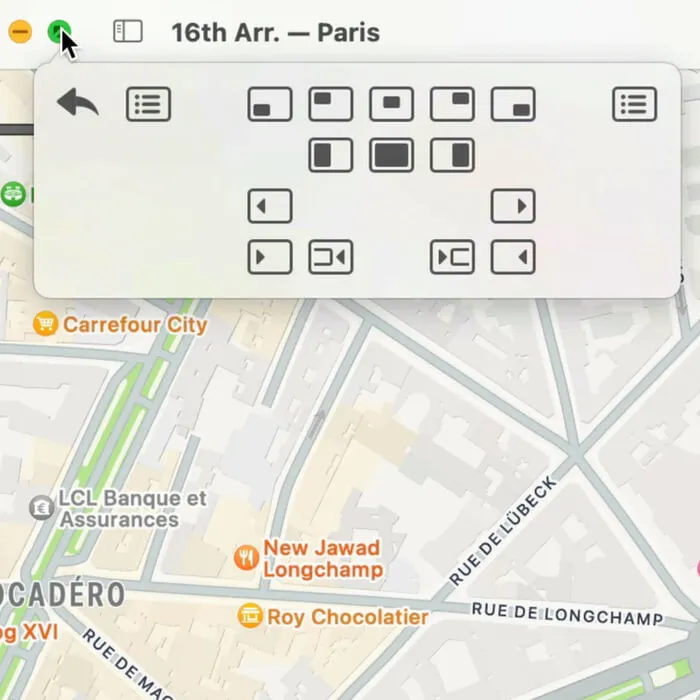
Moom's trick is that you do not have to learn anything first. Hover the green zoom button in any title bar and a small grid appears; click a cell and the window lands there. That makes it the one app in this category you can hand to someone who has no interest in keyboard shortcuts, while a full keyboard mode sits underneath for people who do want them.
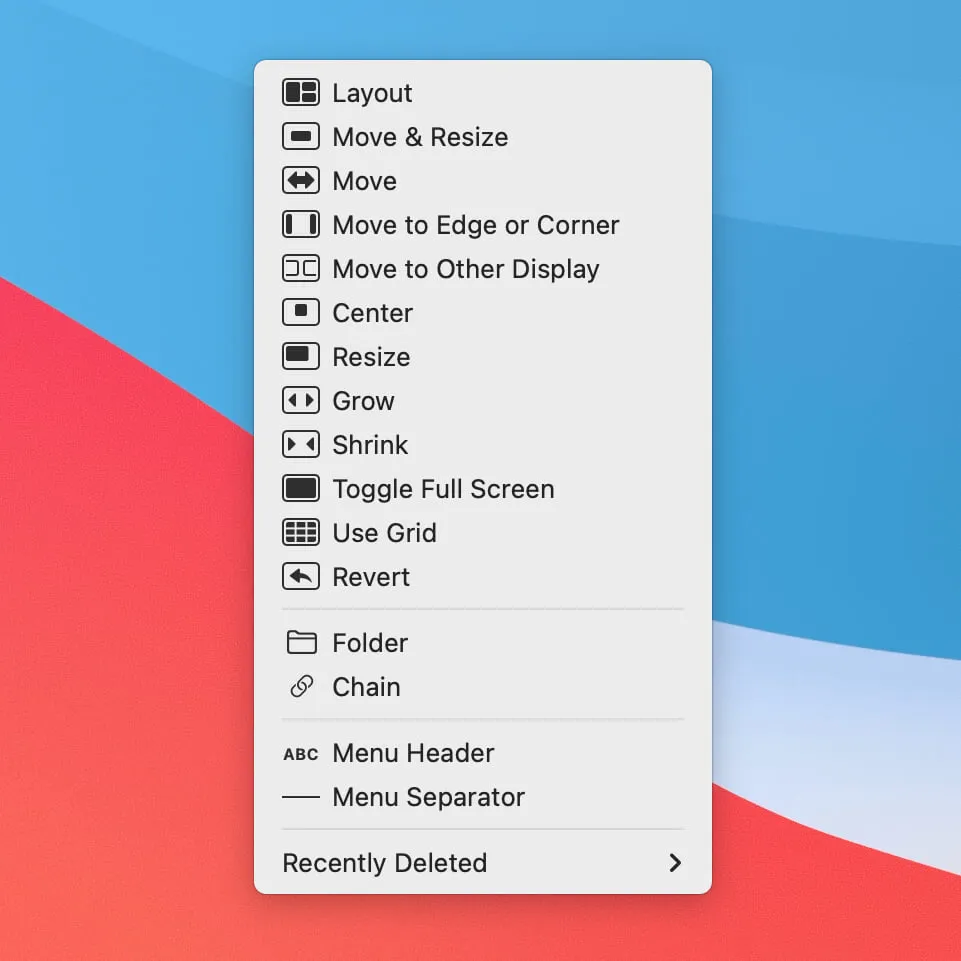
The part you are really paying for is layouts. Name an arrangement of windows, then bring it back on demand or let Moom restore it automatically when a particular monitor is attached. It solves the same docking problem as Rectangle Pro, from a two-person shop that has been selling this app since 2010 — which is about as good a signal as you get that it will still be here in five years.
Read the licence wording before you buy, because it is time-based rather than version-based: $15 includes at least a year of updates and the licence never expires, but the move from Moom 3 to Moom 4 cost existing owners $8. Budget for something like that every few years if you want to stay current.
One buying trap worth repeating: the Mac App Store listing is Moom Classic, the older app. Moom 4 is a direct download. And if a shortcut for "left half" is genuinely all you need, free Rectangle covers it.
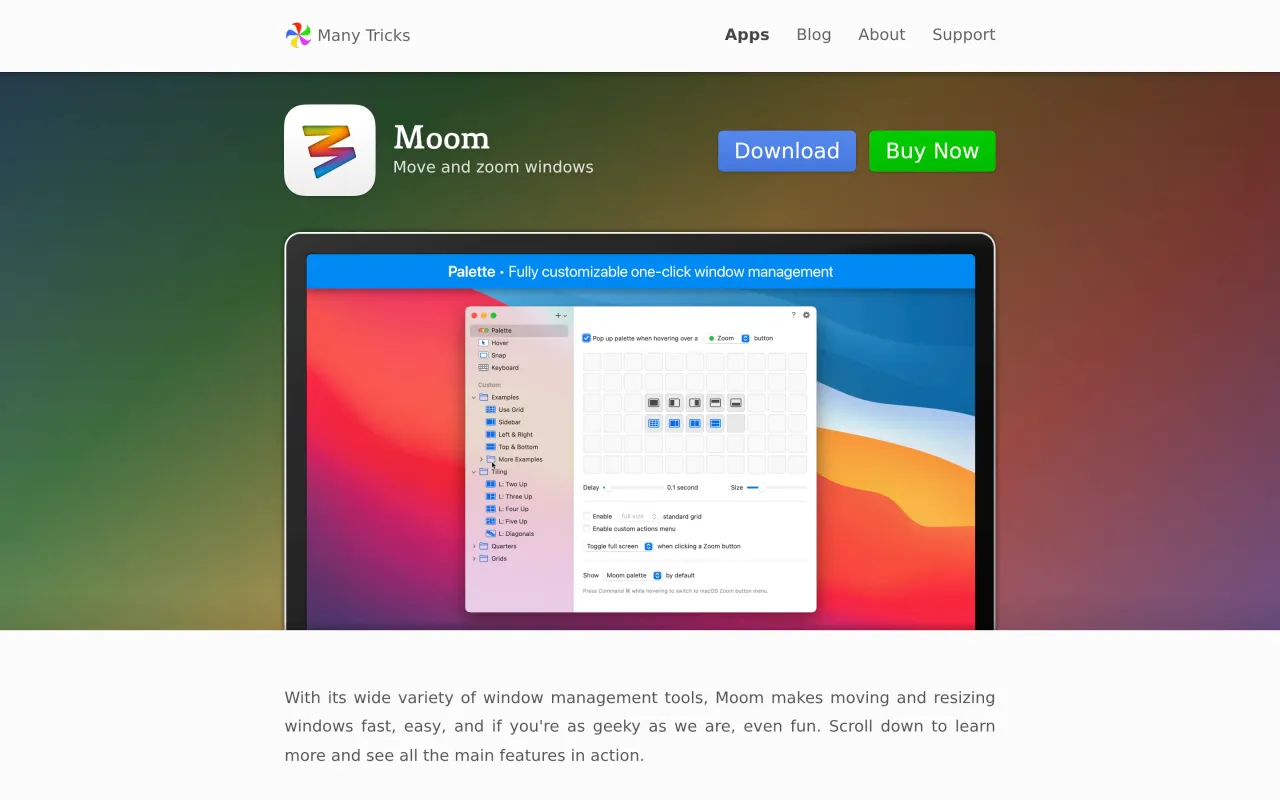
What it looks like

What it does
- Grid palette from the green zoom button, no shortcuts to learn
- Save and recall named window layouts across multiple displays
- Reapply a saved layout automatically when a specific monitor is attached
- Keyboard-driven mode with chained movements for people who prefer it
- Same developer and same perpetual model since 2010
Cancel instead
Also bought outright in windows
BetterTouchTool
gestures, shortcuts and window snapping, with a real $25 lifetime licence
$15Swish
two-finger trackpad gestures on the title bar instead of shortcuts
$16Witch
paid text-list switcher for windows, tabs and apps across spaces
$14AltTab
window switcher with thumbnails, free core plus a one-time pro tier
$9.99The facts
- Price
- $15
- Licence
- Own this version forever
- What you get
- One payment buys this major version outright. The next major version is a separate purchase, if you want it.
- Details
- $15 direct from Many Tricks, which "includes at least 1 year of updates" with a licence that is "valid forever". Previous owners upgrade for $8, whether they originally bought direct or on the Mac App Store. Current version is Moom 4.6. Free trial available.
- Free trial
- Yes
- On Setapp
- No
- Minimum macOS
- macOS 10.13
- Developer
- Many Tricks
- Price checked
- 2026-09-22
Check it yourself - Price band
- $15 to $30