 Files, disk & backup
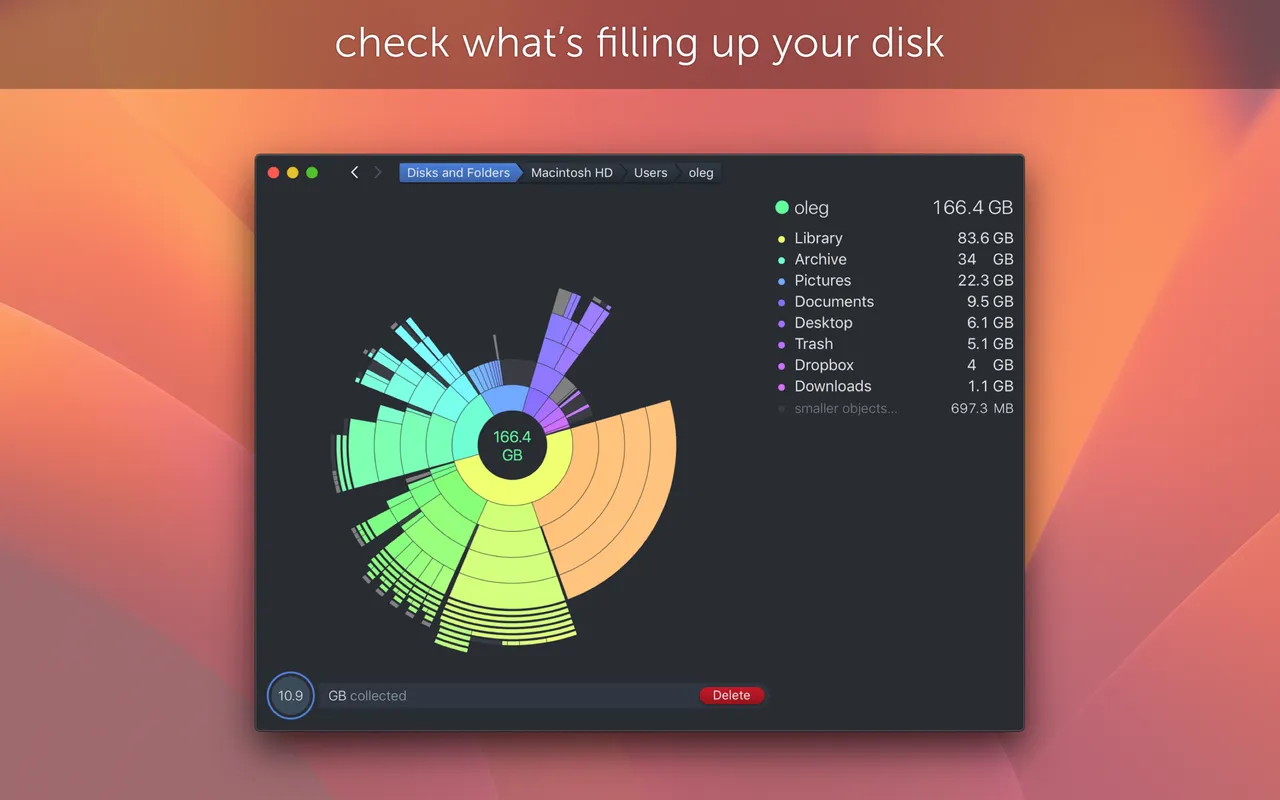
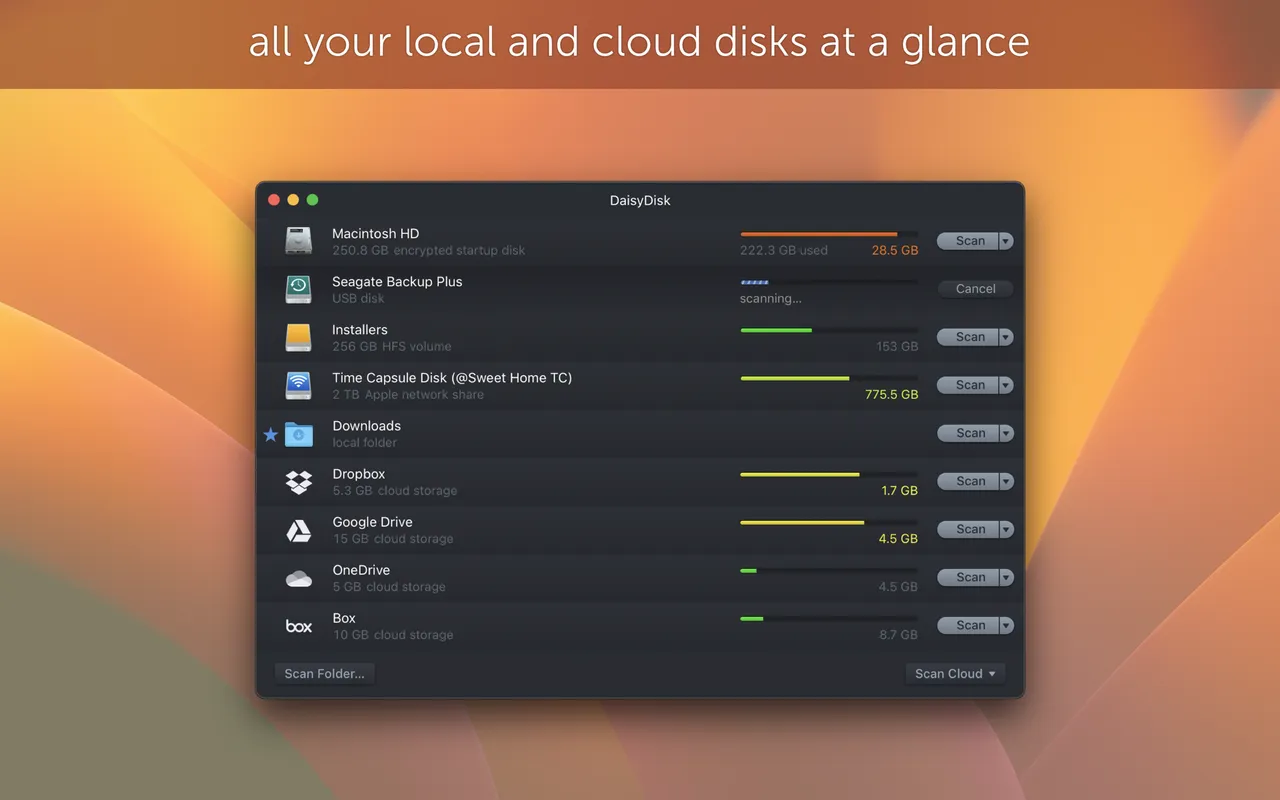
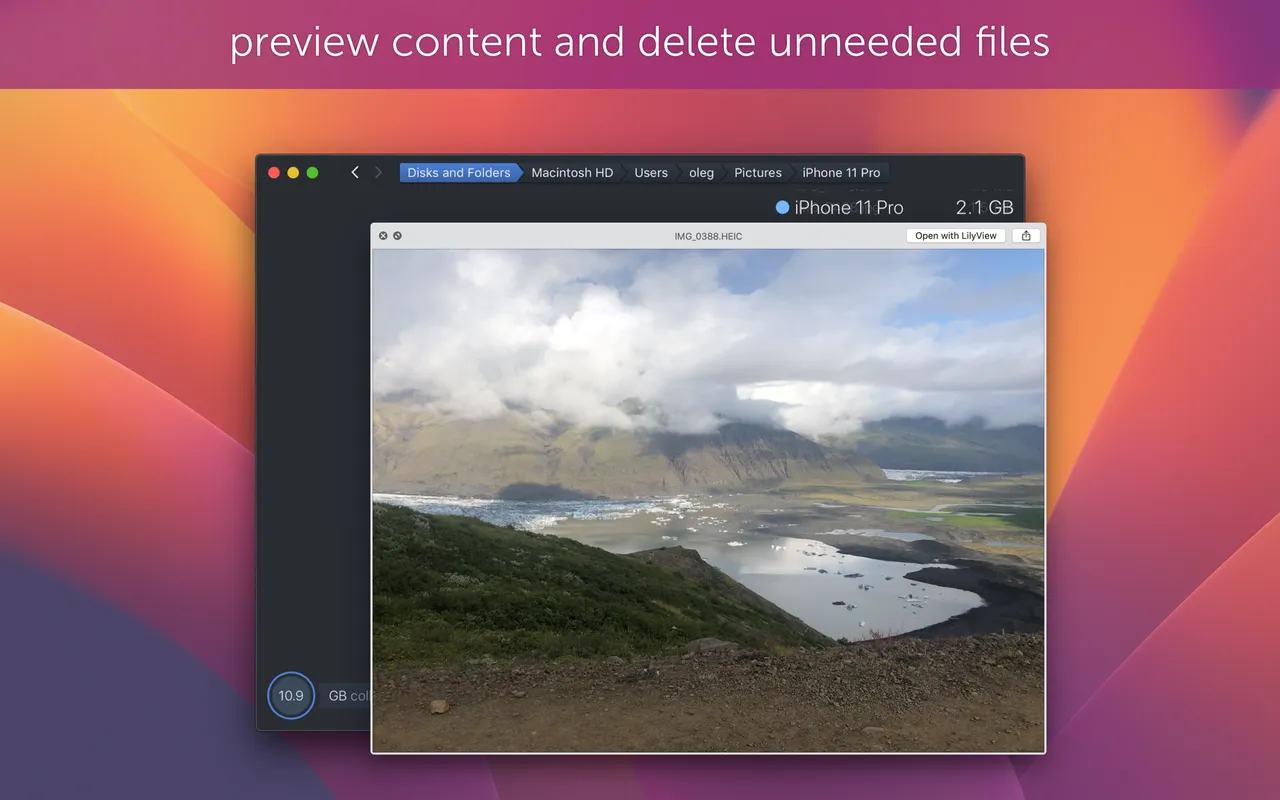
DaisyDisk answers exactly one question: where did 200 GB go. It scans a volume in a few seconds, then draws it as a ring you can click into, each segment sized by how much space it takes. The thing you had forgotten — an old Xcode simulator set, four years of Downloads, a video project you shipped in 2023 — shows up as a fat wedge with a name. You drag wedges into a collector at the bottom, check what is in there, and delete the lot in one action.
It is ten dollars for up to five personal Macs, which makes it the cheapest thing on this site and the easiest purchase to justify the first time a disk fills up mid-export. The licence is scoped to minor updates and bug fixes, so assume the next major version is another small payment rather than a free ride.
Be clear about what it is not. It does not clean caches, uninstall apps or find duplicates, and it deliberately avoids the "optimise your Mac" business that cleaner subscriptions are built on. It needs Full Disk Access to see system areas.
macOS already shows storage recommendations under System Settings, and free tools like GrandPerspective draw a similar map. If you fill a disk once every two years, those are enough.
 ForkLift
 GrandPerspective
 Keka
 Syncthing