Lifetime Mac
Files, disk & backup
Syncthing

Peer-to-peer folder sync with no cloud, no account and no quota

Price: Free

Open sourceNothing to buy; source published

Checked on syncthing.net, the page Get it opens.

The catch

No official Mac app — you configure it in a browser, and the menu bar wrappers are third-party

The full picture

There is no native macOS front end: the daemon runs in the background and you configure it through a local web interface, so the menu bar apps people recommend are third-party wrappers. It is sync, not backup — a deletion propagates to every device unless you enable file versioning first. Both devices must be awake at the same time, since there is no server holding a copy in between, and restrictive networks sometimes need port forwarding or a relay, which is slower.

Replaces
Dropbox Plus, Google Drive, Resilio Sync and 1 more$120 a year.
Developer account
None needed

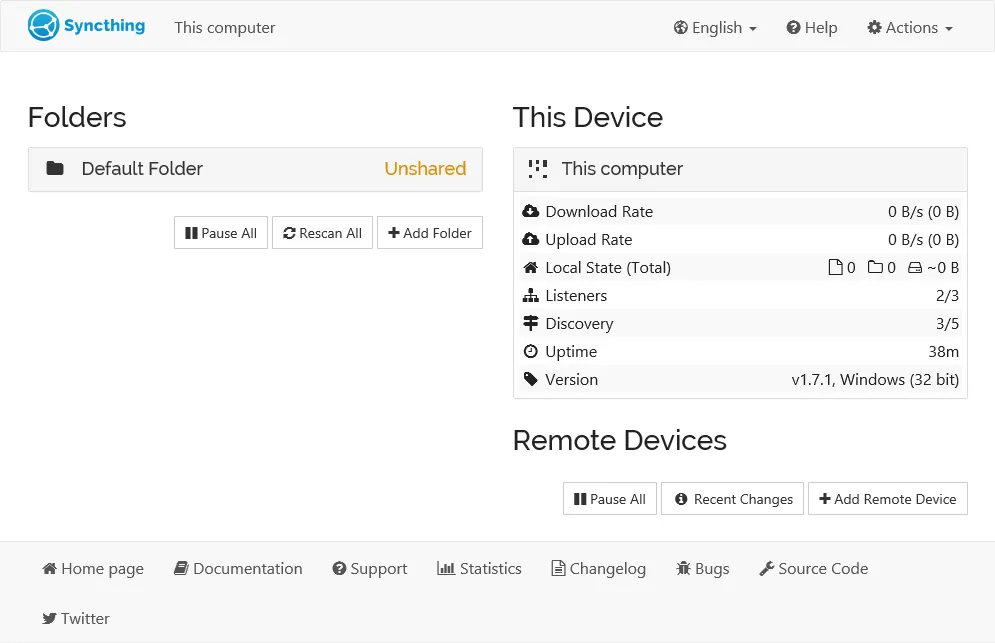
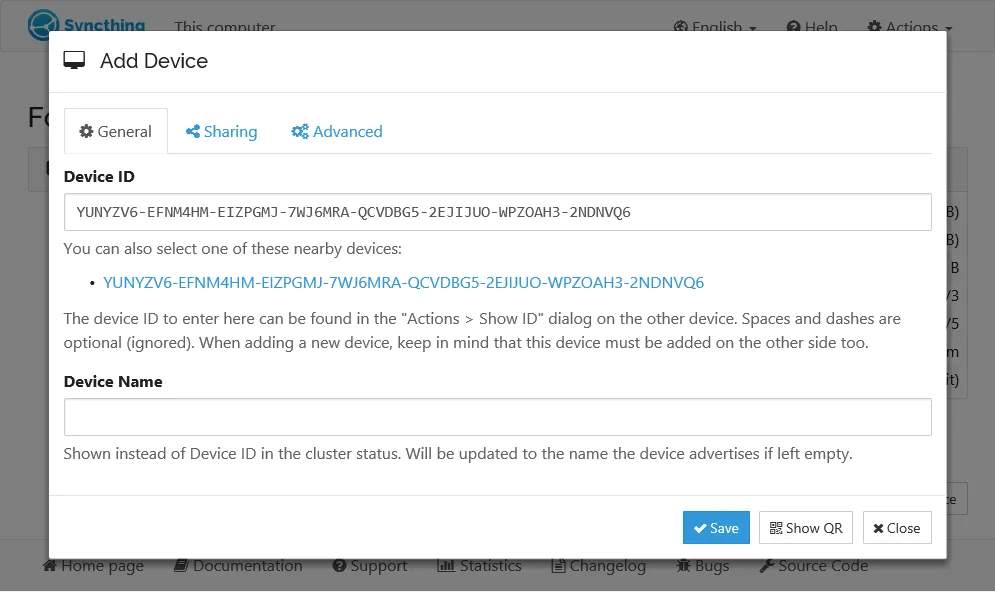
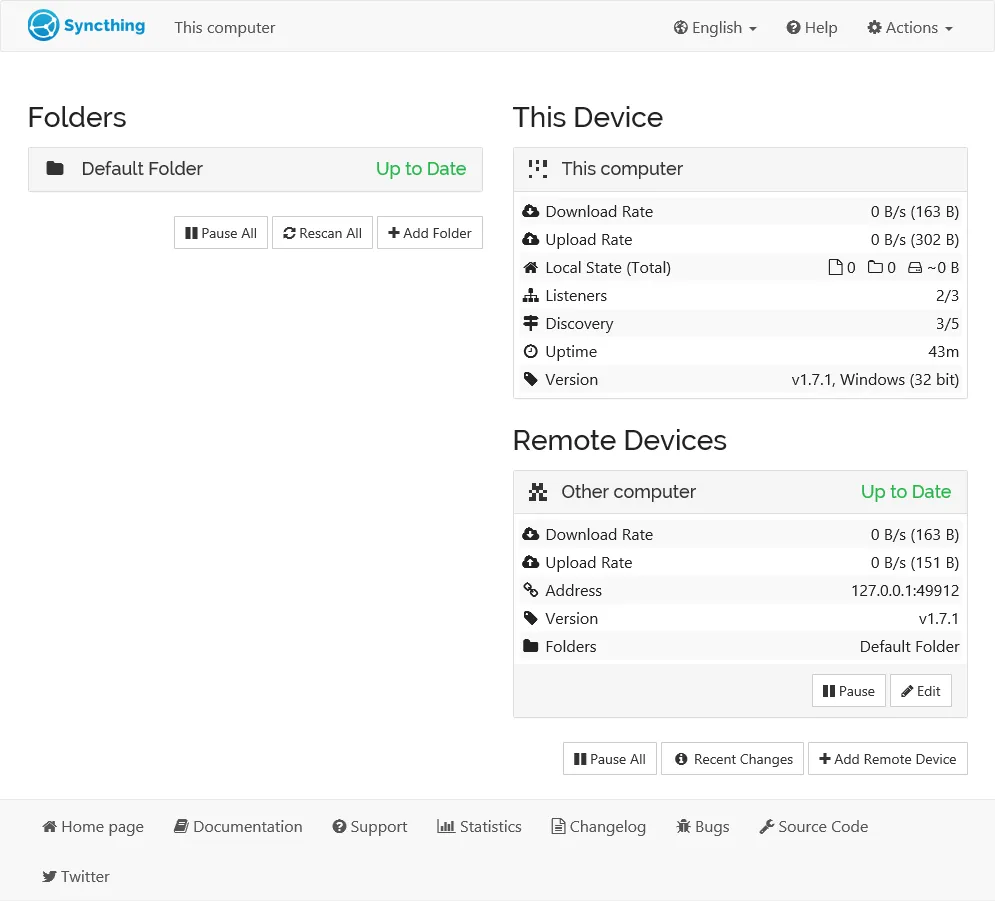
What it looks like

Images belong to their developers.

What you’re buying

Syncthing is for the specific case where you pay Dropbox to keep one folder identical on a laptop, a desktop and a machine at home, and you never once share a link with anyone. It connects your devices to each other directly, encrypts what passes between them, and keeps no copy anywhere else. No account, no quota, no monthly line on the card.

Setup is not an app install. You run it in the background and configure it in a browser at localhost, pairing machines by long device IDs and then setting rules per folder: send-only, receive-only, ignore patterns, how many old versions to retain. Once paired, it is genuinely unattended for years.

It is not a backup, and that is where people get hurt. Delete a file on one machine and it vanishes from the others, exactly as designed — turn on file versioning before you trust it with anything irreplaceable. Devices also have to be awake simultaneously, so a laptop that slept for a week catches up when it wakes and not before.

If what you actually want is a drive in the cloud you can open from a phone browser in a hotel, keep paying Dropbox. If you want your own computers to agree with each other, this does the whole job. Kastelo sells paid support for it, if free software with no support desk is a dealbreaker.

What owners report

Points that recur across the discussions below. A report of what users say, not our verdict: we don’t review software.

Praised

  • Owners repeatedly describe it as set-and-forget: several report years of syncing across four or more devices with no intervention and nothing to maintain.
  • Users keep returning to the absence of a middleman — no account, no quota, no server copy and NAT handled for them — as the reason they stopped paying a sync service.

Criticised

  • Commenters repeatedly warn that it syncs rather than resolves — simultaneous edits and live files like SQLite databases end up as conflict copies, so it is not a substitute for a backup.
  • Apple platforms draw the recurring complaint — iOS clients are third-party paid apps, unavailable in some regions, and iOS background limits stop them syncing on their own.

Details

Works offline
Yes
Apple Silicon
Native
On Setapp
No
Minimum macOS
not stated
Developer
The Syncthing project
Source
github.com
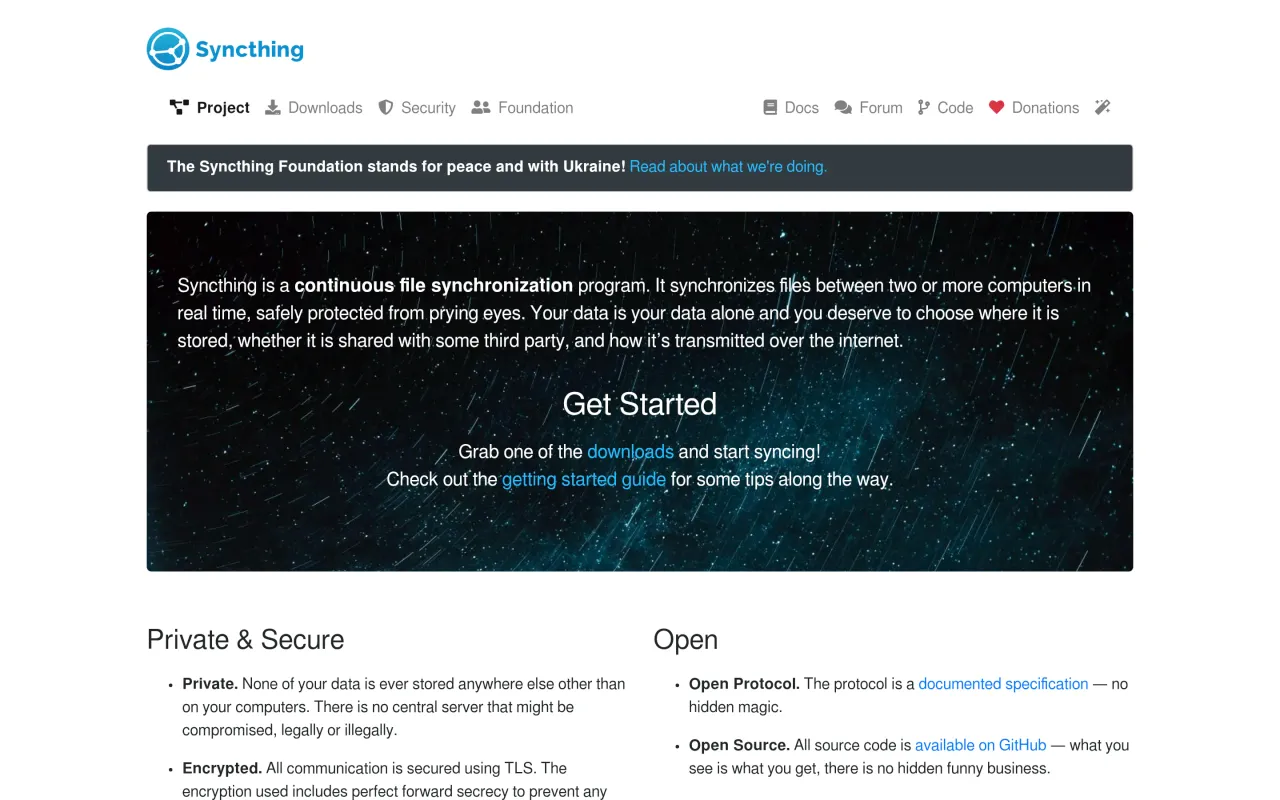
The Syncthing page at syncthing.net
The developer’s own page. syncthing.net, captured 22 Sep 2026

Also bought outright