Lifetime Mac
Files, disk & backup
Keka

Free archiver that creates 7z and zip and extracts almost anything

Price: Free

FreewareNothing to buy

Checked on keka.io, the page Get it opens.

The catch

It creates 7z and zip but only extracts rar, and cannot edit an archive you already have

The full picture

Keka reads RAR but cannot write it, and there is no way to open an archive, swap one file and re-save — that is what paid tools like BetterZip are for. It is also not open source: the repository at github.com/aonez/Keka publishes no code and no licence file and exists, in its own words, to handle issues and host a wiki. Paying $6.49 on the App Store buys you App Store updates and a tip to the developer, nothing functional.

Replaces
BetterZip, Archiver, WinZip for Mac
Developer account
None needed

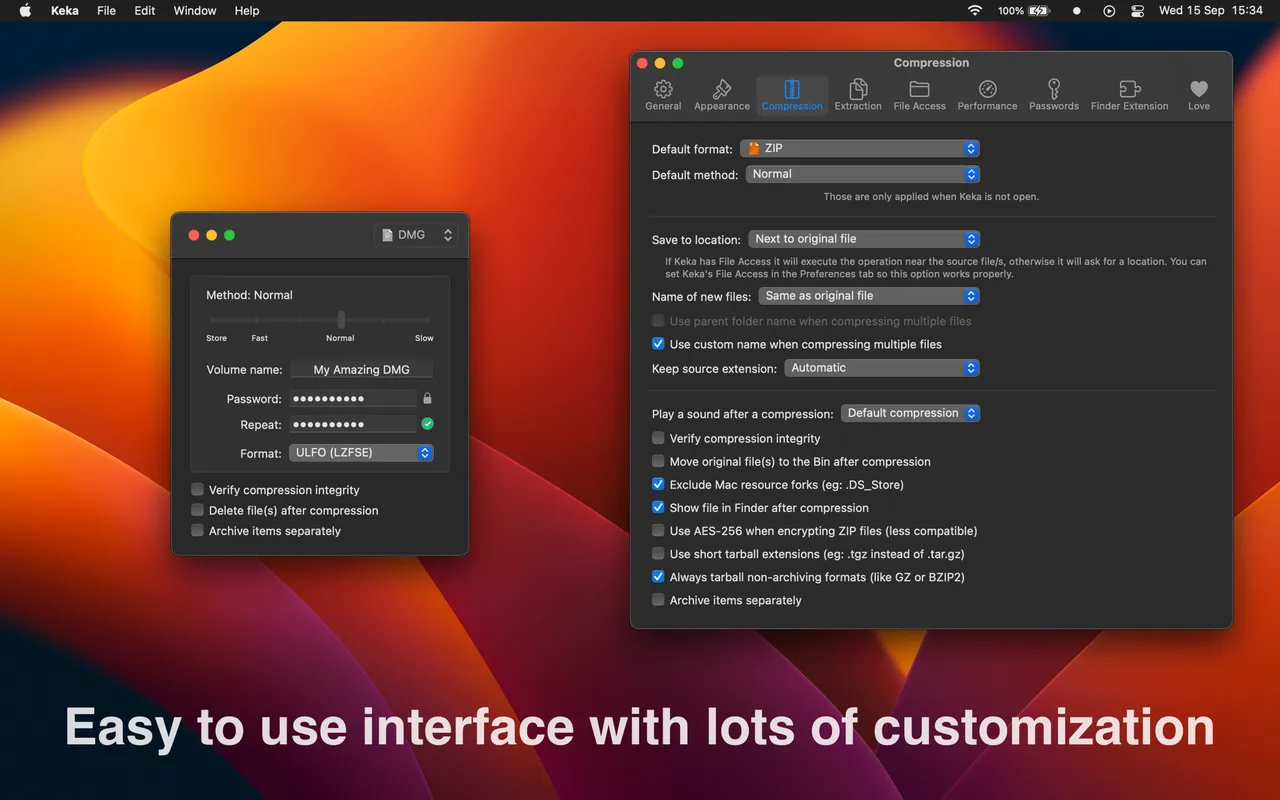
What it looks like

Images belong to their developers.

What you’re buying

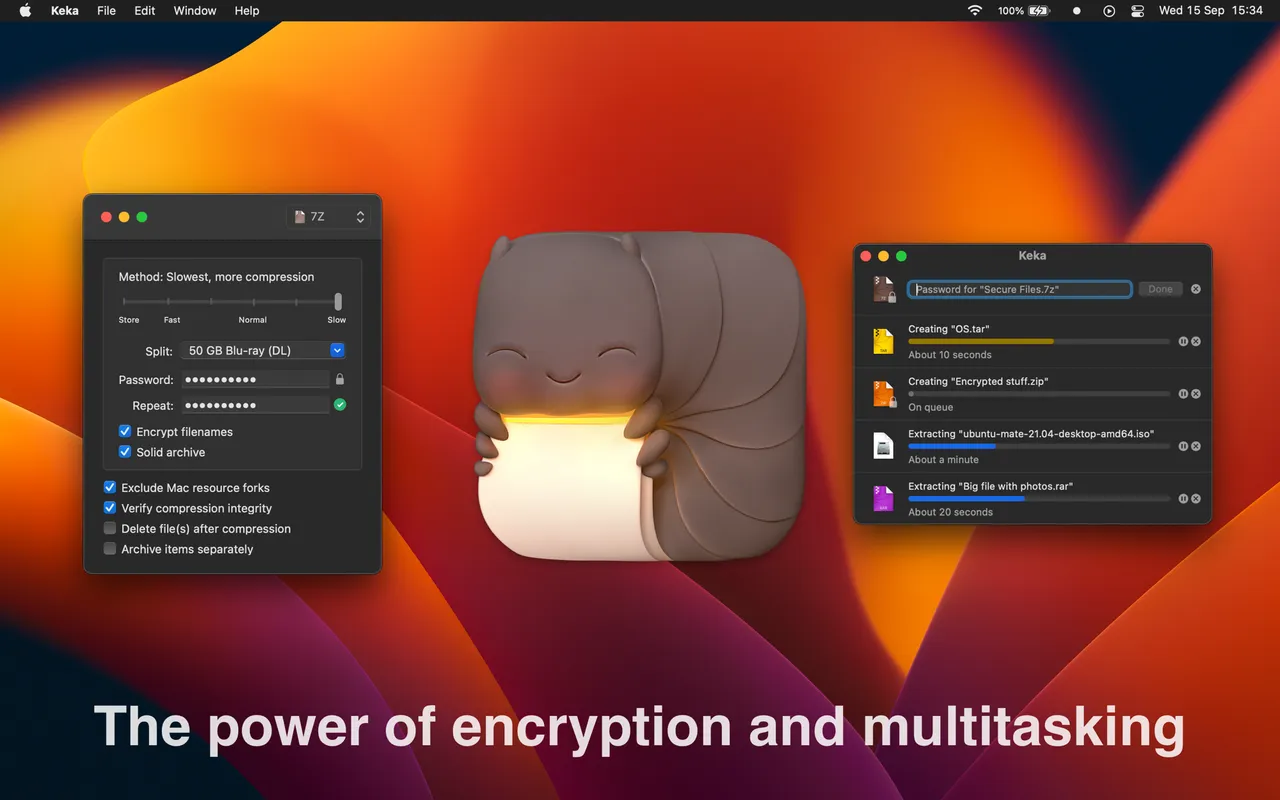
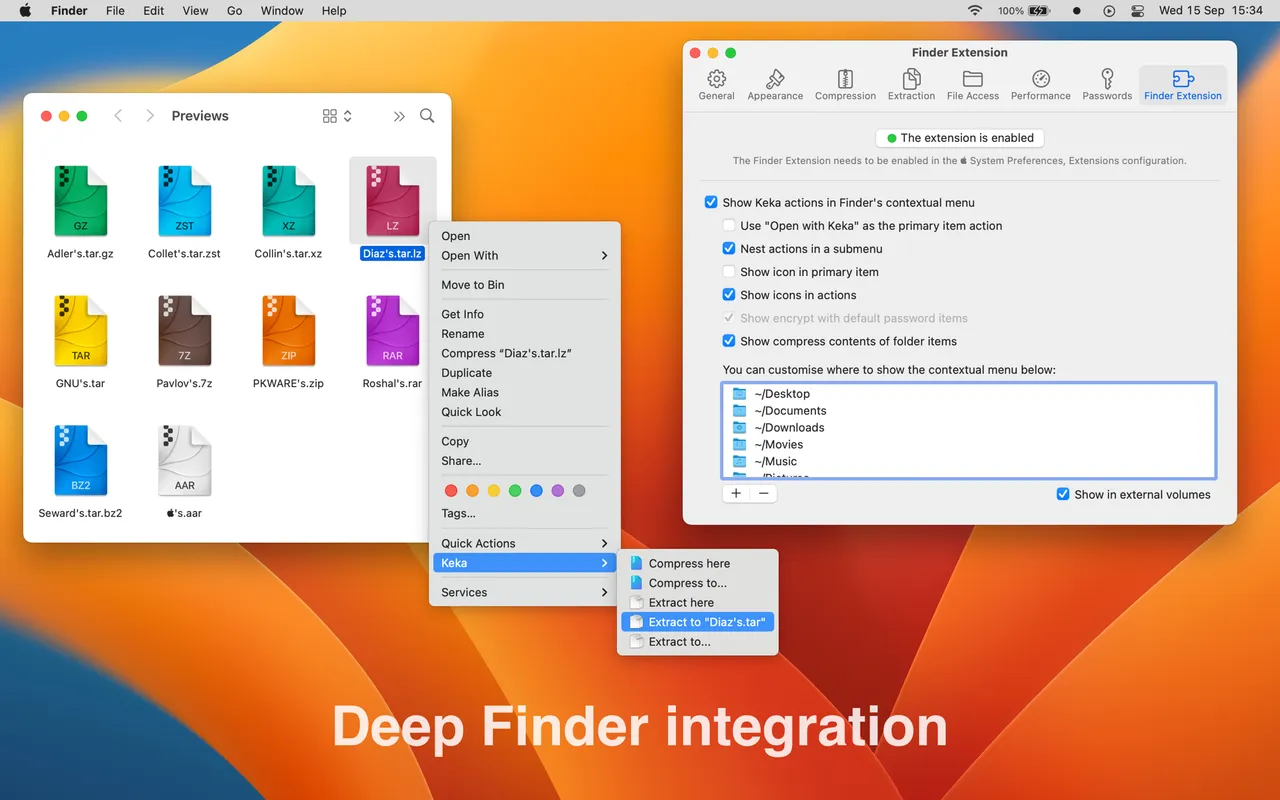
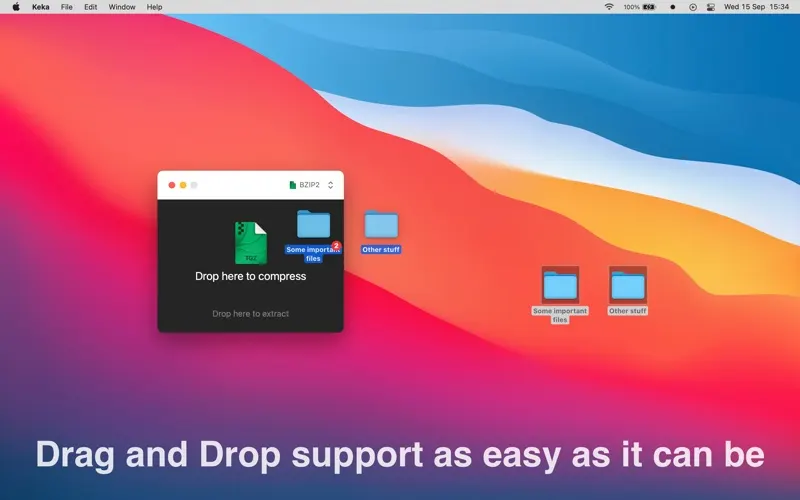
Keka is the archiver you install once and then stop thinking about. Drag a folder onto its Dock icon and you get a 7z or a ZIP; double-click almost anything and it comes back out — RAR, ISO, DMG, CAB, LZMA, the various TARs. Password protection with AES-256 is built in, as is splitting an archive into volumes when something has to fit under a size limit.

The money is worth being clear about. The download from keka.io is free and complete, and it is the same build as the Mac App Store copy, which costs $6.49. The developer says as much on the front page: buying from the App Store supports development and gets you updates through the App Store, and that is the whole difference. The App Store version also offers tip purchases from $0.49 to $49.99. None of them unlock anything.

Two things it will not do. It cannot create RAR archives, only read them. And it cannot open an existing archive, change one file inside and write it back — for that, BetterZip or Archiver earn their price. Also, despite appearances, the GitHub repository is an issue tracker with a wiki, not source code, and carries no licence. Keka is free, actively developed and closed.

What owners report

Points that recur across the discussions below. A report of what users say, not our verdict: we don’t review software.

Praised

  • When someone in these threads asks for a Mac tool that writes 7z or password-protected archives, Keka is the answer that gets seconded most often
  • Owners say the draw is that password protection and splitting into volumes are easy without dropping to the command line

Details

Works offline
Yes
Apple Silicon
Native
On Setapp
No
Minimum macOS
not stated
Developer
Aone (aonez)
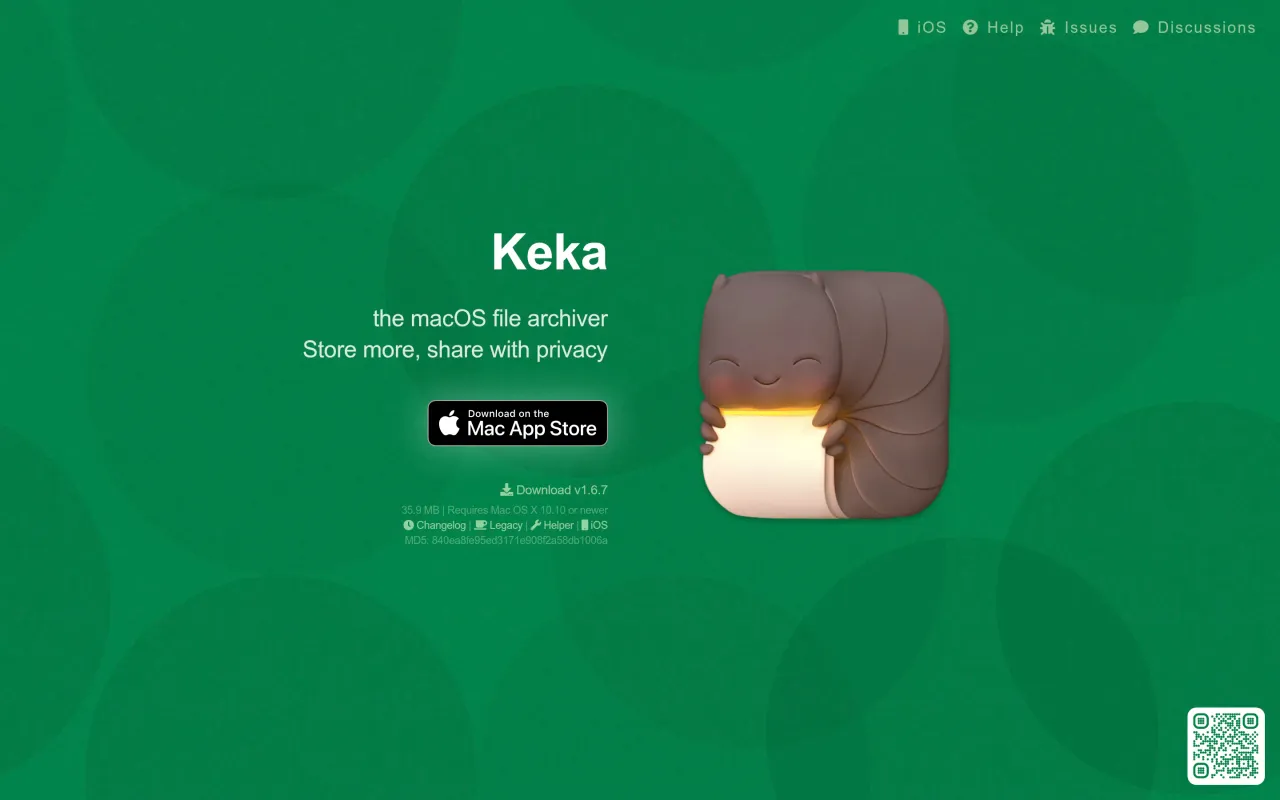
The Keka page at keka.io
The developer’s own page. keka.io, captured 22 Sep 2026

Also bought outright