
Lifetime Mac
Launchers, clipboard & automation

Hammerspoon

Scripting your whole Mac in Lua, MIT licensed

Price: Free

Open sourceNothing to buy; source published

Checked on hammerspoon.org, the page Get it opens.

The catch

There is no GUI at all, so every behaviour you want is something you write in Lua

The full picture

Configuration is a Lua file at ~/.hammerspoon/init.lua and nothing else, so expect an evening or two with the API docs before the setup feels finished. It is community maintained rather than company backed, which means support is GitHub issues and a macOS release that breaks something is fixed when a volunteer gets to it. Accessibility permissions are required for anything that moves windows.

Developer account
None needed

What you’re buying

Hammerspoon is a Lua interpreter with the whole Mac wired into it. Its modules reach windows and spaces, hotkeys, the menu bar, WiFi, USB, displays, audio devices, the clipboard, HTTP requests and a good deal more. You edit ~/.hammerspoon/init.lua, reload, and the machine behaves the way you described: a hotkey layer that throws windows into thirds, a rule that sends Slack to the second monitor the moment it is plugged in, a menu bar item showing whatever number you actually care about.

The catch is not hidden — it is the premise. There is no settings window, no rule builder, no list of checkboxes. If writing code is a chore rather than the appeal, nothing here will be enjoyable, and the first genuinely useful config takes a couple of sittings with the documentation and other people's dotfiles.

It has been MIT licensed and community maintained since 2014. Support is GitHub issues, which works better than it sounds because the API documentation is unusually thorough for a project with no company behind it.

Someone who wants tiling and nothing more should install Rectangle or Amethyst and be finished in five minutes. Hammerspoon earns its keep when your idea of a good setup is specific enough that no shipping app contains it.

What owners report

Points that recur across the discussions below. A report of what users say, not our verdict: we don’t review software.

Praised

  • Users repeatedly say it replaced several paid utilities at once - Keyboard Maestro, BetterTouchTool, Moom and similar
  • Window layouts and hotkey layers are the use case almost everyone describes arriving for, and the one they keep
  • Commenters keep contrasting its near-instant response with the lag they hit in Automator and AppleScript

Criticised

  • The announced move from Lua to JavaScript in version 2 is the live complaint, with long-time users saying they will stay on v1 until it breaks
  • More than one commenter finds window movement slow or jittery next to a dedicated tiling manager such as yabai

Details

Works offline
Yes
Apple Silicon
Native
On Setapp
No
Minimum macOS
not stated
Developer
Hammerspoon contributors
Source
github.com
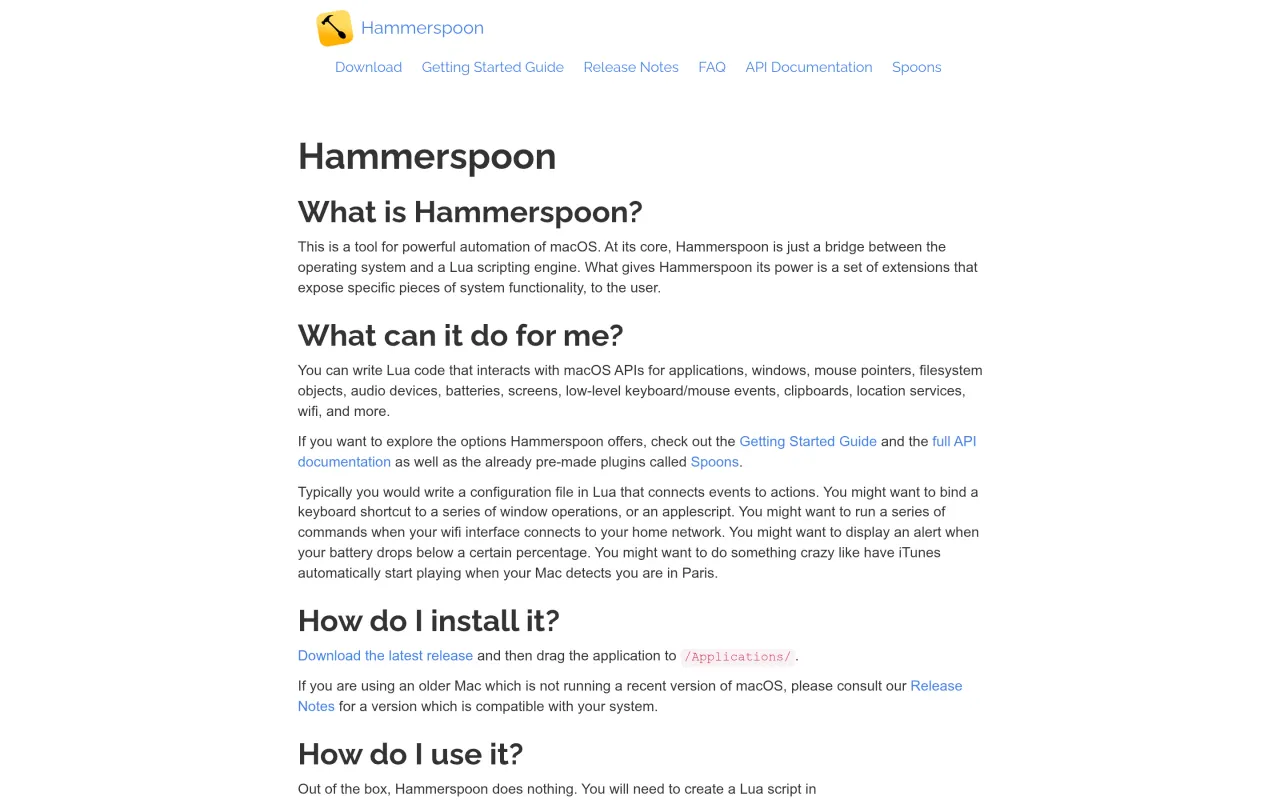
The Hammerspoon page at hammerspoon.org
The developer’s own page. hammerspoon.org, captured 22 Sep 2026

Also bought outright