 Window management & desktop control
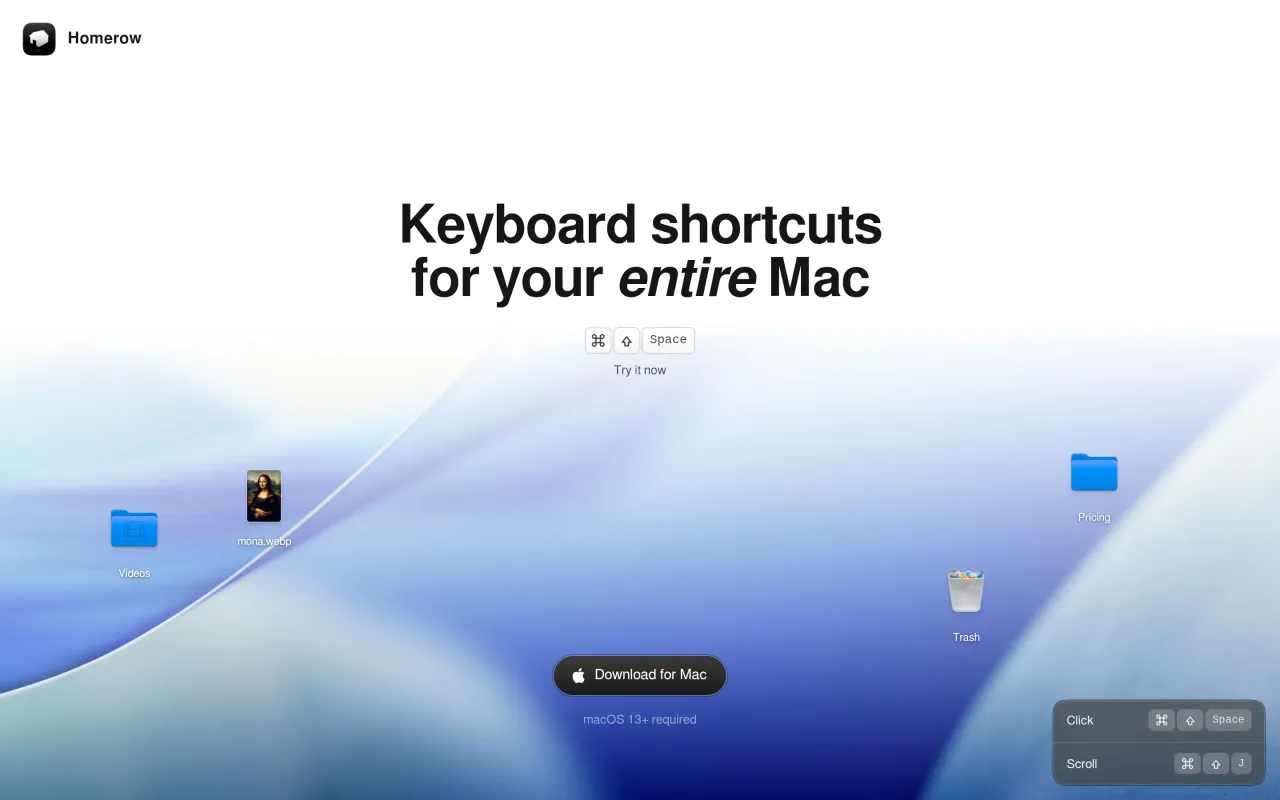
Homerow does one thing. You press a hotkey, every clickable element on screen picks up a one- or two-letter label, and you type the label instead of moving your hand to the trackpad. It is the browser trick applied to the whole system: Finder sidebars, Mail toolbars, System Settings panes, menu bar items, web pages.
It reads the screen through the macOS Accessibility API, which is both why it works everywhere and where it falls down. Apps that expose their controls properly light up completely. Apps that paint their own interface into a canvas give it almost nothing to label, and you are back on the trackpad. You will find out which apps those are within a day of trying it, and that day is the real test.
The $49.99 is a single payment. The pricing page is unusually plain about what that covers: all future updates, and every Mac you personally own. There is no year-two charge hiding in the terms, which at this price matters.
Do not buy it because keyboard-driven computing sounds appealing in the abstract. Run the trial for a week — it nags every fifty activations rather than expiring, so a week costs nothing but mild irritation. If you still reach for the trackpad by reflex at the end of it, fifty dollars will not rewire the habit.
 Bartender
 BetterDisplay
 Swish
Swish BetterTouchTool