Lifetime Mac
Developer & terminal tools
iTerm2

The terminal most Mac developers install first, free since 2010

Price: Free

Open sourceNothing to buy; source published

Checked on iterm2.com, the page Get it opens.

The catch

One maintainer sets the pace, and very high-volume output feels slower than GPU terminals

The full picture

Development is essentially one person, so fixes and macOS compatibility releases arrive on his schedule rather than a company's. It is heavier than newer GPU-accelerated terminals and can lag when a command floods the screen. The feature surface is large enough that the preferences window takes a while to learn. Requires macOS 10.14 or newer.

Replaces
Paid terminal plans
Developer account
None needed

What it looks like

Images belong to their developers.

What you’re buying

iTerm2 has been the default answer to "which terminal" on the Mac for about fifteen years, and it has never asked for money. It is GPL v2, the source is on GitHub, and the only payment path on the site is a donation button you can ignore.

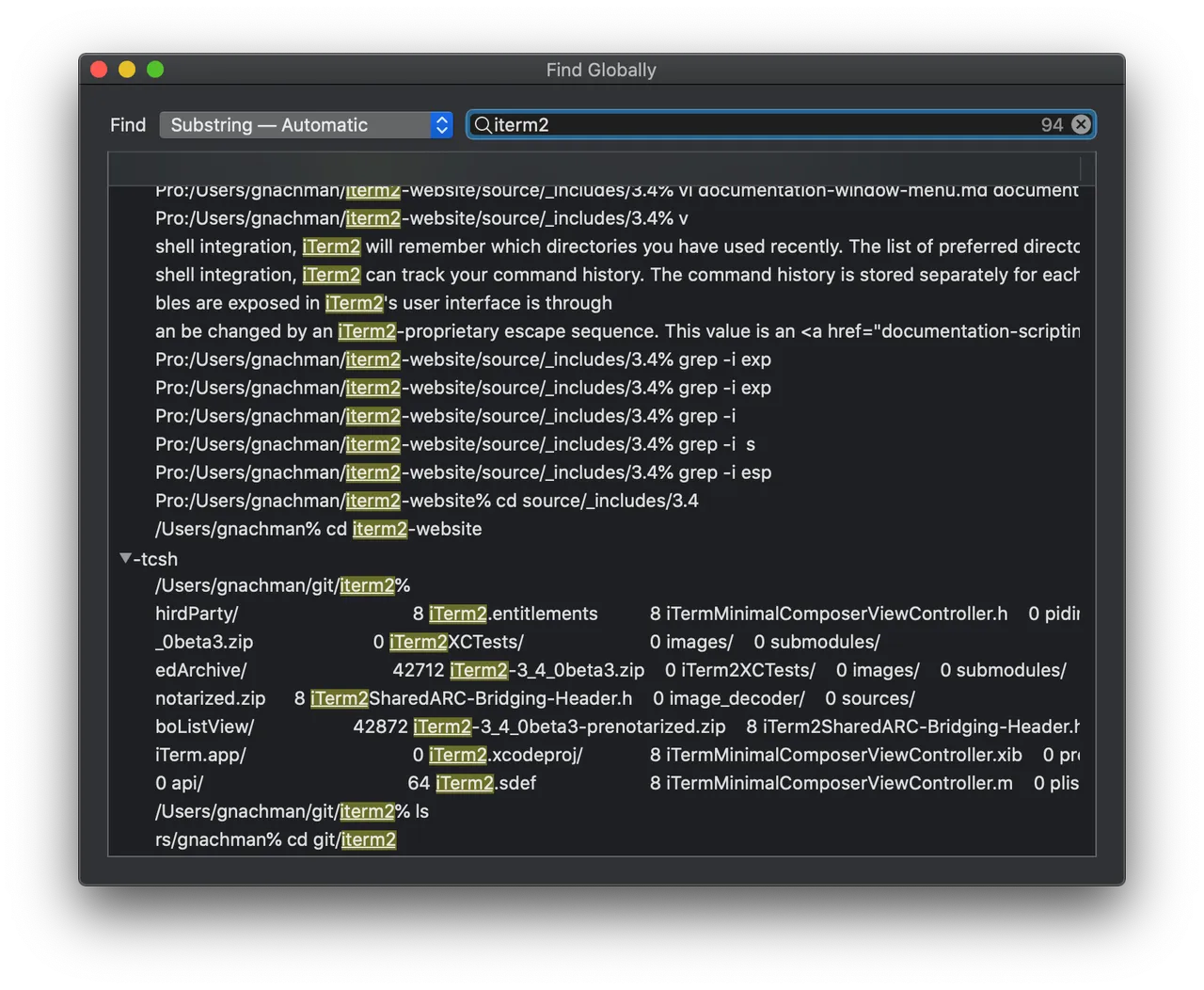
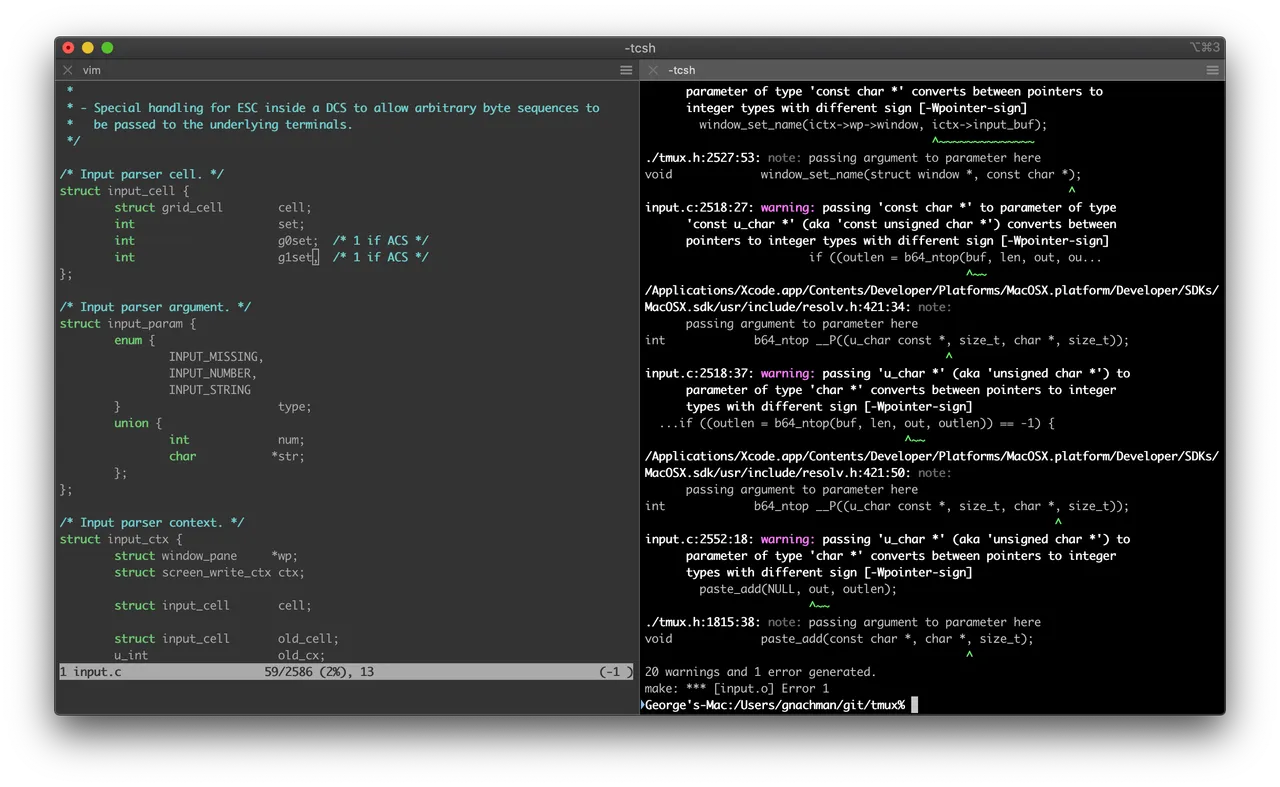
The reason people install it over Terminal.app is the accumulated small things. Split a pane and keep both halves searchable. Hit a global hotkey and a terminal drops down over whatever app you were in, then disappears again. Search scrollback with a regex, or replay what scrolled past. Install the shell integration and the app starts tracking where each command began and ended, what it exited with, and which directory you were in, which makes scrolling back through a long session far less of a hunt. Triggers can watch output and act on a match: highlight a line, fire a notification, stop a runaway.

The cost of fifteen years of features is weight. Dump a hundred thousand lines into it and you will feel the difference against Ghostty or Alacritty, and the preferences window is genuinely intimidating on first open.

If you only touch a shell to run the occasional build, Terminal.app is fine and already installed. iTerm2 pays off when the terminal is where you work.

What owners report

Points that recur across the discussions below. A report of what users say, not our verdict: we don’t review software.

Praised

  • Commenters who say they tried Ghostty, Kitty, Alacritty or WezTerm repeatedly report coming back for tmux integration, the drop-down hotkey window and searchable scrollback
  • Particular features get named unprompted as having no equivalent elsewhere — triggers, instant replay, clickable paths and per-host automatic profile switching

Criticised

  • Scope creep is the complaint that recurs with every release; the AI feature, the SSH conductor and the built-in browser each drew the same reply, that people want a dumb reliable terminal
  • Owners repeatedly tie the security incidents back to those same integrations, noting that near-identical SSH-integration bugs have surfaced years apart

Details

Works offline
Yes
Apple Silicon
Native
On Setapp
No
Minimum macOS
macOS 10.14
Developer
George Nachman
Source
github.com
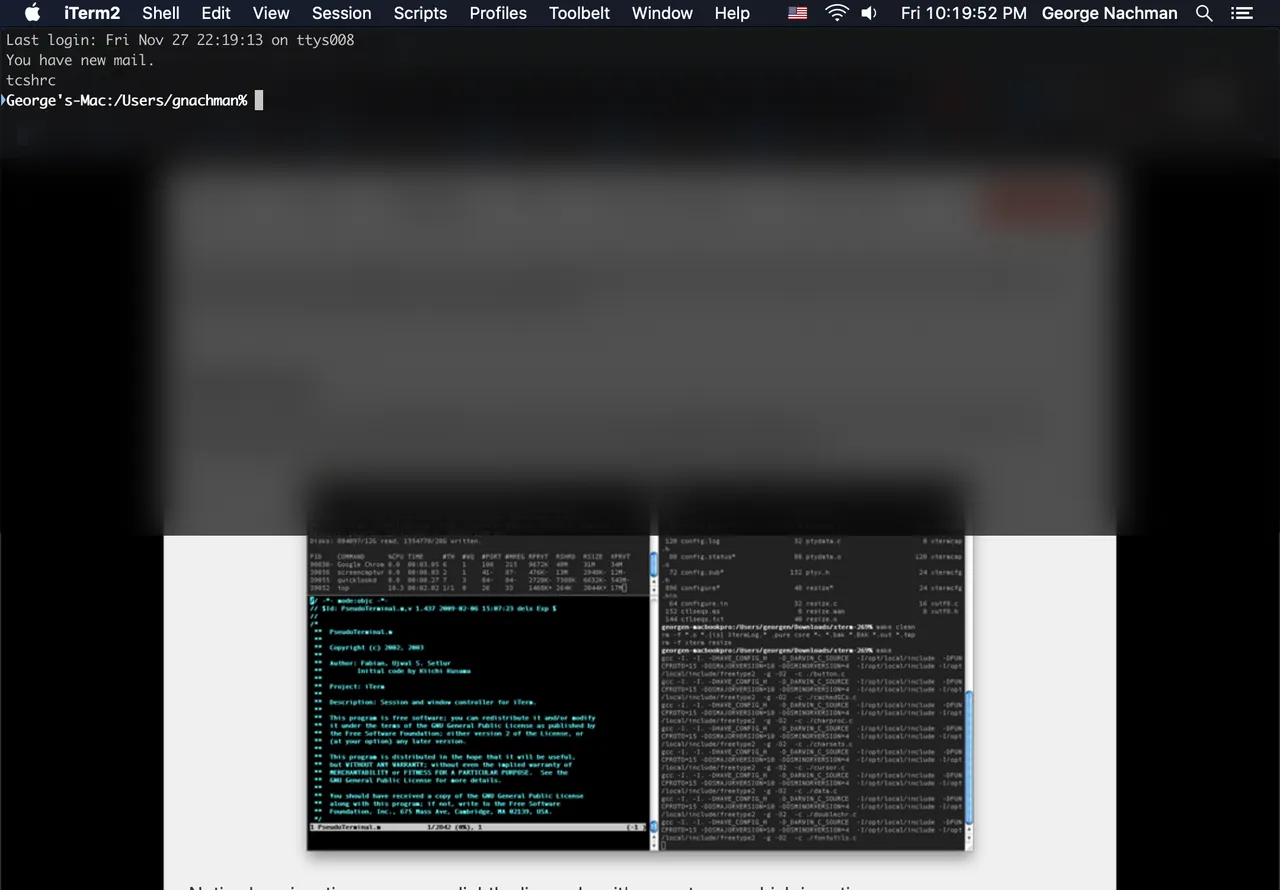
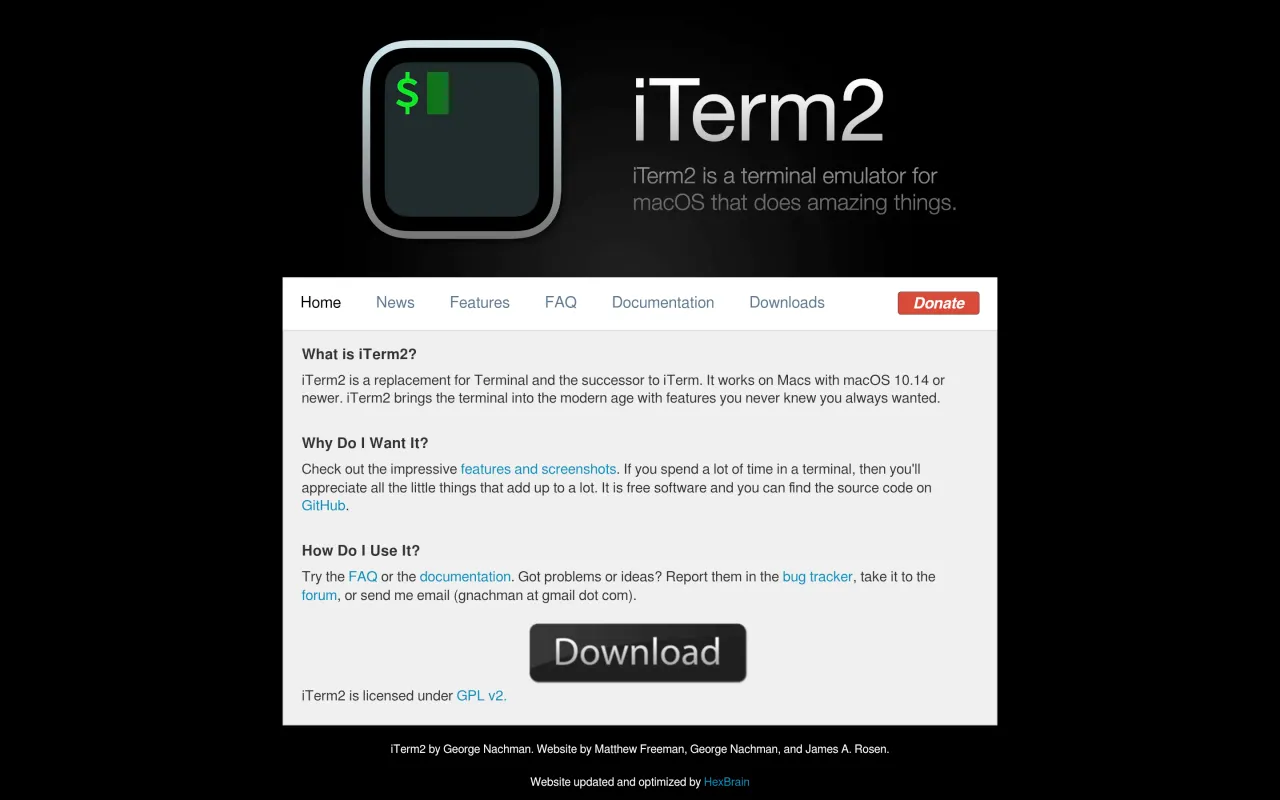
The iTerm2 page at iterm2.com
The developer’s own page. iterm2.com, captured 22 Sep 2026

Also bought outright