LifetimeMac

Presentify

draw on your live screen and highlight the cursor for $14.99 once

This version

The catch

The developer's site says "pay once, use forever", but nothing promises free major-version upgrades, and Presentify is already on version 8 — so treat this as owning the version you bought. It annotates a live screen and does nothing else: no capture, no recording, no export, so it only makes sense alongside a recorder or a video call. Requires macOS 13 or later, and drawing over other apps means granting screen recording and accessibility permissions.

Buy Presentify once
Rent Loom Business

$15 once is less than a single month of Loom Business. Over five years that is $1,080 rented against $14.99 owned — $1,065 kept, and you still have the app.

Loom Business priced at $216 a year — $18 per user/month at the monthly rate; annual billing is up to 17% less. Checked 2026-09-22.

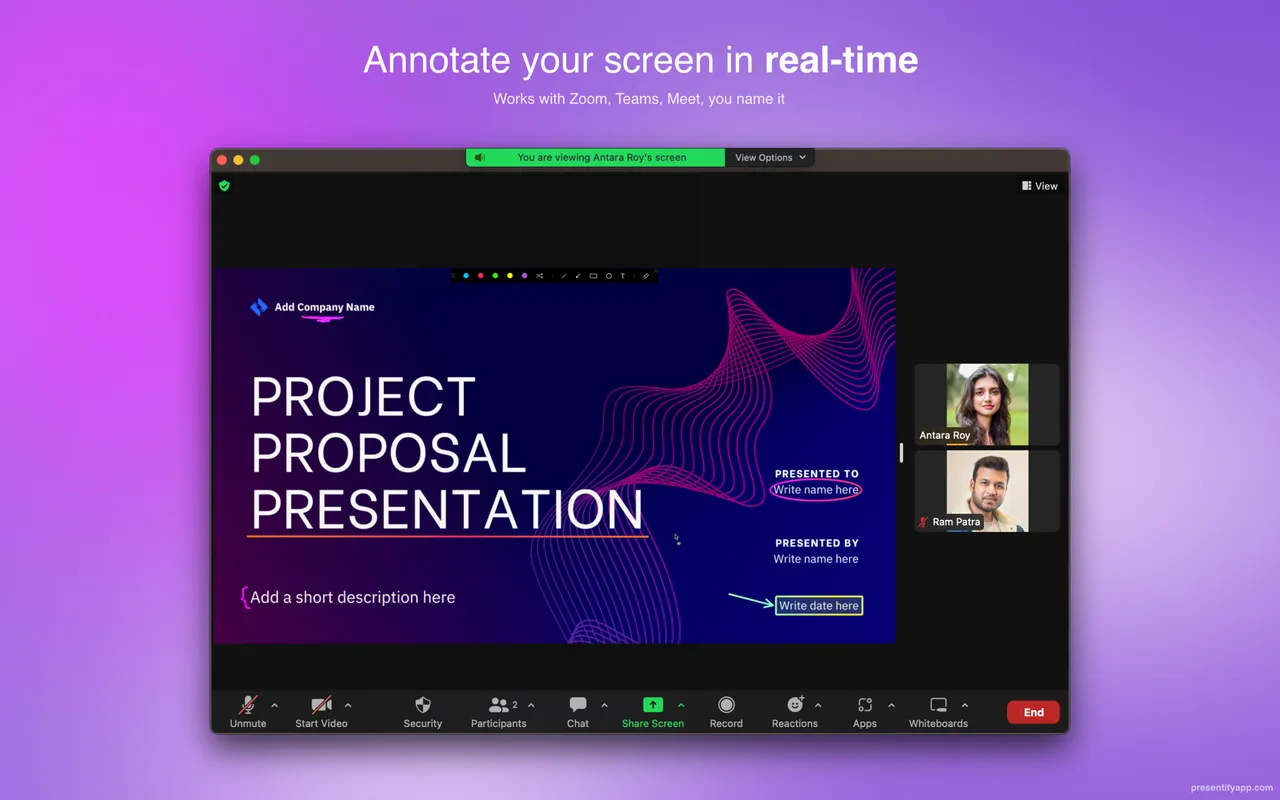
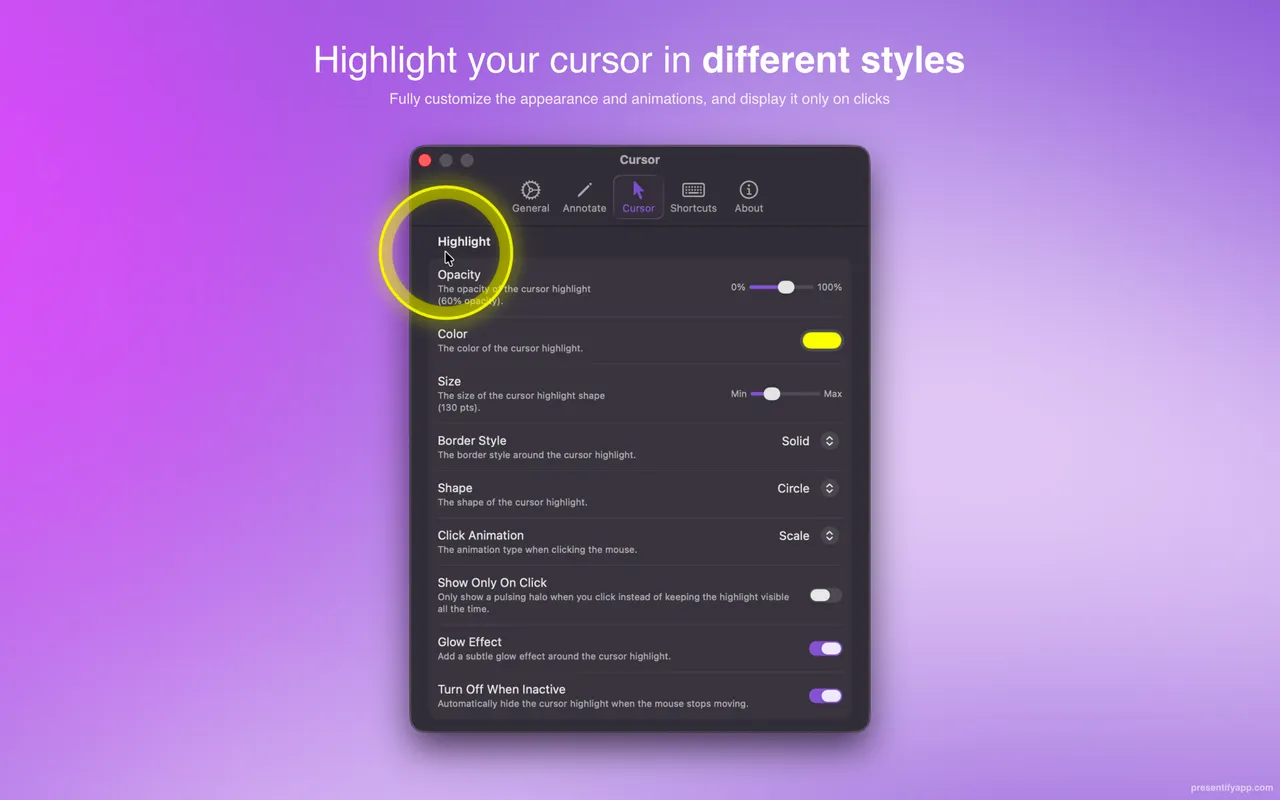
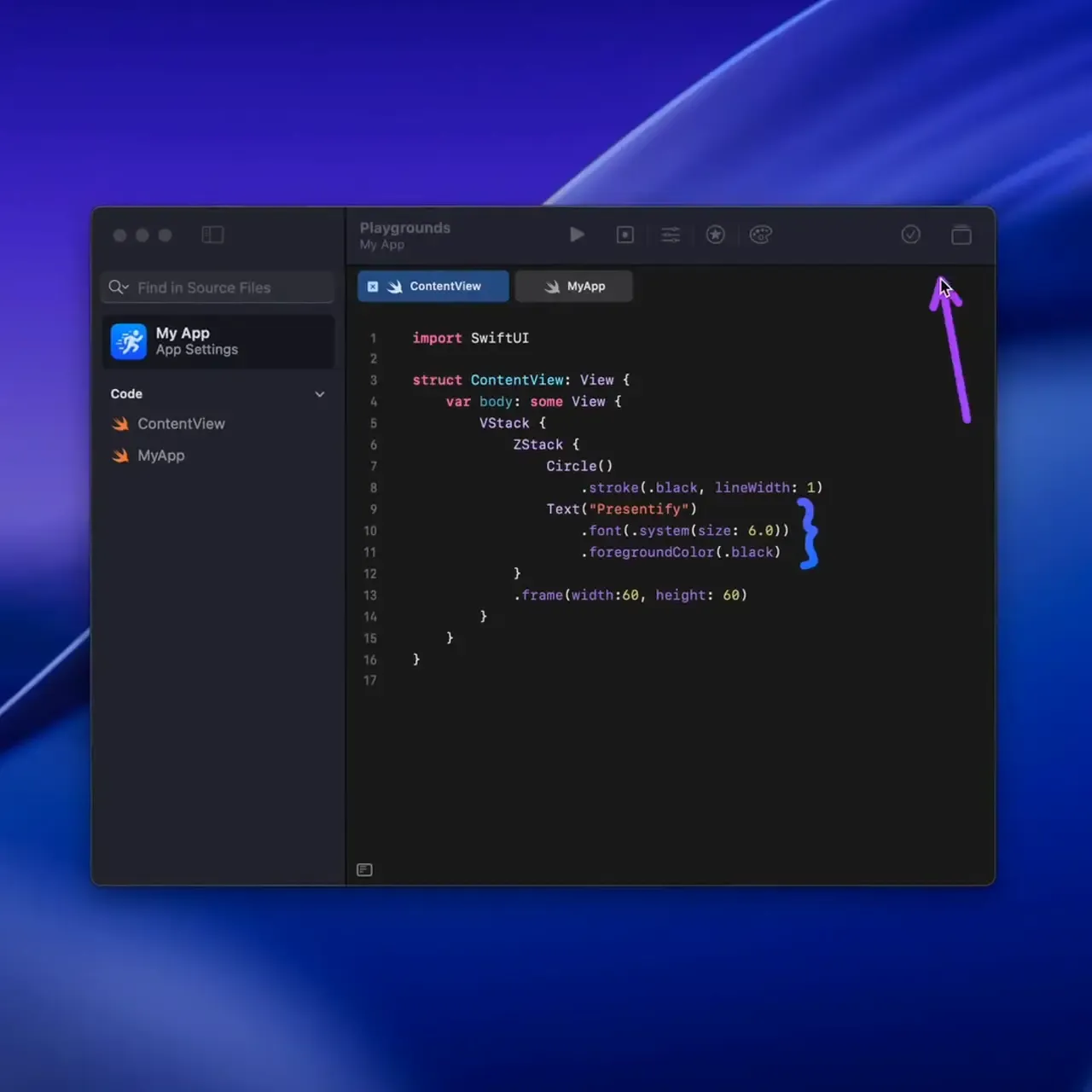
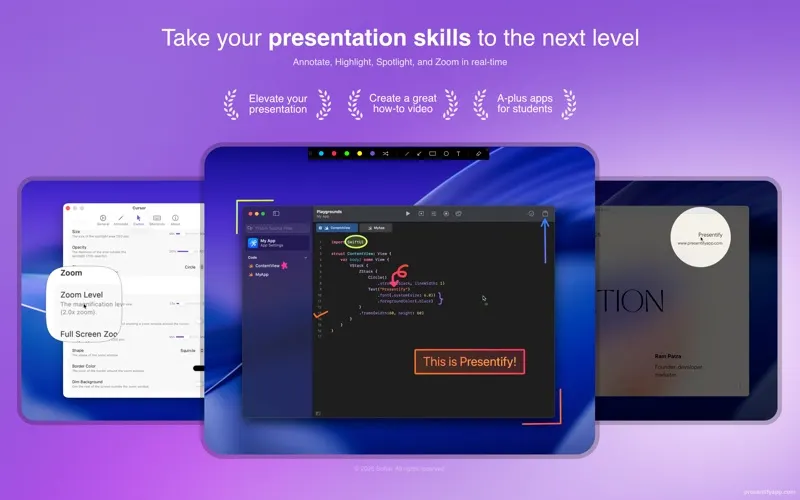
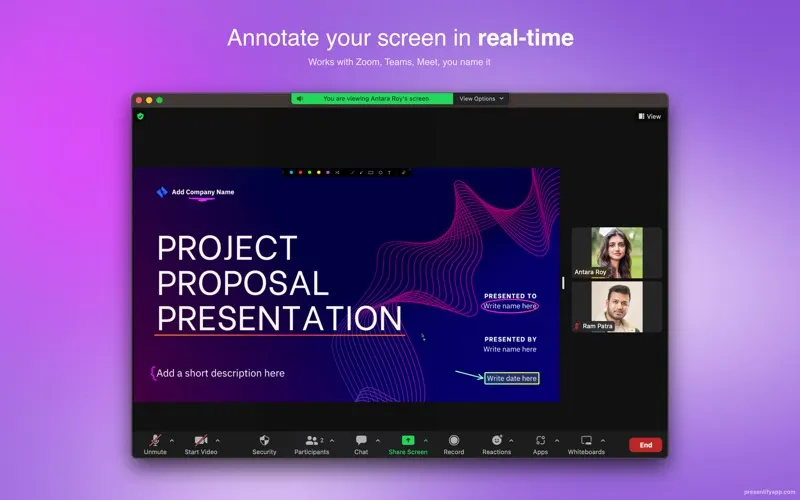
Presentify solves the moment in a screen share when you say "this button here" and nobody knows which button. It lives in the menu bar and puts a drawing layer over everything: circle the field, draw an arrow, type a label, then clear it and carry on. The cursor highlight is the part teachers and support staff keep, because a plain pointer is nearly invisible in a compressed video stream. Spotlight dims the rest of the display so one panel is all anyone can look at, and the magnifier blows up a twelve-pixel icon for people watching on a laptop.

It works over full-screen apps, which is where cheaper annotation tools tend to give up, and it draws on whatever is beneath it rather than needing your content inside a special window.

For $14.99 you get the current major version with no in-app purchases and Family Sharing. The site promises "pay once, use forever" and there is no subscription anywhere, but with version 8 already shipped, a future paid major release is the sensible assumption.

Skip it if you present once a quarter from Keynote, which has its own pen tools, or if you already pay for Setapp — Presentify is in there. It earns its place for people teaching, demoing or recording walkthroughs most weeks.

Presentify screenshot 1 of 3
Presentify screenshot 2 of 3
Presentify screenshot 3 of 3
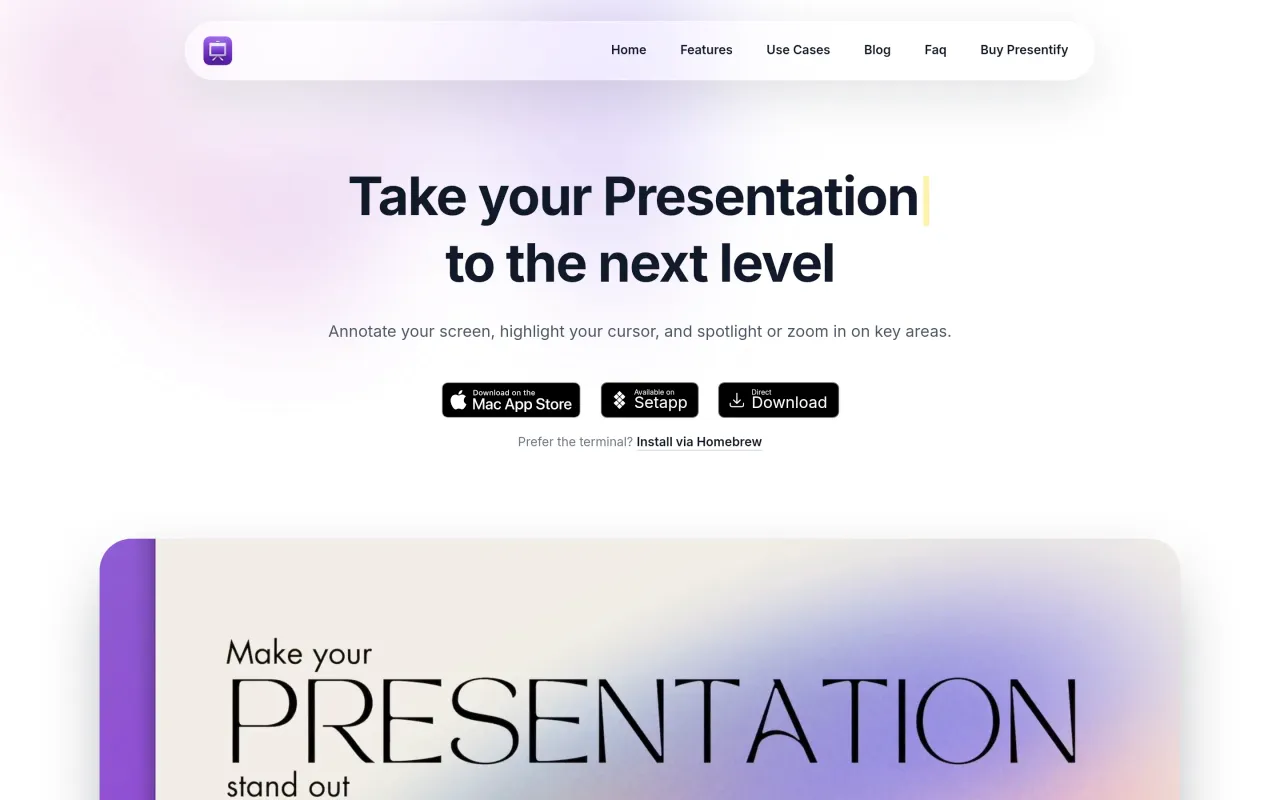
The Presentify page at presentifyapp.com
3 screenshots published by the developer via Mac App Store (id 1507246666). Page capture from presentifyapp.com, taken 2026-09-22. Images belong to their developers.
  • Freehand drawing, shapes and text over any app, including full-screen ones
  • Cursor highlight with adjustable colour and size
  • Spotlight mode dims everything except the area you point at
  • Screen magnifier for showing small details
  • One-time Mac App Store price with Family Sharing

The facts

Price
$14.99
What you get
One payment buys this major version outright. The next major version is a separate purchase, if you want it.
Details
$14.99 once on the Mac App Store, with no in-app purchases and Family Sharing for up to six people. Also available through Setapp, direct download and Homebrew. Schools and businesses buying 20 or more copies through Apple School or Business Manager get 50% off.
Free trial
Yes
On Setapp
Yes
Minimum macOS
macOS 13
Price checked
2026-09-22
Check it yourself
Price band
Under $15