Lifetime Mac
Screenshots, recording & annotation
Shottr

Price: $12 once

PerpetualUpdates included, forever

Price read on shottr.cc, the page Buy direct opens.

The catch

Screenshots only — there is no video, GIF or screen recording at any price

The full picture

The free version never expires but begins nagging after 30 days, and a paid licence is required for any commercial use. Shottr does not record video or make GIFs, so anyone who sends short screencasts will still need a second app. It is a very small project with one person behind it, which is why it is cheap and quick to fix but not where you go for a support contract; the developer has also said prices may rise as features land.

Pays back in
1 month
Seats
5 Macs
Developer account
None needed
Buy once$12Rent 5 years$600

$588 kept over five years, and you still have the app.
Against CleanShot Pro at $120 a year, $10 per user/month, billed annually. Also replaces Snagit and Monosnap Pro.

What it looks like

Images belong to their developers.

What you’re buying

Shottr is a screenshot app written in Swift by one developer, and the first thing you notice is that the editor is already open before you have finished letting go of the shortcut. No splash, no cloud uploader waking up, no spinner. That alone moves people across from heavier capture tools.

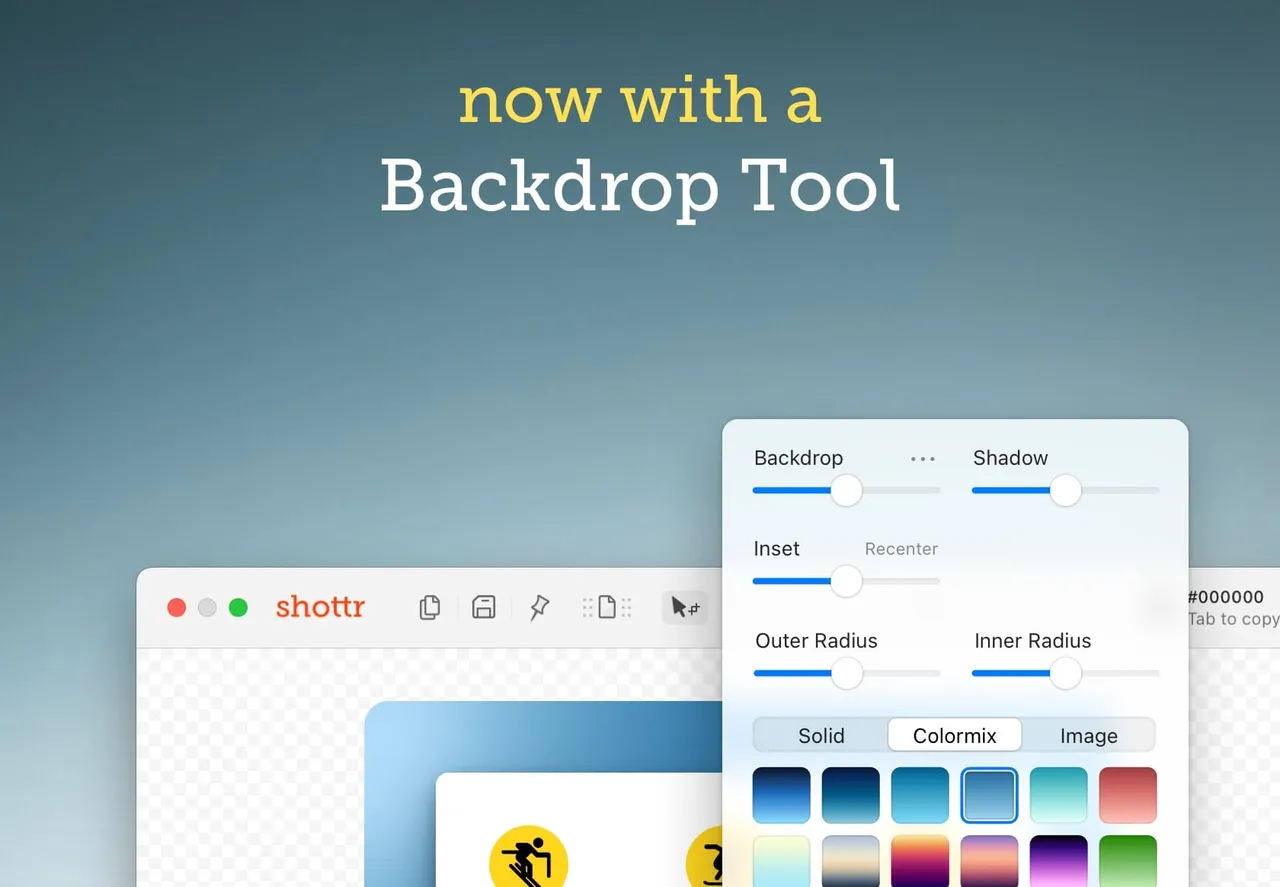
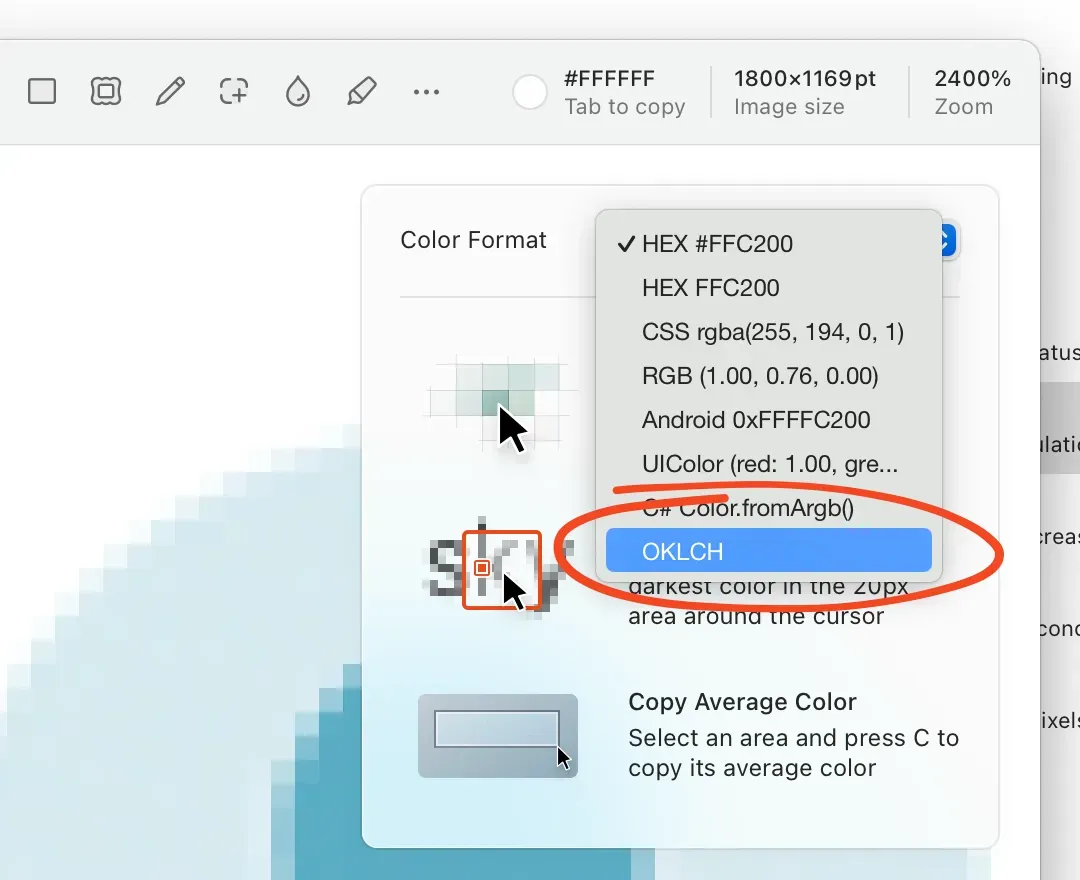
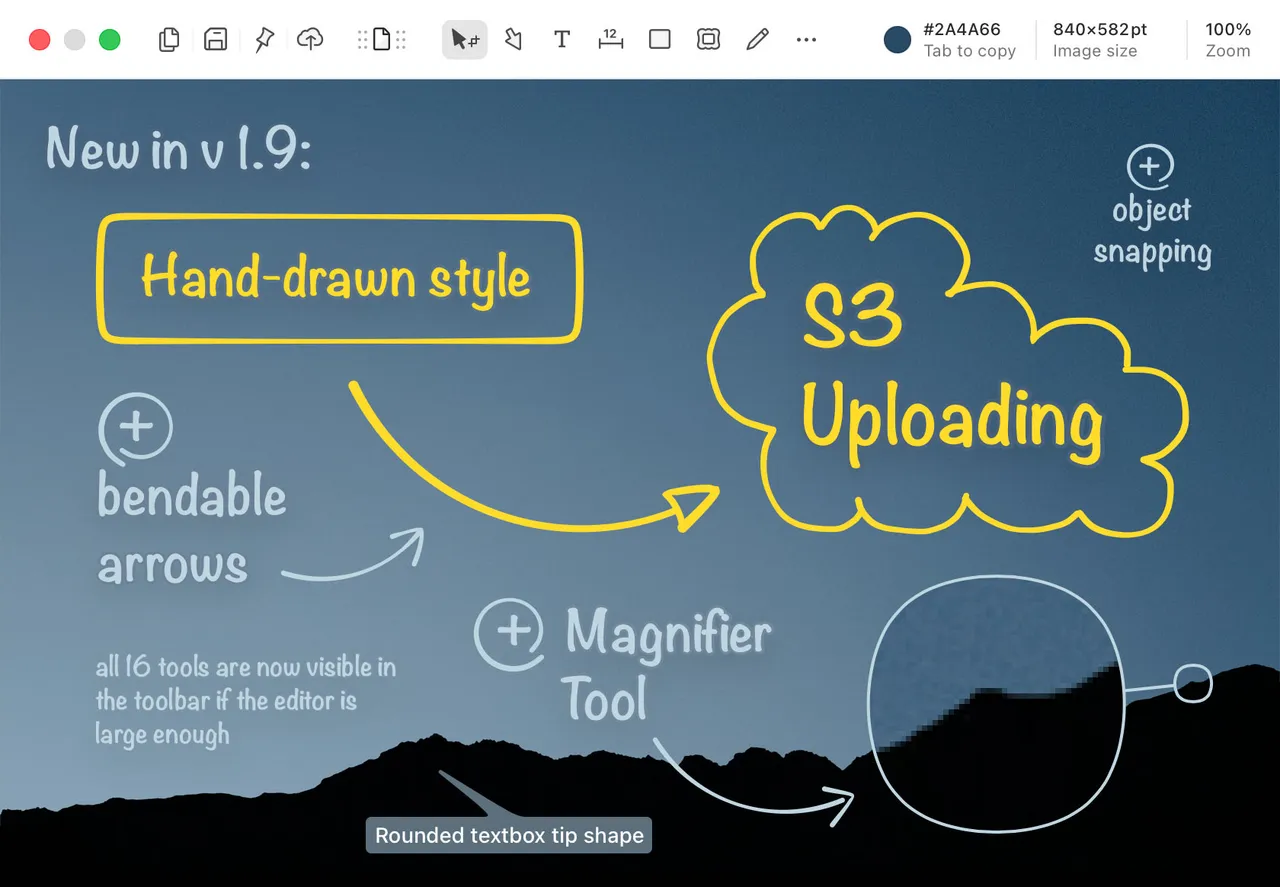
Past the capture itself there are four things worth the money: scrolling capture for long pages, OCR that lifts text straight out of an image, a measuring mode with a magnifier for checking spacing in pixels, and annotation with arrows, boxes, blur and numbered counters. The OCR is the feature that quietly retires whatever else you were using.

The $12 Basic licence is one person, up to five computers, and it is the tier you need if you use the app at work. The free download does not expire; after thirty days it starts asking. The $30 Friends Club adds experimental builds and closer support, and you cannot get there later by topping up from Basic, so decide at checkout.

It records nothing. No video, no GIFs. If part of your week is sending ninety-second screencasts, budget for a recorder as well. And if you want a vendor with a support desk rather than one person answering mail, this is not that.

What owners report

Points that recur across the discussions below. A report of what users say, not our verdict: we don’t review software.

Praised

  • Owners repeatedly say it was the pixel measuring and zoom tools, not the annotation, that made them install it over the built-in macOS capture
  • Several people describe it as the Skitch replacement they had been looking for, and compare it favourably with heavier capture suites they already owned
  • Commenters in both threads point out that the developer replies in the thread and ships requested fixes within days

Criticised

  • Discoverability is the complaint that recurs most: users report not finding the measuring tool, drag-out-to-file or crop without being told, and the developer agrees
  • A couple of users object to the app making outbound network calls at all in a tool that handles screenshots, telemetry being optional notwithstanding
  • Scrolling capture is reported to misalign in apps that override scroll events, with Finder and VS Code named

Details

The price in full

Basic licence $12, described on the purchase page as "a single-time purchase, not a subscription", and required for commercial use. One licence covers one user and up to five computers, and multiple licences can be bought at once. A "Friends Club" tier is $30 and adds experimental features and better support; it cannot be upgraded to from Basic. The free download keeps working and starts asking you to buy after 30 days.

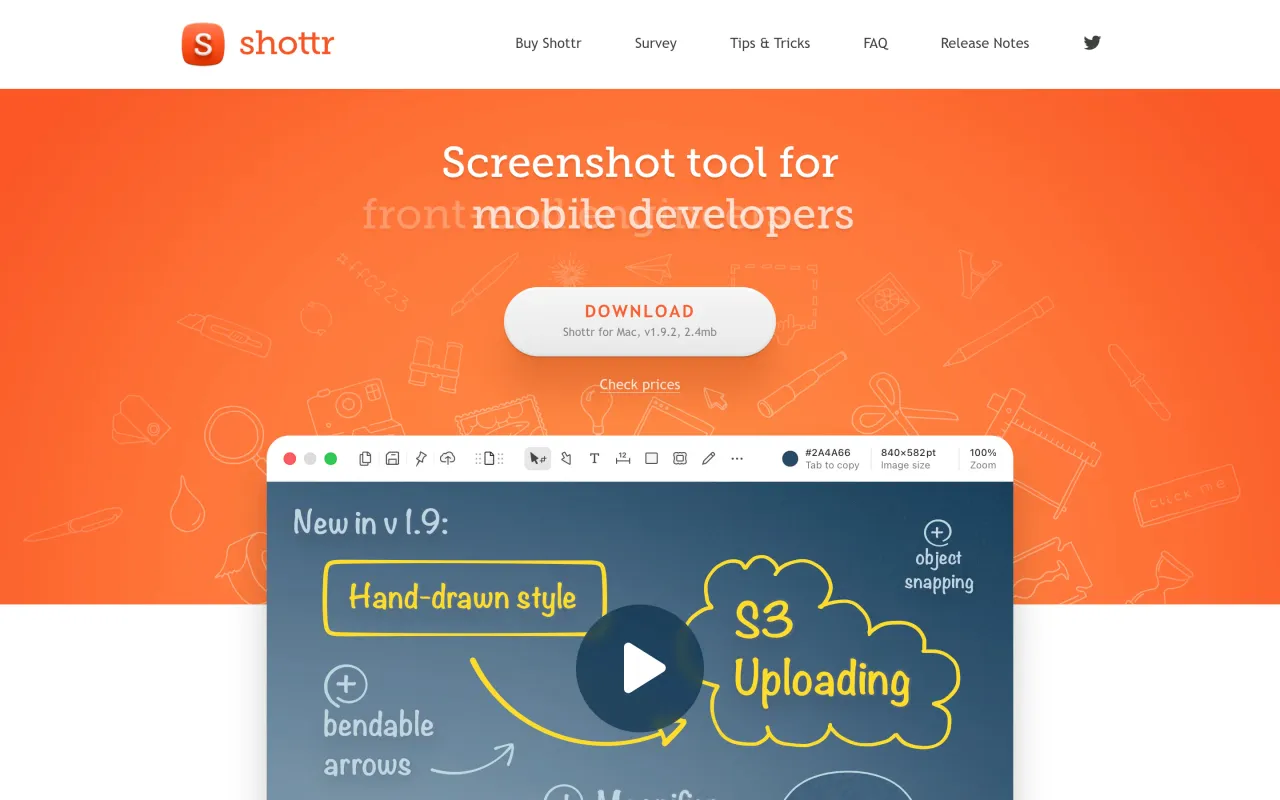
The Shottr page at shottr.cc
The developer’s own page. shottr.cc, captured 22 Sep 2026
Free trial
Yes
Works offline
Yes
Apple Silicon
Native
On Setapp
No
Minimum macOS
not stated
Developer
Shottr

Also bought outright