 Screenshots, recording & annotation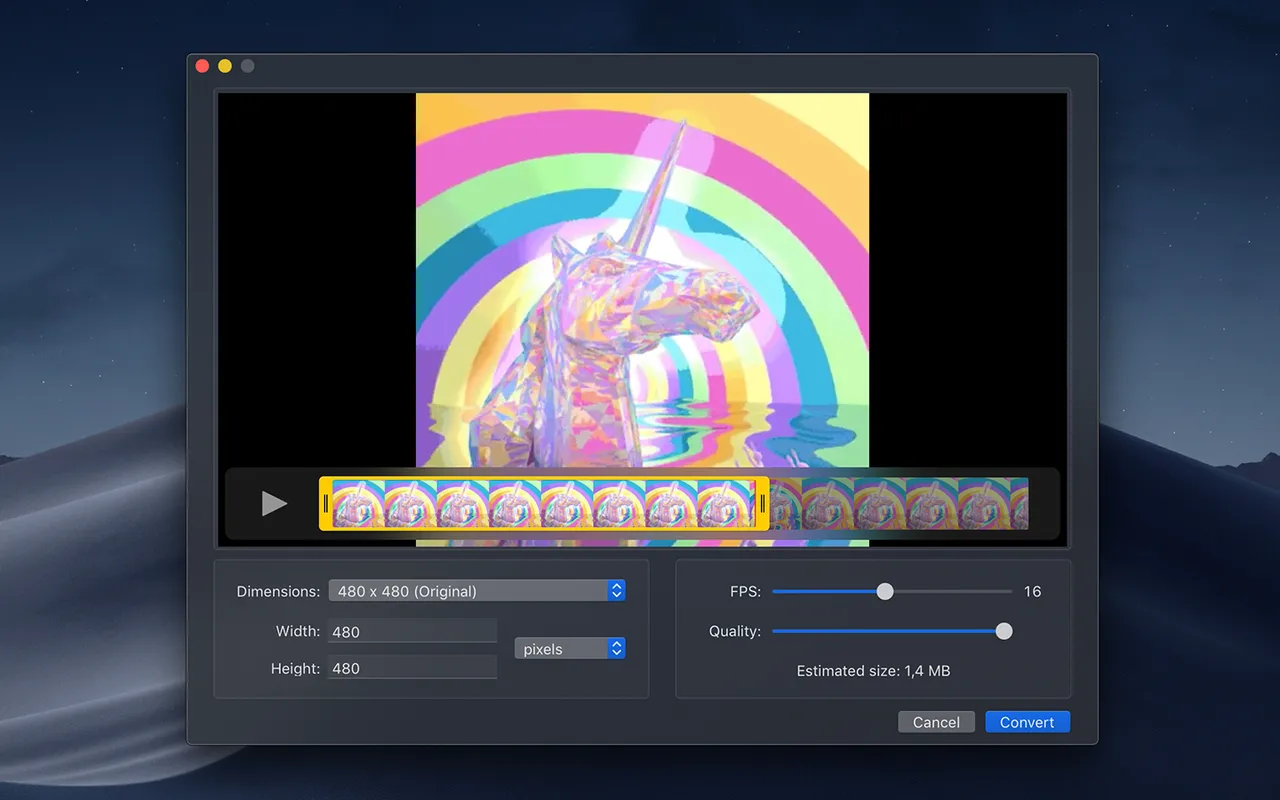
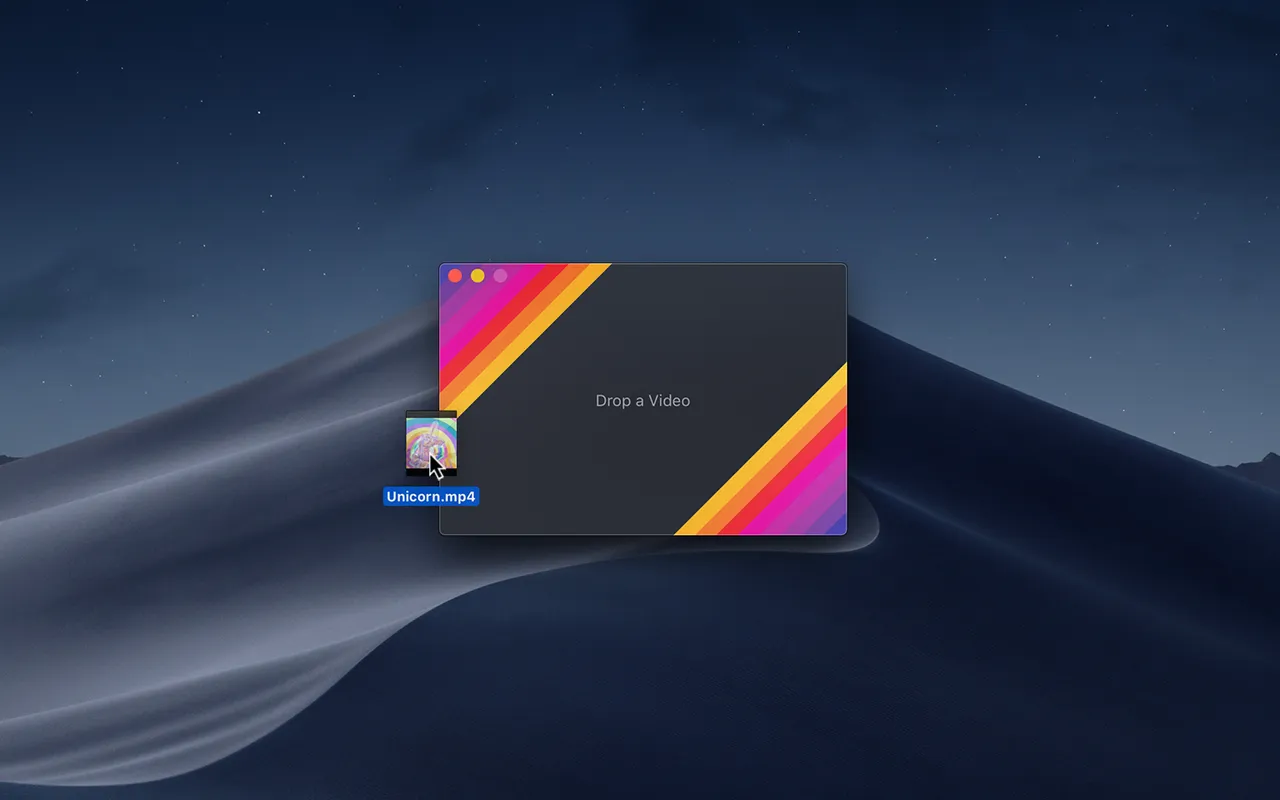
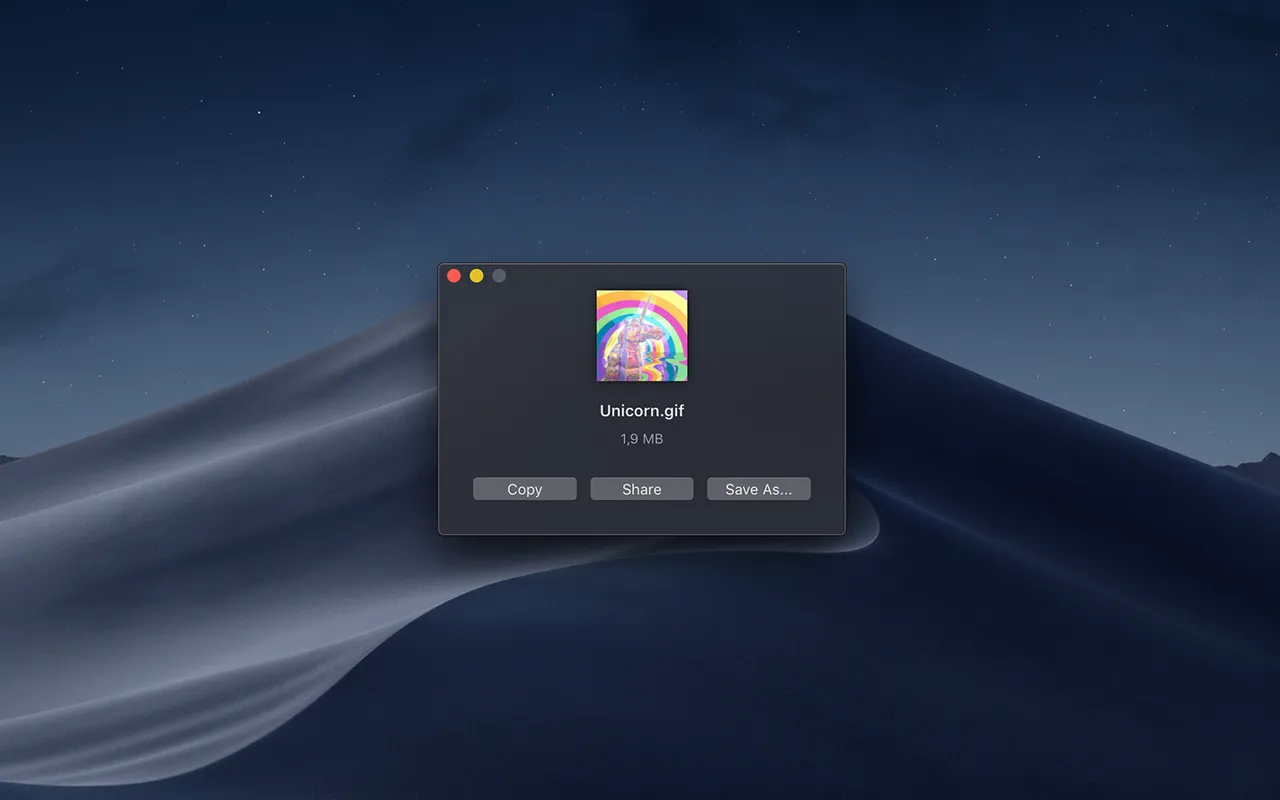
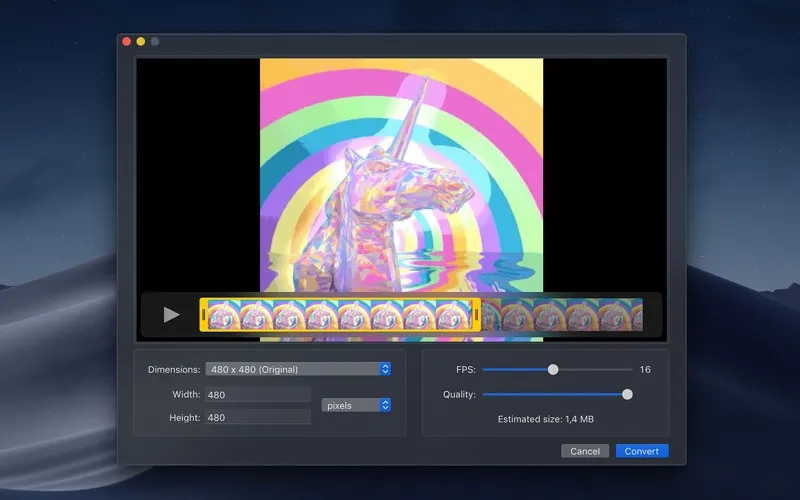
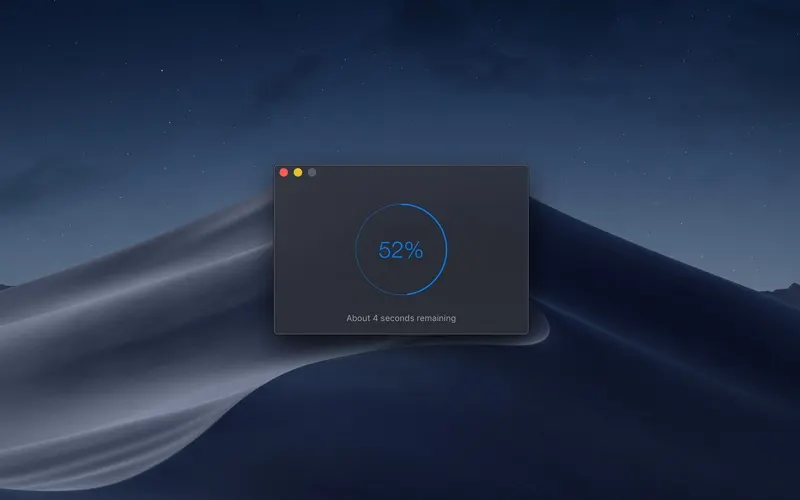
Most GIF converters quantise the whole clip to one 256-colour palette, which is why a screen recording of a dark UI comes out banded and a video of anything with a gradient comes out looking posterised. Gifski gives each frame its own palette and then blends between them, so the result is recognisably the video you fed it. Drag in a file, set a width, a frame rate and a quality level, watch the preview, export.
The practical loop it fits into: record with Command-Shift-5, drop the .mov onto Gifski, trim off the part where you were finding the mouse, and paste the GIF into a pull request. Nothing to sign into, no upload step, no file-size limit imposed by a service.
It is free and MIT licensed, and Sindre Sorhus has been shipping it for years, so there is no price story to worry about — only the macOS requirement. Version 3.0.6 wants macOS 26, which rules out older machines until you hunt down an earlier build from the GitHub releases page.
Do not expect it to record anything, and do not expect miracles on a 40-second 4K clip: GIF is an inefficient format, and the honest answer for anything long is to post an MP4 instead.
 KeyCastr
 OBS Studio
 Pika
Pika Shottr