 Screenshots, recording & annotation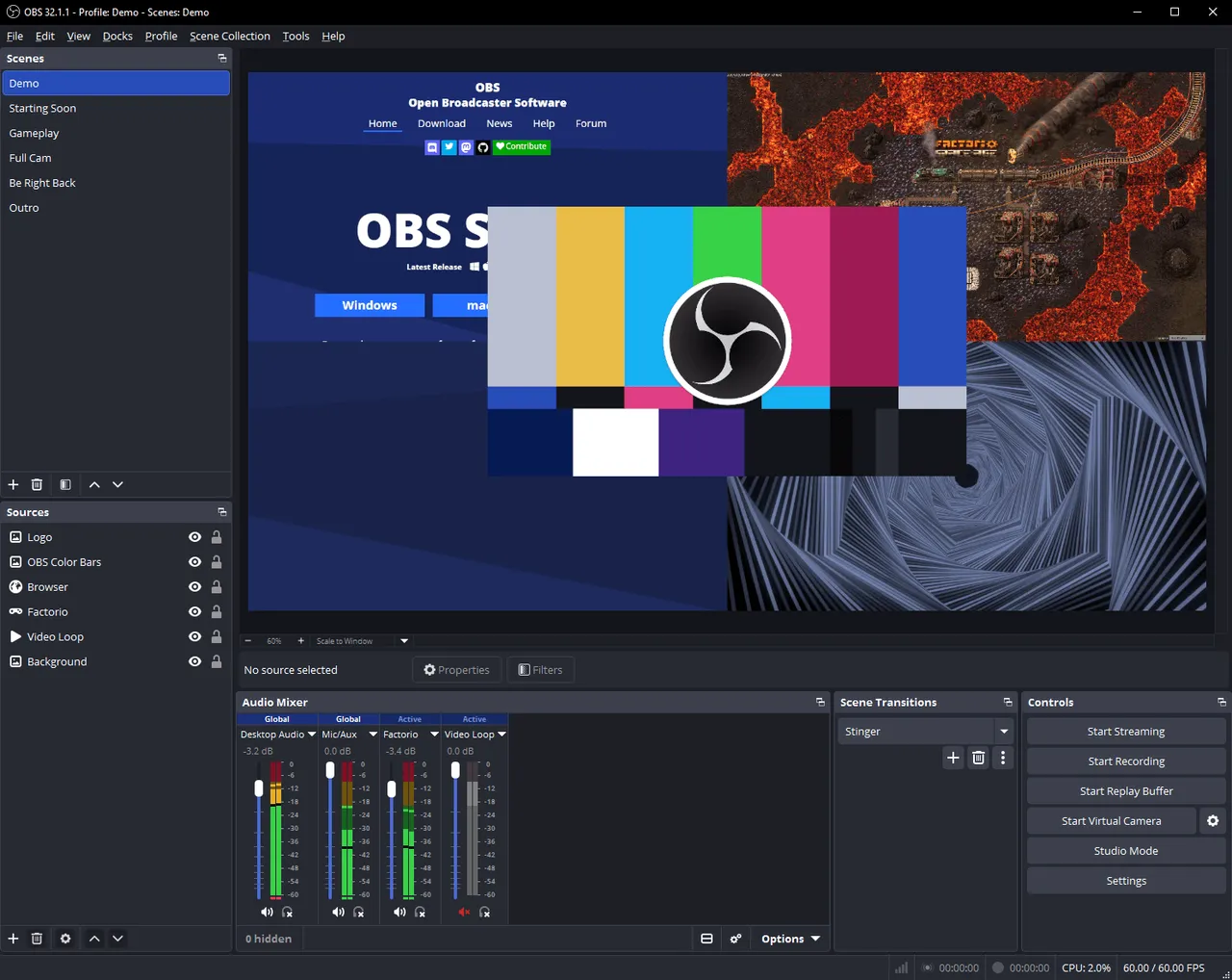
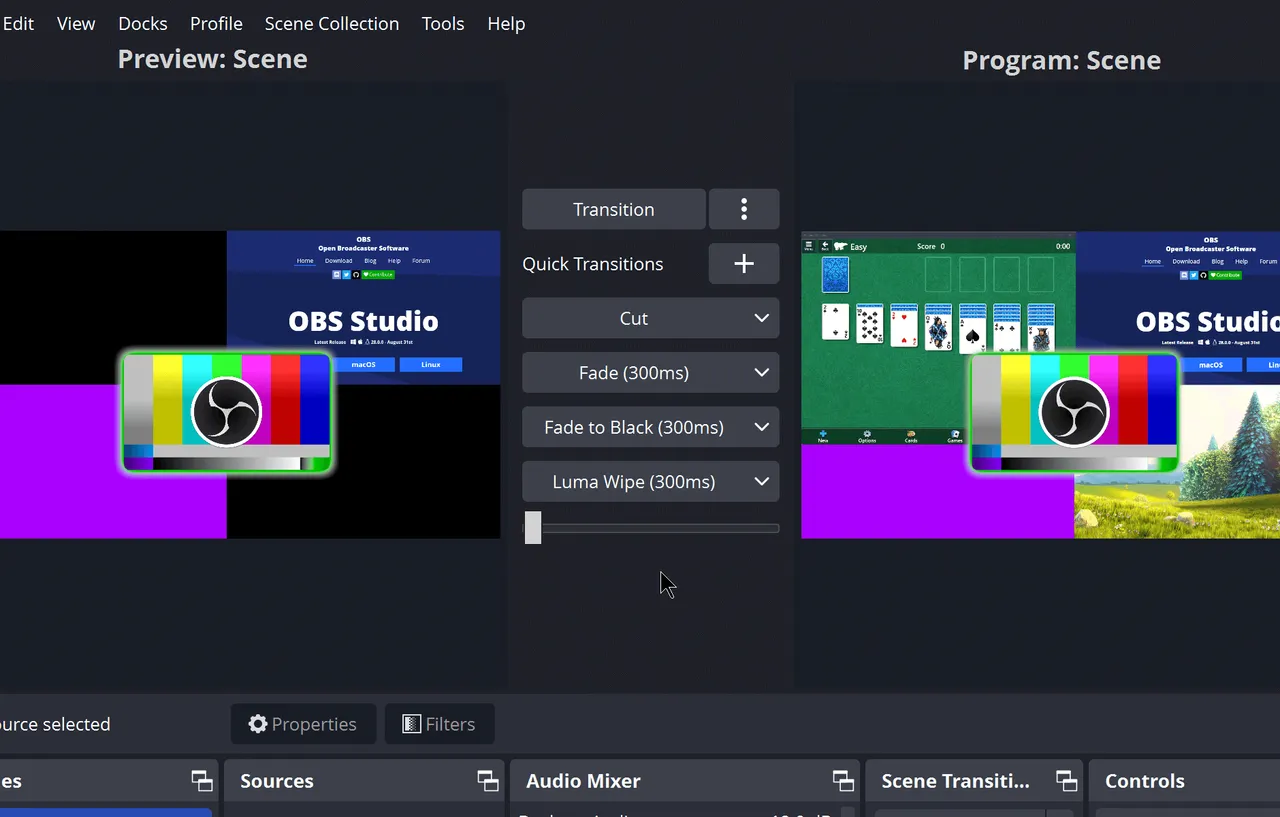
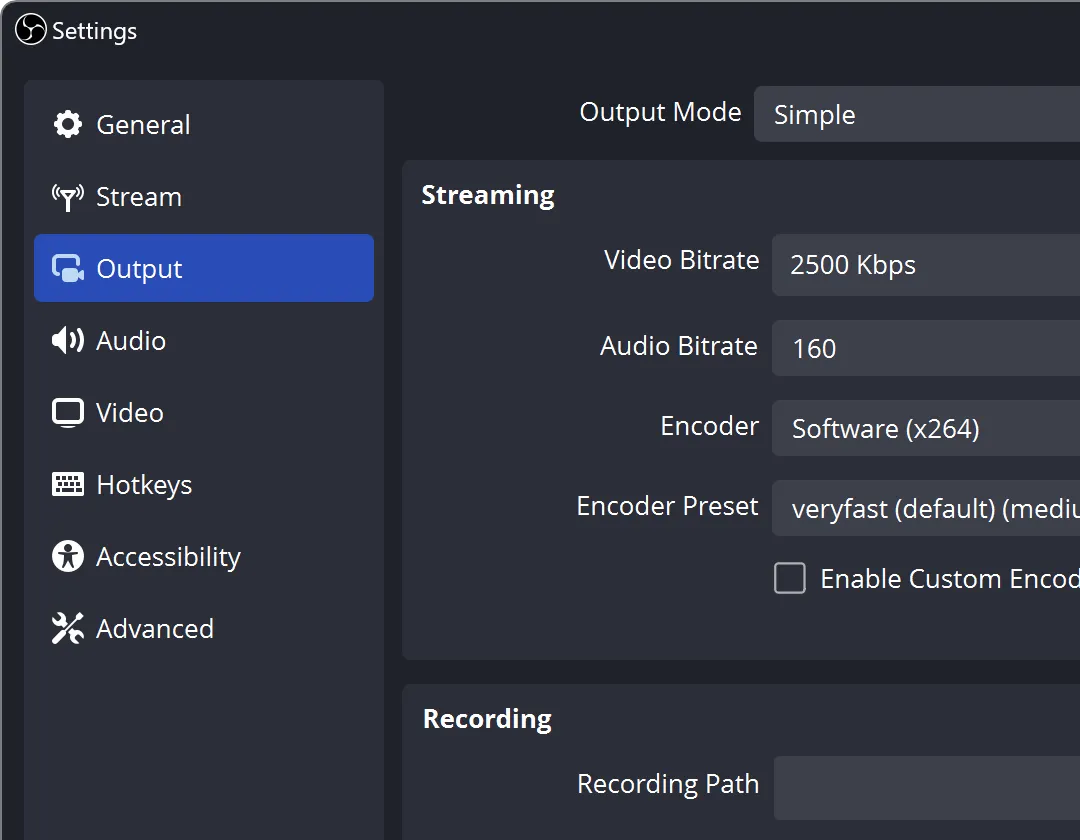
OBS Studio is the piece of software that most of the streaming and course-recording industry quietly runs on, and it costs nothing. You build scenes — a screen share with your camera in the corner, a slides-only view, a browser source with a countdown — and switch between them live while recording or streaming. Sources can be individual windows, whole displays, capture cards, microphones, or system audio once you have routed it. The recording has no time limit, nothing is stamped on the output, and there is no account anywhere in the process.
What you pay instead is an evening. The defaults are not opinionated, so you assemble the layout yourself, and macOS makes system audio awkward enough that you will install a virtual audio device before your first usable recording. Get past that and the setup is yours permanently, which is the opposite bargain from a monthly tool.
Being open source under the GPL also means the files are plain and local, and a project this widely used is not going to disappear or change its terms.
If you want to hit one button, talk for ninety seconds and get a link, do not start here — that is what Loom sells, and OBS will feel like a mixing desk. OBS pays off when recording is regular work.
 Gifski
 KeyCastr
 Pika
Pika Shottr