 Screenshots, recording & annotation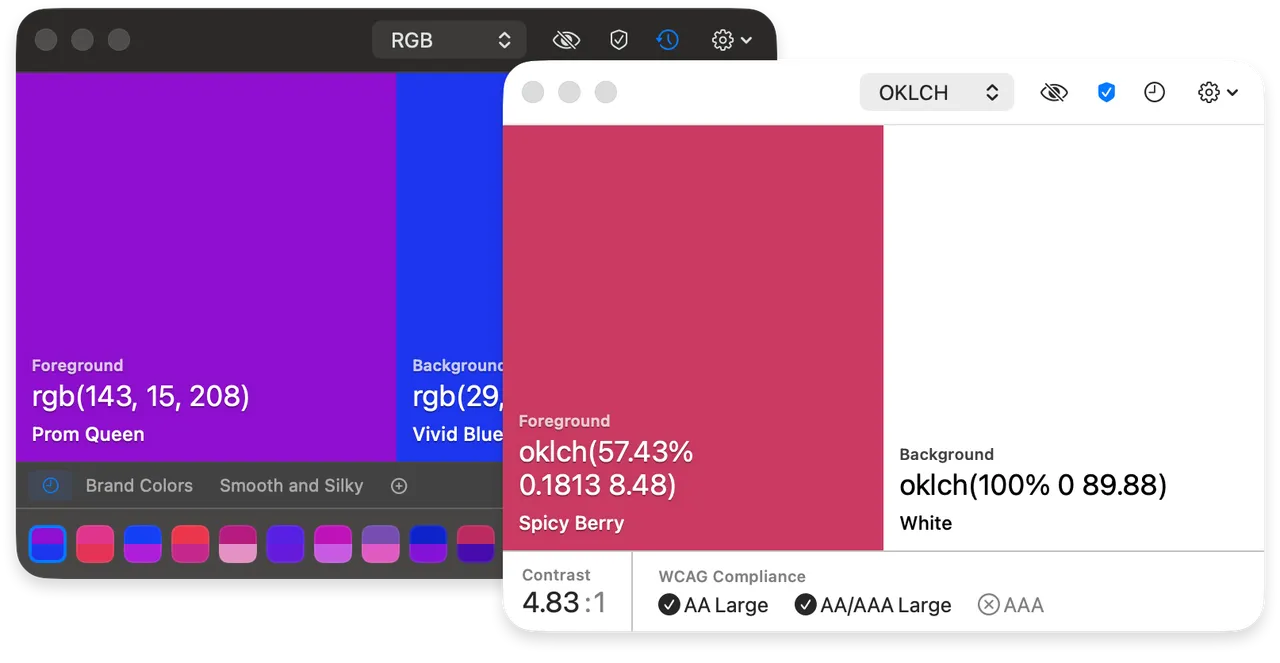
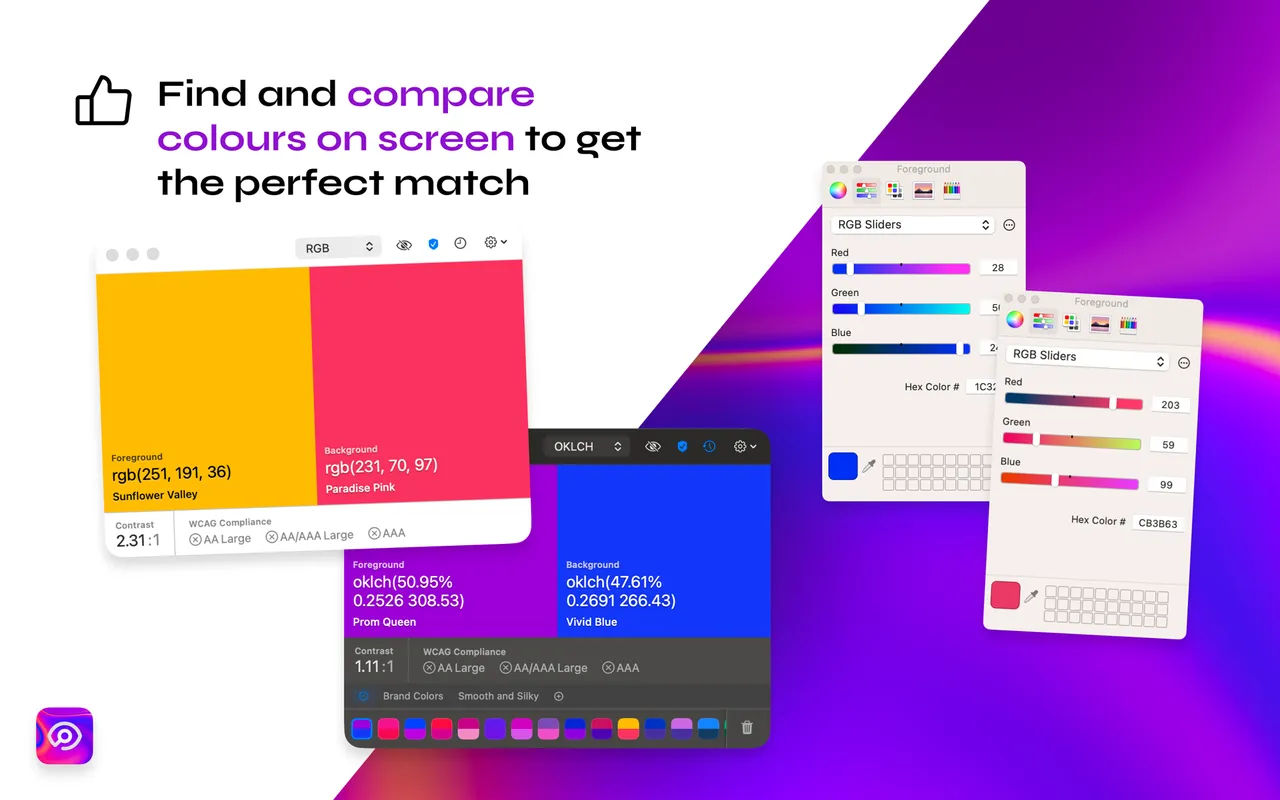
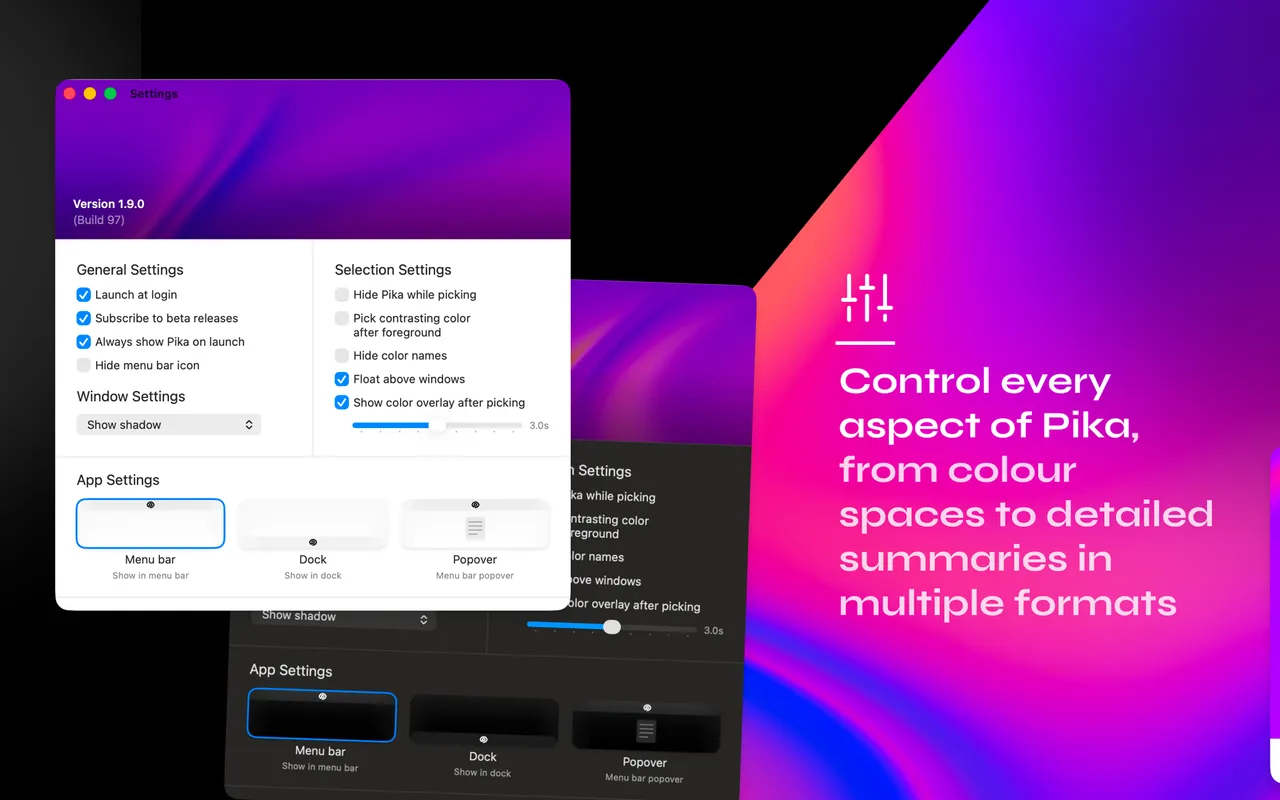
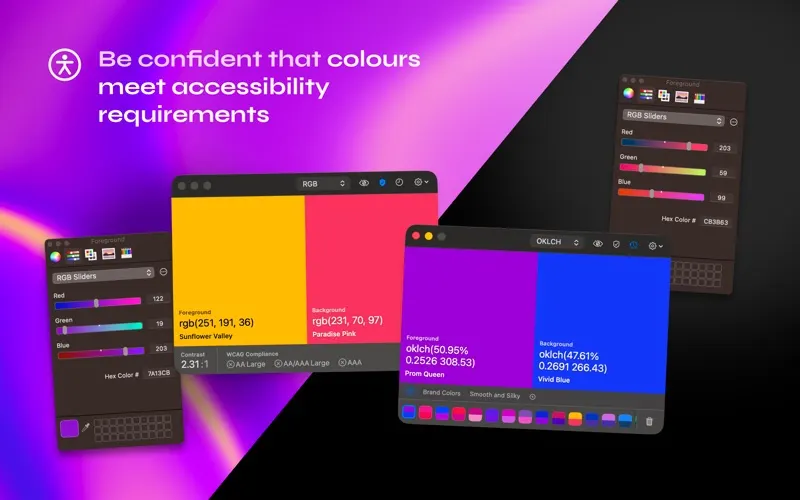
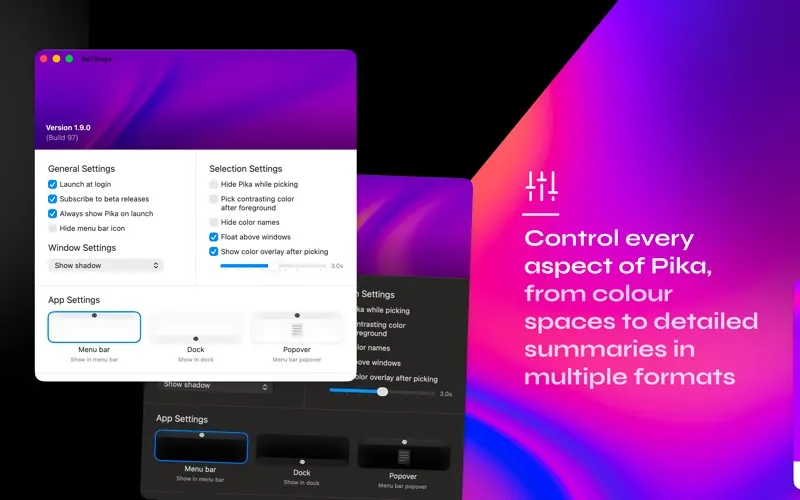
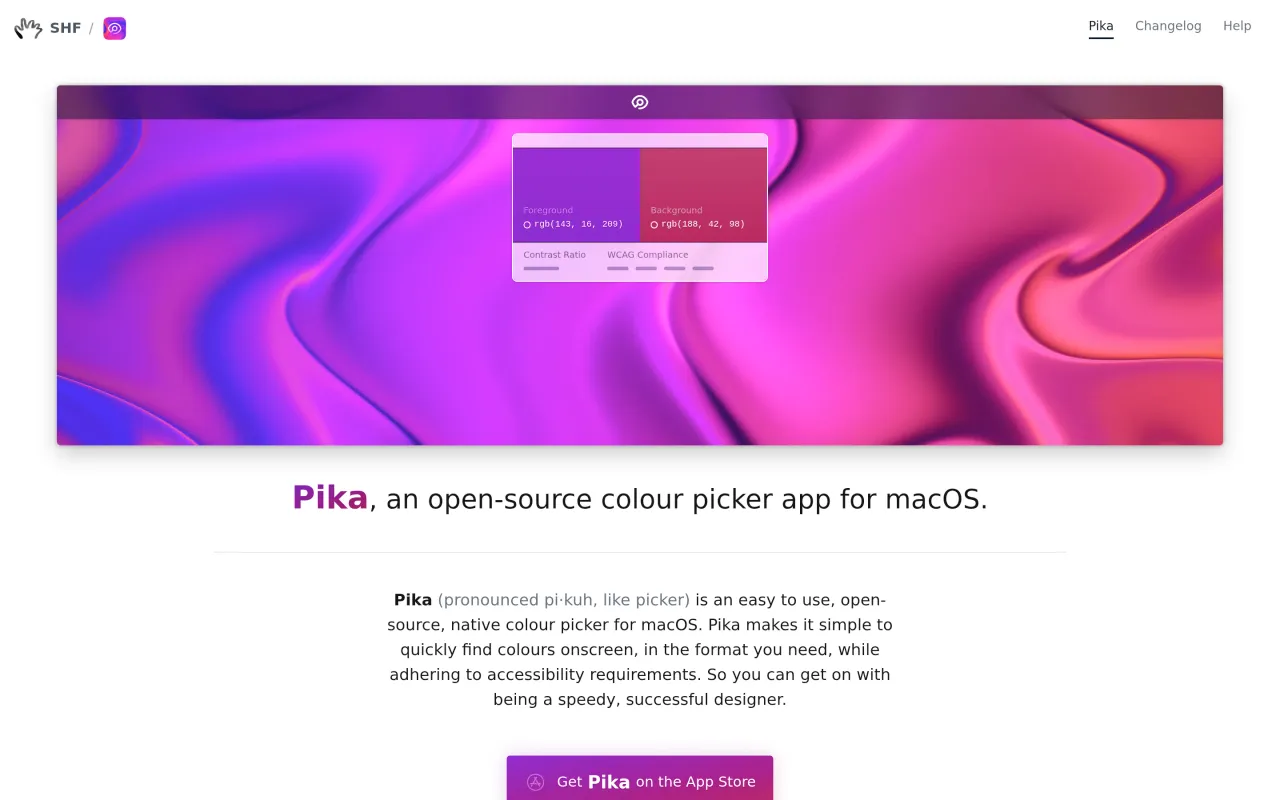
Pika is the colour picker you install on a new Mac and then forget you installed, because it is always in the menu bar and it never asks for anything. Hit the shortcut, the cursor becomes a magnified loupe, click the pixel you wanted, and the value is on the clipboard in whichever format you last chose. The picked colours stack up in a short history, which covers the common case of sampling three shades off a screenshot and then needing the second one again.
The contrast panel is what separates it from the dozen other pickers. Pick a foreground and a background and it shows the ratio with the WCAG thresholds marked, so you can settle an accessibility argument in about four seconds rather than pasting hex codes into a website.
There is no licence to think about. It is MIT licensed, it has no paid tier, and the source is on GitHub, so the worst case is that development stops and you keep the last build.
If your work is building and maintaining palettes across projects, exporting to design tokens, or measuring layouts as well as sampling them, Pika is deliberately too small for that and you will end up back in a paid tool. For sampling and checking contrast, nothing here is missing.
 Gifski
 KeyCastr
 OBS Studio
 Shottr