LifetimeMac

ScreenSnap Pro

screenshots and screen recording with backgrounds, annotation and hosted links

Perpetual

Disclosure

ScreenSnap Pro is made by the same person who runs Lifetime Mac. It is listed here because it meets the same test as everything else — a genuine one-time price with updates included — and it is held to the same rules: the price was read off its public pricing page, the catch is recorded like any other, and it gets no ranking, ordering or styling advantage anywhere on this site.

The catch

There is no time-limited trial, so evaluating it means buying it and asking for your money back within 30 days if it disappoints. ScreenSnap Cloud hosting is bundled at no extra cost with unlimited storage, which means an ongoing cost funded by a one-time fee — the app works fully without it and keeps everything local if you would rather not depend on that, but treat the hosting as a bonus rather than the reason to buy. Two seats is the licence, not two seats per platform. It is also a young product against long-established rivals, so the track record is shorter than CleanShot X's or Snagit's.

Buy ScreenSnap Pro once
Rent Zight

$39 once = 4 months of Zight. Over five years that is $595 rented against $39 owned — $556 kept, and you still have the app.

Zight priced at $119 a year — the Create plan for individuals, $9.95 per user per month billed annually. Checked 2026-09-22.

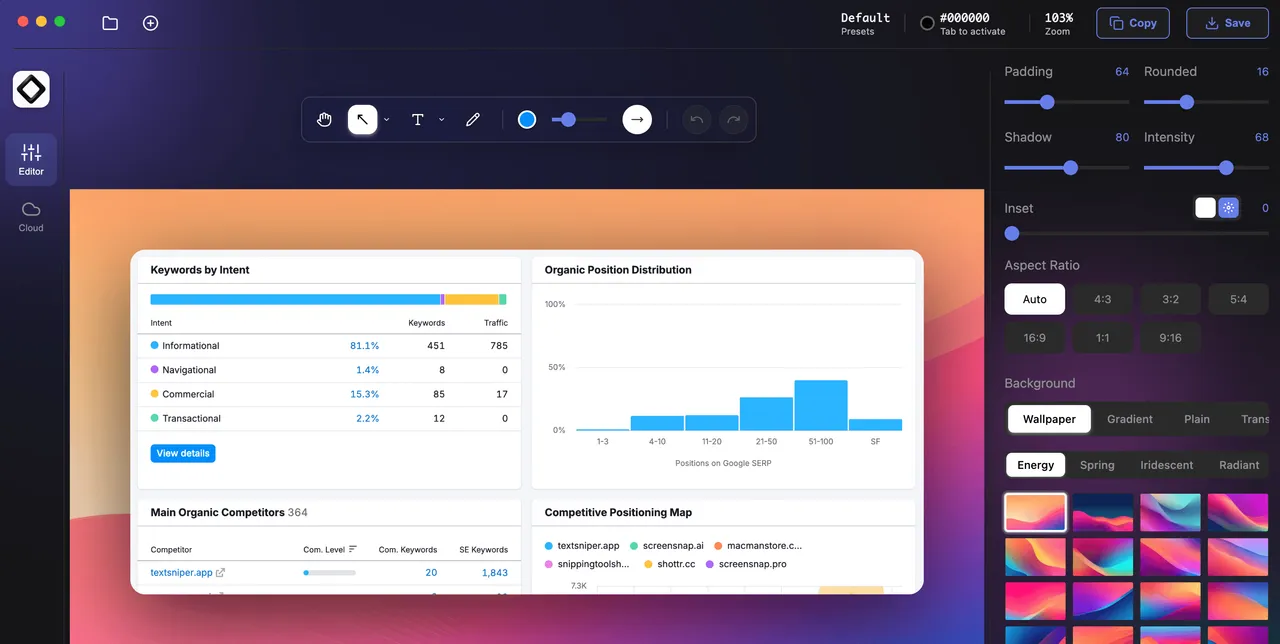
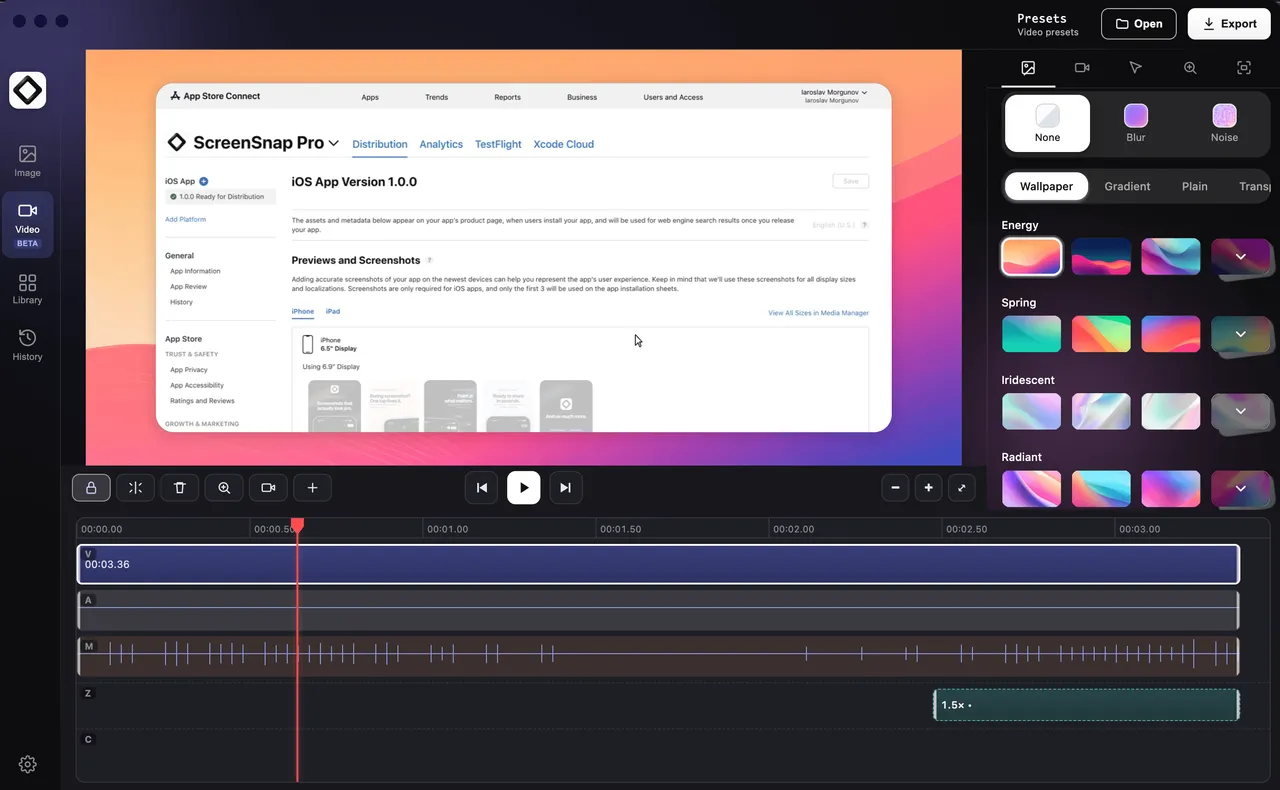
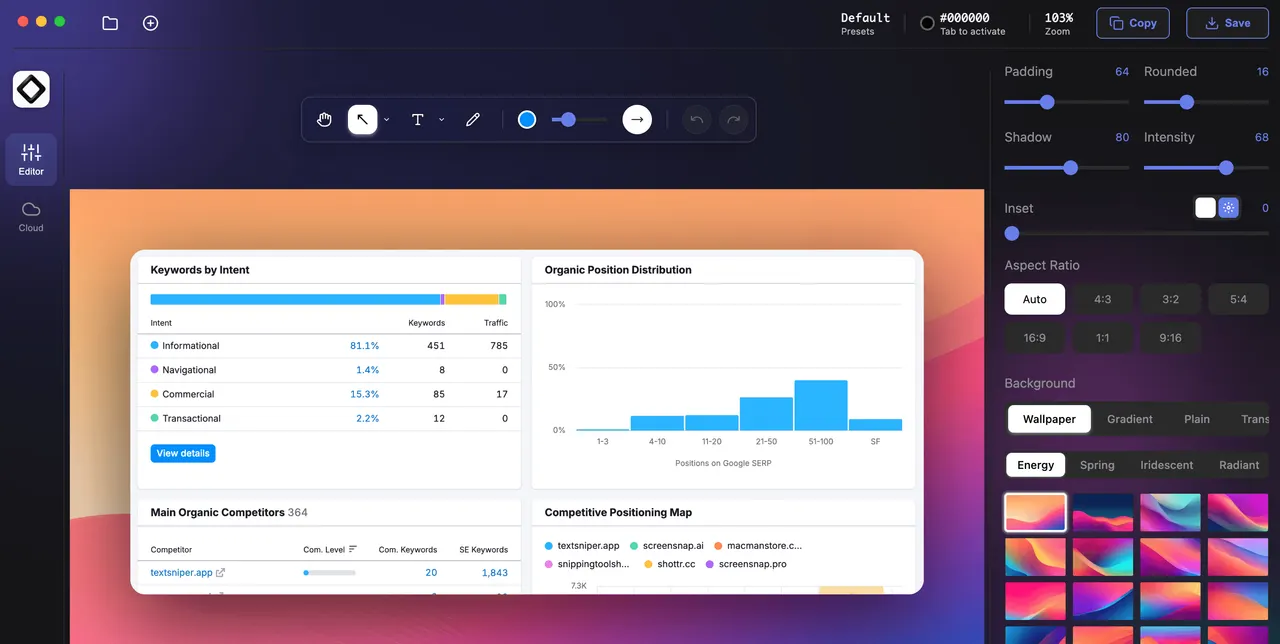
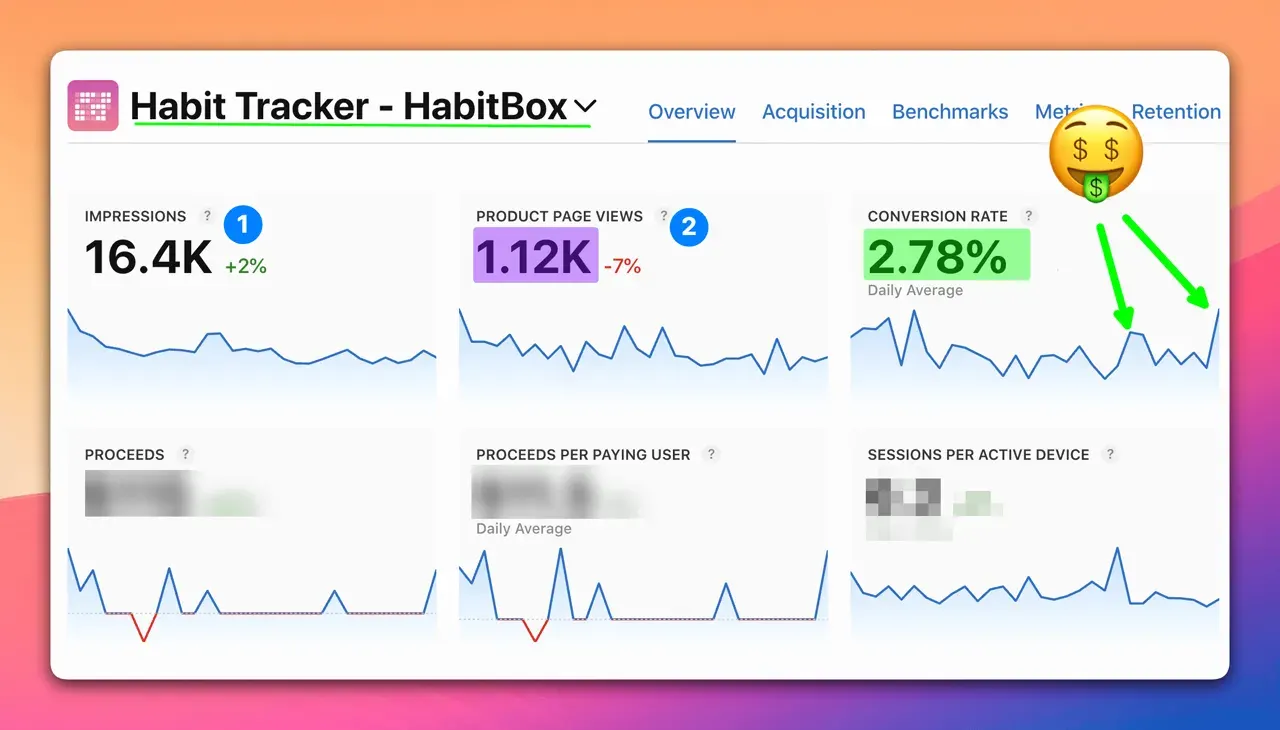
ScreenSnap Pro sits in the busiest corner of the Mac software market, and its pitch is what happens after the capture. You take the shot, and the app drops it onto a gradient or wallpaper background with padding, rounded corners and a shadow — the treatment people currently do by hand in a design tool before posting a screenshot anywhere public. The same framing applies to screen recordings, on a timeline where you can add zoom-ins to spotlight what matters.

The $39 covers two machines and crosses platforms, which is unusual: one licence key works on a Mac and a PC at the same time. Updates are included with no upgrade fee stated anywhere, and there is no subscription tier to be nudged toward later.

The part worth thinking about is evaluation. There is no trial build, so the only way to try it is to buy it and use the 30-day refund if it is not for you. That is a fair policy and the refund is advertised as no-questions-asked, but it is a different commitment from downloading something and deciding at leisure.

If you already own CleanShot X you are unlikely to need this, and if you only want a fast capture-and-annotate tool with no framing, Shottr is free and excellent. This is for people who post screenshots publicly often enough that the presentation is the work.
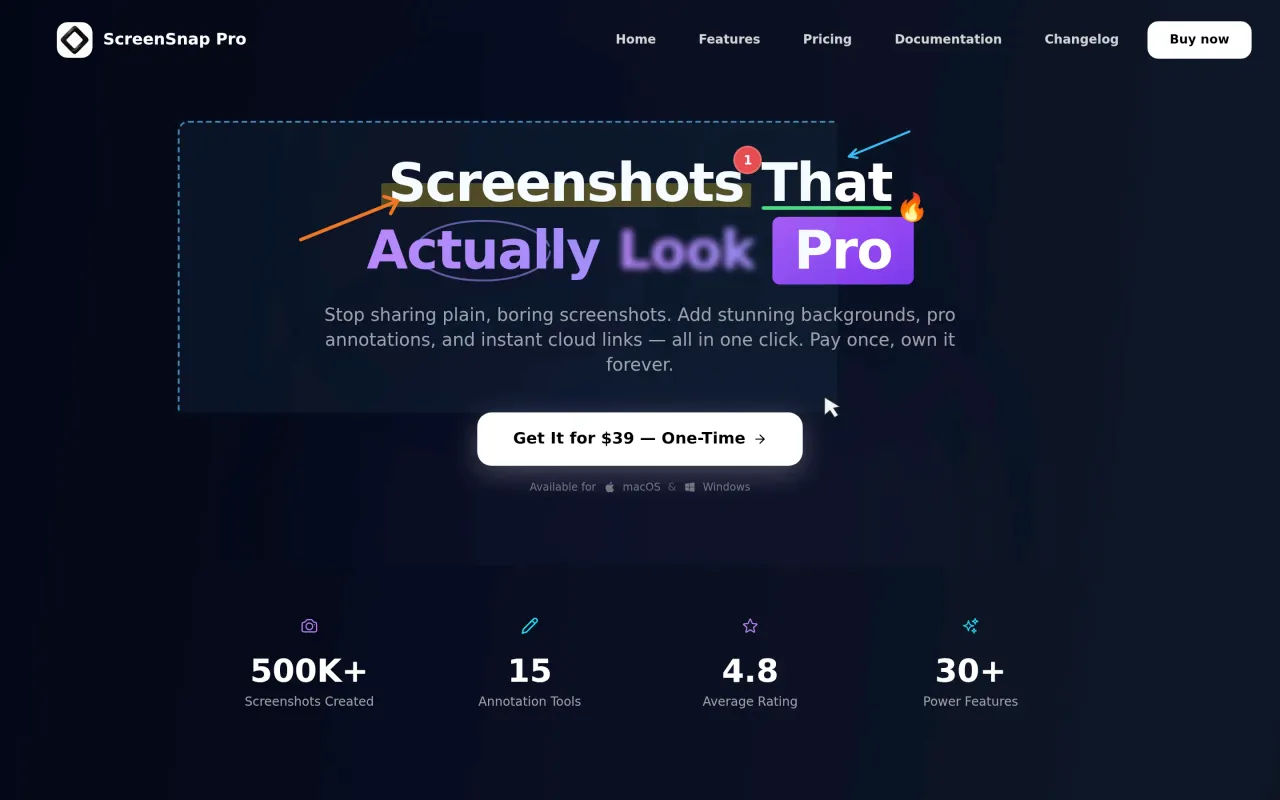

ScreenSnap Pro screenshot 1 of 3
ScreenSnap Pro screenshot 2 of 3
ScreenSnap Pro screenshot 3 of 3
The ScreenSnap Pro page at screensnap.pro
3 screenshots published by the developer via screensnap.pro. Page capture from screensnap.pro, taken 2026-09-22. Images belong to their developers.
  • Screen and GIF recording with webcam, microphone and system audio
  • Timeline editor with zoom-ins, padding, rounded corners and shadows
  • 15 annotation tools including blur, pixelate, spotlight and step counters
  • One licence covers two machines, and works on both macOS and Windows
  • Optional bundled cloud hosting with revocable share links

The facts

Price
$39
What you get
One payment. Updates included, indefinitely.
Details
$39 one-time for one licence with two seats, activated on any two computers — two Macs, two PCs, or one of each. The pricing page states "Every future update is free. No upgrade fees, ever." No subscription tier exists. 30-day no-questions refund.
Free trial
No
On Setapp
No
Account required
Optional — only for sync or cloud extras
Works offline
Partly — core works, some features need a connection
Macs per licence
2Two seats on any two computers — two Macs, two PCs, or one of each.
Apple Silicon
Native
Minimum macOS
not stated
Developer
Morgan
Price checked
2026-09-22
Check it yourself
Price band
$30 to $60