Lifetime Mac
Screenshots, recording & annotation
Capto

Screen capture, recording and light video editing for one payment

Price: $29.99 once

PerpetualUpdates included, forever

Price read on apps.apple.com, the page Buy on the App Store opens.

The catch

The $29.99 tier is the discounted pack; the two full unlocks are $49.99

The full picture

You have to shop carefully. The App Store sells three differently named one-time unlocks — $29.99 for the "Lifetime Discount Pack" against $49.99 for the other two — and the developer's own store shows no prices at all, only sale banners, so what you pay depends on when and where you buy. The editor is genuinely basic next to ScreenFlow or Camtasia: trimming, splitting and audio, not compositing. The trial runs 15 days. Releases land a couple of times a year rather than monthly.

Pays back in
2 months
Seats
Not stated
Developer account
None needed
Buy once$29.99Rent 5 years$1,080

$1,050 kept over five years, and you still have the app.
Against Loom Business at $216 a year, $18 per user/month at the monthly rate; annual billing is up to 17% less. Also replaces Camtasia subscription.

What it looks like

Images belong to their developers.

What you’re buying

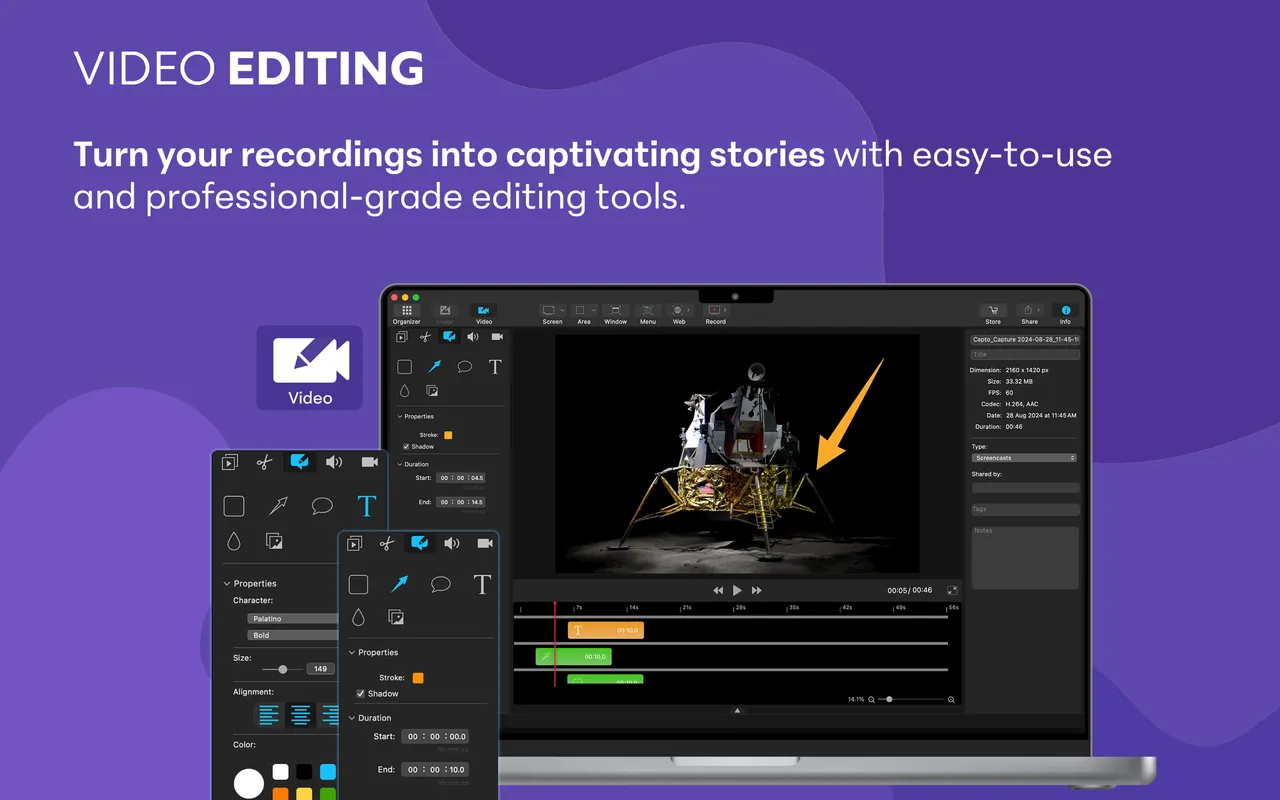
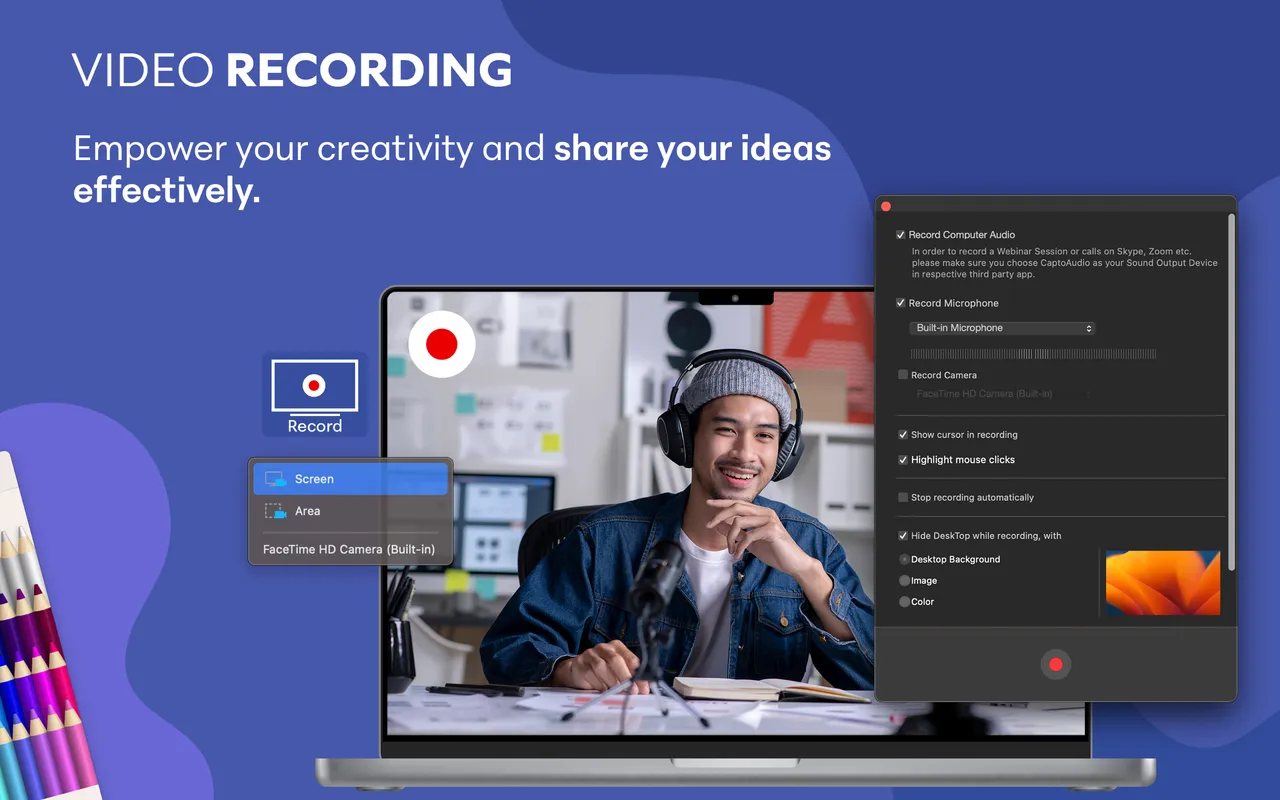
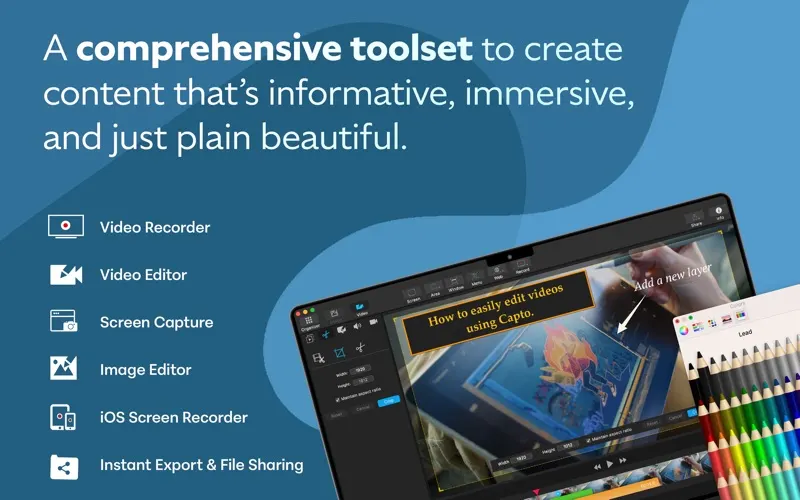
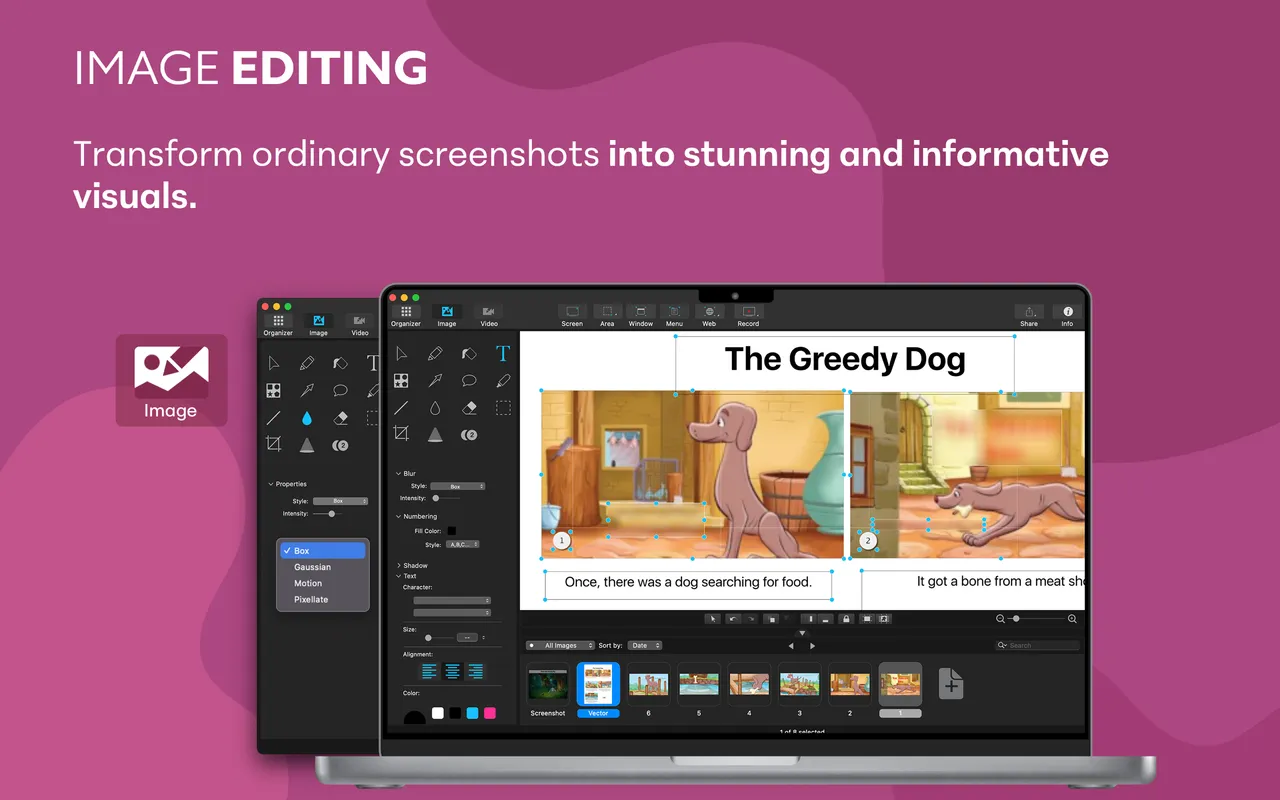
Capto is for the person who records the same explanation twice a week and needs it to look tidy without opening a video editor. Grab a region or a window, talk over it, then trim the false start, cut the middle where the page was loading, drop in an arrow and a line of text, and export. The library is the part people end up liking most: every capture lands in one window, tagged and searchable, instead of scattering across the desktop. It also pulls in an iPhone or iPad over cable, which is handy if you support a mobile app.

The payment is a one-time in-app unlock and there is no renewal, but the shop floor is confusing. The App Store lists three "Lifetime" packs at two different prices, and Global Delight's own site runs a permanent-looking sale without ever showing a number. Read the in-app purchase list before you tap, and compare it against whatever the website offers that week.

Two reasons to skip it. If you need real editing — multi-track, transitions, captions — the editor here will frustrate you inside an hour, and that money is better spent on a proper one. And if you already pay for Setapp, Capto is in the catalogue, so buying it outright is paying twice.

What owners report

Points that recur across the discussions below. A report of what users say, not our verdict: we don’t review software.

Praised

  • Recording, annotating and trimming in one app is the draw — people who produce quick tutorials say it saves them stitching two tools together

Criticised

  • Crashes come up again and again, often on export or at startup, and more than one user reports losing a recording to them
  • Several users call the interface dated and hit missing basics, including no way to record a single window and no control over recording resolution

Details

The price in full

Free download on the Mac App Store with non-subscription in-app unlocks: "Lifetime Discount Pack" at $29.99 and two packs named "Lifetime Base Pack" and "Lifetime Pack" at $49.99. Buying direct is a separate Paddle checkout, and Global Delight prints no figure in the page text — the numbers are filled in by script from the vendor's own price feed behind globaldelight.com/capto/buy, which lists Capto Single User at $29.99, a Capto Student Pack at $19.99 and a Capto Family Pack at $74.99. That feed also showed a 50%-off coupon running 25 Aug to 1 Oct 2026, cutting the euro price of the single licence from €24.99 to €12.50; no discounted USD figure is published alongside it. Also included in Setapp.

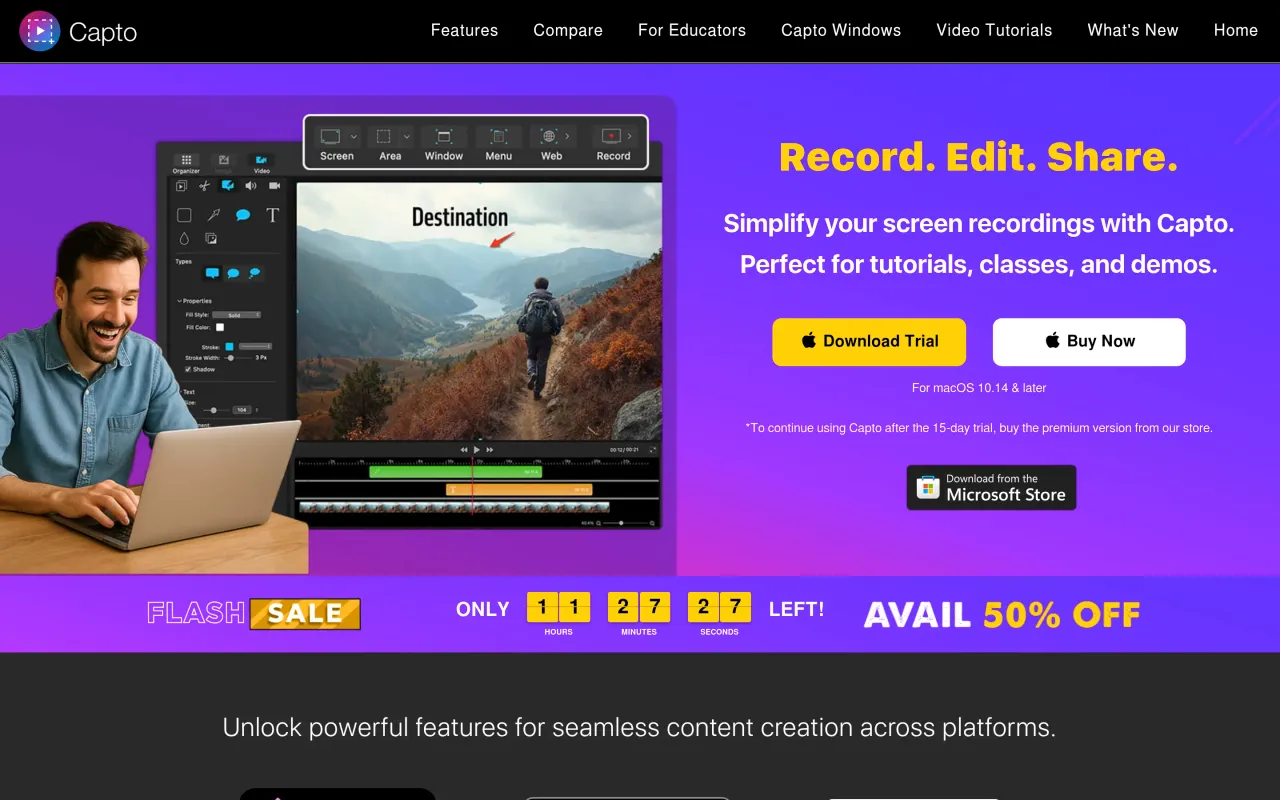
The Capto page at globaldelight.com
The developer’s own page. globaldelight.com, captured 22 Sep 2026
Free trial
Yes
Works offline
Yes
Apple Silicon
Native
On Setapp
Yes
Minimum macOS
not stated
Developer
Global Delight Technologies

Also bought outright