Lifetime Mac
Menu bar & system utilities
TG Pro

Every temperature sensor your Mac exposes, plus manual fan control

Price: $10 once

This versionThe next major is a new purchase

Price read on tunabellysoftware.com, the page Buy direct opens.

The catch

The $10 is a 50%-off promotion on a $20 list price, and no upgrade policy is stated

The full picture

Fan control only means something on a Mac that has fans — on a passively cooled MacBook Air you get readings and nothing to control. Apple silicon Macs expose fewer sensors and less fan headroom than the Intel machines in the older screenshots, so the panel is thinner than it looks. The site states no major-version upgrade policy at all, so a future paid upgrade is possible rather than ruled out, and it does not say how many Macs one licence activates: check the licence portal before buying for several machines. Overriding a fan curve will make the machine loud, which is the point, but it is on you.

Seats
3 MacsThree Macs for personal use; for business use one licence covers one Mac.
Developer account
None needed

What it looks like

Images belong to their developers.

What you’re buying

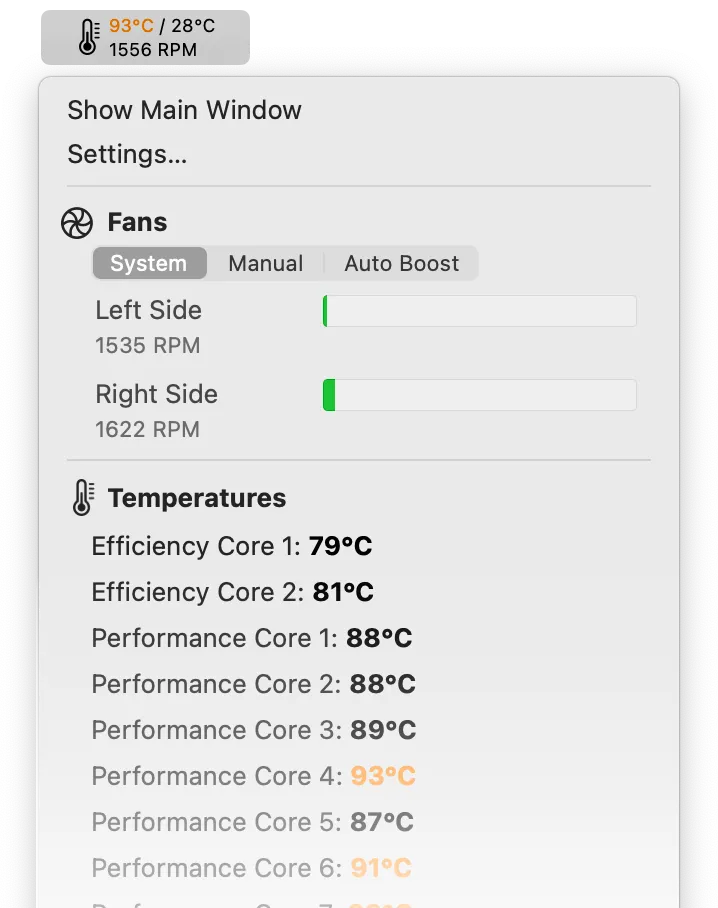
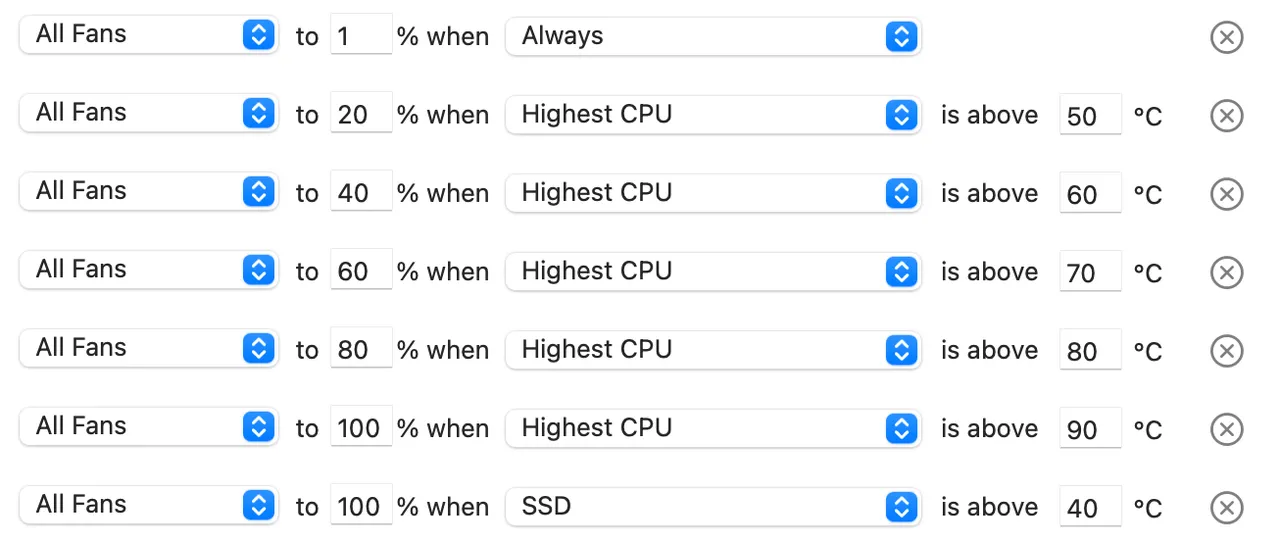
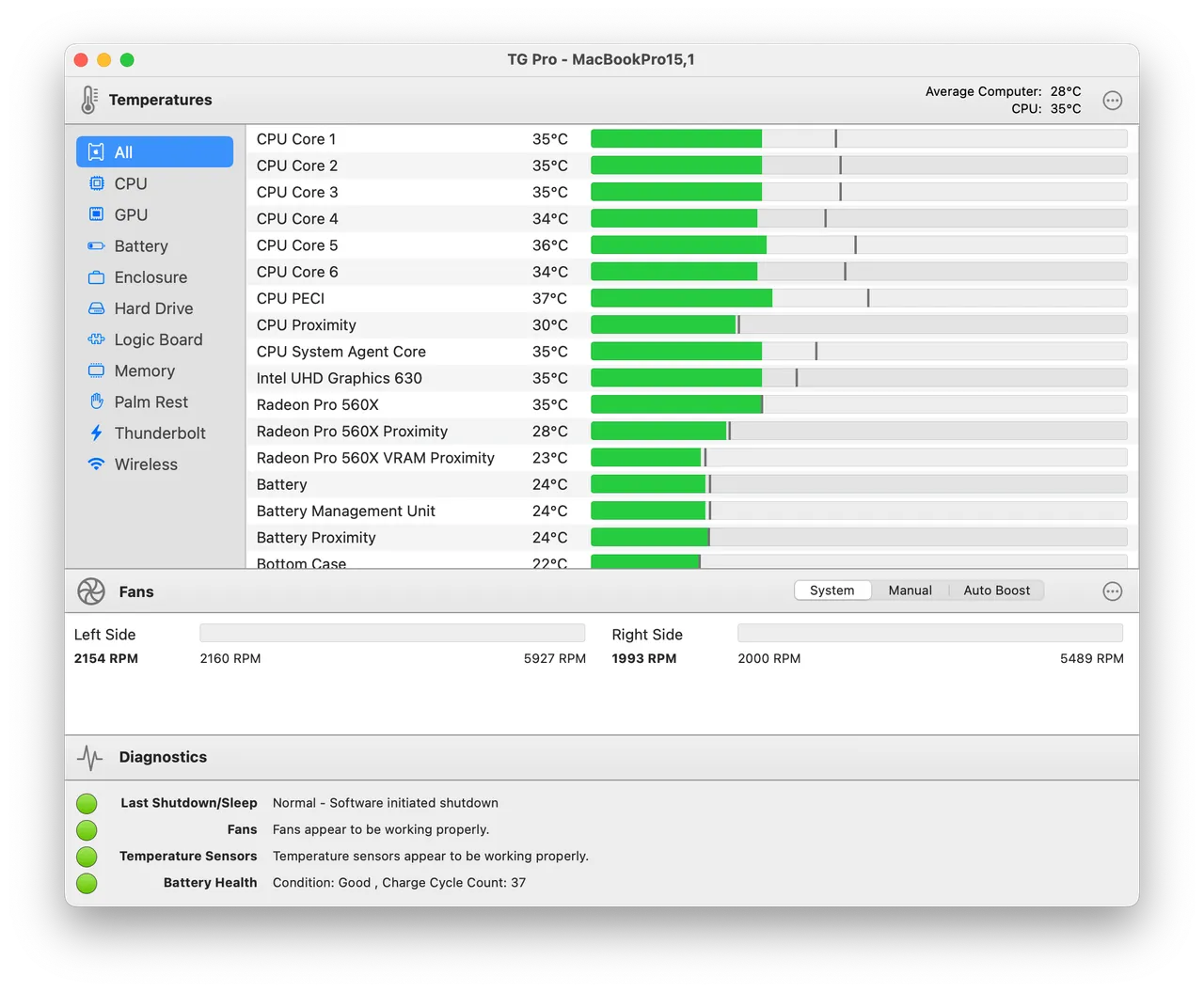
TG Pro does two things. It reads every temperature sensor macOS exposes — CPU, GPU, SSD, battery, enclosure — and it takes the fans off Apple's curve. You can pin a couple of readings plus fan RPM in the menu bar, hold the fans at a fixed speed, or write rules along the lines of "when the GPU passes 80C, go to full". It is what people install when a long export throttles and the fans are still loafing.

The price deserves a careful read. The page shows $10 as a one-time payment, marked down 50% from $20, so the honest version is "ten now, twenty if the promotion ends". There is no subscription. There is also no stated policy on major-version upgrades, which means a paid upgrade later is possible rather than promised — worth knowing at this price, not a reason to hesitate.

Skip it if your Mac has no fans: on a MacBook Air you get a temperature readout and no control, and free monitors cover that. Skip it too if you only want to glance at a number occasionally. It pays for itself on a fan-equipped Mac that throttles under sustained load, where a manual curve is the difference between finishing the render and waiting on the thermal ceiling.

What owners report

Points that recur across the discussions below. A report of what users say, not our verdict: we don’t review software.

Praised

  • Owners describe forcing the fans up and seeing temperatures drop within minutes, on machines where they felt macOS was waiting far too long
  • Putting every sensor and every fan on one screen is what people use to work out whether a fan is genuinely faulty

Criticised

  • Macs Fan Control keeps getting named in the same threads as a free tool that covers the basic custom fan curve
  • On Apple silicon many owners report never hearing the fans at all, and one questioned whether overriding Apple's curve achieves anything

Details

The price in full

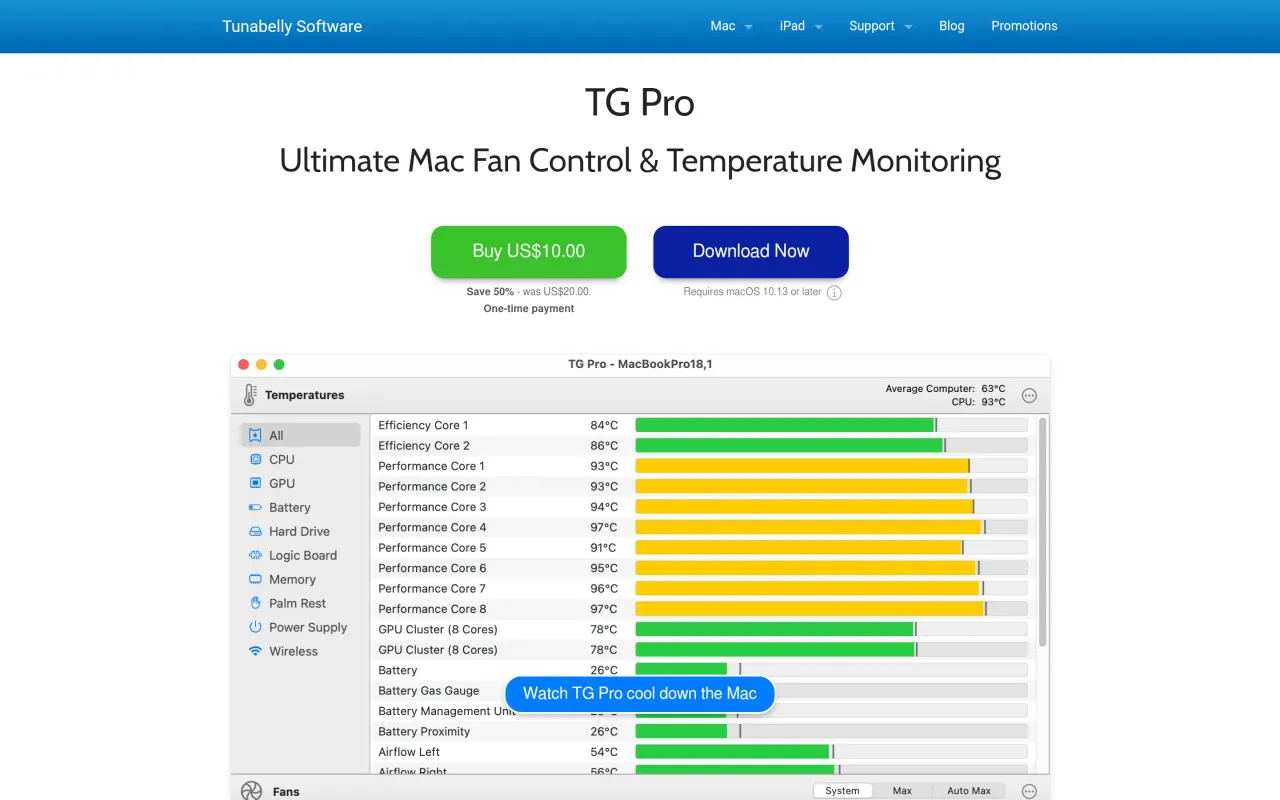
The product page currently shows $10 labelled "One-time payment", marked "Save 50% - was $20". Treat $10 as today's price and $20 as the list price the promotion could return to. No subscription is offered. A licence portal lets you view keys and manage Mac activations, but the page does not state how many activations a licence includes.

The TG Pro page at tunabellysoftware.com
The developer’s own page. tunabellysoftware.com, captured 22 Sep 2026
Free trial
Yes
Works offline
Yes
Apple Silicon
Native
On Setapp
No
Minimum macOS
not stated
Developer
Tunabelly Software

Also bought outright