 Menu bar & system utilities
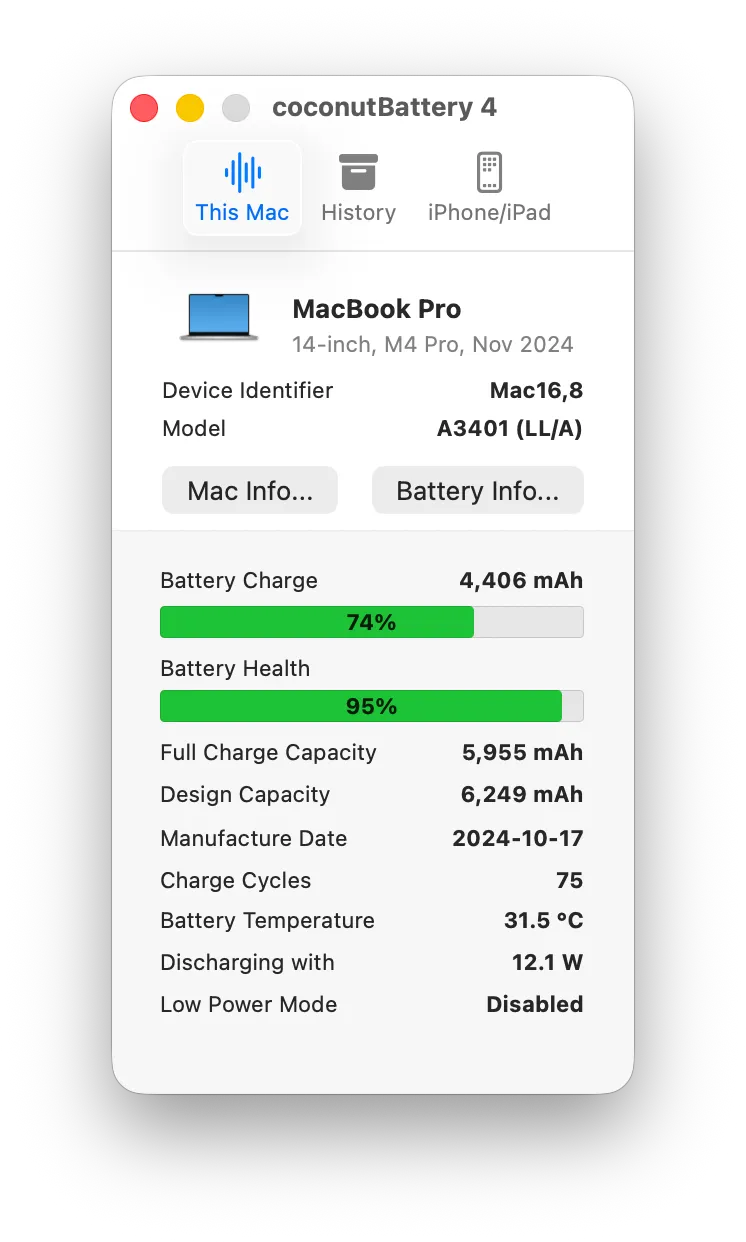
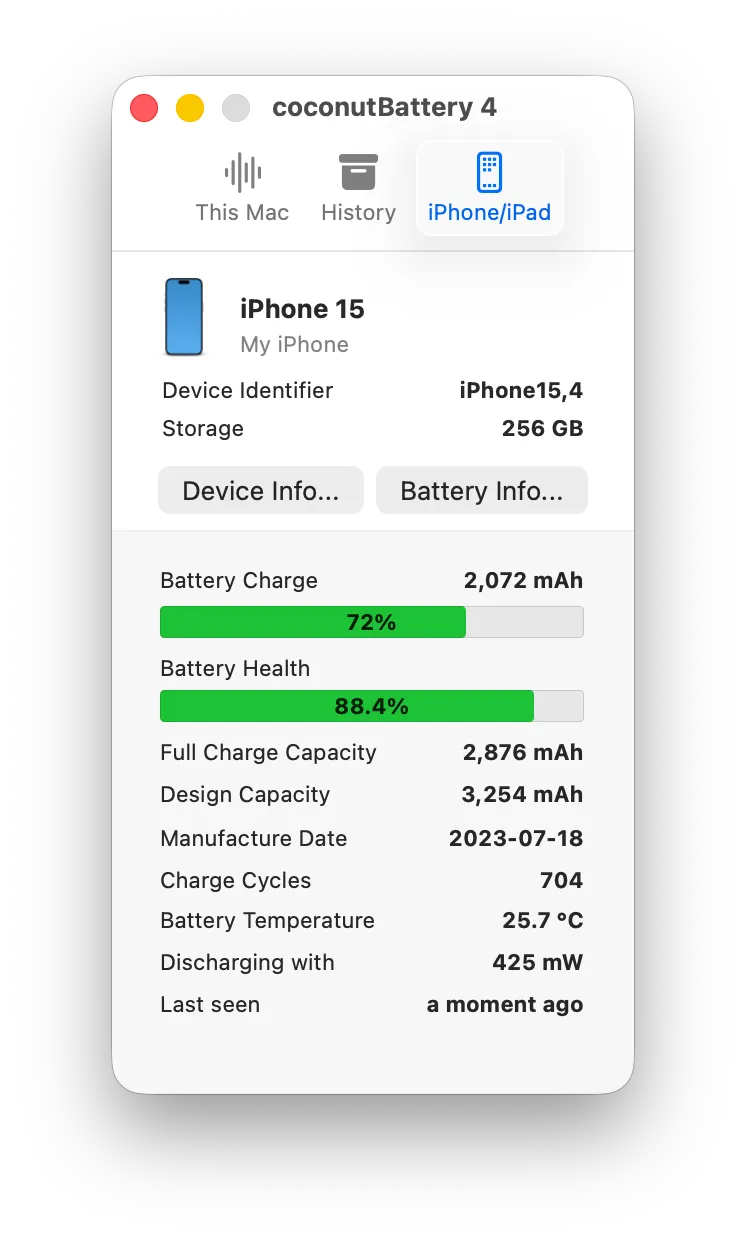
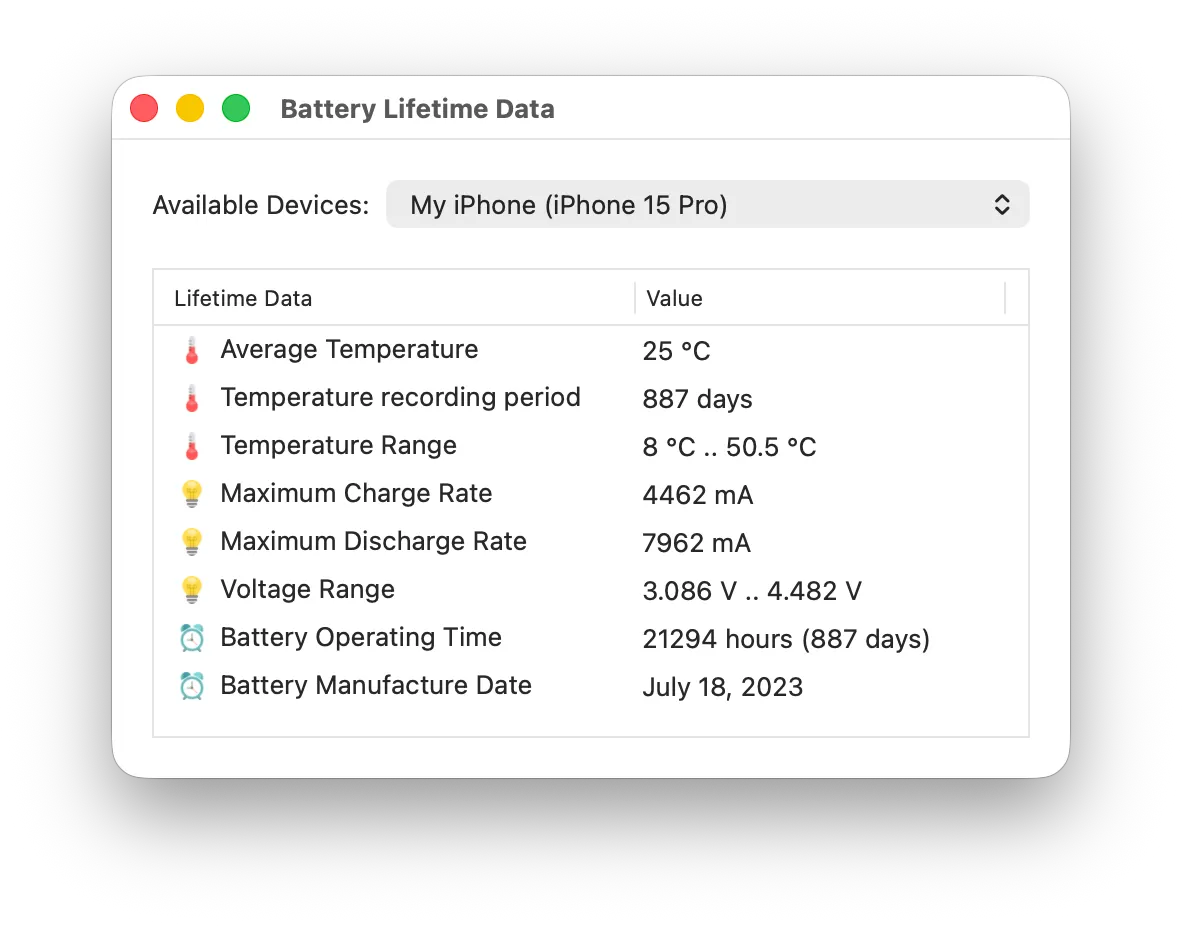
coconutBattery answers one question properly: how much of this battery is left, as a battery. Design capacity against the capacity the cell will actually hold today, cycle count, how old the thing is, its temperature, and the wattage flowing in or out right now. It does the same for an iPhone or iPad plugged into the Mac, which is the part nothing in macOS will tell you.
The free version covers those readings and is enough for most people. Plus adds reading iOS devices over wifi, the Lifetime Analyzer that keeps a history of how hot and how full the battery has been over months, SSD health and notifications. Its trial is metered rather than timed: ten launches in Plus mode, then it decides.
Buying is where attention is required. There are two one-time editions and they are not equivalent. coconutBattery 4 Plus at €12.95 receives updates within version 4. The Lifetime Edition at €17.95 receives every future Plus release. Five euros buys you the next rewrite, so the cheap one is the expensive one if you keep the app for years.
It is a readout, not a remedy. It will tell you the battery is at 78% of design capacity and then do nothing about it — pair it with AlDente if you want to act on the number. If you want that number once a year, System Settings already shows cycle count and a health label for free.
 iStat Menus
 TG Pro
 Lunar
 AlDente Pro