Lunar
external monitor brightness on your Mac's own keys, over DDC
Perpetual
DDC is fragile in practice. Whether Lunar can move the actual backlight depends on the monitor, the cable, and especially any USB-C hub or dock in the chain — no software fixes a display that ignores DDC. The fallback is gamma dimming, which fades the image rather than the backlight, and ambient adaptation via the built-in camera is a workaround rather than a real light sensor. Install the free build and confirm your monitor responds before paying. Worth knowing that MonitorControl is free and MIT-licensed and covers the core brightness-keys case.
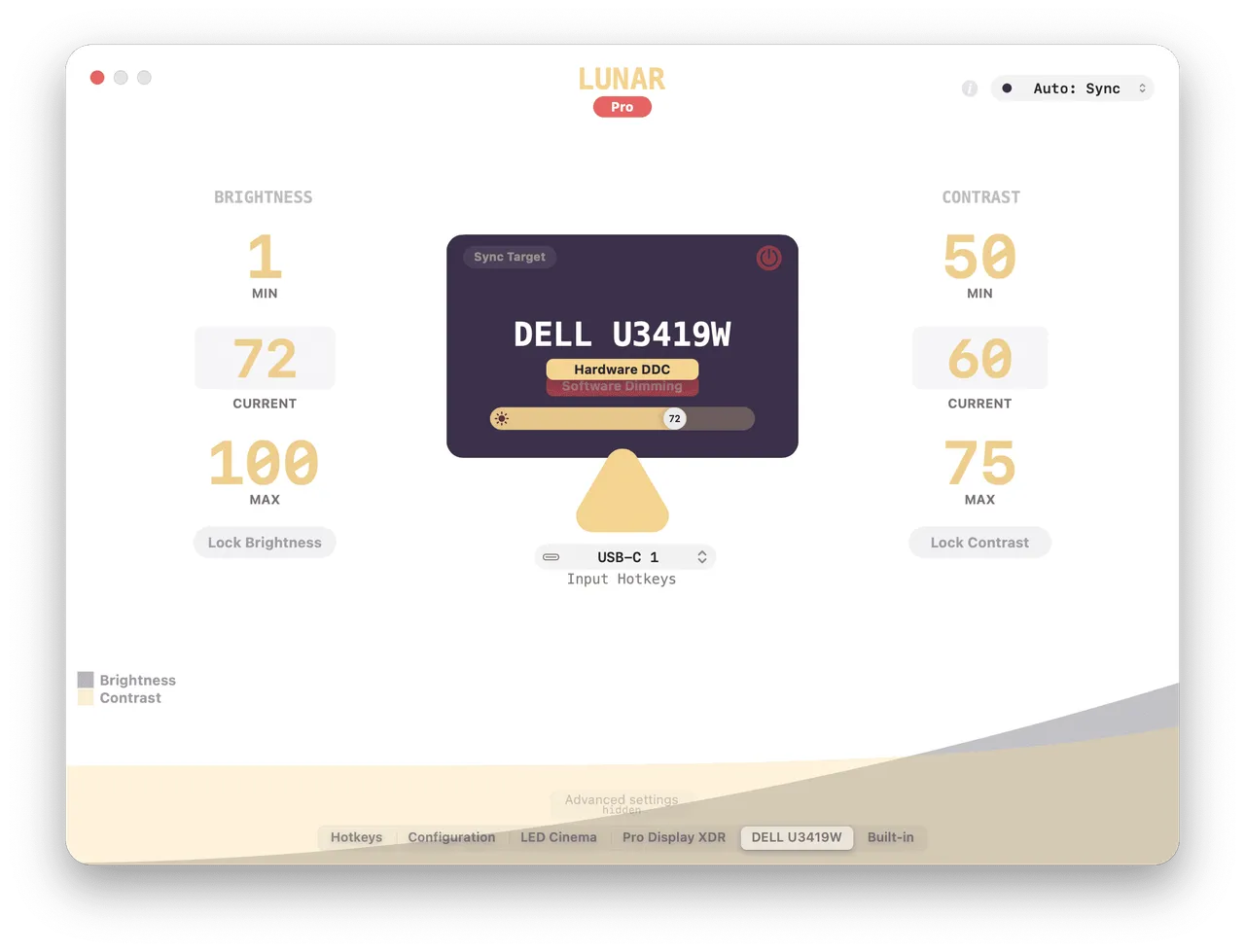
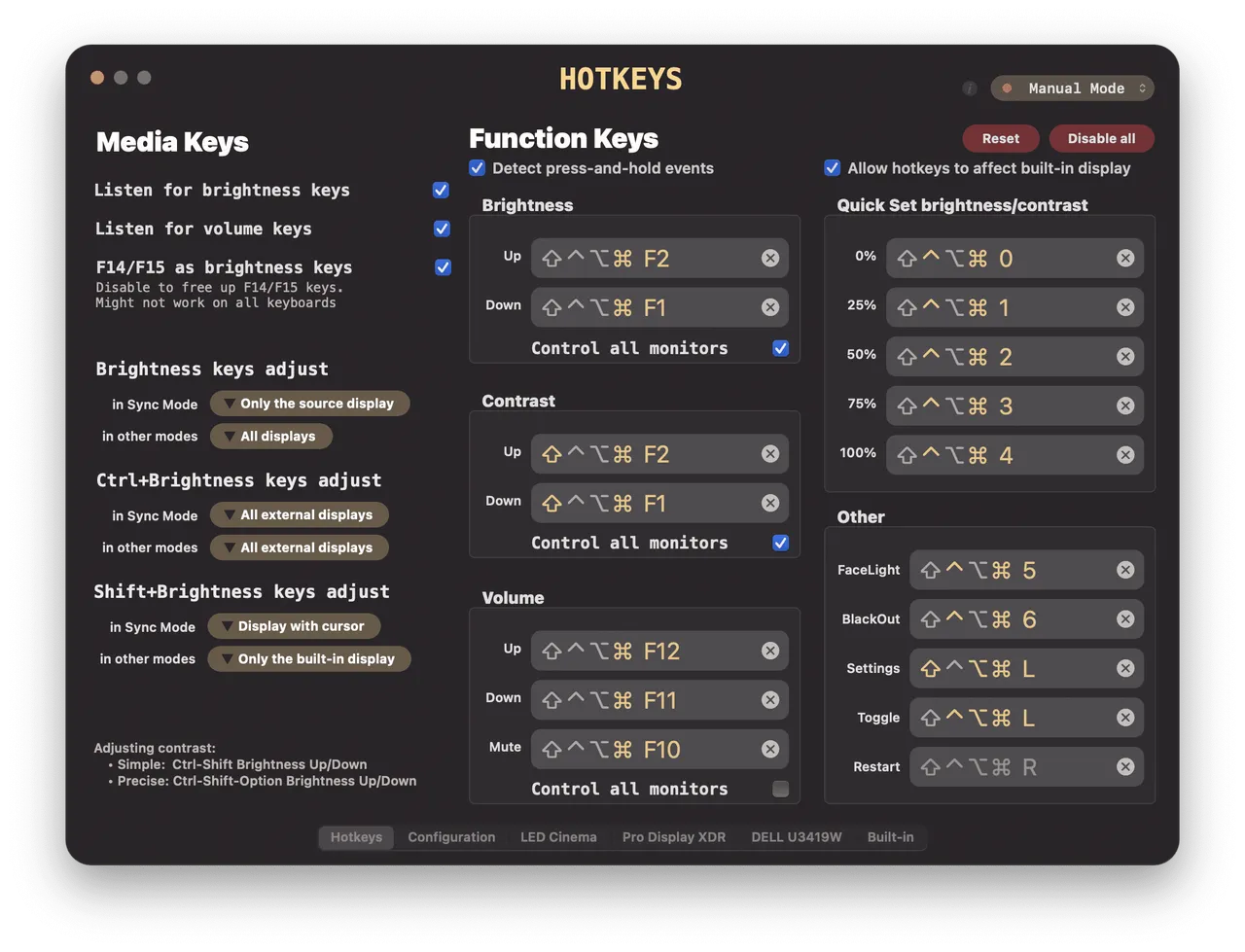
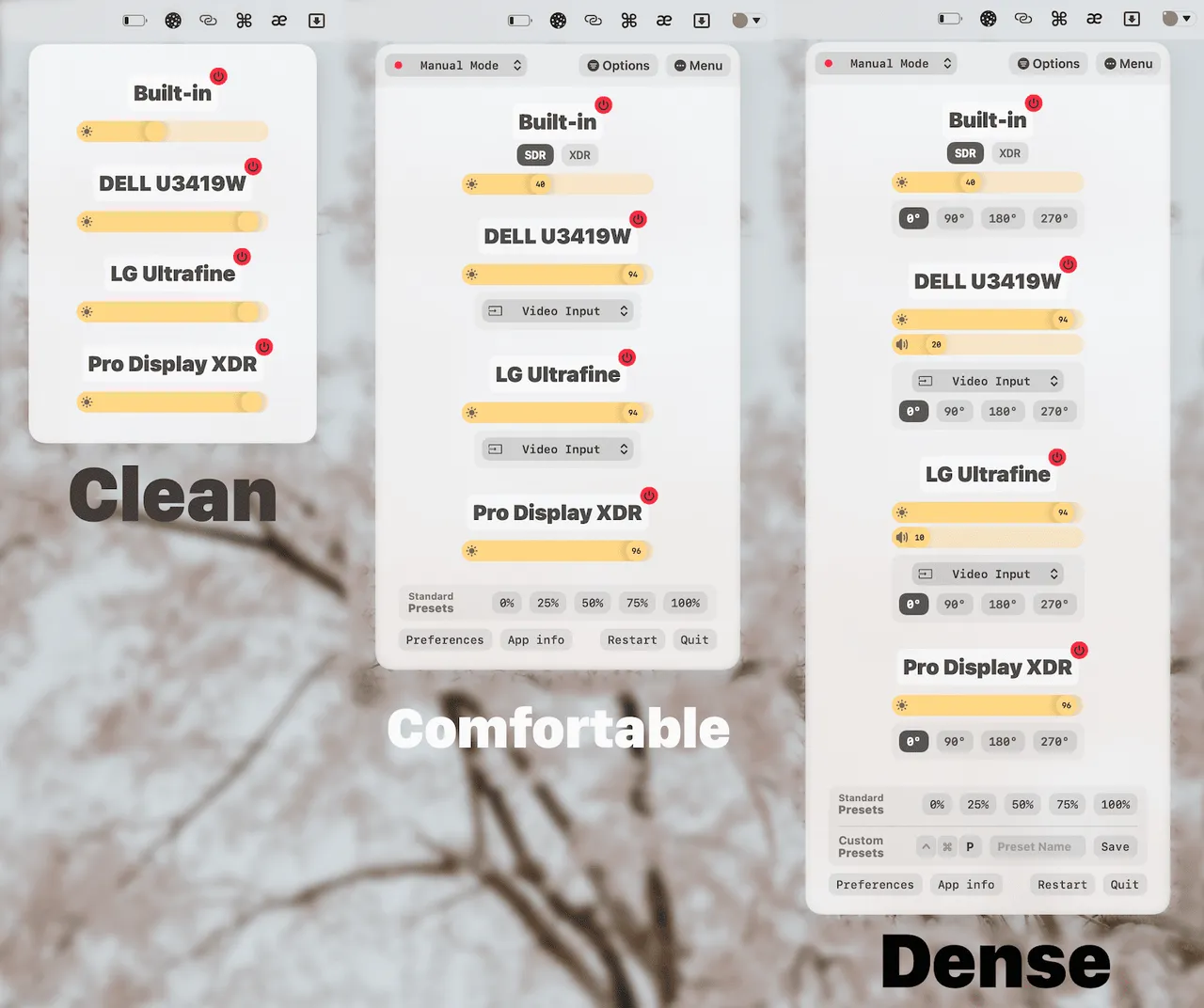
macOS lets your brightness keys drive the built-in screen and then gives up the moment you plug in a Dell. Lunar fixes that by talking to the monitor over DDC, the same channel the monitor's own buttons use, so the keys, the menu bar slider and Control Center all move the real backlight. Once that works the rest follows: brightness synced across three displays, a curve that follows ambient light, and a schedule that pulls everything down in the evening.
The $23 buys Lunar Pro outright. The site calls it a lifetime licence and there is no renewal or paid major version in sight. The free build is not a demo either — it does hardware control, but stops at 100 adjustments a day, which you will hit quickly if you sync several displays.
Install the free version first, because whether any of this works is decided by your hardware rather than the app. Monitors that ignore DDC, cheap USB-C hubs and some docks leave you on software gamma dimming, which fades the picture instead of the backlight and looks it. And if all you want is the brightness keys working on one monitor, MonitorControl is free, open source, and does that much.
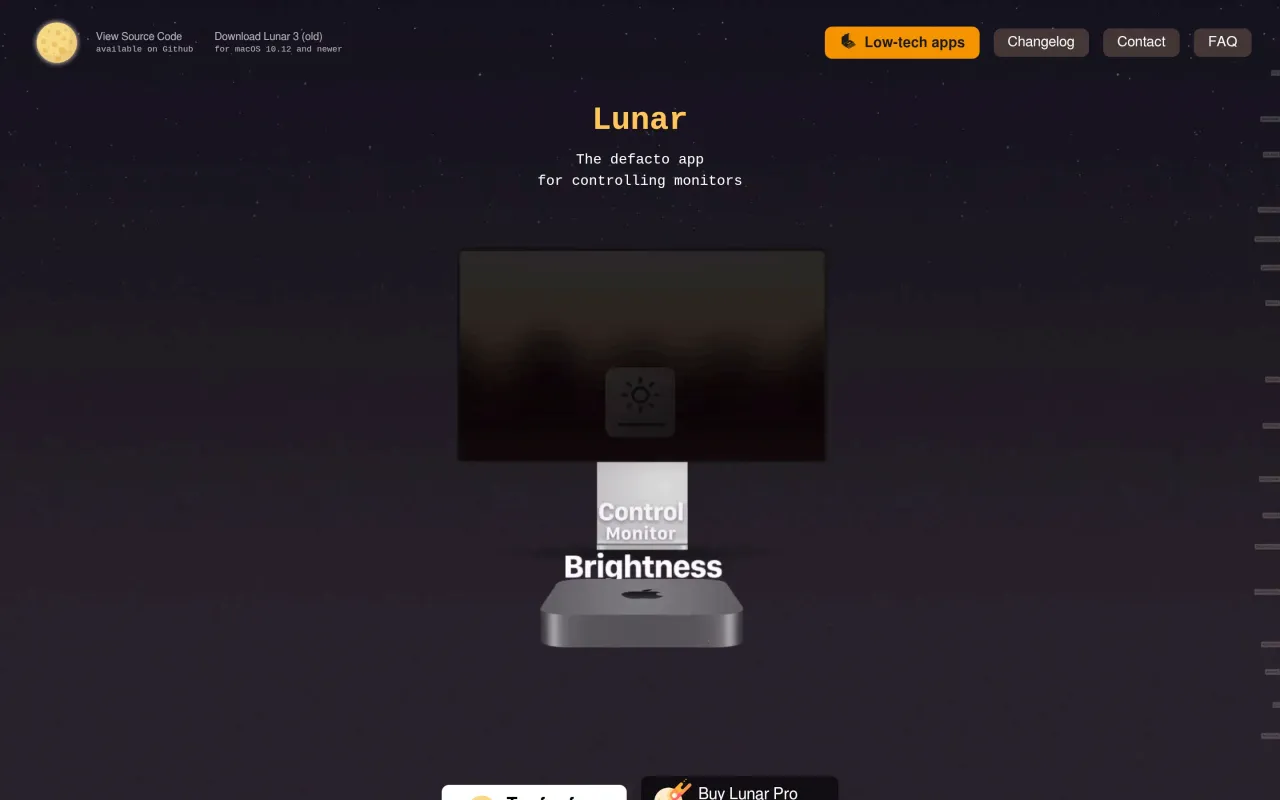
What it looks like

What it does
- DDC hardware control of brightness, contrast and volume on external monitors
- Mac brightness keys and Control Center sliders mapped to external displays
- Brightness synced across every connected display
- Adaptive brightness from ambient light, plus time-of-day schedules
- Gamma dimming as a fallback and for going below the hardware minimum
Also bought outright in utilities
AlDente Pro
hard charge limit for a MacBook that lives plugged in at a desk
€23.99coconutBattery
battery health readout for a Mac and for iPhones plugged into it
€12.95iStat Menus
the long-running Mac system monitor, sold outright rather than rented
$11.99TG Pro
every temperature sensor your Mac exposes, plus manual fan control
$10The facts
- Price
- $23
- Licence
- Buy once, own forever
- What you get
- One payment. Updates included, indefinitely.
- Details
- Lunar Pro is sold on the developer's site as a "Lifetime license: $23", a single payment with no renewal, subscription or upgrade fee mentioned anywhere on the page. A free version does hardware brightness control too but is capped at 100 adjustments per day; Pro includes a 14-day trial.
- Free trial
- Yes
- On Setapp
- No
- Minimum macOS
- not stated
- Developer
- Alin Panaitiu
- Source
- Repository
- Price checked
- 2026-09-22
Check it yourself - Price band
- $15 to $30