LifetimeMac

AppCleaner

finds the preferences and caches an app leaves behind

Free

The catch

Development is quiet and it shows: as of today the newest listed build is 3.6.8, "For macOS Mojave up to Tahoe", with nothing yet listed for macOS 27, so check the download page before relying on it. It matches leftovers by name and bundle identifier, which means it can miss oddly named files and can occasionally propose one you want to keep — read the list before confirming. It uninstalls apps and does nothing else: no cache sweeping, no browser extension removal, no general system cleanup.

Dragging an app to the Trash leaves most of it on disk: preference plists, caches, launch agents, a folder in Application Support, sometimes a login item that keeps failing quietly. AppCleaner collects those, shows you the list, and removes the set. Its best feature is SmartDelete, a background watcher that notices you trashed something and offers to finish the job, so you stop having to remember the tool exists at the moment you need it.

It has been free since 2007, with no paid tier, no store page and no upsell — only a donate link. The catch arrives in another form: development is quiet, and right now the newest build on the download page covers Mojave through macOS 26, with nothing listed for macOS 27. Check the page before you count on it.

Because it matches files by name and bundle identifier it is not magic. It can miss an oddly named leftover, and it will occasionally offer up something you want to keep, so read the list rather than clicking through. It also does none of the other things cleaner suites advertise — no cache sweeping, no browser extensions, no "system junk". It uninstalls apps, which is the only part of a paid cleaner most people ever used.
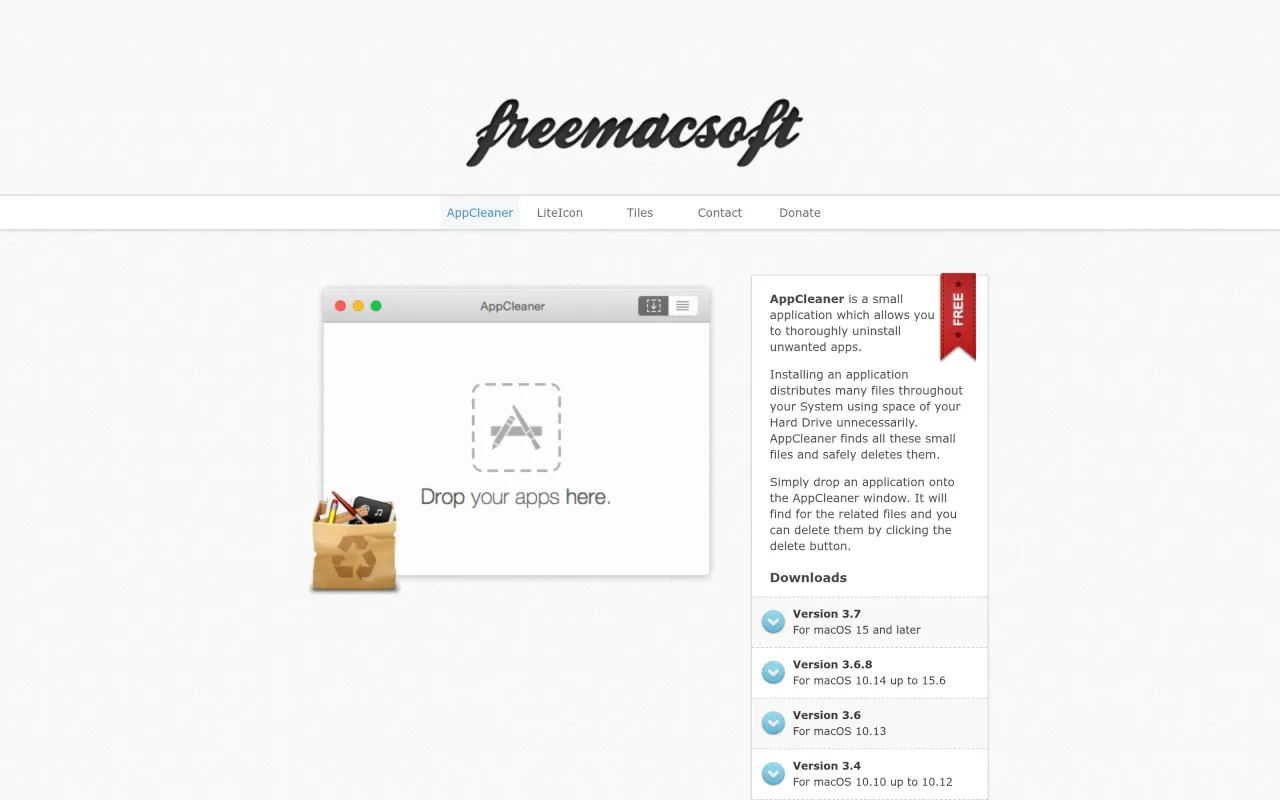

The AppCleaner page at freemacsoft.net
Page capture from freemacsoft.net, taken 2026-09-22. Images belong to their developers.
  • Finds and removes preference, cache, support and launch-agent leftovers
  • SmartDelete watches for apps moved to the Trash and offers cleanup
  • Also lists widgets, plugins and preference panes for removal
  • Shows the exact file list before deleting anything
  • Legacy builds published back to macOS 10.6

The facts

Price
Free
Licence
Free
What you get
No licence to buy.
Details
Free in practice: the developer's page offers no price, no store and no purchase option of any kind, only an optional PayPal donate link. Note that the page never says the word "free" — that is inferred from there being nothing to buy. Legacy builds for older macOS releases are published alongside the current one.
Free trial
No
On Setapp
No
Minimum macOS
macOS 10.14
Developer
FreeMacSoft
Price checked
2026-09-22
Check it yourself
Price band
Free