 Menu bar & system utilities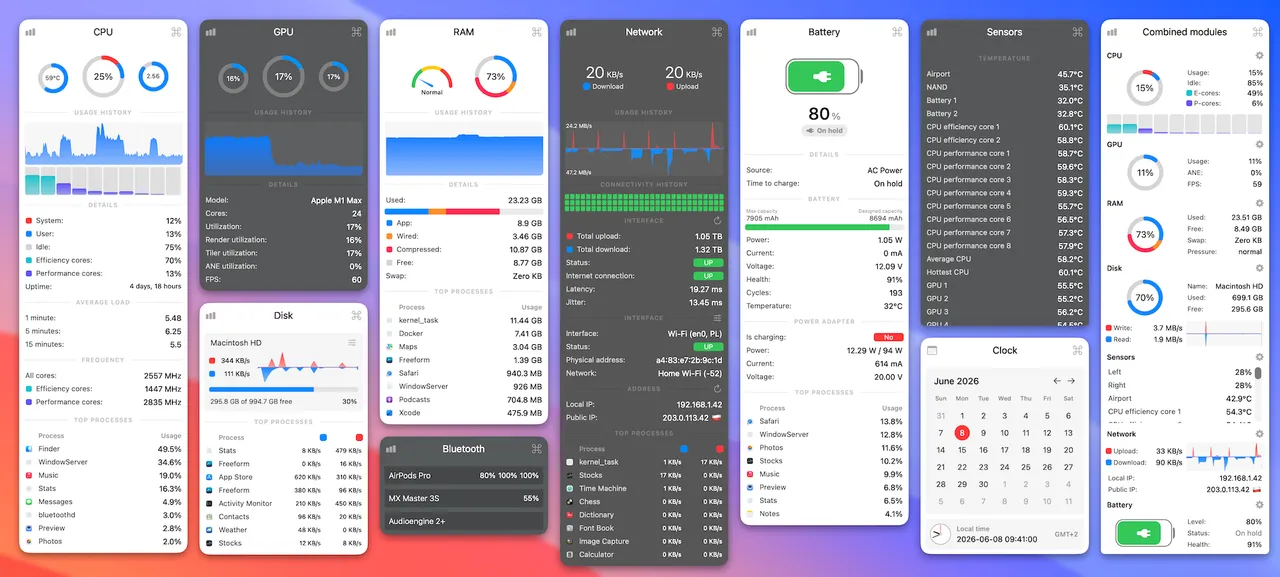
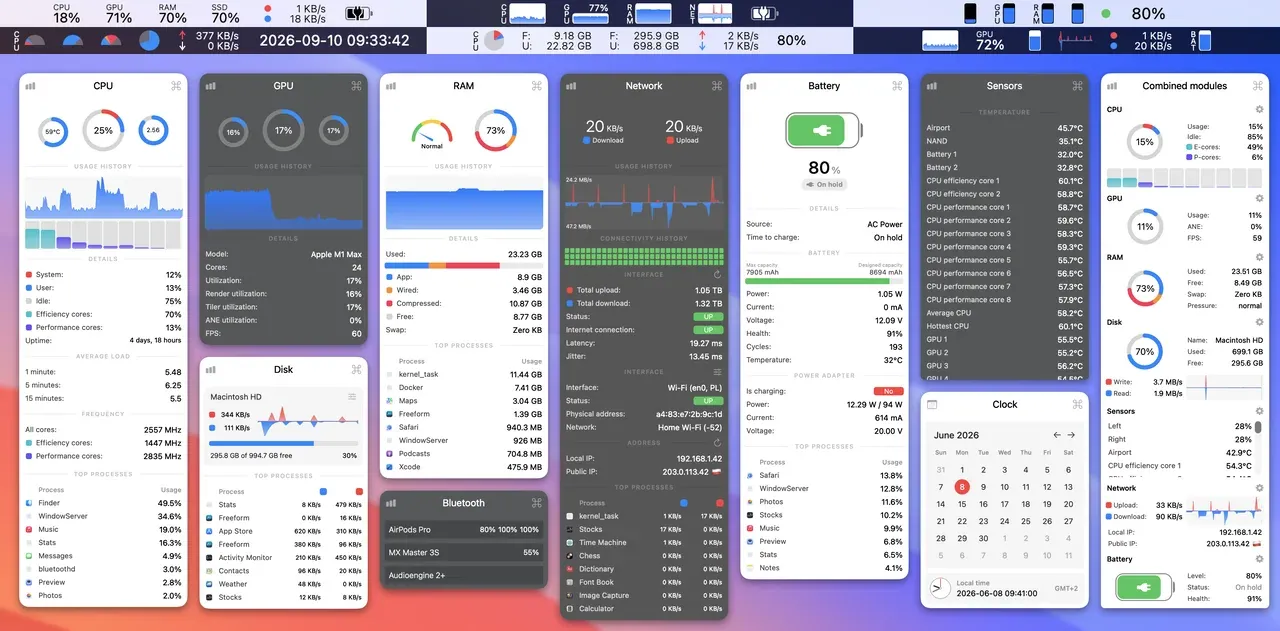
Stats is what you install after looking at iStat Menus, agreeing it is nice, and then noticing that graphs in a menu bar are a solved problem. It covers CPU, GPU, RAM, disk, network, battery, temperature sensors, fans, the charge level of connected Bluetooth devices and as many extra time zone clocks as you like. Each module has its own display style — line graph, bar chart, plain text, mini gauge — and its own dropdown with process-level detail behind it.
It is MIT licensed, installs from GitHub releases or with brew install --cask stats, and has been released steadily for years by one developer with a very large pile of stars keeping him honest. Nothing is gated behind a tier and there is no account.
Two honest limits. Fan control is unmaintained on purpose: the README says the feature is in legacy mode and receives no updates or fixes, so anyone who wants real fan curves should buy TG Pro instead. And the settings window is a wall of toggles — expect to spend twenty minutes finding the ones you want and setting up each module by hand.
For seeing load, heat and network traffic without opening Activity Monitor, this is the entire job done for nothing. Buy iStat Menus if the presentation and the family licence are worth twelve dollars to you; otherwise this ends the conversation.
 Amphetamine
 MonitorControl
 OnyX
OnyX