MonitorControl
free MIT brightness, contrast and volume control for external monitors
Open source
The DDC caveat applies here as to every app in this category: whether hardware brightness control works depends on your monitor, cable and dock, and no software can argue with a display that ignores DDC. It has none of Lunar's ambient-light adaptation or scheduling, and none of BetterDisplay's resolution or EDID features. Version 4.0 needs macOS 10.15 and full functionality wants macOS 11 or later; the project also names a minimum build (4.4.0) for macOS 27, so on a brand-new macOS you may be waiting on a release. There is no support channel other than GitHub issues.
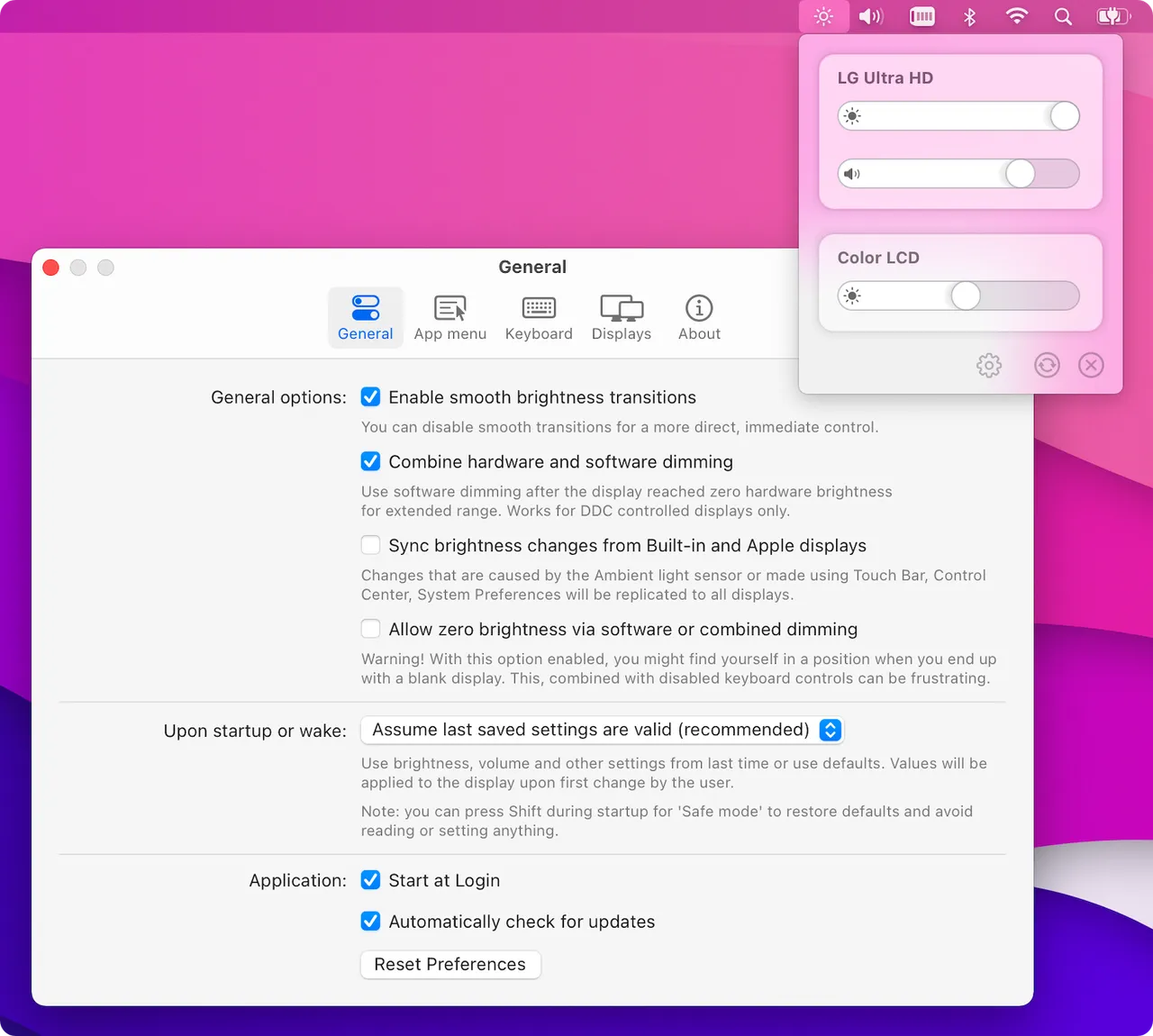
MonitorControl is the answer to "why can't my Mac's brightness keys touch my external monitor" for people who would rather not pay for one. It sends DDC commands for brightness, contrast and volume, uses Apple's native protocol on Apple displays, and draws the real macOS on-screen overlay while doing it, so it reads as a system feature rather than a third-party slider bolted on top.
It is MIT licensed and genuinely free — no pro tier, no nag screen, no unlock. Install it from GitHub releases or Homebrew, grant the permissions it asks for, and point your existing brightness keys at it.
What you give up against Lunar is the clever layer: no ambient-light curve, no time-of-day schedule, no dimming tricks beyond the gamma fallback. You also give up support. There is an issue tracker and nothing else, so when a new macOS breaks something you wait for a volunteer release — the project already names the minimum build required for macOS 27.
Try this before spending money on the category. If your monitor answers DDC and all you want is working brightness keys and a volume slider, this is the whole job done for nothing, and the paid apps only start to make sense once you want automation.
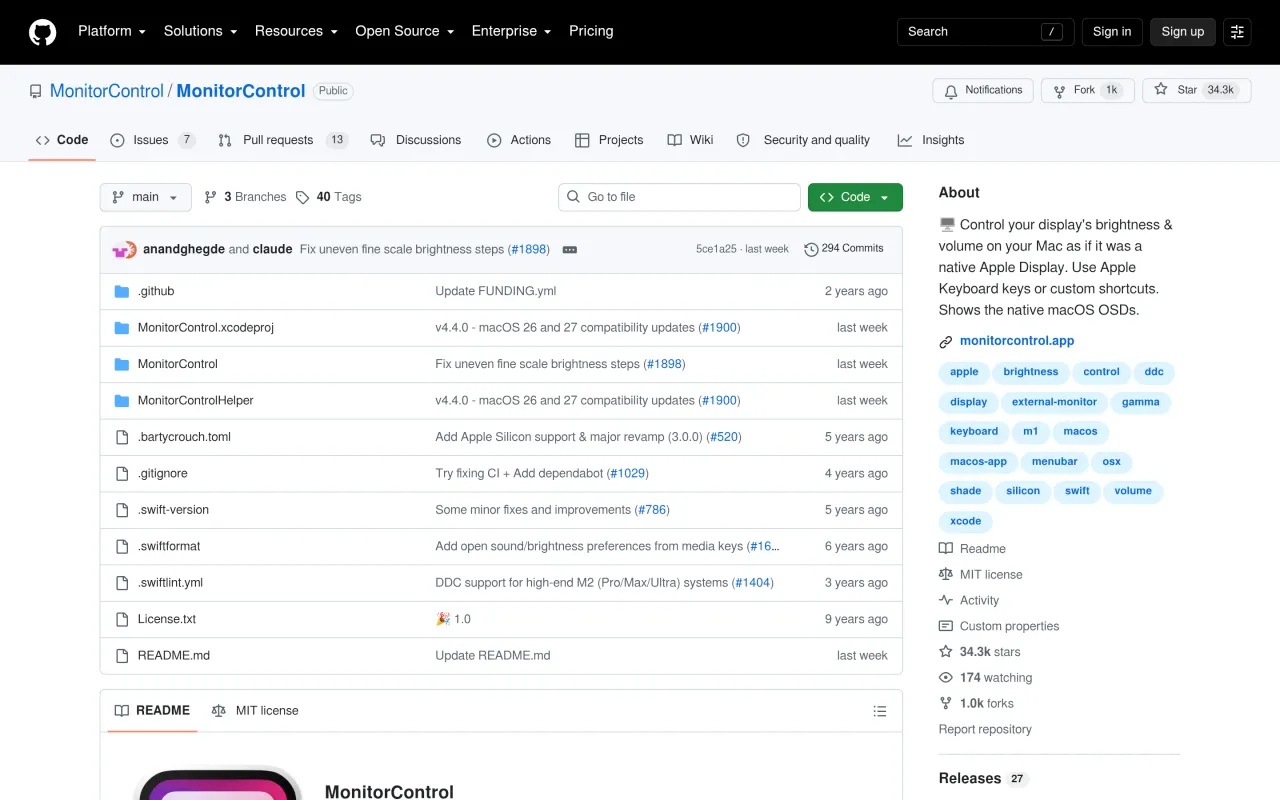
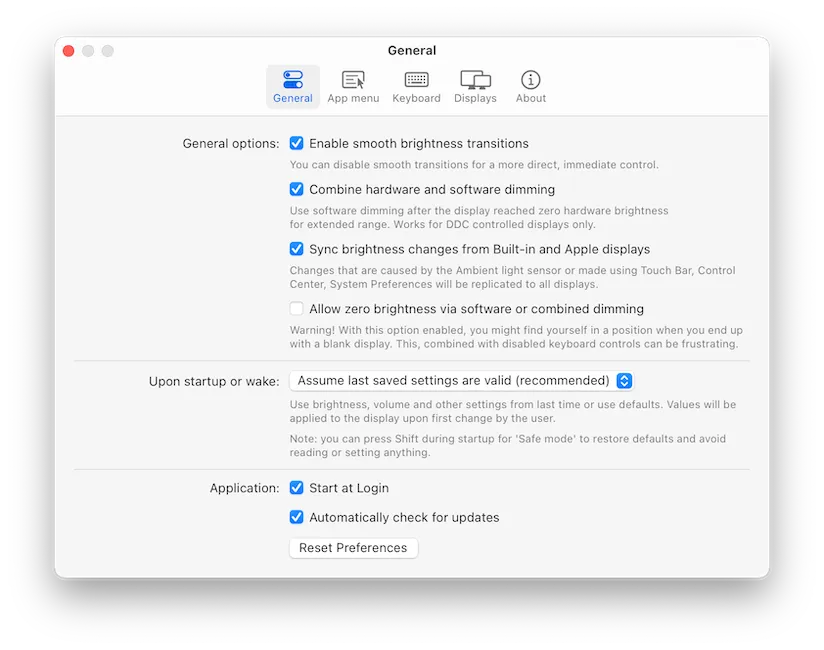
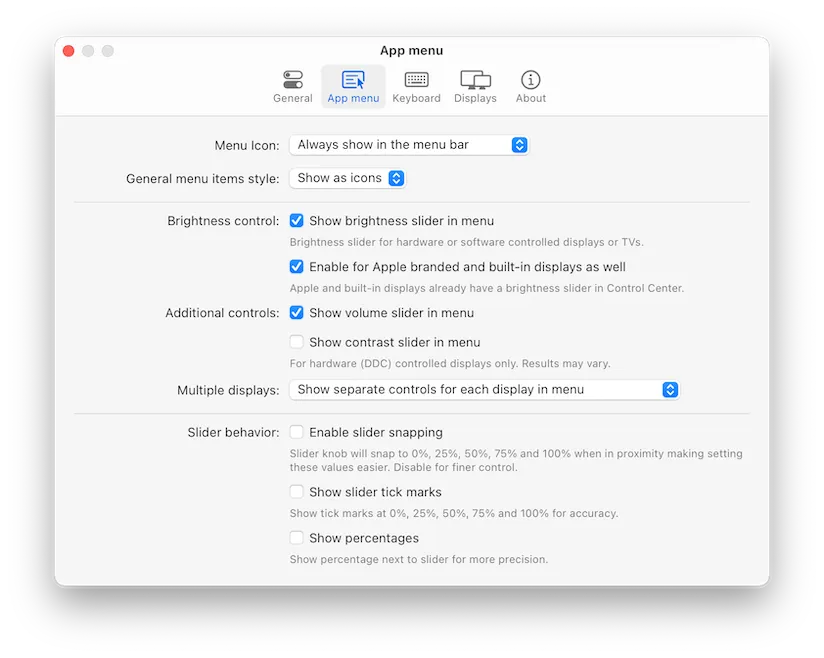
What it looks like

What it does
- Brightness, contrast and volume over DDC on external monitors
- Native macOS on-screen display overlays rather than a custom HUD
- Apple native protocol for Apple displays, gamma table as a fallback
- Shade control for virtual screens such as AirPlay and Sidecar
- Custom keyboard shortcuts and synchronised brightness across displays
Also bought outright in utilities
The facts
- Price
- Free
- Licence
- Free and open source
- What you get
- No licence to buy, and the source is public.
- Details
- Free, MIT licensed, with no pro tier and no in-app purchase — the README states the app is "Completely FREE". Distributed through GitHub releases and Homebrew.
- Free trial
- No
- On Setapp
- No
- Minimum macOS
- macOS 10.15
- Developer
- MonitorControl contributors
- Source
- Repository
- Price checked
- 2026-09-22
Check it yourself - Price band
- Free