
OnyX
free maintenance and hidden-settings utility, going since 2003
Free
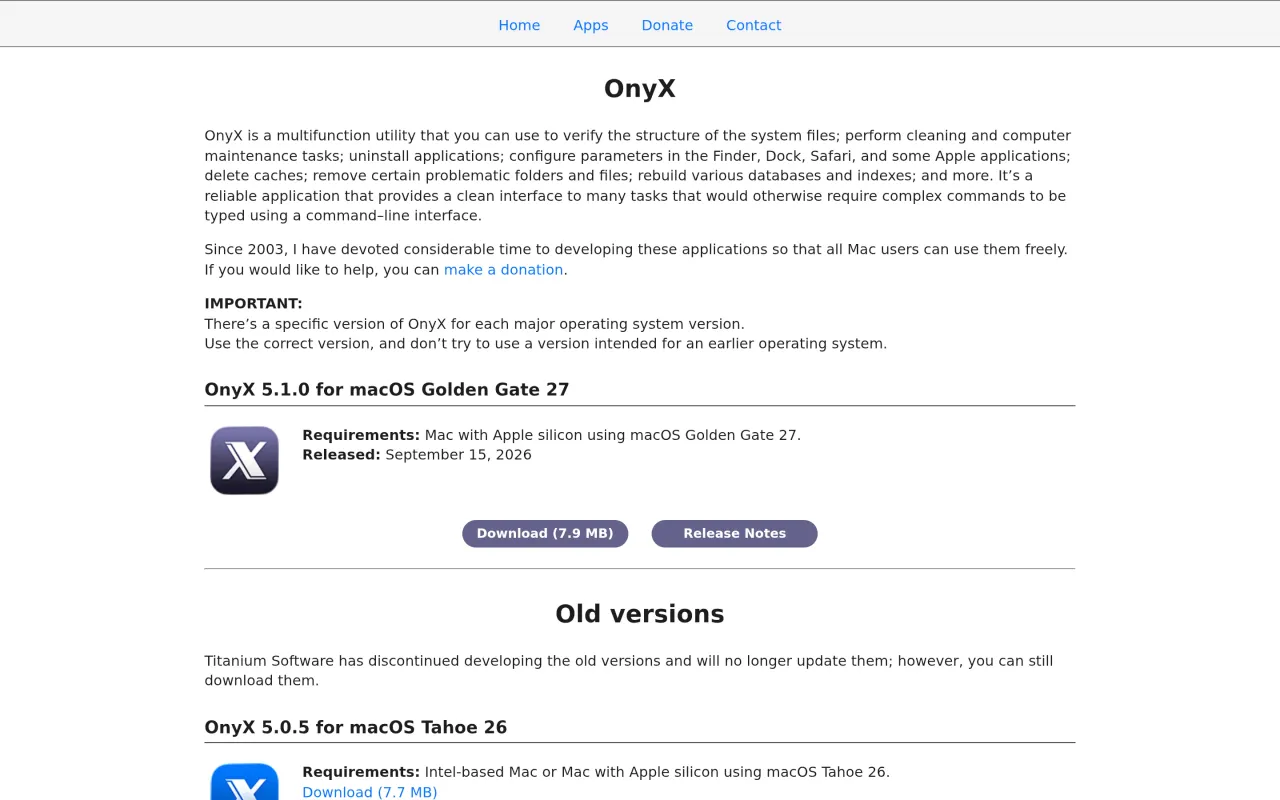
Download the build that matches your macOS version. The site is emphatic about it: "There's a specific version of OnyX for each major operating system version. Use the correct version, and don't try to use a version intended for an earlier operating system." Running the wrong build is the one way this app can do damage. The current 5.1.0 release (September 2026) requires macOS 27 on Apple silicon; older Macs and older systems need the older builds still listed on the page. Several of the maintenance tasks are largely unnecessary on modern macOS, and cache clearing is rarely the fix people hope it is. The interface is functional rather than friendly.
OnyX has sat in Mac power users' Applications folders since 2003, and one developer, Joël Barrière, still ships it. It does two useful things. It runs maintenance — clearing caches selectively, rebuilding Spotlight and Launch Services databases, verifying the system file structure, deleting files the Finder refuses to move. And it gives you a real interface for the hidden Finder, Dock and Safari preferences you would otherwise set with defaults write commands copied off a blog post.
The price is nothing. Barrière accepts donations and has never sold a licence, which is why OnyX keeps turning up as the answer when somebody is about to pay for a Mac cleaner.
The thing to get right is the download. There is a separate OnyX for every major macOS release, and the site is blunt about not pointing an older build at a newer system — that is the one way this app can actually hurt you. The current 5.1.0 release wants macOS 27 on Apple silicon; older systems have their own builds further down the page.
Do not come for the promise of a faster Mac. Most of what the maintenance tab offers is unnecessary now, and clearing caches almost never fixes what people think it will. Come for the hidden-settings panel and the stubborn-file deletion, and treat the rest as occasionally handy.
What it looks like

What it does
- Flip hidden Finder, Dock and Safari settings without Terminal
- Clear system, user and application caches selectively
- Rebuild Spotlight, Launch Services and other system databases
- Verify the system file structure and run maintenance scripts
- Uninstall applications and delete locked or stubborn files
- Free and donationware, with a build for every macOS since 2003
Cancel instead
Also bought outright in utilities
The facts
- Price
- Free
- Licence
- Free
- What you get
- No licence to buy.
- Details
- Free, donationware. The developer's own line: "Since 2003, I have devoted considerable time to developing these applications so that all Mac users can use them freely." Donations are accepted and optional. There is no paid tier, no store and no account.
- Free trial
- No
- On Setapp
- No
- Minimum macOS
- not stated
- Developer
- Titanium Software (Joël Barrière)
- Price checked
- 2026-09-22
Check it yourself - Price band
- Free