 Writing, notes & markdown
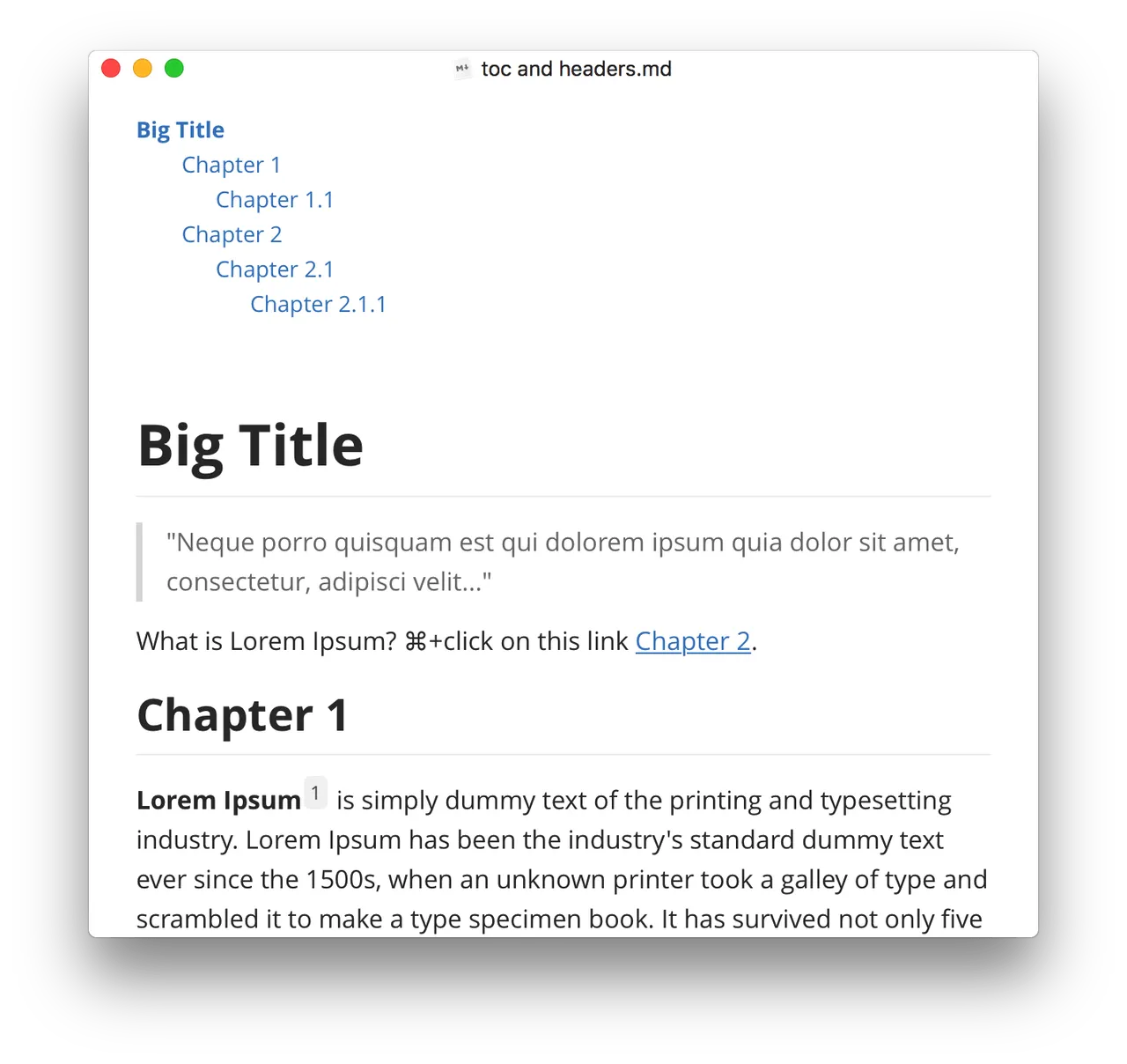
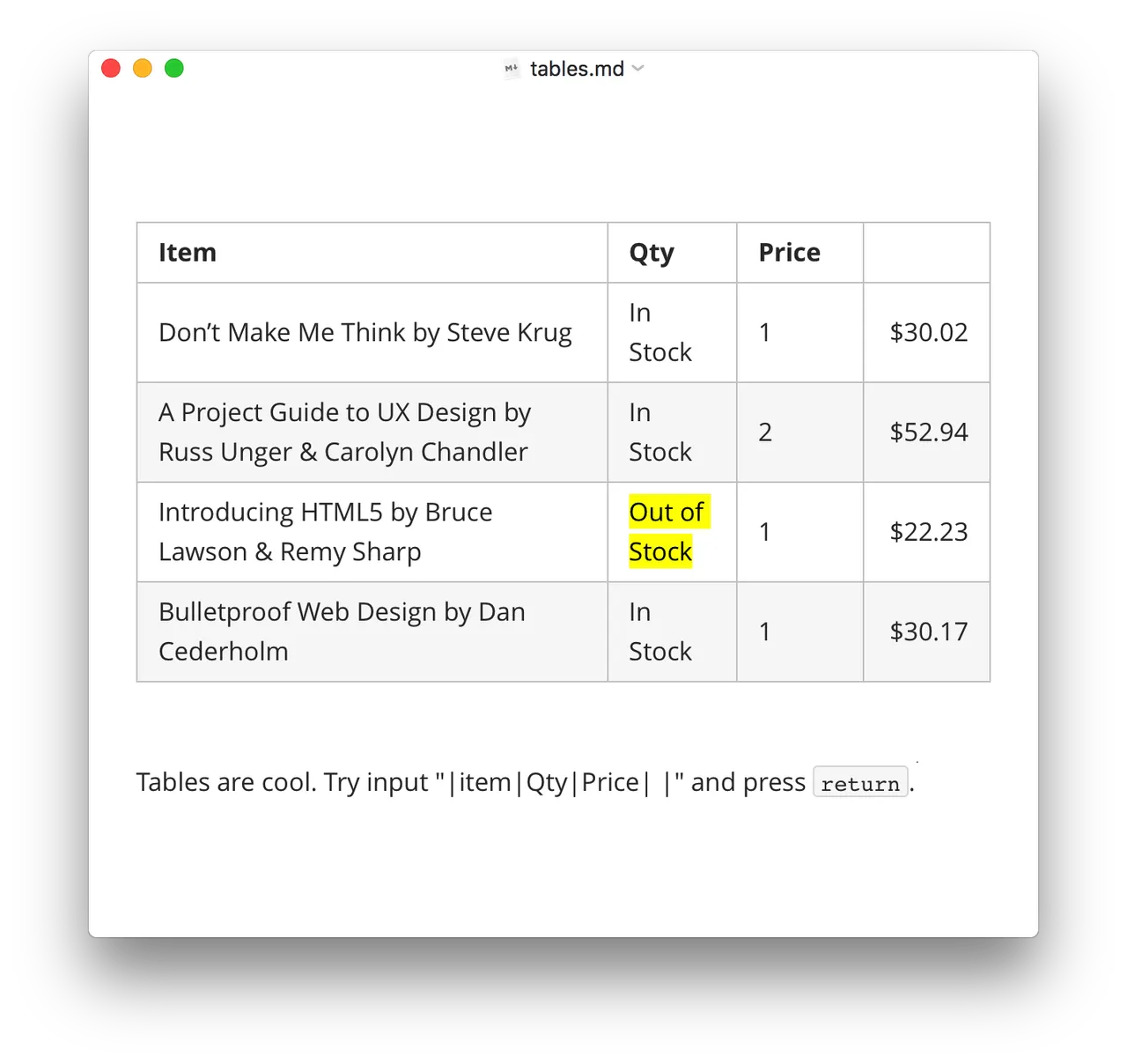
 with the path highlighted, and the photo rendered inline directly beneath it.](/shots/typora-ui-3.webp)
Typora's one idea is that you should not need a preview pane. You type **bold** and it becomes bold in place, looking the way it will look when exported. In practice that makes it a writing surface rather than a code editor that happens to colour markdown syntax, and it is why people who write documentation, READMEs and long notes keep coming back to it after trying the free alternatives.
The $14.99 buys a licence key good for three activations, and that is the number to pay attention to. Activations are counted per install, not per person — a Mac, a Windows desktop and a Linux VM use all three. The EULA is also explicit that a major version jump, 1.x to 2.x, may carry a fee, so treat this as owning version 1 rather than owning Typora forever. Point releases inside a major version are free, and there is a 15-day trial plus a 30-day refund window, which is more room to decide than most apps give you.
Skip it if you want your notes managed for you. Typora has no vault, no sync, no mobile app and no backlinks — it opens files on disk and saves them back. If you want a knowledge base, Obsidian is free and does that job; if you want a plain editor and nothing else, MarkEdit is free too.
 Tot
 Scapple
 MarkEdit
 Obsidian