LifetimeMac

Scapple

freeform note canvas with no forced hierarchy

This version

The catch

Same licence terms as Scrivener: one major version, one operating system, so a macOS licence would not cover Windows and a version 2 would be paid. Two catches apply to the App Store copy linked here — there is no 30-day trial through the App Store, and the purchase lives on the Macs signed into your Apple account rather than being the household licence you get buying direct. There is no iPad or iPhone version at all and no sync service. It is deliberately plain: no auto-layout, no styling themes, no presentation export.

Buy Scapple once
Rent Milanote Pro

$21 once = 2 months of Milanote Pro. Over five years that is $600 rented against $20.99 owned — $579 kept, and you still have the app.

Milanote Pro priced at $120 a year — $9.99 per person per month billed annually. Checked 2026-09-22.

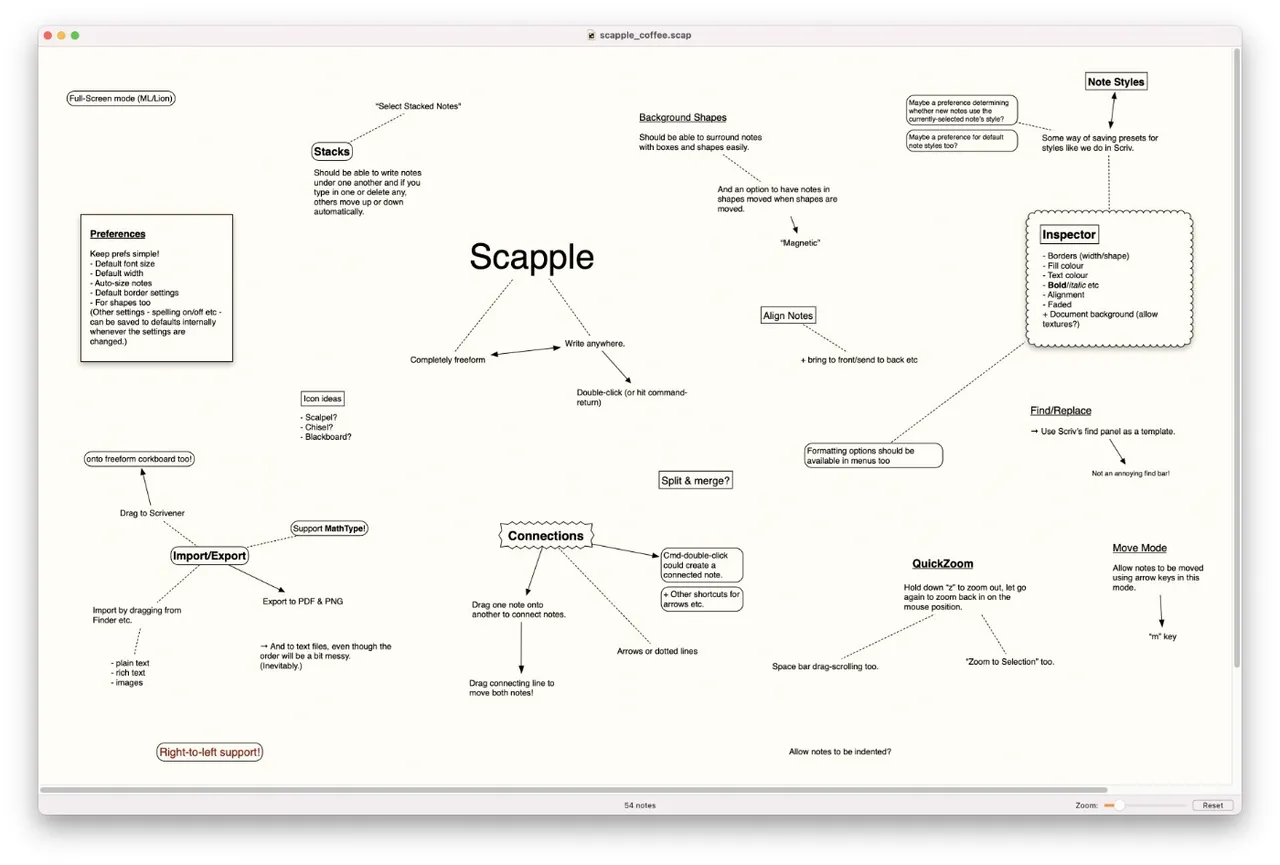
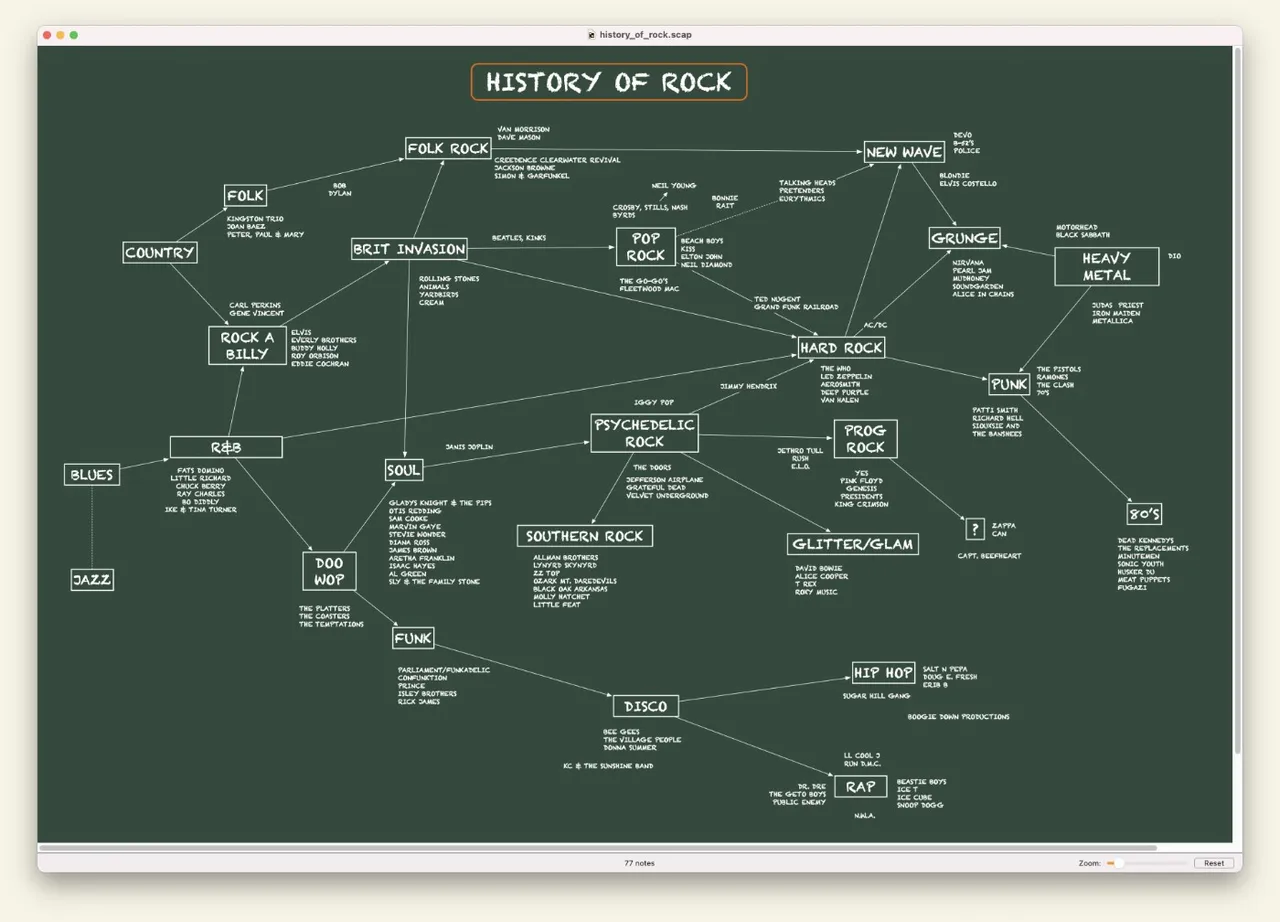
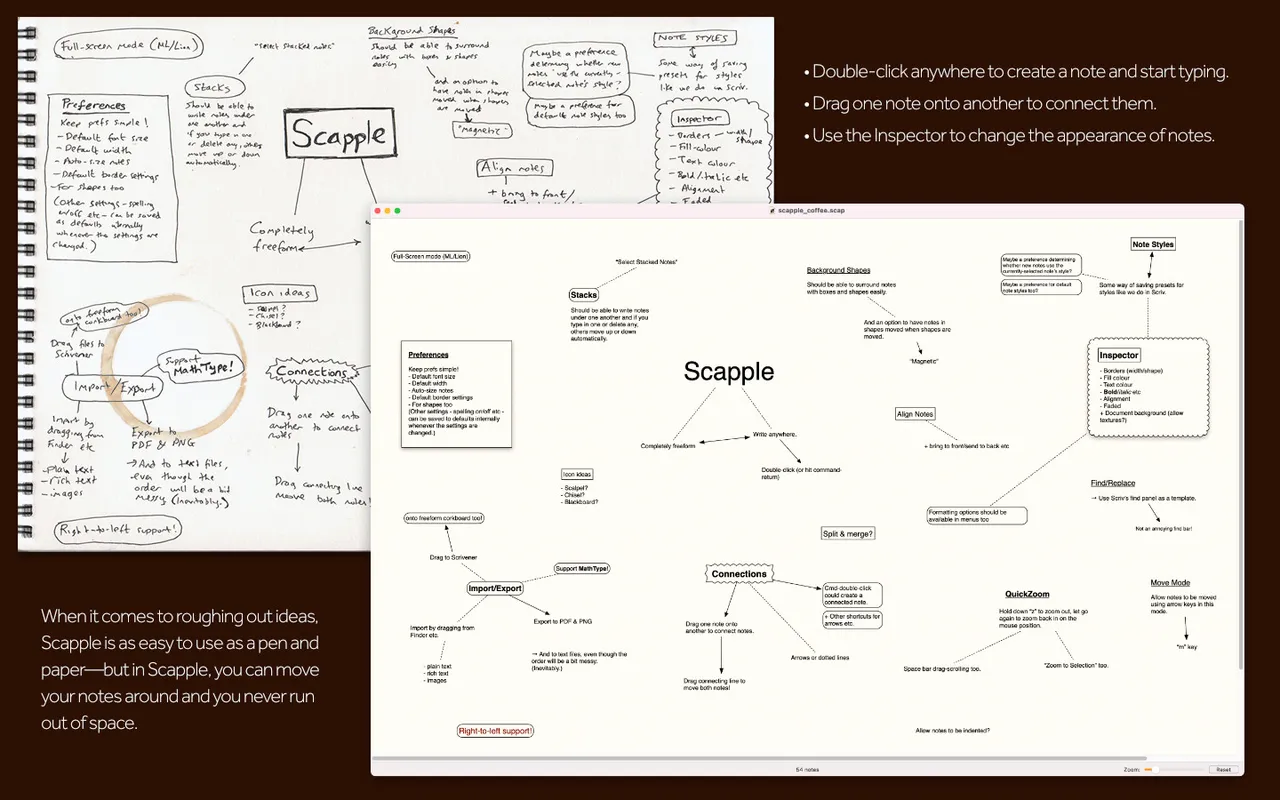
Scapple is a white page you double-click to start typing on. Notes go wherever you put them, and you connect two by dragging one onto the other. There is no central topic, no auto-layout, and nothing that rearranges your thinking into a tidy tree — which is the point, because the stage this is for is the one before your ideas have a shape.

It comes from the Scrivener people, and notes drag straight from a Scapple board into a Scrivener binder if you work that way. The app has sat at version 1.x for over a decade and still gets maintenance releases; the most recent fixed a scrollbar drawing bug on macOS 26. That is roughly the pace to expect — not much changes, and nothing breaks.

The App Store copy is the one whose price is public, and it is also the one with the fewest perks: no 30-day trial, and it lives on the Macs signed into your Apple account rather than every Mac in the house, which is what the direct licence gives you. There is no iPad version at all, and no sync.

If you already think in outlines, or you need shared boards, styling and presentation export, this will feel bare. If you have ever sketched an argument on paper and wished you could move the pieces around, it is twenty-one dollars.

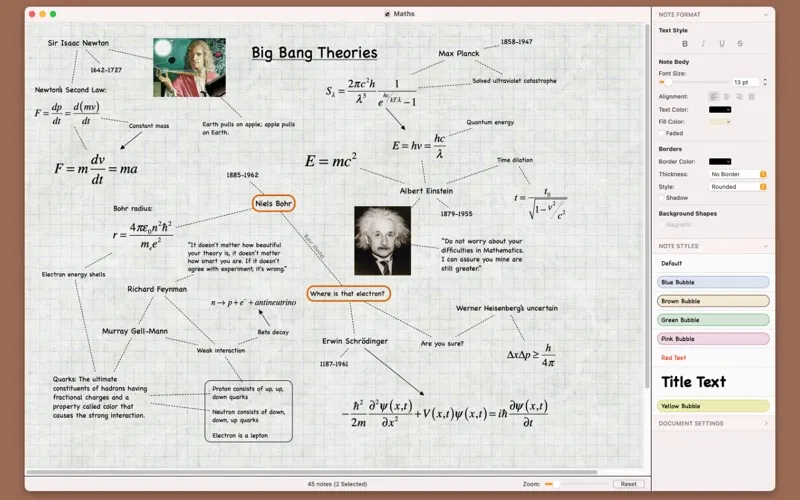
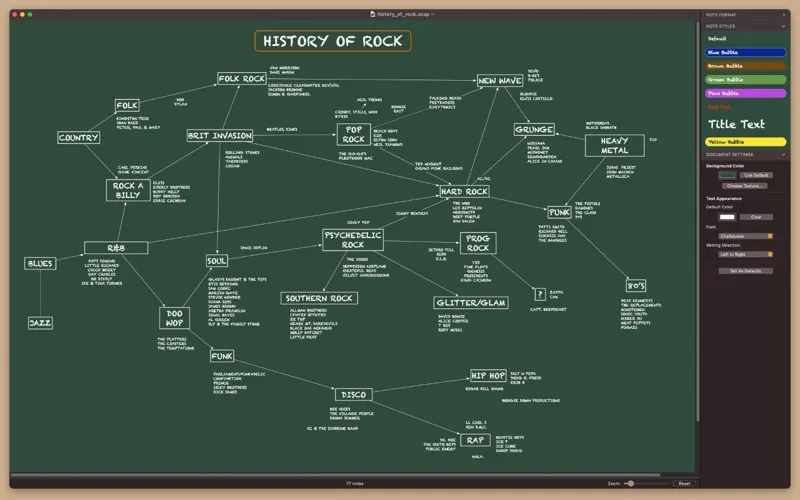
Scapple screenshot 1 of 3
Scapple screenshot 2 of 3
Scapple screenshot 3 of 3
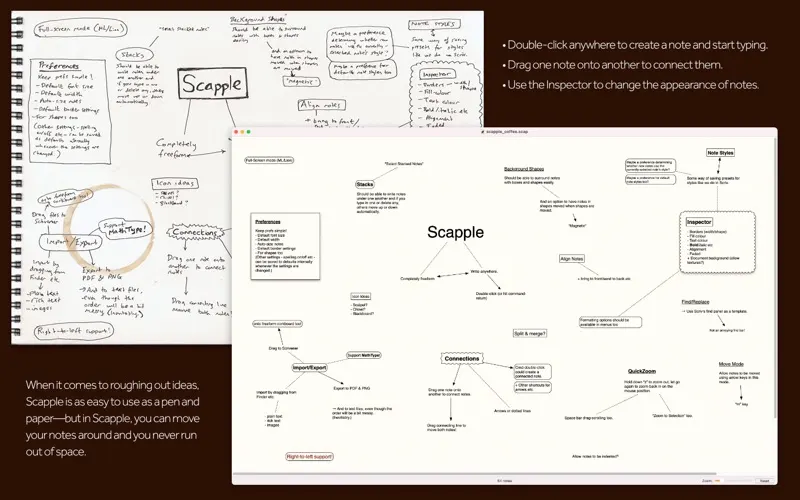
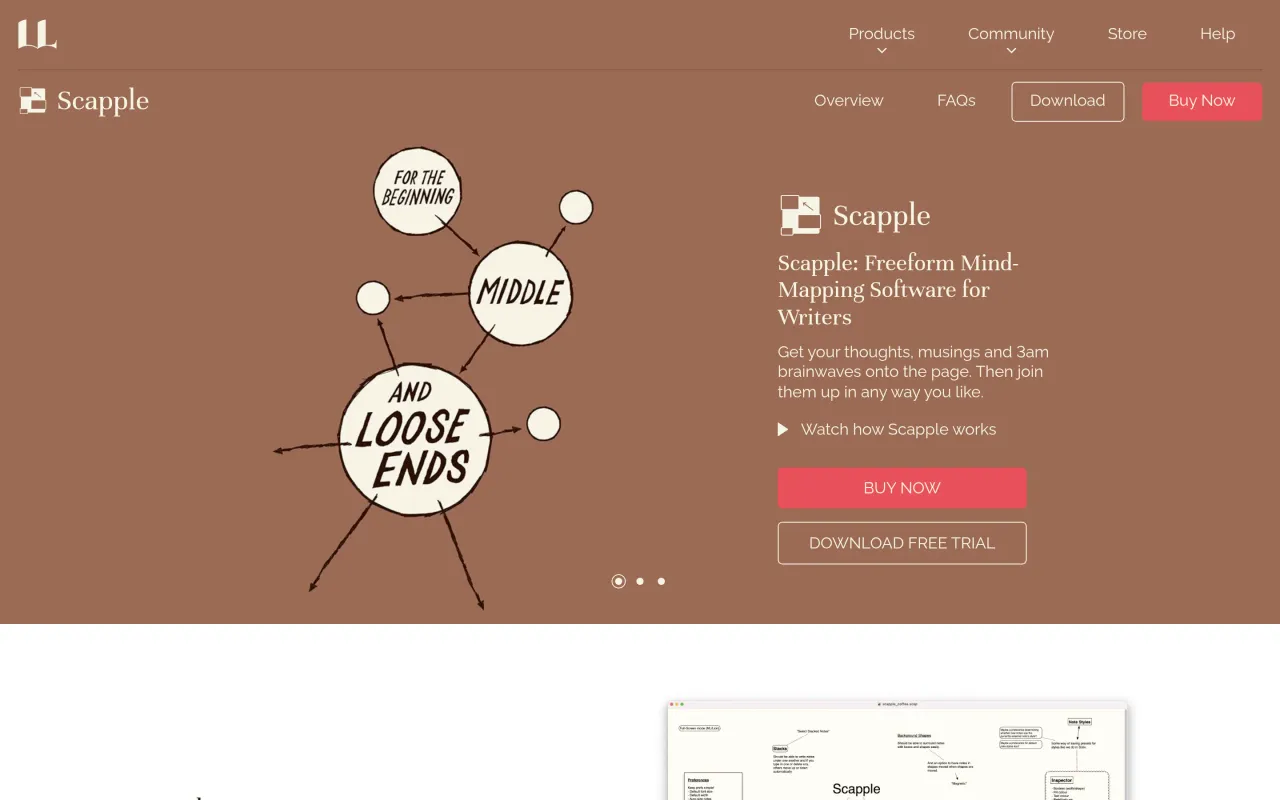
The Scapple page at literatureandlatte.com
3 screenshots published by the developer via Mac App Store (id 568020055). Page capture from literatureandlatte.com, taken 2026-09-22. Images belong to their developers.
  • Freeform canvas with no imposed central topic or branches
  • Drag one note onto another to create a connection
  • Exports notes and their connections into Scrivener
  • Background shapes and note styles for grouping ideas
  • Still maintained — the latest release fixes a macOS 26 drawing bug

The facts

Price
$20.99
What you get
One payment buys this major version outright. The next major version is a separate purchase, if you want it.
Details
$20.99 one-time, verified on the Mac App Store listing. Buying direct from Literature & Latte adds a 30-day trial and a household licence. An educational licence exists in the developer's store but no price renders on that page; the developer describes the educational discount as 12.5%. Windows is a separate licence.
Free trial
Yes
On Setapp
No
Minimum macOS
macOS 10.15
Price checked
2026-09-22
Check it yourself
Price band
$15 to $30