Lifetime Mac
Writing, notes & markdown
Tot

Seven scratch pads in the menu bar, unlocked once

Price: $19.99 once

PerpetualUpdates included, forever

Price read on apps.apple.com, the page Buy on the App Store opens.

The catch

The iPhone and iPad app is a separate purchase from the Mac unlock

The full picture

Seven pads, full stop - if you want a growing archive with search across it, this is the wrong tool by design. The Mac and iOS apps are bought separately rather than as one universal purchase. Sync is iCloud-only, so there is no Windows, Android or web access to what you put in it.

Pays back in
8 months
Seats
No Mac count statedApple does not state a seat count: the $19.99 unlock is a Mac App Store in-app purchase, so it restores on any Mac signed in to the same Apple Account. The iPhone and iPad app is bought separately.
Developer account
None needed
Buy once$19.99Rent 5 years$150

$130 kept over five years, and you still have the app.
Against Bear Pro at $30 a year, $29.99 a year. Also replaces Drafts Pro at $20 a year and Apple Notes clutter.

What it looks like

Images belong to their developers.

What you’re buying

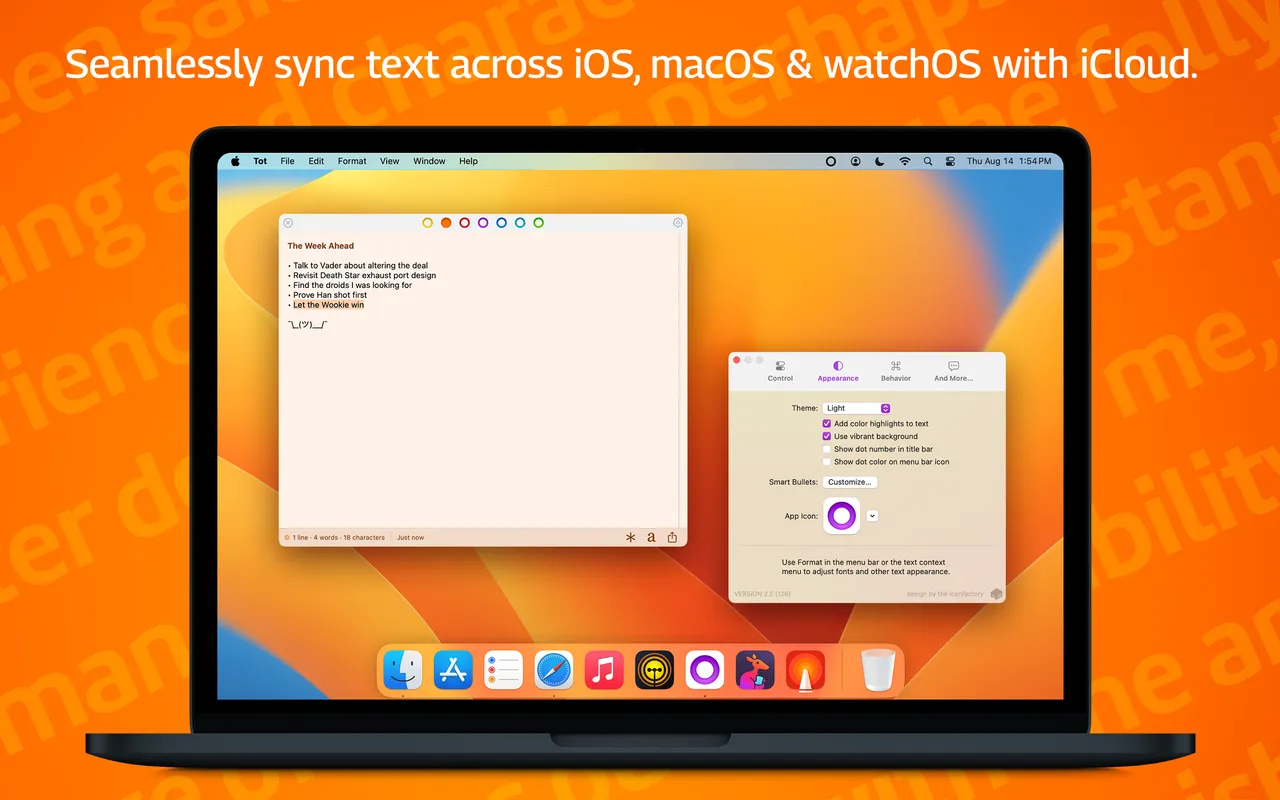
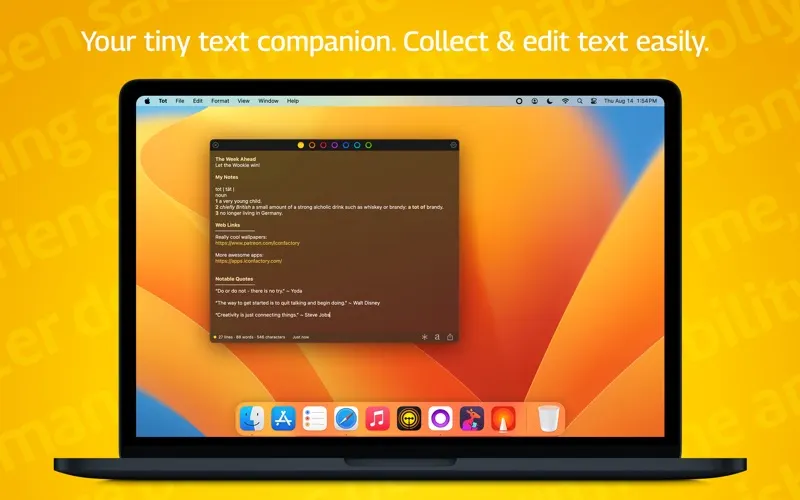
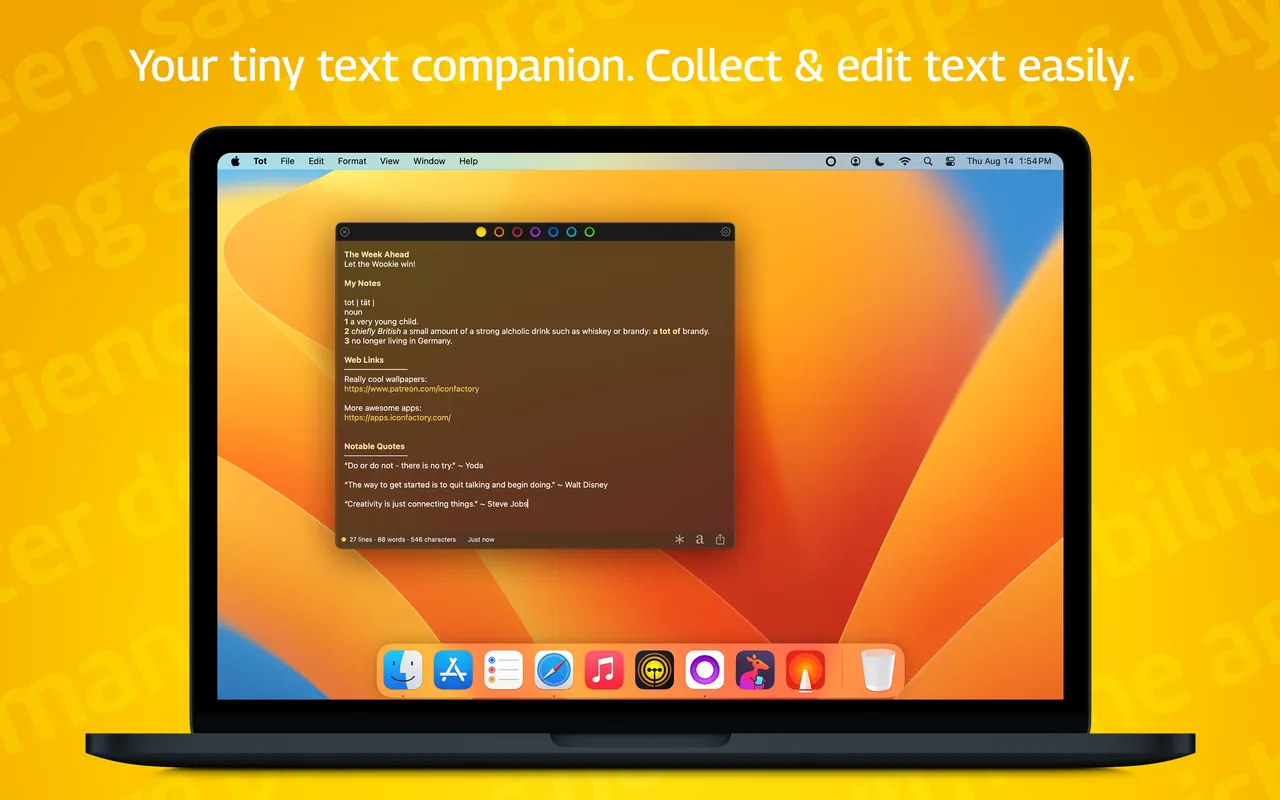
Tot gives you seven text pads and refuses to give you an eighth. Each is a coloured dot in a small panel you pull down from the menu bar or summon with a hotkey, and the limit is the entire design: nothing to name, nothing to file, no note count that grows until you declare bankruptcy on it. Text that goes in is text you will use today or throw away.

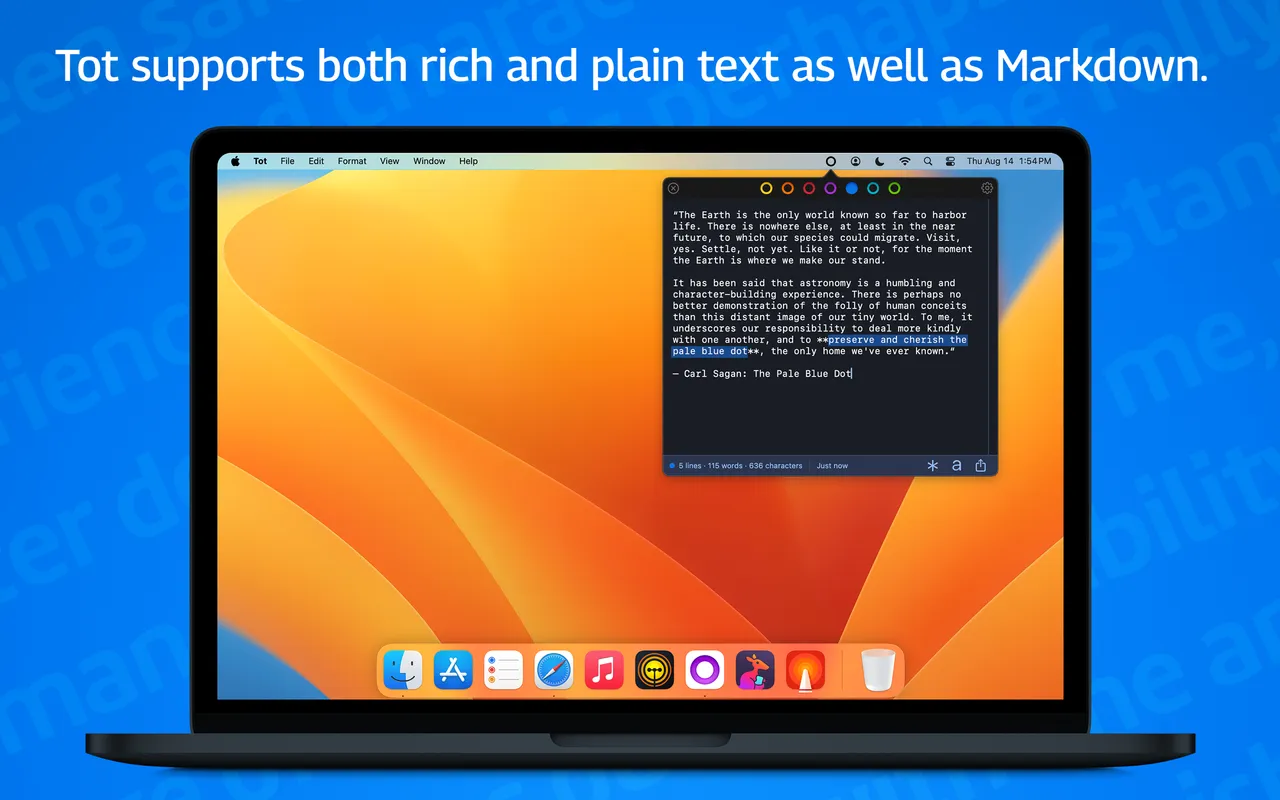
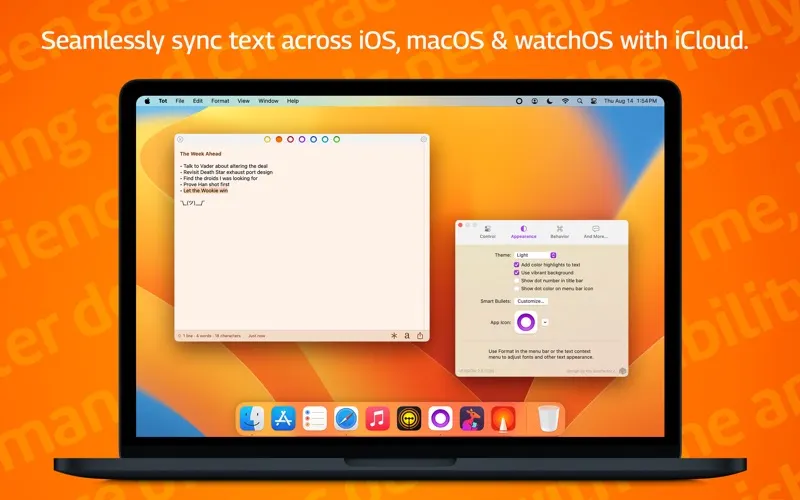
Each dot holds plain text or lightly formatted markdown, and you can jump straight to dot four from the keyboard. A URL scheme and Shortcuts actions let other apps drop text in without you switching windows. Sync runs over your own iCloud to the iPhone and iPad versions, which are bought separately — the $19.99 unlock here covers the Mac app only.

You can run it free with a single dot, which is an honest way to find out whether the constraint suits how you work. It should not be your notes app: there is no search across a library because there is no library, and no tags, folders or links. What it is very good at is holding the tracking number, the half-written reply and the SQL snippet for the next two hours, where you can see them. If you already keep one Apple Note pinned as a scratchpad and that works fine, you do not need this.

What owners report

Points that recur across the discussions below. A report of what users say, not our verdict: we don’t review software.

Praised

  • The seven-pad ceiling is the reason it sticks - people describe it as the scratchpad that cannot quietly turn into a second notes system
  • Text typed on the Mac turns up on the iPhone fast enough that several call it more dependable than the alternatives they tried

Criticised

  • Bugs and long quiet stretches between updates recur - one member dropped it after a crashy release, another called it buggy and rarely updated, a third assumed it had been abandoned

Details

The price in full

Free download with one dot available. The in-app purchase "Tot for macOS" unlocks all seven for $19.99, once, with no subscription products on the listing at all. The iPhone and iPad app is a separate purchase. Sync runs over your own iCloud account at no extra cost.

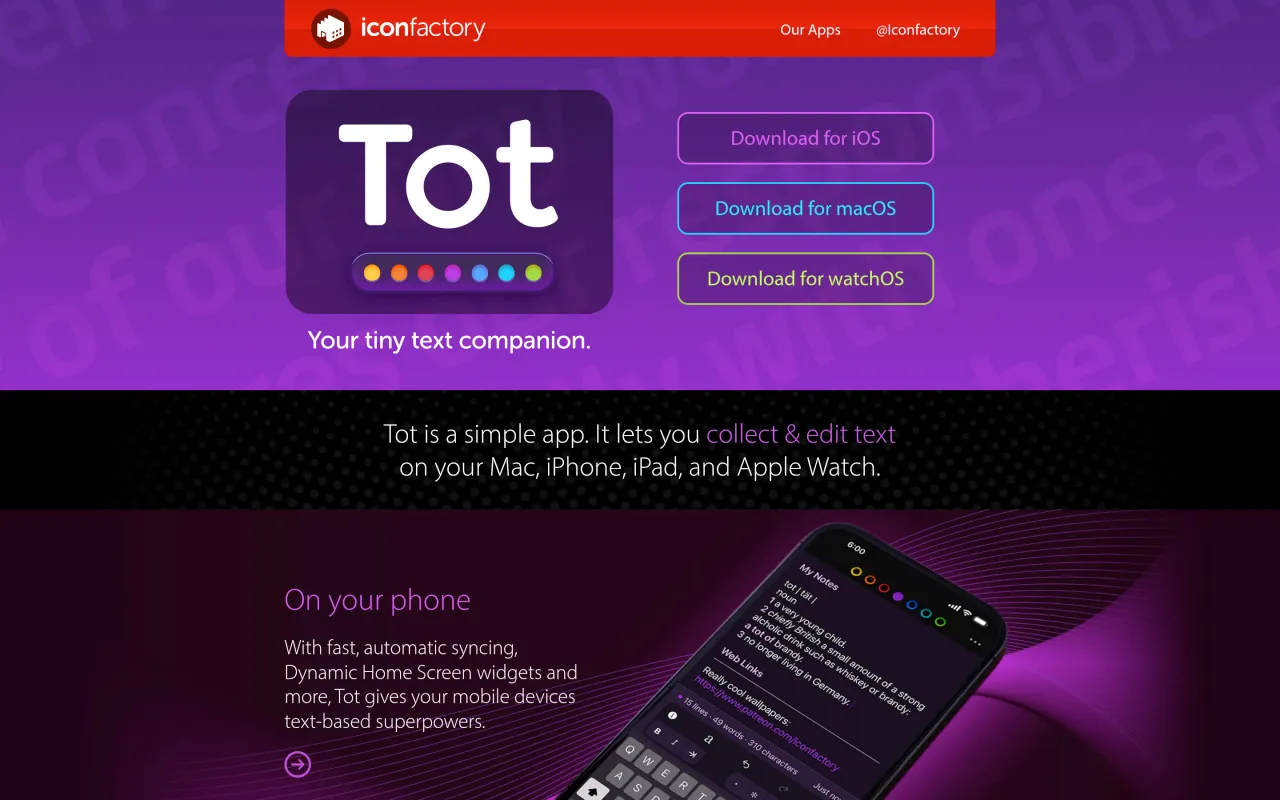
The Tot page at tot.rocks
The developer’s own page. tot.rocks, captured 22 Sep 2026
Free trial
Yes
Works offline
Yes
Apple Silicon
Native
On Setapp
No
Minimum macOS
not stated
Developer
The Iconfactory

Also bought outright