 Design, graphics & illustration
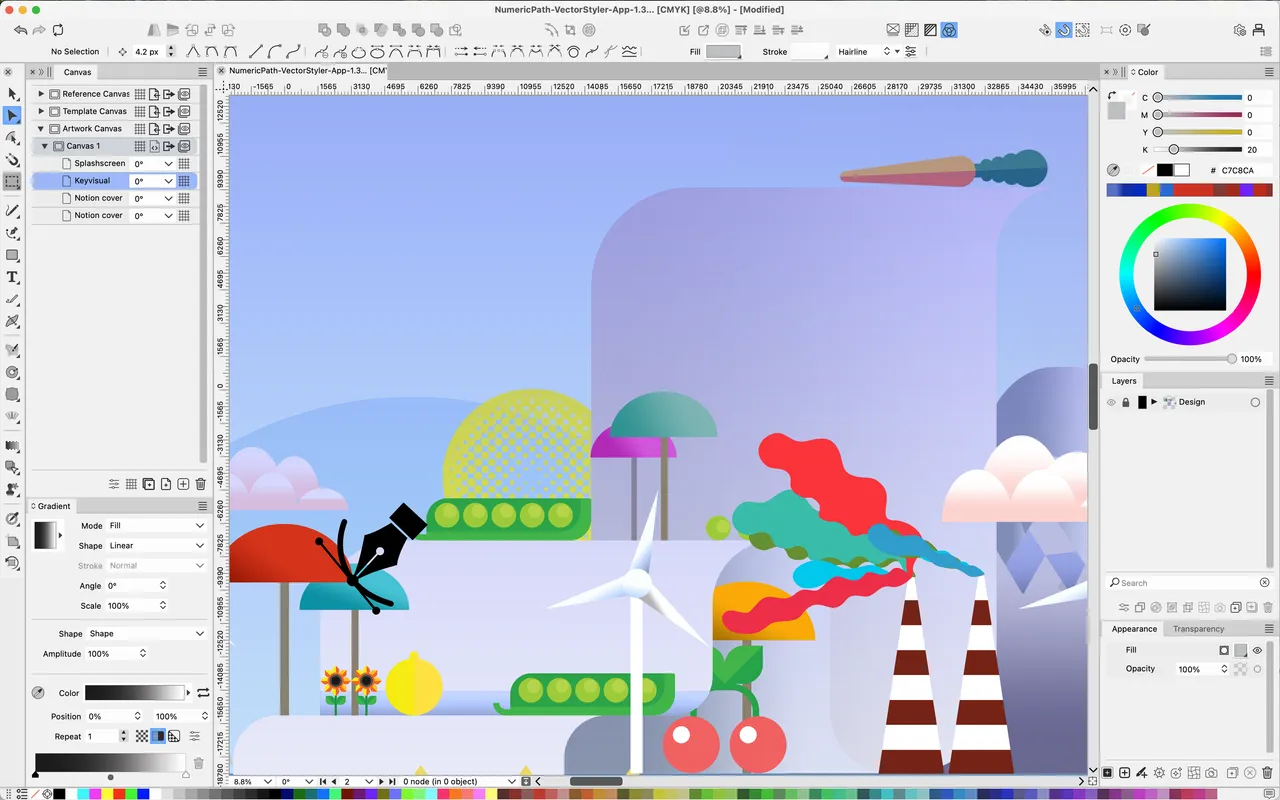
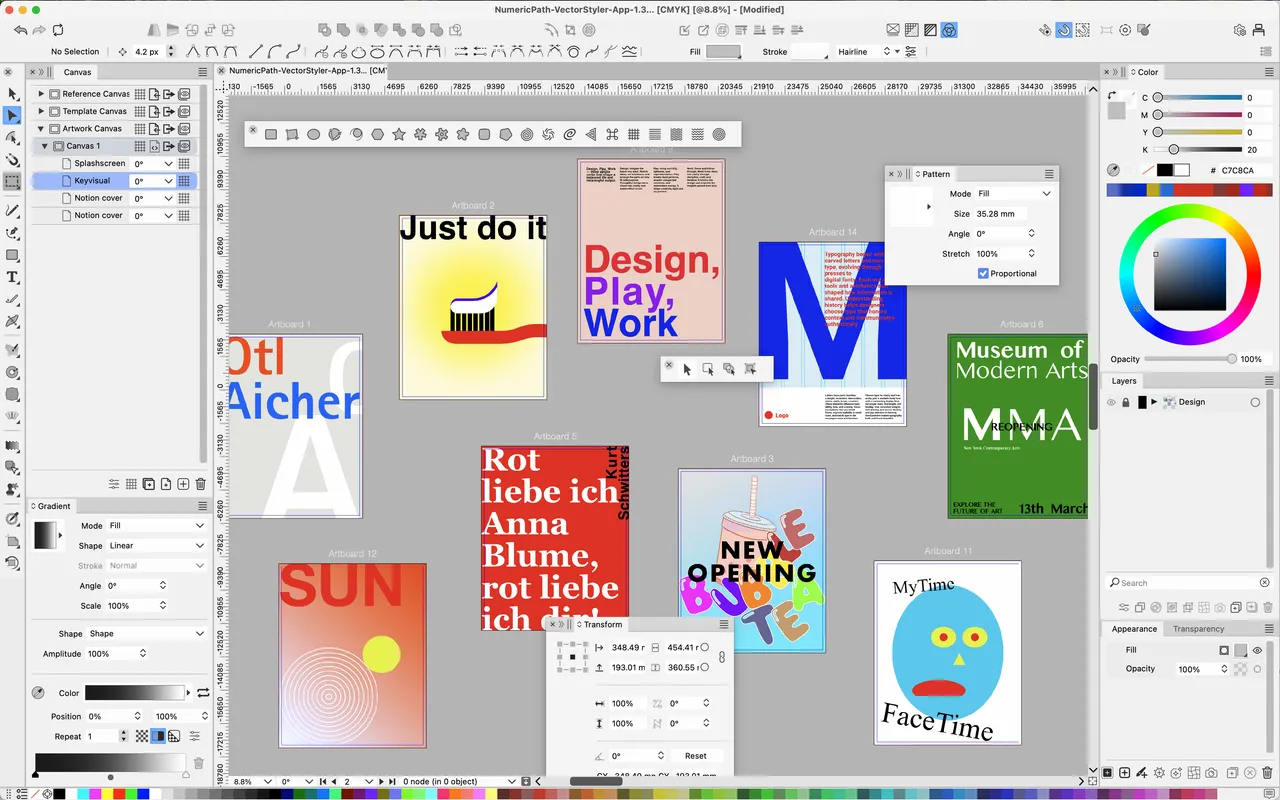
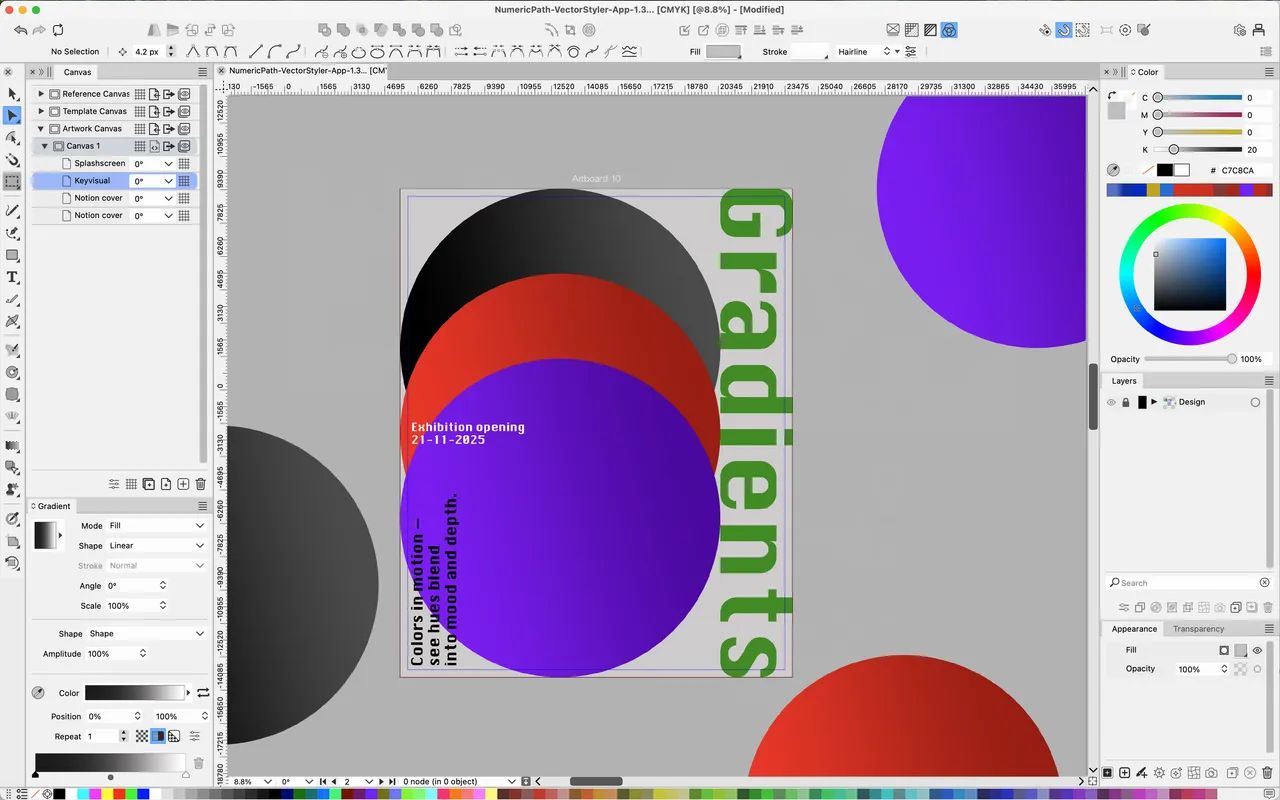
VectorStyler is the vector editor for people who left Illustrator and then found Affinity Designer missing the tools they actually cared about. Non-destructive shape effects that stay editable, variable-width and pattern strokes, gradient meshes, spot colour and CMYK that survive a trip to a printer, and a warp and distort toolset deeper than the price suggests. It is a lot of software for 95 dollars, and it is arranged unlike anything else you have used.
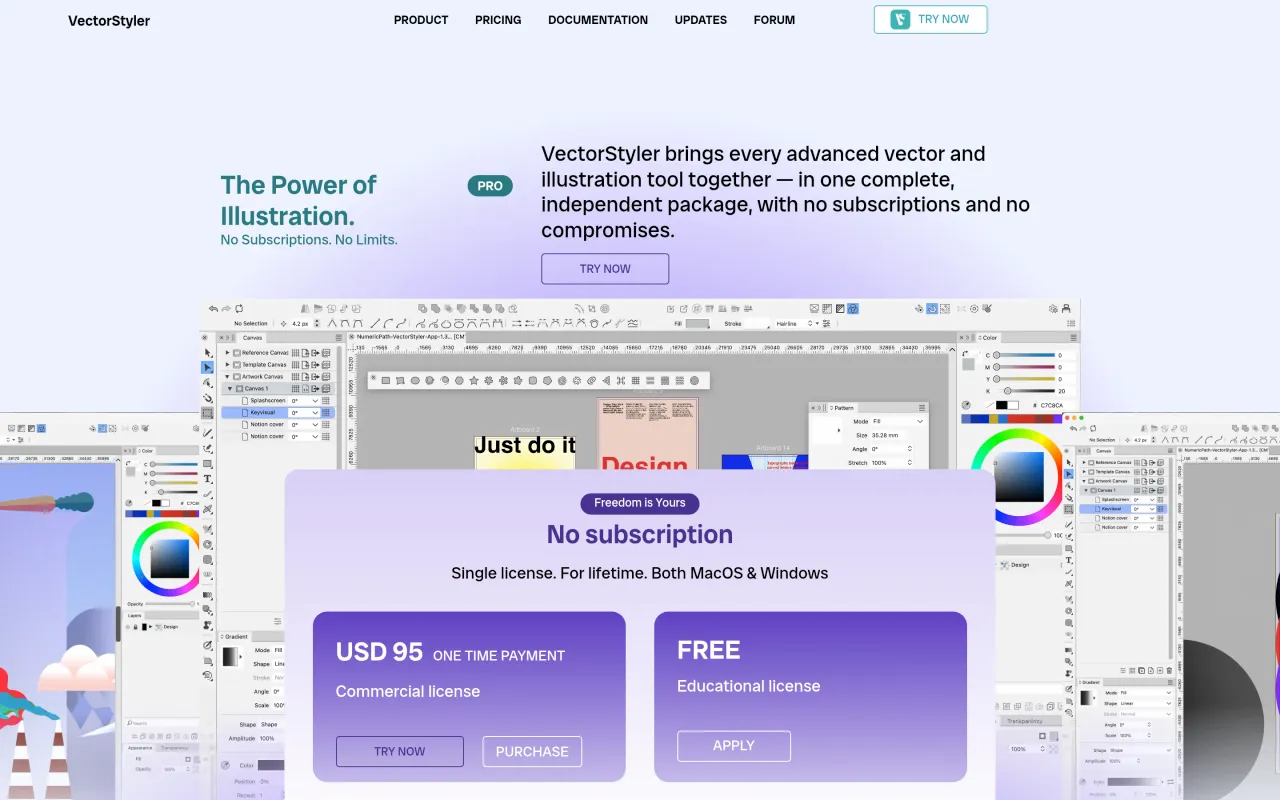
One licence covers macOS and Windows, upgrades are included in writing on the pricing page, and there is a 14-day refund window. That combination is genuinely uncommon: most apps in this directory are honest one-time purchases that still charge for the next major version, and this one does not.
The risk is the shape of the operation behind it. Essentially one person writes it, supports it and decides its future, so "lifetime" means the app's lifetime, not yours. The interface borrows nobody else's conventions, the docs are thinner than Adobe's or Serif's, and when you get stuck there is no large forum to search. The trial runs 42 days with everything switched on — put a real project through it first. If you want something you can learn in an afternoon, Amadine or Affinity Designer will make you happier.
 IconJar
 Sketch
 RightFont
 Pixelmator Pro