xScope
rulers, guides, loupe and mockup overlay floating above every window
Paid upgrades
The Iconfactory charges for major versions, at half price for existing owners, so this is a purchase plus an occasional fee rather than never paying again. Pick your channel carefully, because the two builds are not equivalent: the Mac App Store copy is sandboxed and by Iconfactory's own account less capable, notably in the Overlay tool, and it cannot accept upgrade codes or volume discounts, so moving between channels means buying again. Requires macOS 12.3 or later. It measures, aligns and inspects; it captures nothing and records nothing. Not on Setapp.
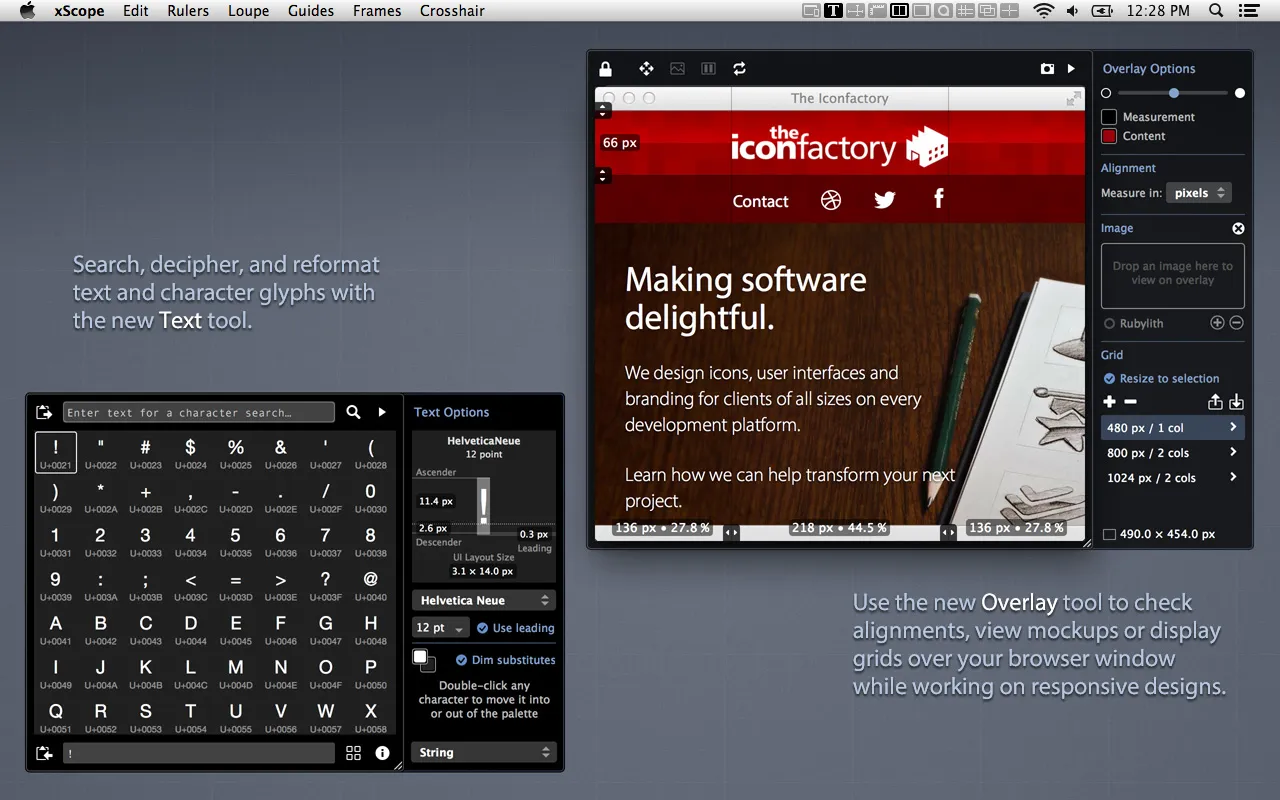
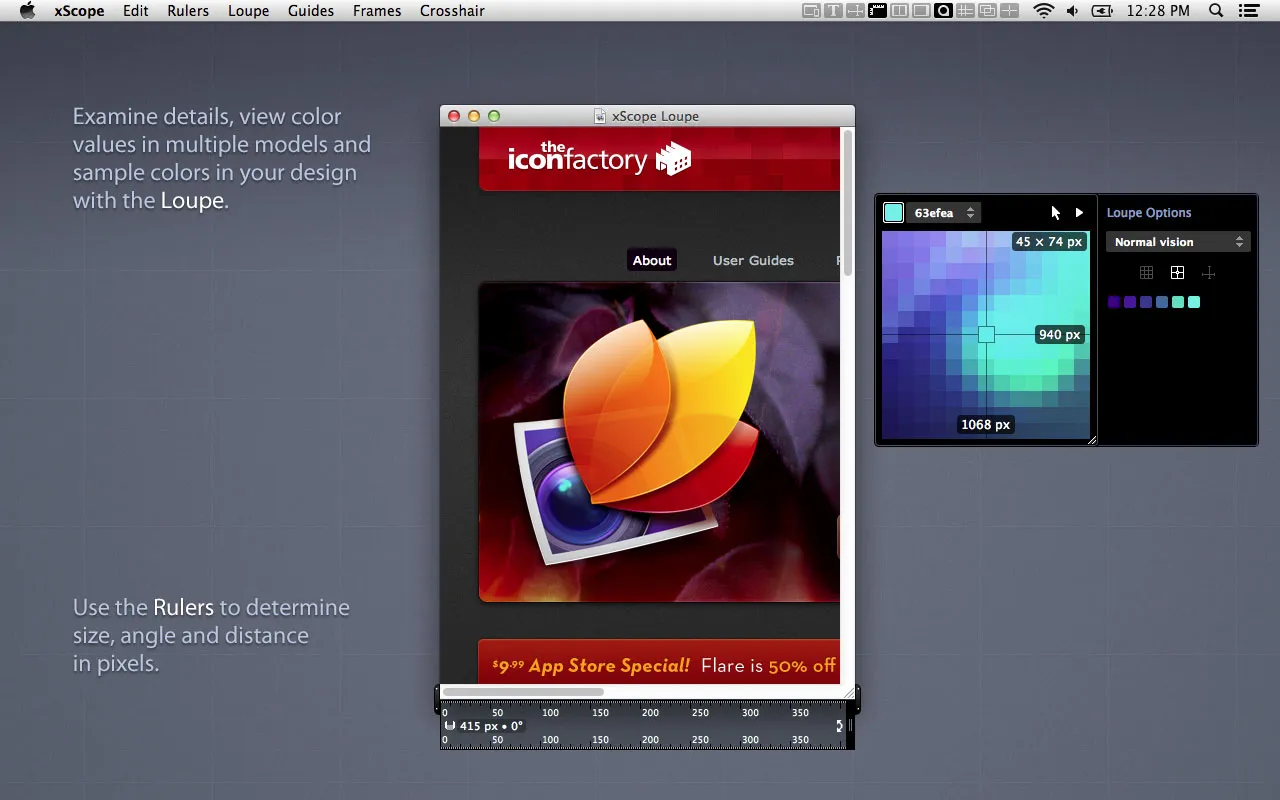
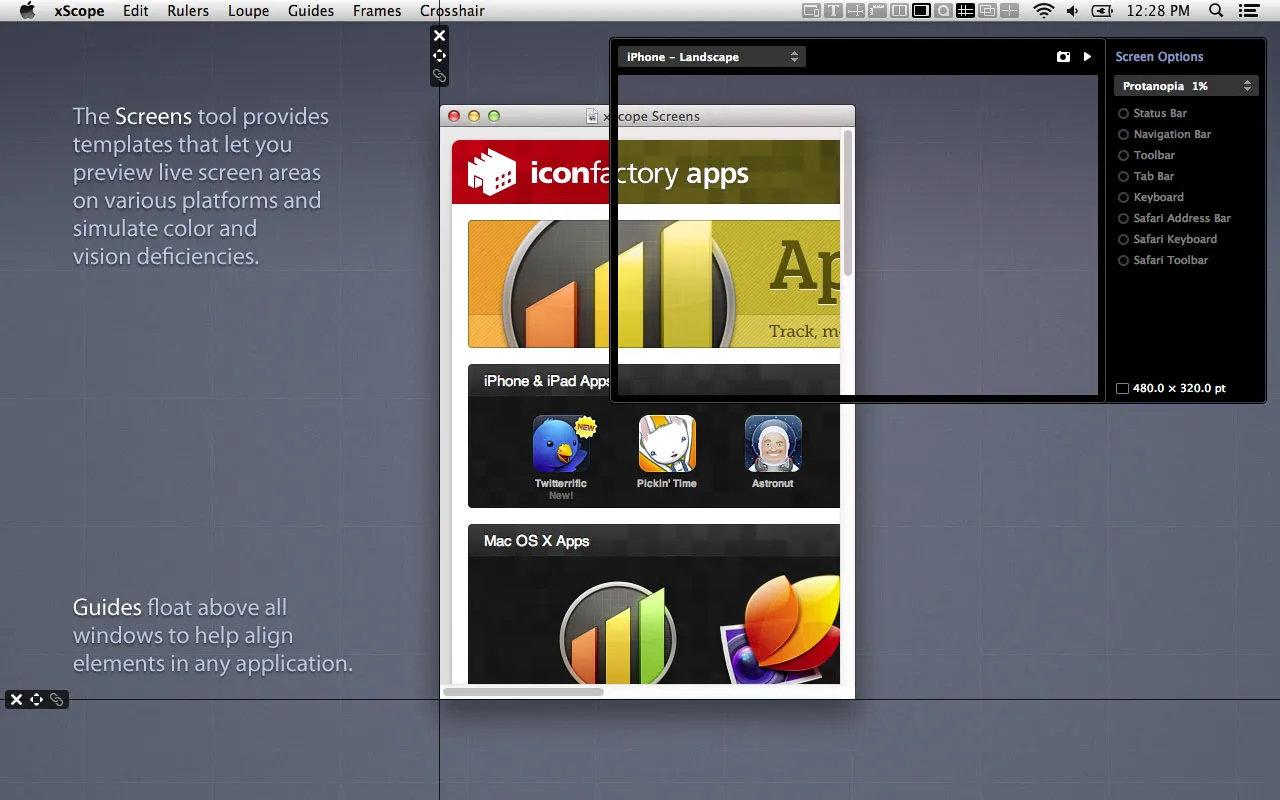
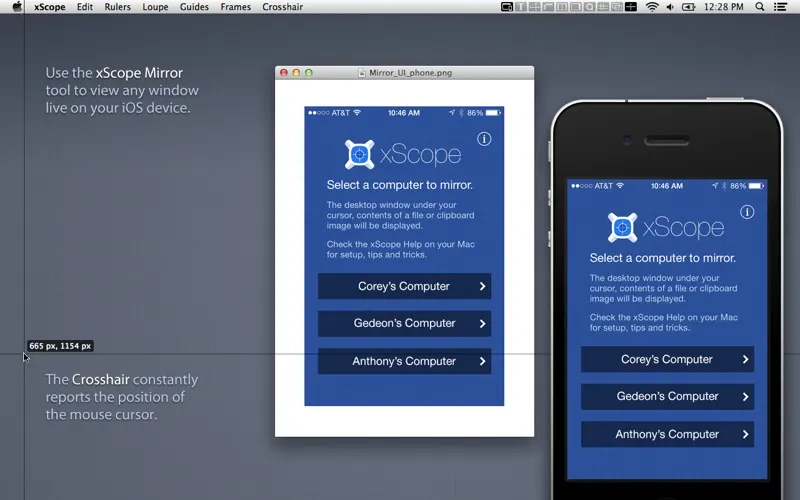
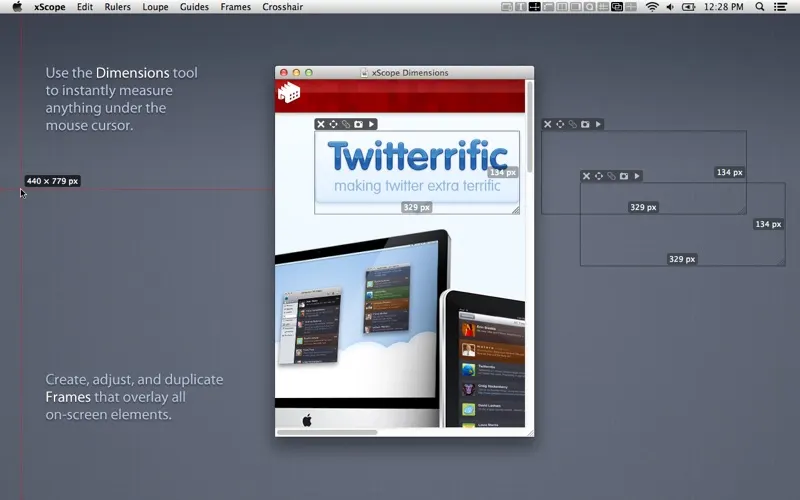
xScope is the oldest of the Mac measuring tools and still the deepest. Where newer apps do one trick well, this is a drawer of eight: rulers you place and lock, guides that snap to edges, a frames tool for checking layout boxes, a loupe, a crosshair reporting coordinates as you move, and an Overlay that pins a mockup image on top of the running interface at whatever opacity you like so you can flick between design and build.
That Overlay is the reason people who have xScope keep it. Nothing else does the compare step as directly, and it is also precisely the tool that the sandboxed Mac App Store build is worse at — which is the single most useful thing to know before you buy. The direct purchase emails you a serial, accepts upgrade discounts, and does not trade features for the convenience of Apple handling the receipt.
$49.99 is more than the newer measuring apps cost, and The Iconfactory has charged for major versions across nearly twenty years at 50% off for owners. Version 4 has been getting updates recently, so the next bill is not imminent, but plan for one.
If all you want is the size of a button and the gap next to it, this is more app than you need and PixelSnap is faster to learn. xScope pays off when alignment work is a regular part of the job.
What it looks like


What it does
- Rulers, guides and frames that float over any app
- Loupe with pixel magnification and colour sampling
- Screen overlay for comparing a mockup against the live UI
- Crosshair with live coordinates and distance readout
- Volume-discounted multi-user licences for teams
Also bought outright in capture
PixelSnap 2
measure anything on screen, over any app, without opening a design tool
$39CleanShot X
screenshots, recording and annotation in one $35 app
$35Capto
screen capture, recording and light video editing for one payment
$29.99Xnapper
auto-padded, auto-redacted screenshots for posting in public
$29.99The facts
- Price
- $49.99
- What you get
- One payment, and the developer charges for major versions on a stated cadence.
- Details
- Single-user licence $49.99, one-time, delivered as a serial number by email. Multi-user packs are volume-discounted rather than flat per seat: 5 users $199.99 (20% off per user), 10 users $349.99 (30% off), 20 users $599.99 (40% off), 30 users $749.99 (50% off), with larger volumes handled by orders@iconfactory.com. Owners of a previous xScope version get 50% off by entering their old registration details. Also sold on the Mac App Store at $49.99, where none of those discounts apply.
- Free trial
- Yes
- On Setapp
- No
- Minimum macOS
- macOS 12.3
- Developer
- The Iconfactory
- Price checked
- 2026-09-22
Check it yourself - Price band
- $30 to $60