 Window management & desktop control
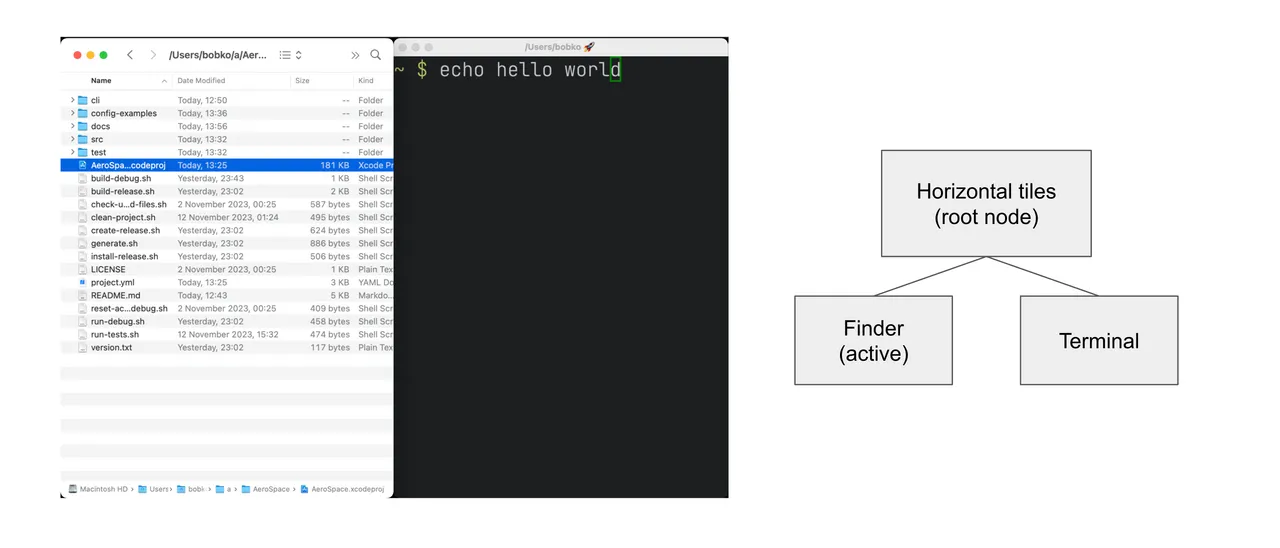
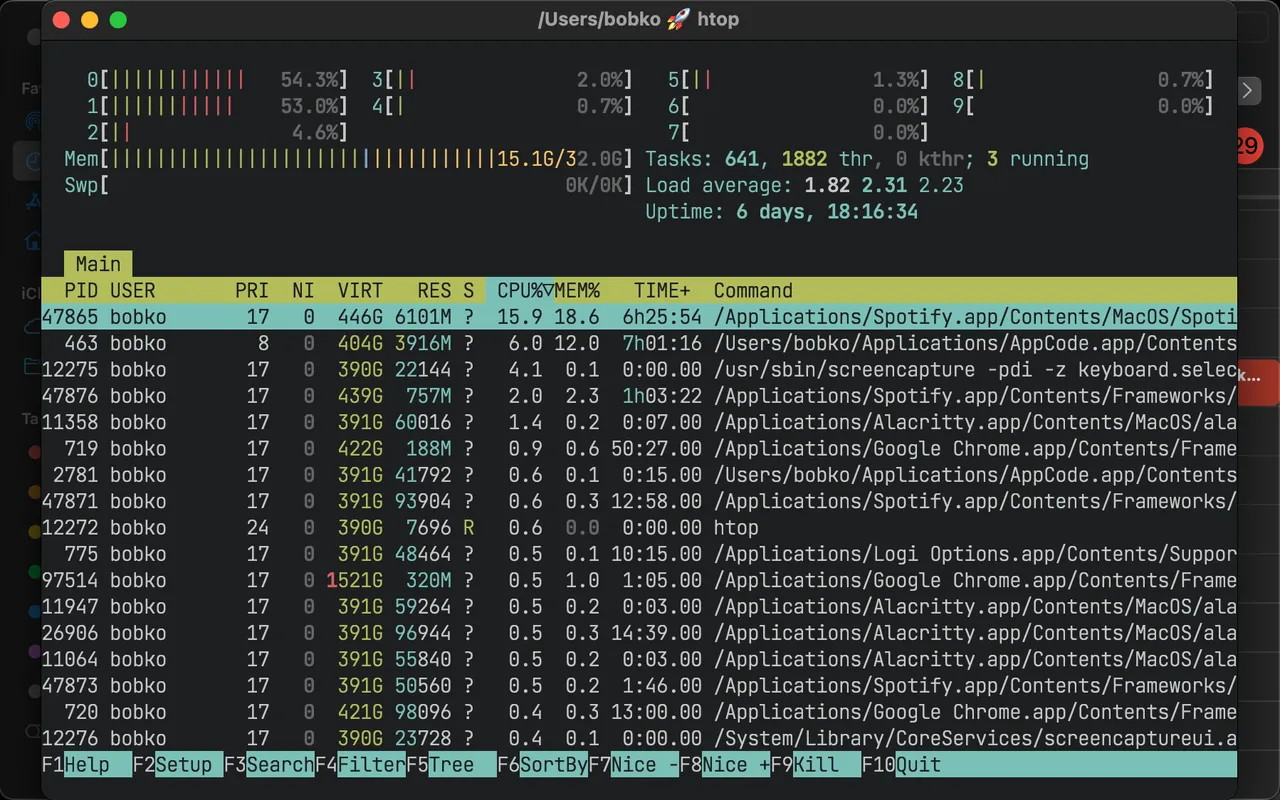
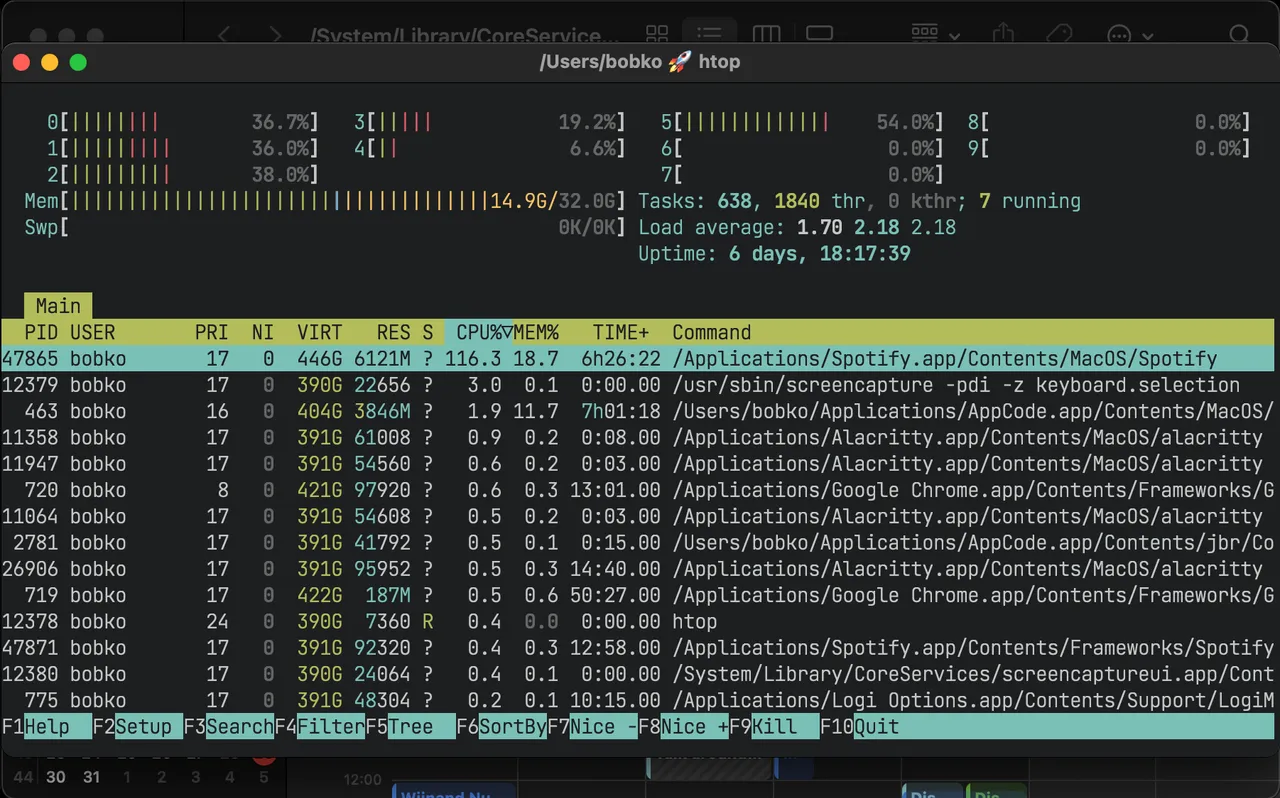
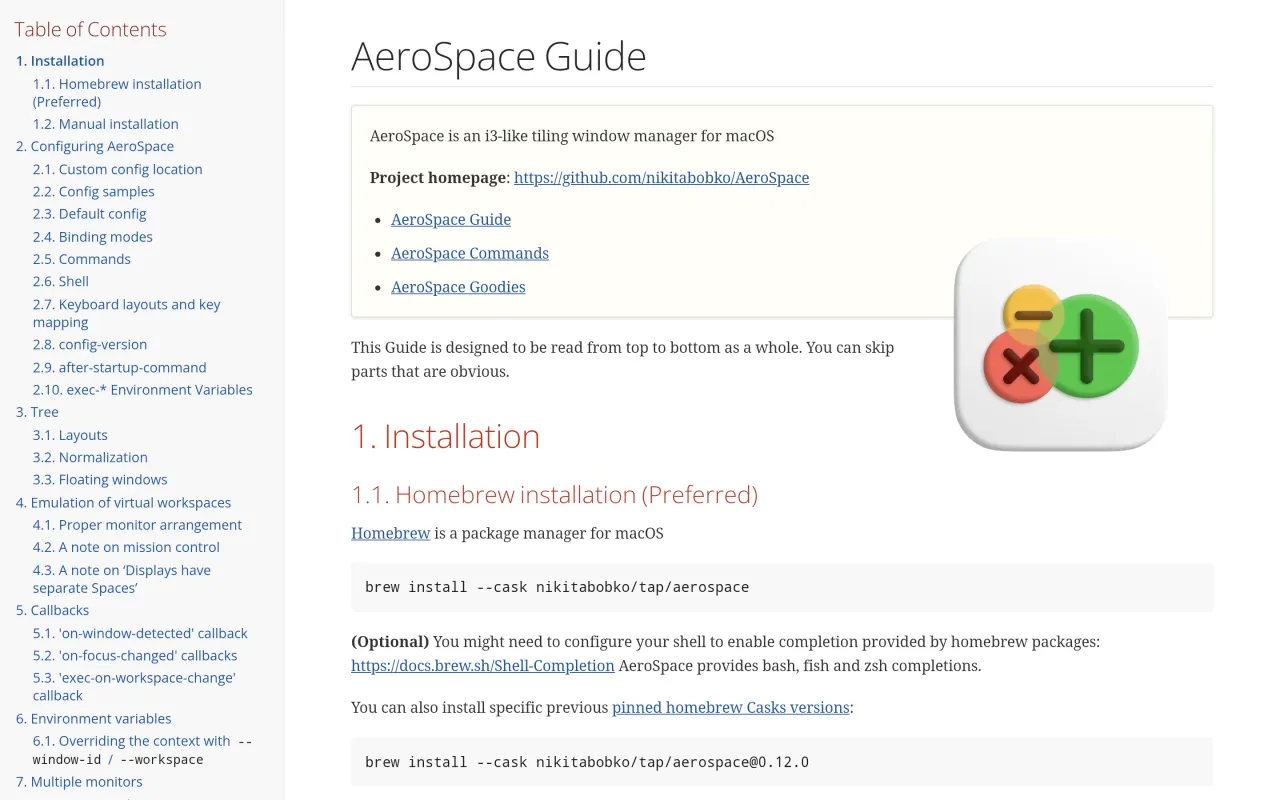
AeroSpace is for people who already know they want i3 on a Mac. Windows go into a tree of tiles and accordions, you move between them with the keyboard, and the whole arrangement is described in a text file you edit by hand. There is no preferences window, and that is a design position rather than an omission.
The clever part is the workspaces. Rather than driving macOS Spaces, AeroSpace leaves everything on one desktop and moves the windows of inactive workspaces off-screen. Switching then happens instantly, with none of Apple's sliding animation, and hotkeys never wait on the system. The cost is that anything assuming real Spaces behaves oddly, native fullscreen in particular, and you will read the documentation about it.
It is MIT licensed, has no paid tier and no donation prompt, and the repository was pushed to yesterday — which is more than most utilities in this category can claim.
Do not install this expecting Magnet. There is no drag-to-edge snapping and essentially no mouse story; if halves and quarters by dragging is the feature you want, Rectangle is free and takes two minutes. Budget an evening for the first config, and keep that file in your dotfiles, because the file is the app.
 Amethyst
 Ice
 Rectangle
 Magnet