 Window management & desktop control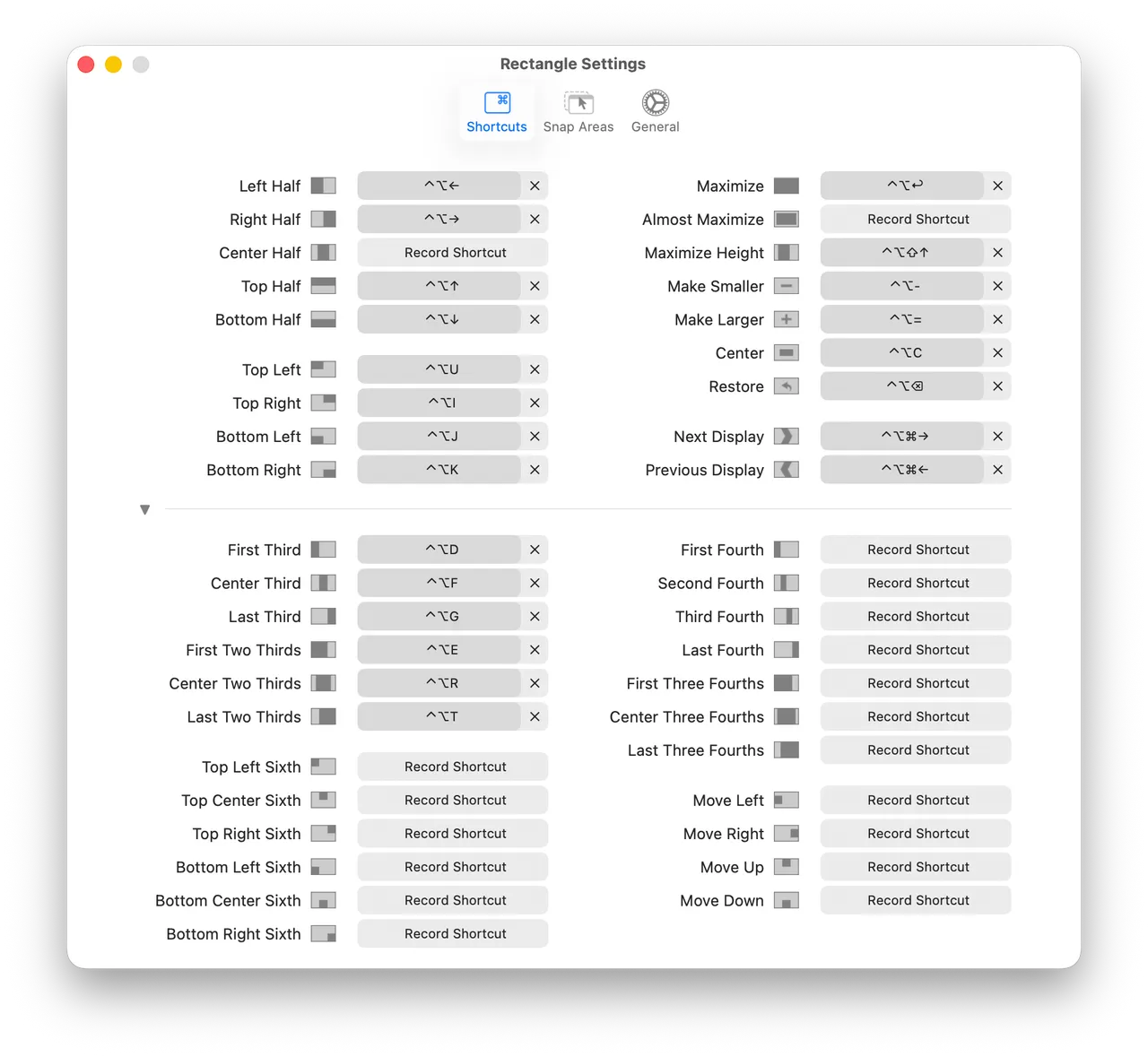
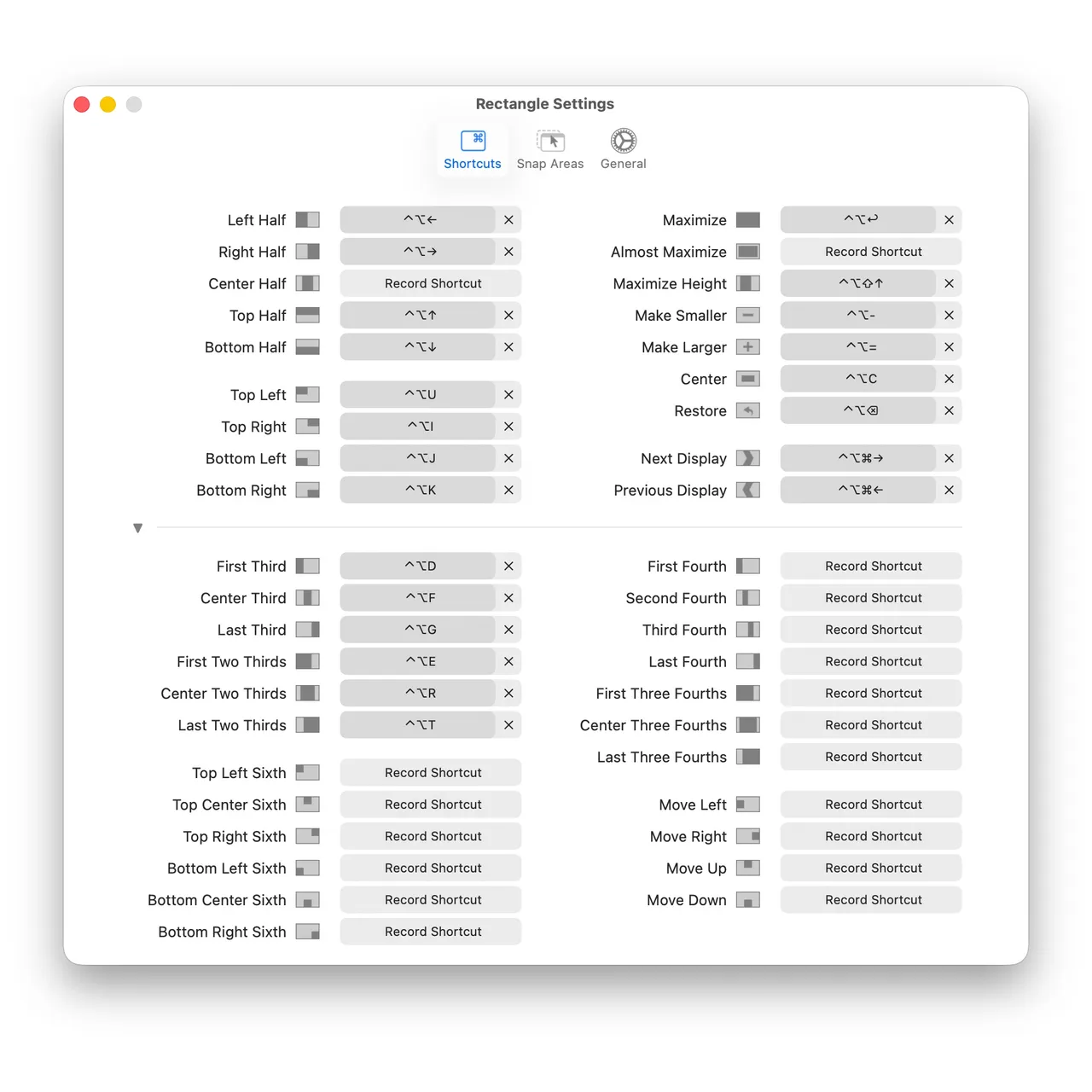
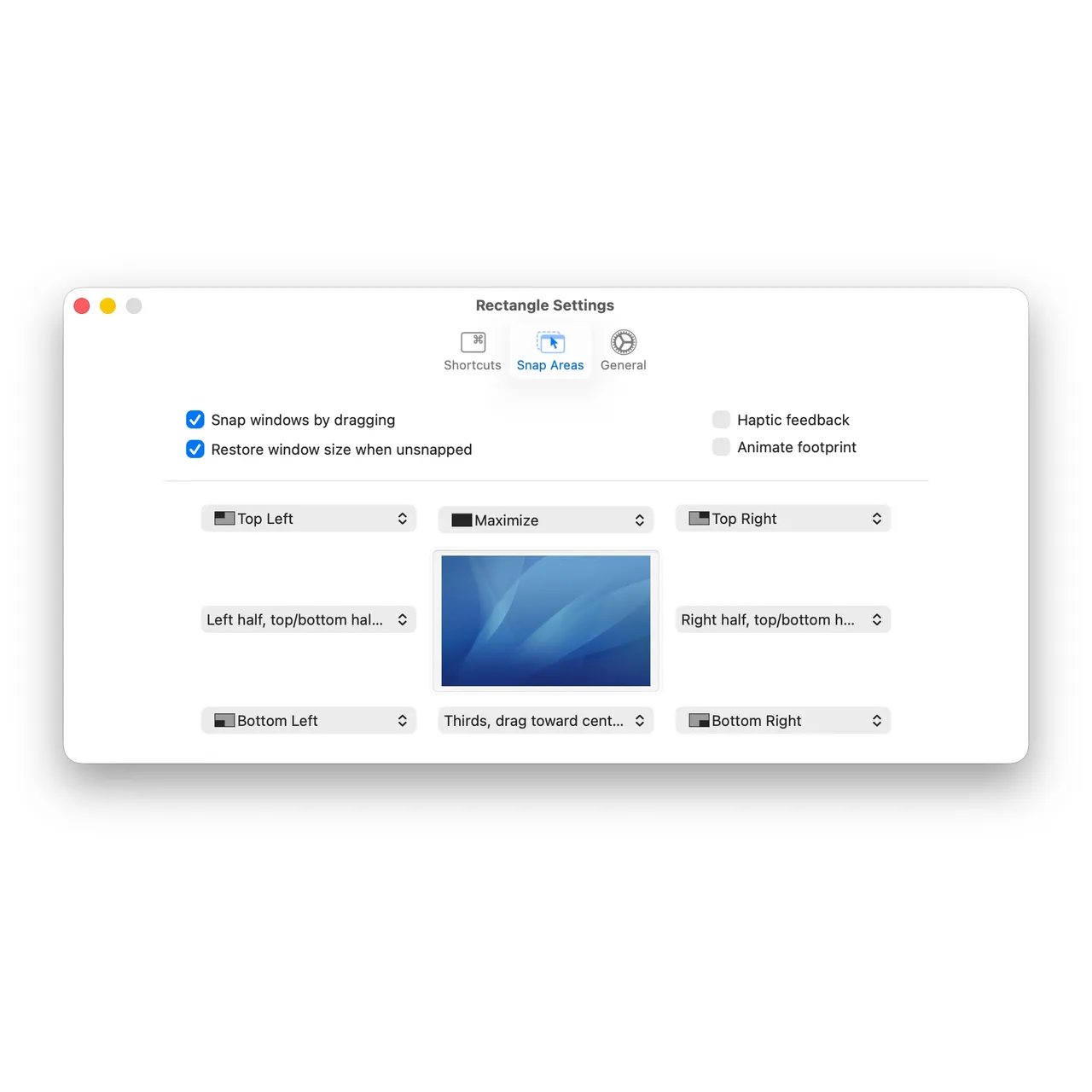
Rectangle is what most people should install first. It snaps the frontmost window to a half, a third, a quarter or the full screen with a keyboard shortcut, and does the same when you drag a window into a screen edge or corner. Ryan Hanson built it on the bones of Spectacle after that project was abandoned, and has maintained it steadily ever since. The MIT licence is the part that matters here: this app cannot quietly become a subscription later, because anyone can fork the last free version.
Since it costs nothing, the decision is about scope rather than money. Rectangle thinks about one window at a time. It will not remember a six-window arrangement, will not restore one when you plug in the monitor at your desk, and will not let you flick a window to another screen with the mouse. Those three things are what the paid Rectangle Pro sells. If you work mostly on a laptop display and want half-and-half without thinking about it, none of them are missing from your life.
You will have to grant Accessibility permission on first launch, and a few stubborn windows — some Electron apps, some Java apps — resist being resized exactly. That is a limit of the macOS API rather than of this app. Install this before you pay for anything else in the category, and only upgrade once you can name the feature you are missing.
 AeroSpace
 Amethyst
 Ice
Ice Magnet