Lifetime Mac
Window management & desktop control
Ice

Free GPL menu bar manager, the open alternative to Bartender

Price: Free

Open sourceNothing to buy; source published

Checked on github.com, the page Get it opens.

The catch

The repo has not been pushed to in a year and some README features are still unimplemented

The full picture

Development has visibly stalled: the last push to the GitHub repository was September 2025, roughly a year ago. The README still describes Ice as in active development with features not yet implemented, and marks menu bar item spacing as beta. It requires macOS 14 Sonoma or later, with the author stating there are no plans to support earlier releases. There is no support address behind it, only the issue tracker — if you want someone whose job it is to fix a broken menu bar after an OS update, that is what Bartender's money buys.

Replaces
Bartender Pro, Setapp$20 a year.
Developer account
None needed

What it looks like

Images belong to their developers.

What you’re buying

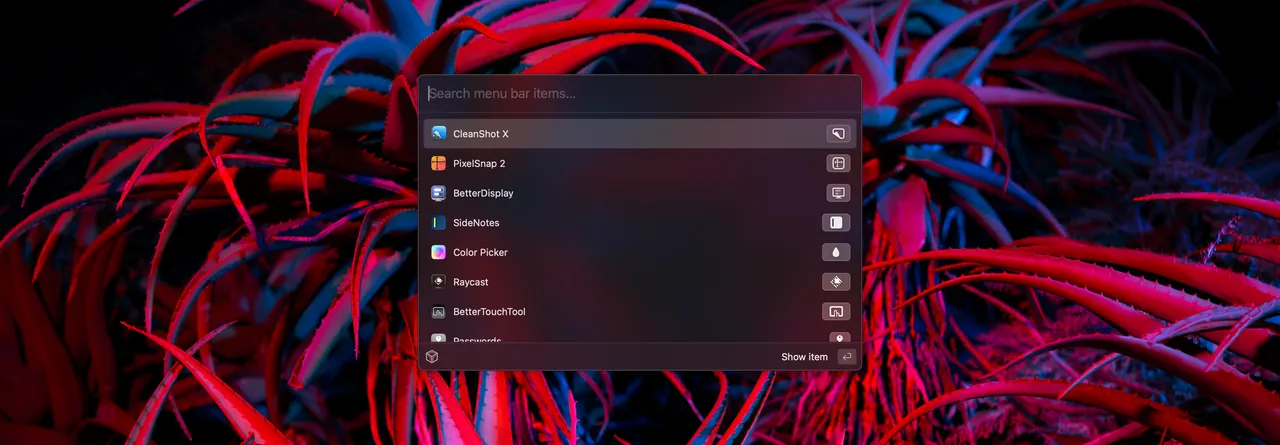
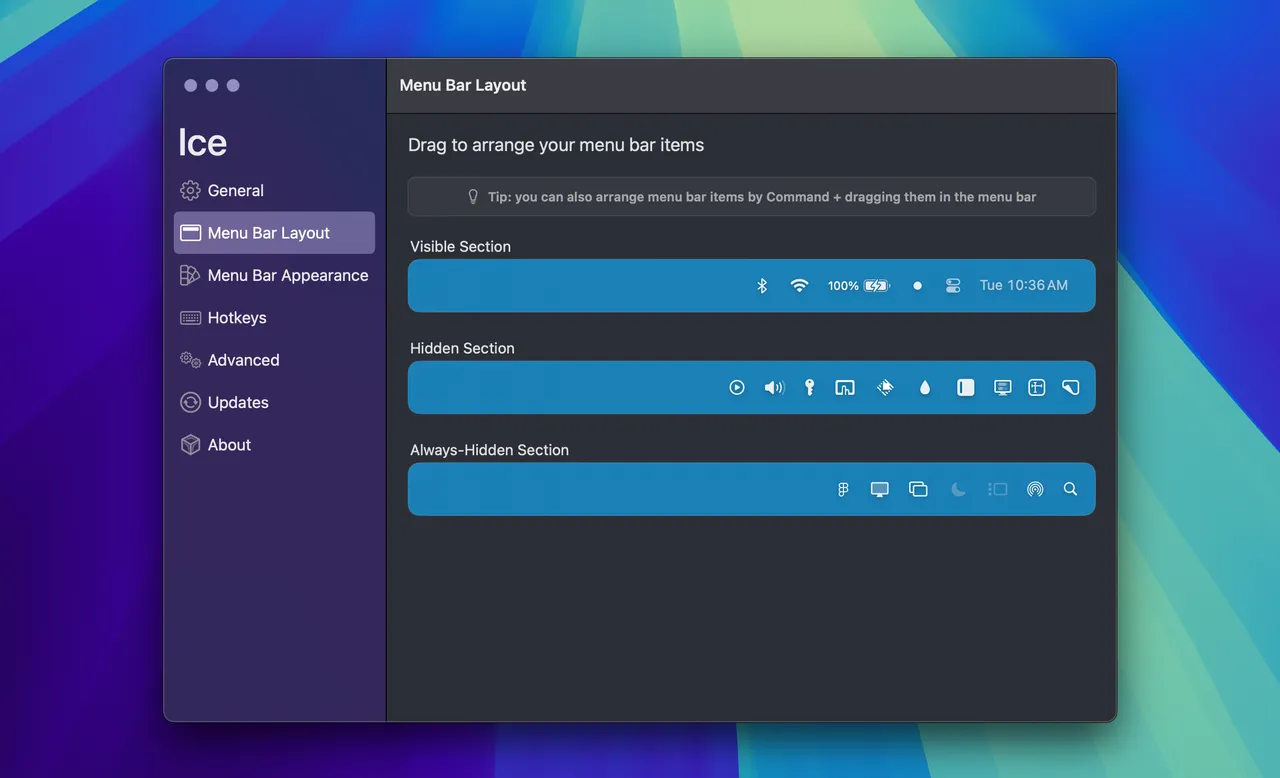
Ice arrived at the moment a lot of people were looking for a menu bar manager they did not have to think about, and it covers the core of the job: a divider you drag icons behind, a hotkey to reveal them, drag-and-drop reordering, keyboard search, and the Ice Bar — a separate strip below the menu bar that holds the hidden icons rather than expanding the real one. On a notched MacBook that is most of what you wanted Bartender for in the first place.

The thing to weigh here is not price, it is maintenance. The repository's last push was September 2025, a year ago now, and the README still calls the app a work in progress with icon spacing marked beta. Nothing is broken today. But menu bar behaviour is exactly the sort of thing Apple adjusts in a point release, and there is no support address to write to when it happens — only an issue tracker with no one obviously reading it.

It installs with brew install --cask jordanbaird-ice and needs macOS 14 or later.

If your menu bar setup is load-bearing for work and losing it after an OS update would ruin a morning, buy Bartender instead and get a person behind it. If you just want the clutter gone, this costs nothing and takes five minutes.

What owners report

Points that recur across the discussions below. A report of what users say, not our verdict: we don’t review software.

Praised

  • Owners repeatedly say it covers the part of Bartender they actually used — hiding and revealing icons — and several report it doing that faster than Bartender did.
  • Readable source rather than any feature is the reason switchers give for choosing it after Bartender changed hands, in both the Hacker News and forum threads.

Criticised

  • Several owners only learned from the issue tracker that dragging an item past the divider is what keeps it permanently visible, and describe the control as undiscoverable.
  • Owners on macOS 26 Tahoe repeatedly report that menu bar items will not display and that Ice crashes, with unofficial builds and a community fork circulating instead of a fix.

Details

Works offline
Yes
Apple Silicon
Native
Minimum macOS
macOS 14
Developer
Jordan Baird
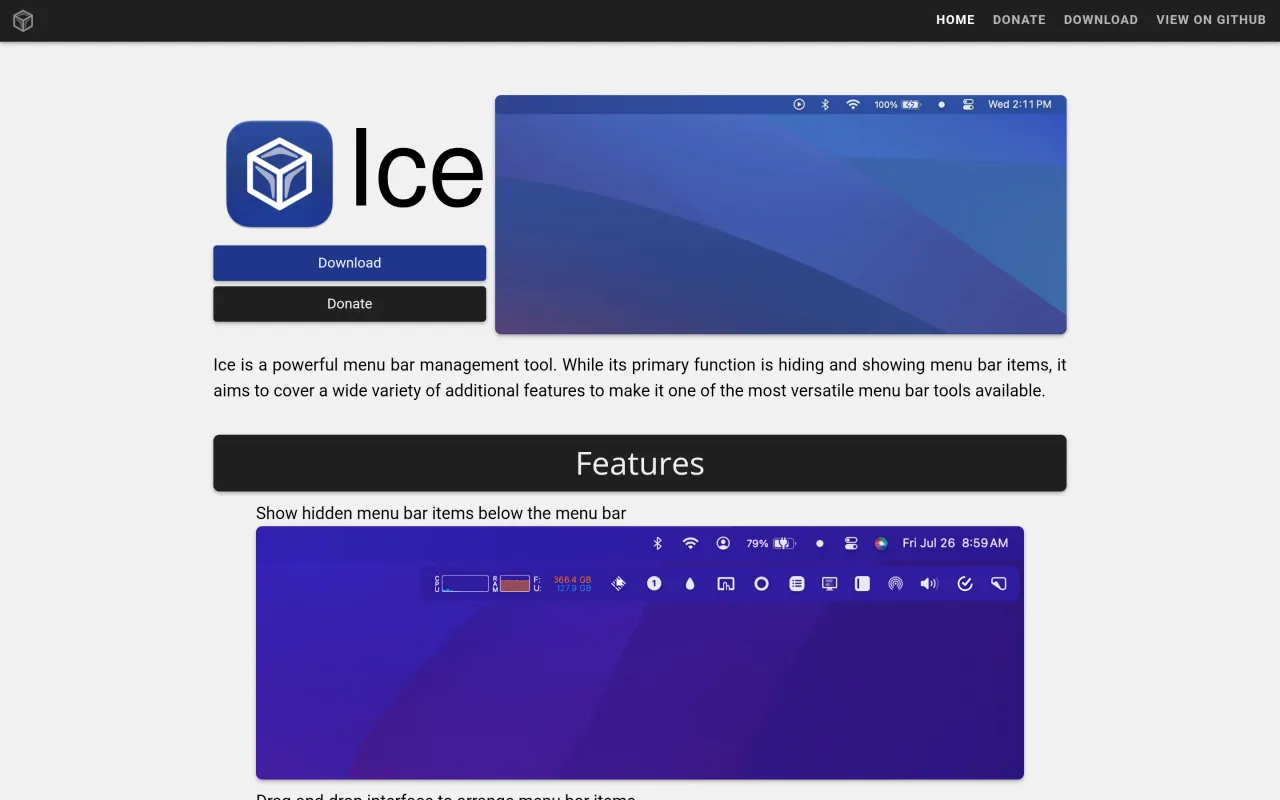
The Ice page at icemenubar.app
The developer’s own page. icemenubar.app, captured 22 Sep 2026

Also bought outright