Amethyst
free MIT automatic tiling, the gentler xmonad-style option
Open source
Because Amethyst works with native macOS Spaces rather than replacing them, changing desktop keeps Apple's sliding animation — the trade for it behaving normally with fullscreen apps and Mission Control. Layouts are fixed sets rather than a window tree, so you have less say over exactly where a third window lands than you would in AeroSpace. Development is slow but alive: the last push was August 2026 and the version is still 0.24.x. Requires macOS 10.15 or later, and apps that insist on their own window sizes will fight the tiler.
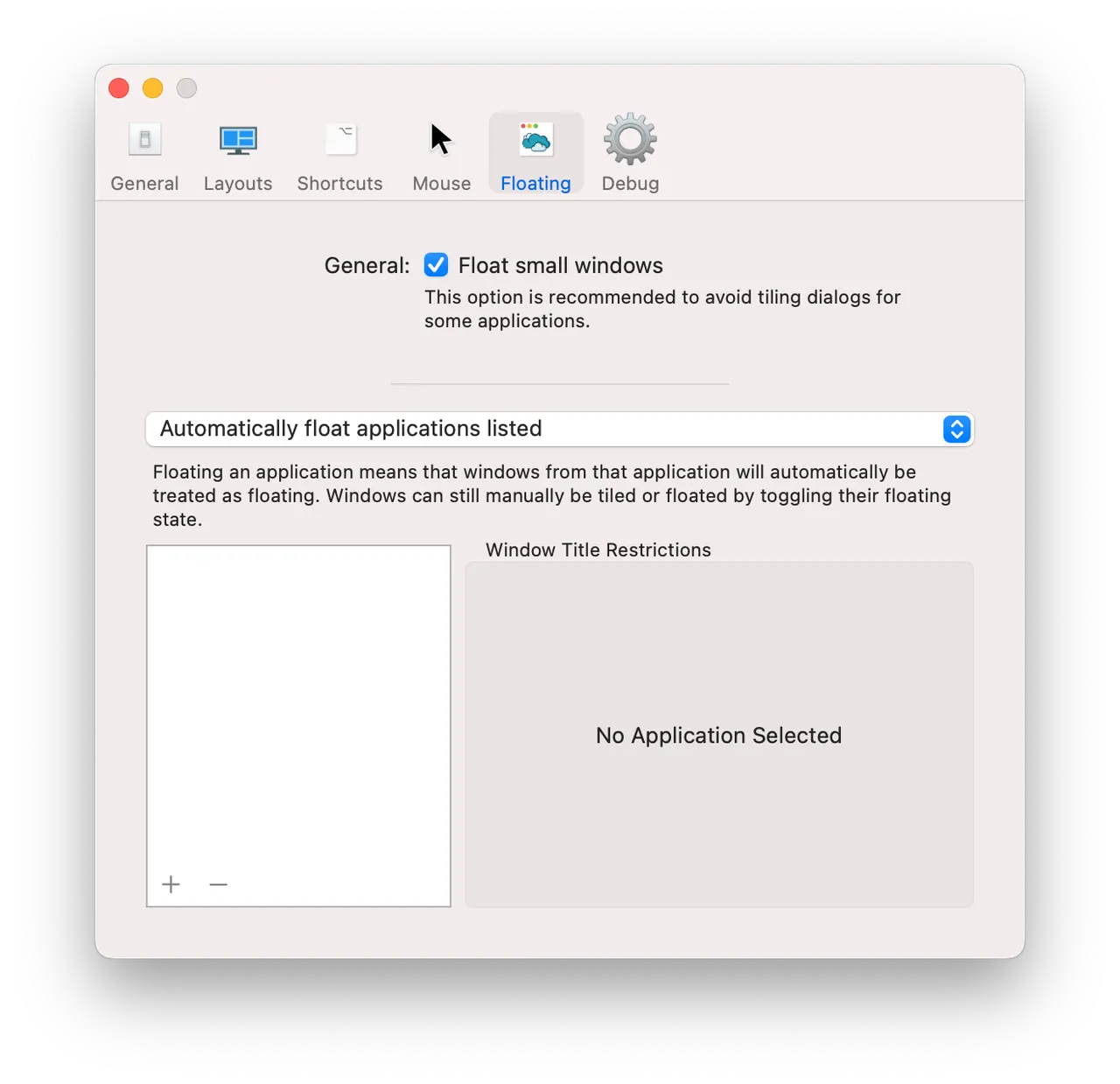
Amethyst is the tiling manager you can install on a Tuesday afternoon and still be using on Friday. Open a window and it drops into the current layout on its own; one keystroke cycles through tall, wide, fullscreen and column arrangements, another swaps two windows around. All of it is set in an ordinary preferences window with a shortcut recorder, which is the entire reason to pick it over AeroSpace.
It uses native macOS Spaces rather than replacing them. That is good for compatibility — fullscreen apps, Mission Control and Stage Manager all behave as they normally do — and bad for speed, because you keep the sliding animation every time you change desktop. Layouts are fixed sets rather than a tree, so you get less control over exactly where a third window lands.
The project has been running for over a decade, is MIT licensed, and the developer points people who offer donations towards other organisations instead. Development is unhurried: the last push was August 2026, and the version has been 0.24.x for a while.
If you keep two or three windows open and mostly want them side by side, a snapping utility is a smaller change to your habits than a tiler. Amethyst pays off once you have a dozen windows open and want to stop reaching for the trackpad.
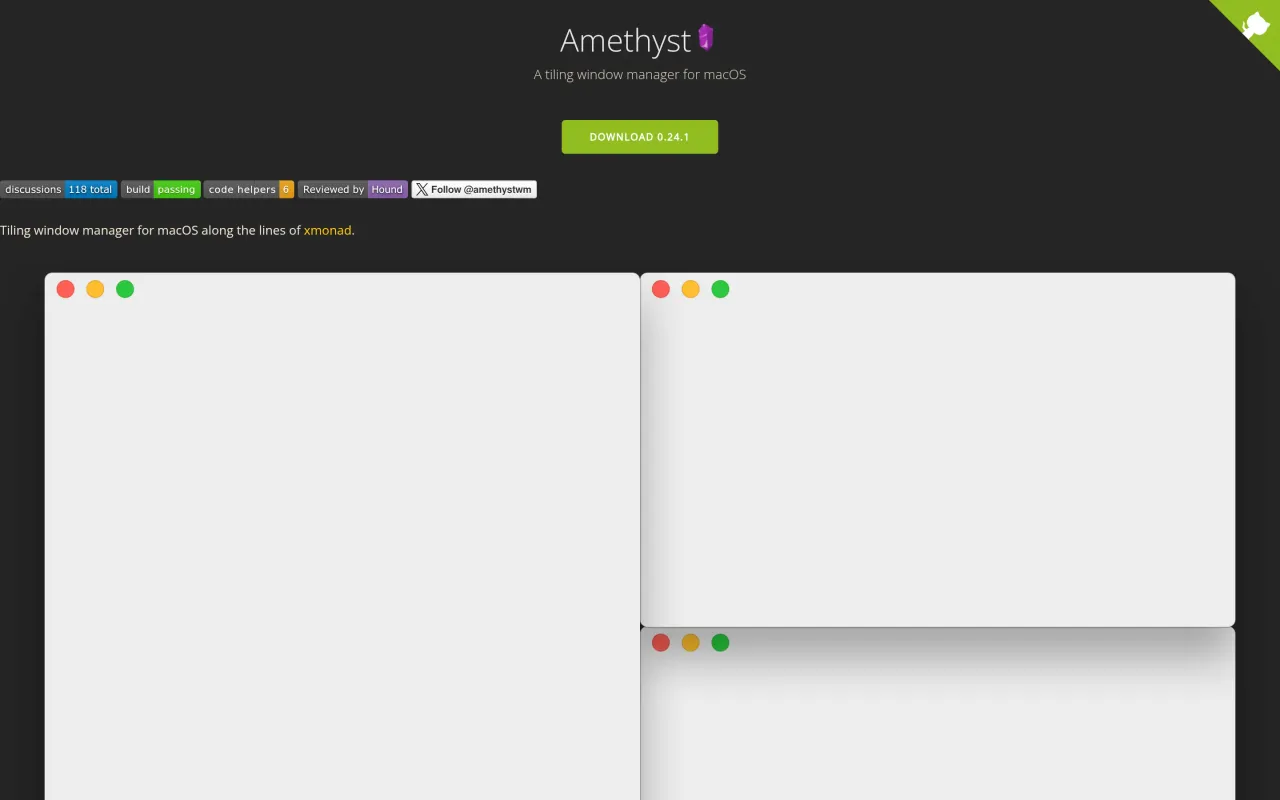
What it looks like

What it does
- Automatic tiling with tall, wide, fullscreen, column and custom layouts
- Keyboard shortcuts to cycle layouts and swap window positions
- Works with native macOS Spaces and multiple displays
- Preferences window with a shortcut recorder, not a config file
- MIT licensed, roughly 16k GitHub stars, no paid tier
Also bought outright in windows
AeroSpace
free MIT tiling window manager with i3-style keybindings
FreeIce
free GPL menu bar manager, the open alternative to Bartender
FreeRectangle
free, MIT-licensed window snapping with keyboard shortcuts and edge zones
FreeMagnet
the $4.99 App Store snapper with no subscription and no in-app purchases
$4.99The facts
- Price
- Free
- Licence
- Free and open source
- What you get
- No licence to buy, and the source is public.
- Details
- Free and MIT licensed. The site states plainly that "Amethyst is free and always will be", and the developer redirects offers of donations to other organisations rather than accepting them. Install with `brew install --cask amethyst` or download from ianyh.com. No paid tier.
- Free trial
- No
- On Setapp
- No
- Minimum macOS
- macOS 10.15
- Developer
- Ian Yh
- Source
- Repository
- Price checked
- 2026-09-22
Check it yourself - Price band
- Free