 Design, graphics & illustration
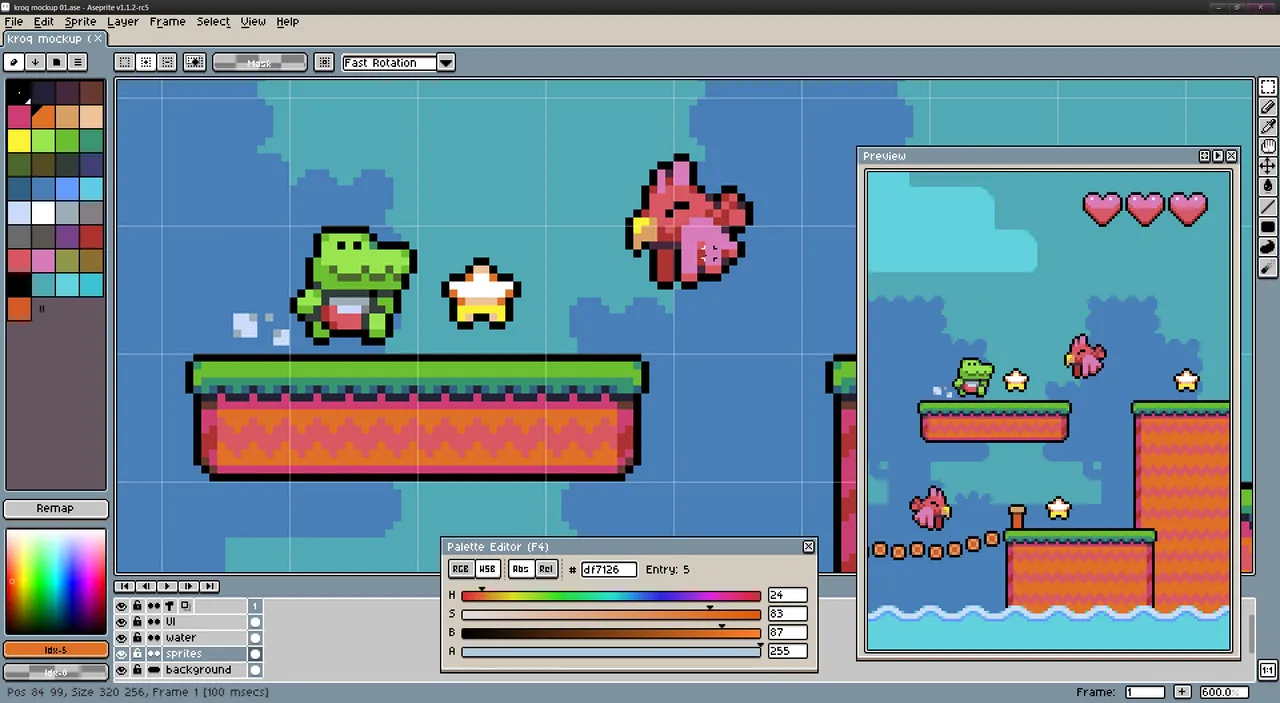
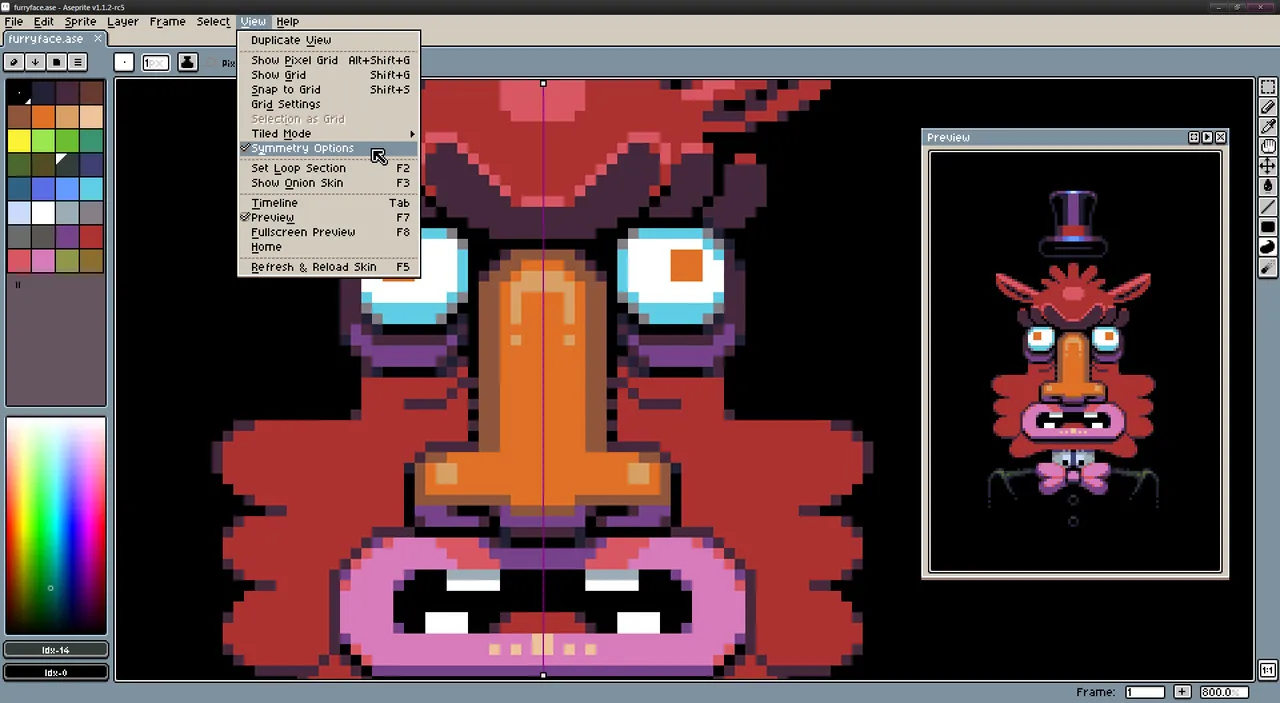
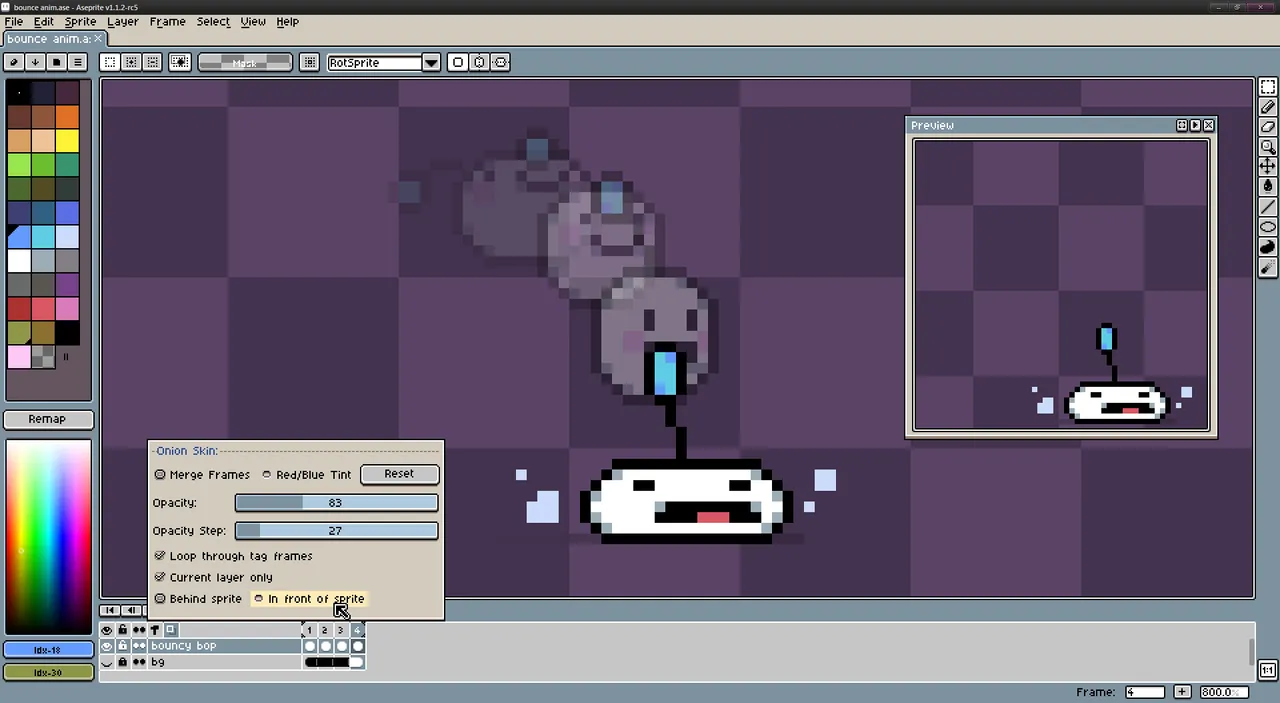
Aseprite is what most working pixel artists end up on, and the reason is the timeline. Frames, tags, onion skinning and per-frame layer editing are the centre of the app rather than something bolted onto a paint program, so building a four-frame walk cycle and exporting a sprite sheet your engine can slice takes minutes instead of an afternoon of manual canvas arithmetic.
The $19.99 buys the 1.x series. You get the macOS build, and a direct purchase also hands you a Steam key if you would rather let Steam handle updates. Igara Studio has shipped a long run of releases under that one payment, and the FAQ scopes it to updates through v1.9. The licence boundary is version 2.0: nothing promises it is included, and the honest assumption is that it will be a new purchase. At this price that is easy to live with.
One thing worth knowing: the source is on GitHub, but Aseprite stopped being open source in 2016. You may compile it for yourself; you may not hand the binary to anyone else.
Skip it if you draw at high resolution or want a general illustration tool, because it has no interest in being Photoshop. And if you only need to recolour a handful of sprites twice a year, Pixelorama is free and does enough.
 Boxy SVG
 Acorn 8
 Amadine
 Retrobatch