Lifetime Mac
Design, graphics & illustration
Retrobatch

Node-based batch image processing, bought once

Price: $29.99 once

Paid upgradesMajor versions cost again

Price read on flyingmeat.com, the page Buy direct opens.

The catch

The nodes worth having are Pro-only, which is $49.99 rather than the $29.99 standard edition

The full picture

The Pro edition is where the interesting nodes live — machine learning, AppleScript, JavaScript, droplets — while the $29.99 standard edition covers everyday resize, crop and export work with a smaller node set. Flying Meat charges for major versions, though not at full price: Retrobatch 2 was a paid release for version 1 owners with a $19.99 upgrade SKU, so expect a small repeat cost every few years. Requires macOS 12 or later, Mac only, and the node approach takes an afternoon before it clicks.

Pays back in
9 months
Seats
No Mac count statedUsable on several of your own computers, as long as you are the only person using the licence.
Developer account
None needed
Buy once$29.99Rent 5 years$195

$165 kept over five years, and you still have the app.
Against TinyPNG Web Pro at $39 a year, Web Pro plan at $3.25 a month billed annually; covers compression only, not the wider batch pipeline. Also replaces Adobe Creative Cloud and Adobe Bridge.

What it looks like

Images belong to their developers.

What you’re buying

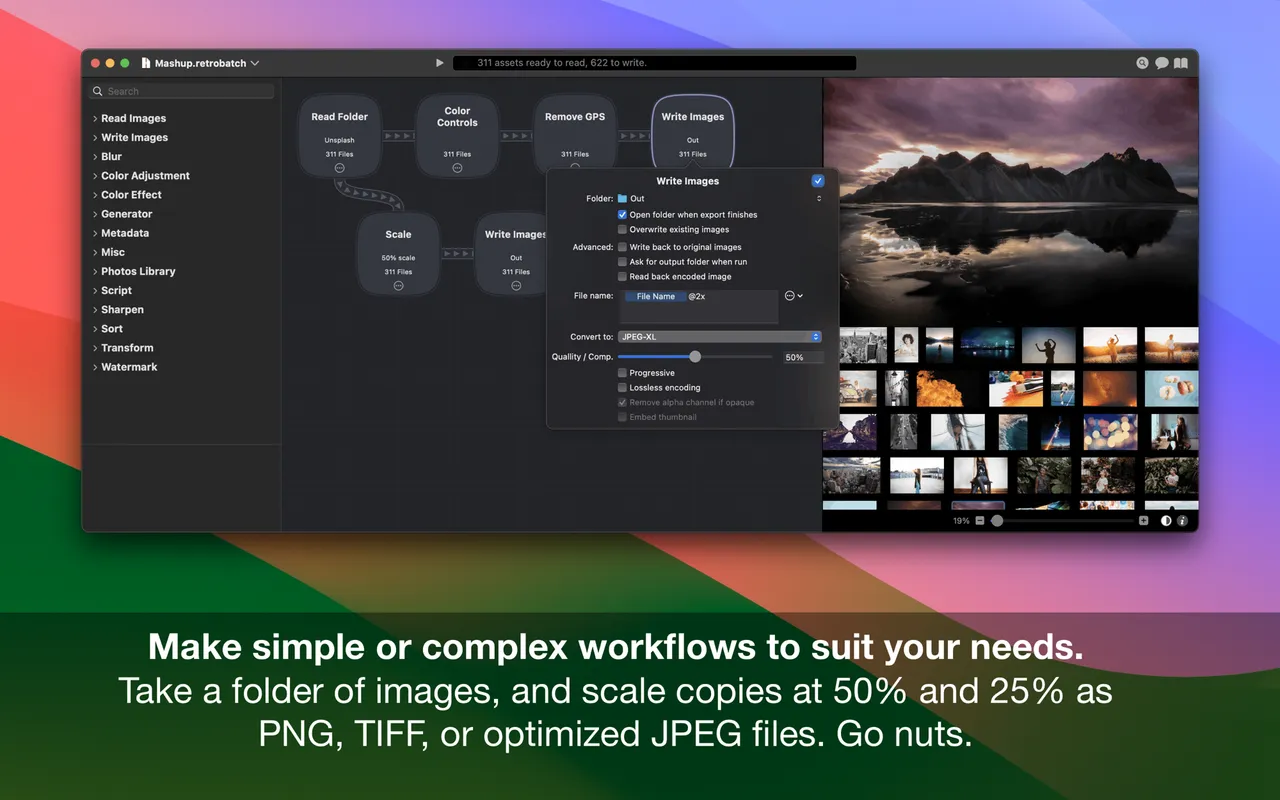
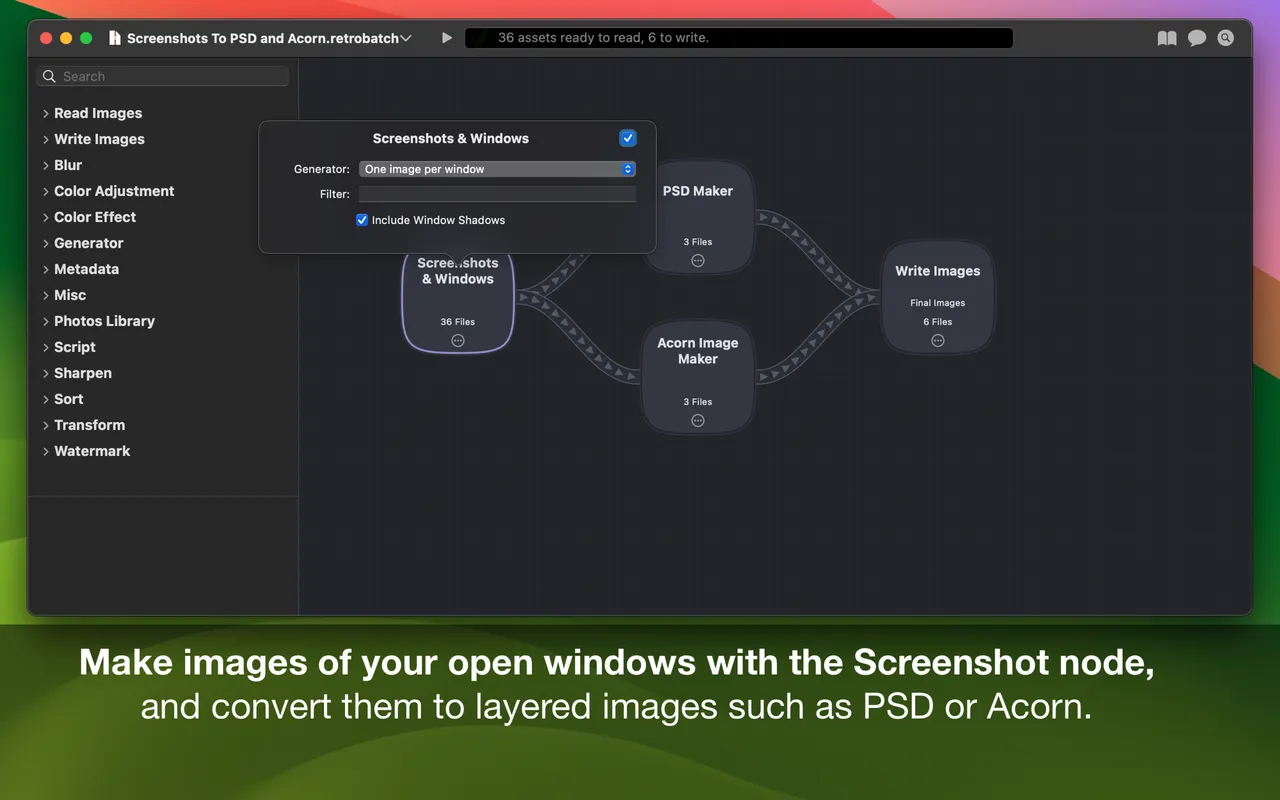
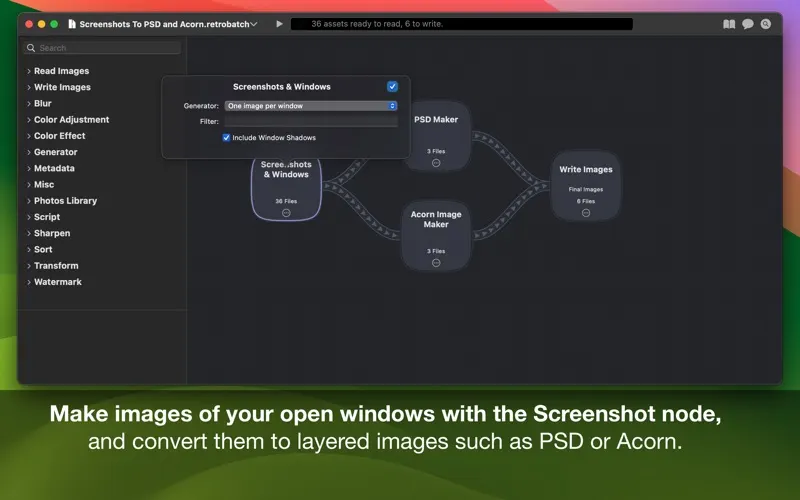
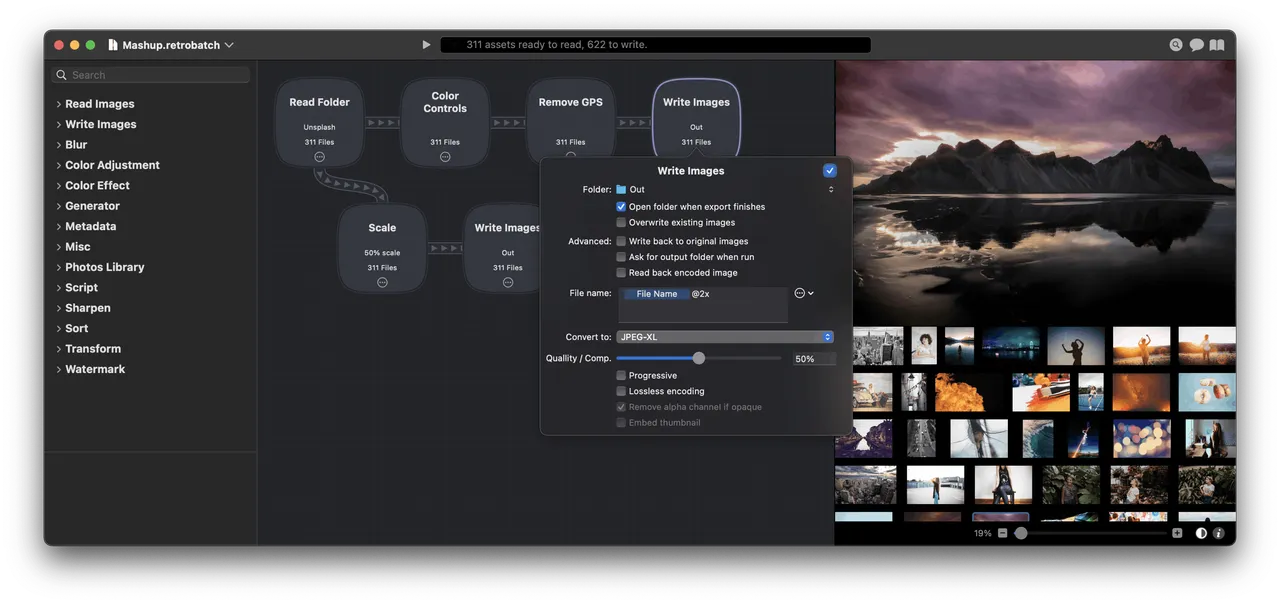
Retrobatch is the app you set up once and then stop thinking about. You drag out nodes — a folder to watch, a resize, a crop, a metadata scrub, three writers at different sizes and formats — connect them, and drop files on it. One pass produces @1x, @2x and @3x assets, or a hundred web-ready JPEGs, or a folder of photos with the GPS coordinates removed before they go anywhere public.

The metadata handling is the part people underrate: it can rewrite or wipe EXIF, IPTC and XMP without recompressing the image, which matters if you publish photographs and would rather not publish your home address with them.

Pricing needs care. The $29.99 standard edition does resize, crop, export and metadata. Pro at $49.99 adds the machine-learning nodes, AppleScript and JavaScript nodes, and droplets you can drop files onto from the Finder. If you came here to automate something unusual, you want Pro, so read that as the real price.

Do not buy it for two dozen images a year. A Finder quick action or a five-line sips script handles that, and the node editor has a genuine learning cost — it rewards being set up carefully, which only pays off if you run the same job repeatedly.

What owners report

Points that recur across the discussions below. A report of what users say, not our verdict: we don’t review software.

Praised

  • Owners repeatedly report the developer answering in the thread himself, with a workaround or a fix in the next build
  • Users describe setting a job up as intuitive next to working out the equivalent command-line incantation

Criticised

  • Running a workflow unattended comes up again and again, and the answers point to Finder Folder Actions or an undocumented command-line call rather than a trigger in the app

Details

The price in full

Two editions, both one-time: Retrobatch 2 at $29.99 and Retrobatch Pro 2 at $49.99, the latter also sold on the Mac App Store at the same price. Flying Meat's own store sells a Pro 2 upgrade at $19.99 to anyone with a previous Retrobatch registration number, and drops to $39.99 (Pro) or $24.99 (standard) per seat when you buy two or more. There is no subscription, and a 7-day trial is on the site.

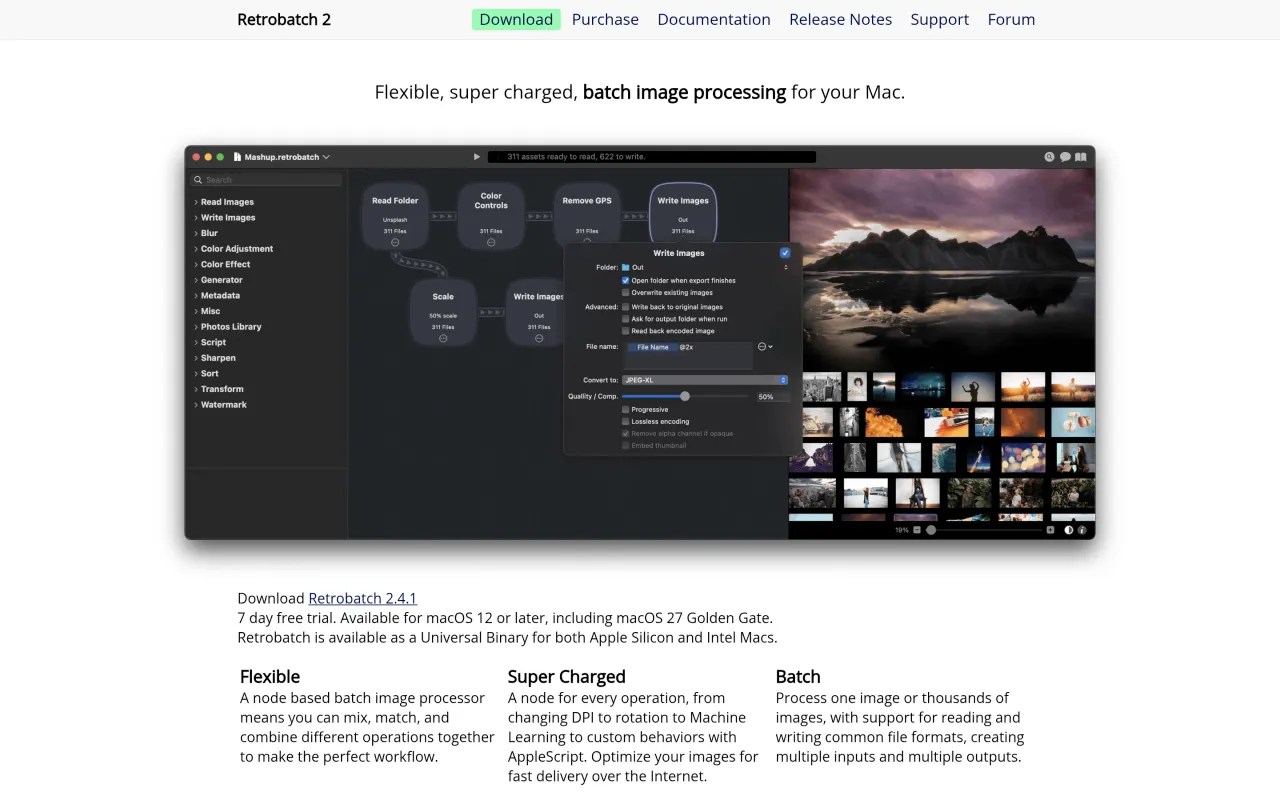
The Retrobatch page at flyingmeat.com
The developer’s own page. flyingmeat.com, captured 22 Sep 2026
Free trial
Yes
Works offline
Yes
Apple Silicon
Native
On Setapp
No
Minimum macOS
macOS 12
Developer
Flying Meat Inc.

Also bought outright