Lifetime Mac
Documents, PDF & office
calibre

Free ebook library, converter and EPUB editor for Mac

Price: Free

Open sourceNothing to buy; source published

Checked on calibre-ebook.com, the page Get it opens.

The catch

Current builds need macOS 14 or newer, so an older Mac is stuck on an old version

The full picture

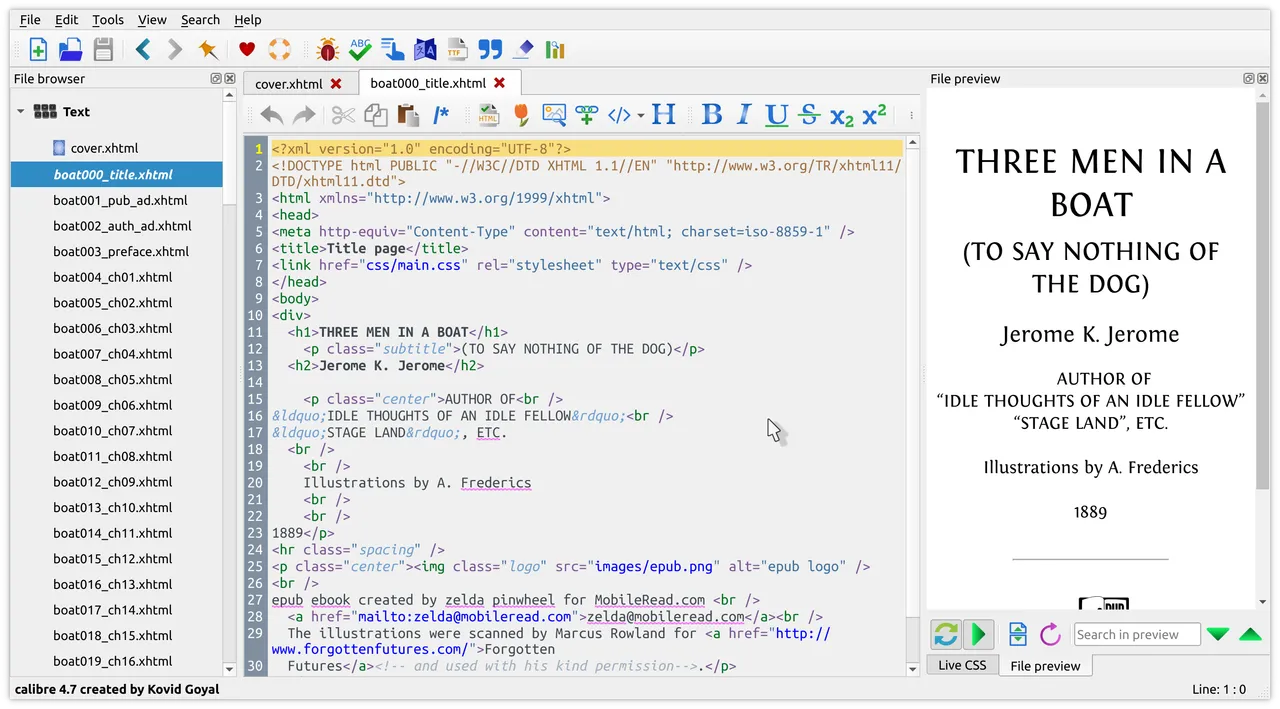
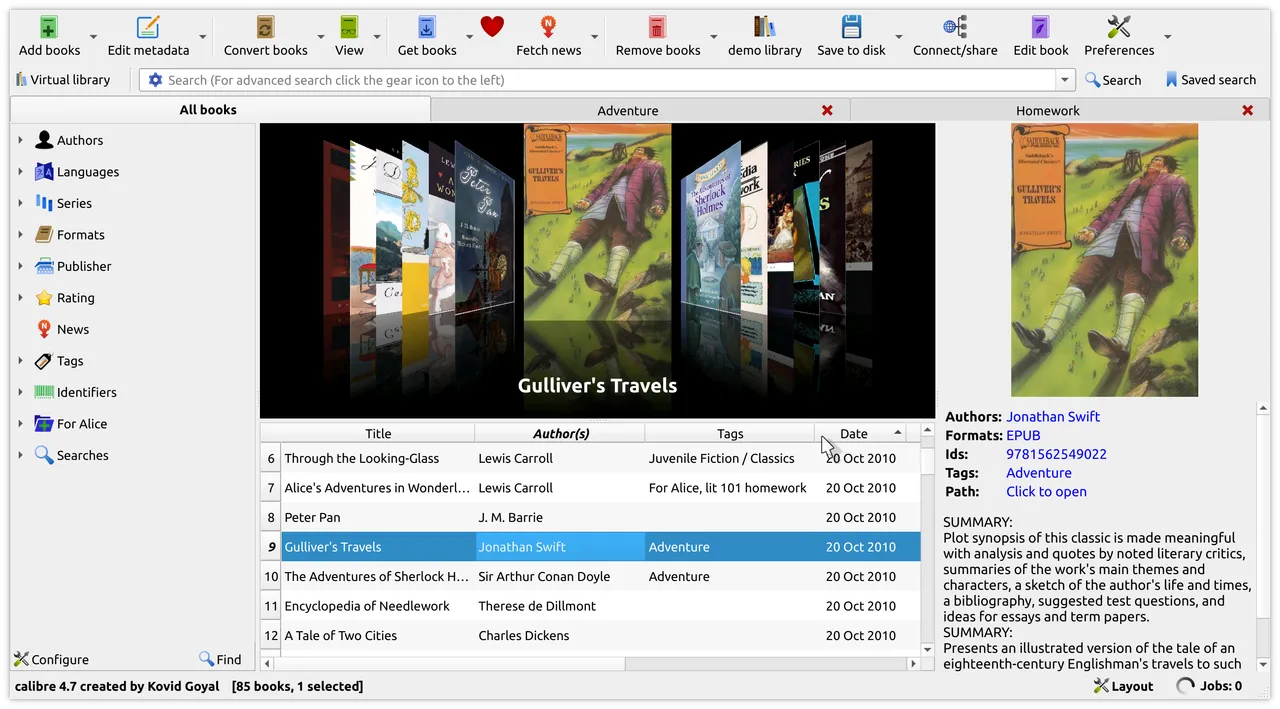
The current macOS build requires macOS 14, which quietly cuts off perfectly good older Macs — you can keep running an earlier calibre, but you stop getting fixes. The interface is dense and looks like a desktop app from 2010; that is the price of the feature list. It does not remove DRM, which needs third-party plugins and the legal questions that come with them. Conversion to or from PDF is lossy in both directions no matter what you set.

Replaces
Paid ebook converter apps
Developer account
None needed

What it looks like

Images belong to their developers.

What you’re buying

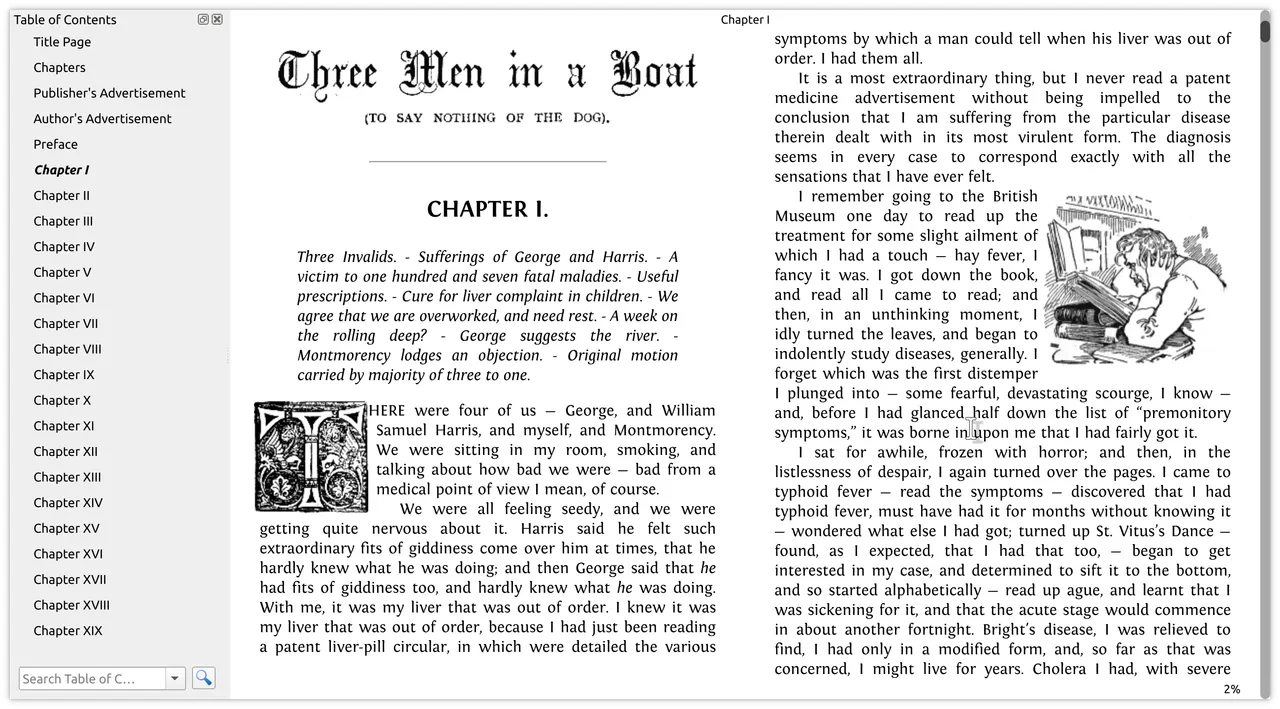
calibre is what you install the first time a book arrives in a format your reader refuses to open. It converts between every ebook format that matters, keeps a library with proper metadata and covers it fetches for you, edits EPUB files directly when a publisher's file is broken, and pushes books to a Kindle or Kobo over USB or by email. There is also a content server, so your library becomes a web page on your own network that any phone in the house can read from.

Kovid Goyal has been writing it since 2006 and still ships releases most weeks, which is an unusual thing to be able to say about free software. Nothing is gated, there is no account, and the donation on the download page is genuinely optional.

Two honest limits. The interface is a wall of toolbars and it is not going to charm you — the app is organised around capability, not taste. And current builds need macOS 14 or newer, so on an older Mac you are pinned to whichever release last supported it.

If you own three EPUBs and a Kindle, Amazon's own Send to Kindle page does the job and you do not need this. If you have a few hundred books, or you care what format they are in ten years from now, calibre is the tool that keeps them yours.
What owners report

Points that recur across the discussions below. A report of what users say, not our verdict: we don’t review software.

Praised

  • Owners repeatedly describe it as the one tool that does the whole job — conversion, metadata, full-text search across the library — with no account and nothing gated
  • Kovid Goyal's responsiveness and near-constant release cadence come up again and again, including people saying bugs they reported were fixed quickly
  • A recurring minority actively defends the dated look, saying the app starts fast and never chases interface fashions

Criticised

  • The interface is the complaint in every thread — unlabelled or ambiguous icons, deeply nested menus, and options documented only in hover tooltips
  • Several owners say new users are simply lost at first, and that getting it talking to an e-reader the way you want takes a guide rather than intuition
  • People running very large libraries report it slowing badly, with the pain starting somewhere in the tens of thousands of books

Details

Works offline
Yes
Apple Silicon
Native
On Setapp
No
Minimum macOS
macOS 14
Developer
Kovid Goyal
Source
github.com
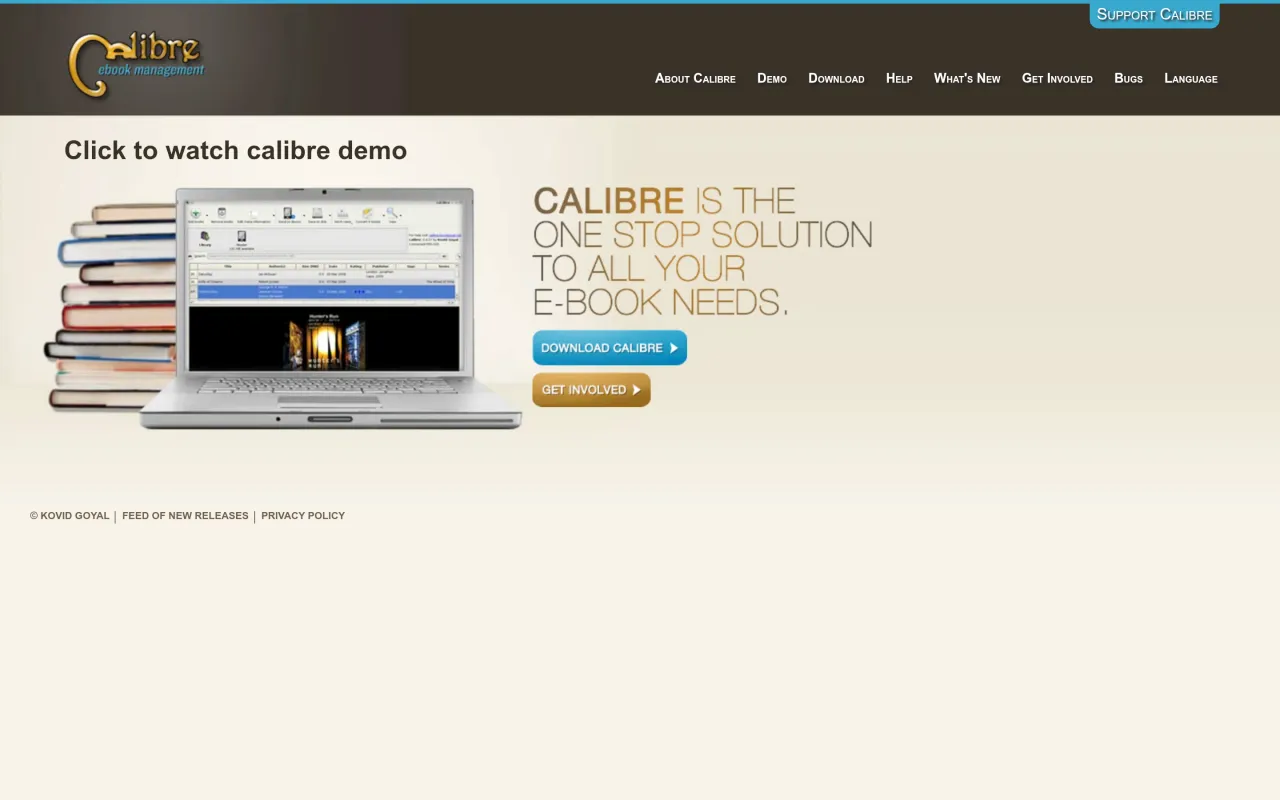
The calibre page at calibre-ebook.com
The developer’s own page. calibre-ebook.com, captured 22 Sep 2026

Also bought outright