 Documents, PDF & office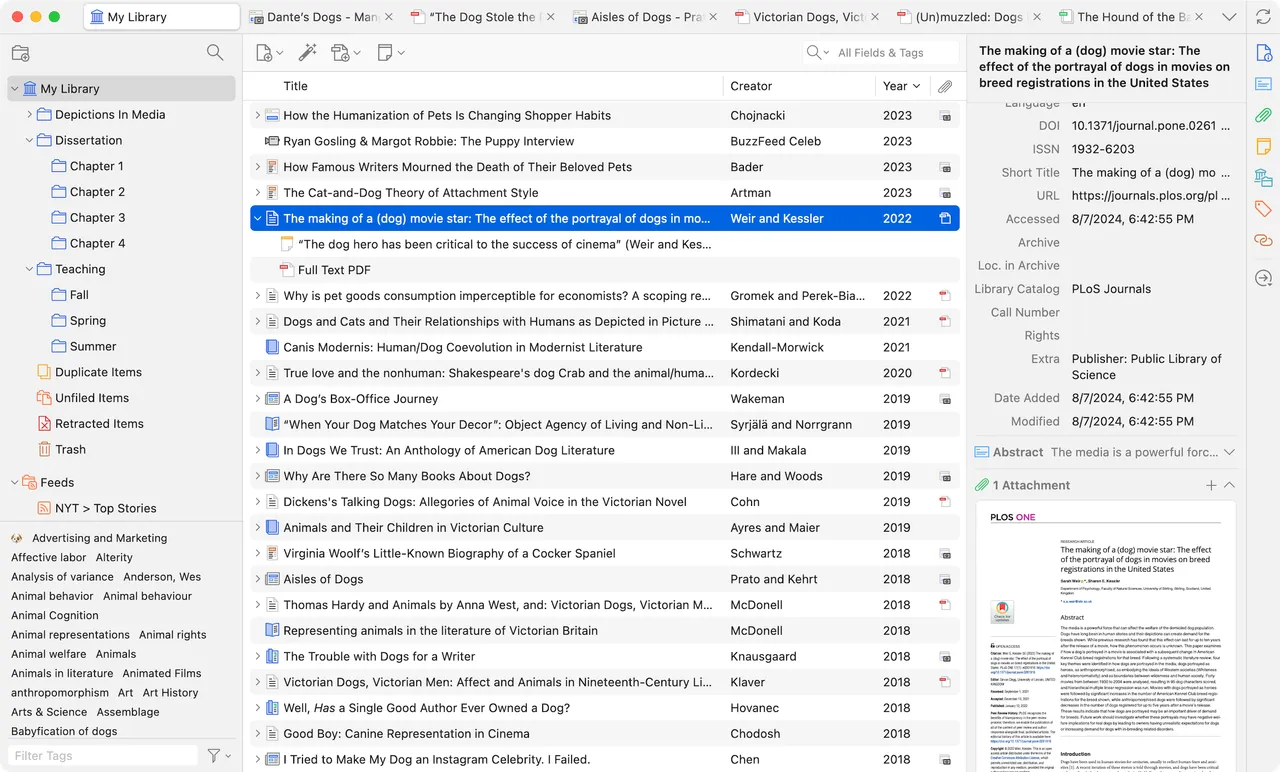
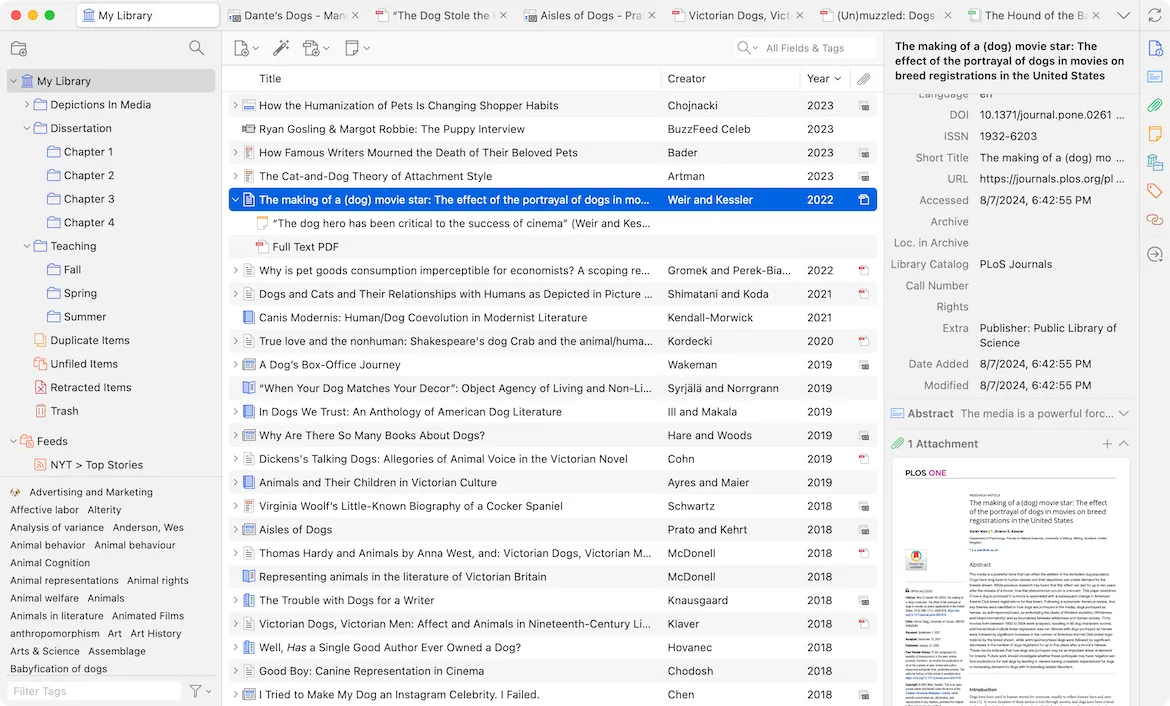
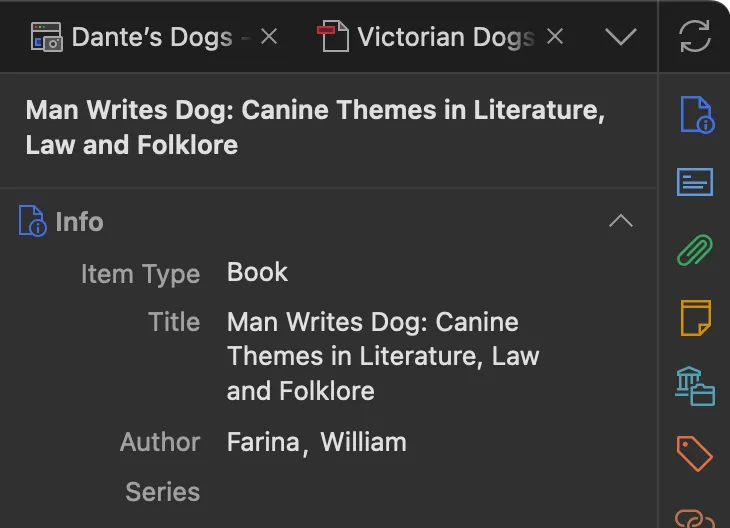
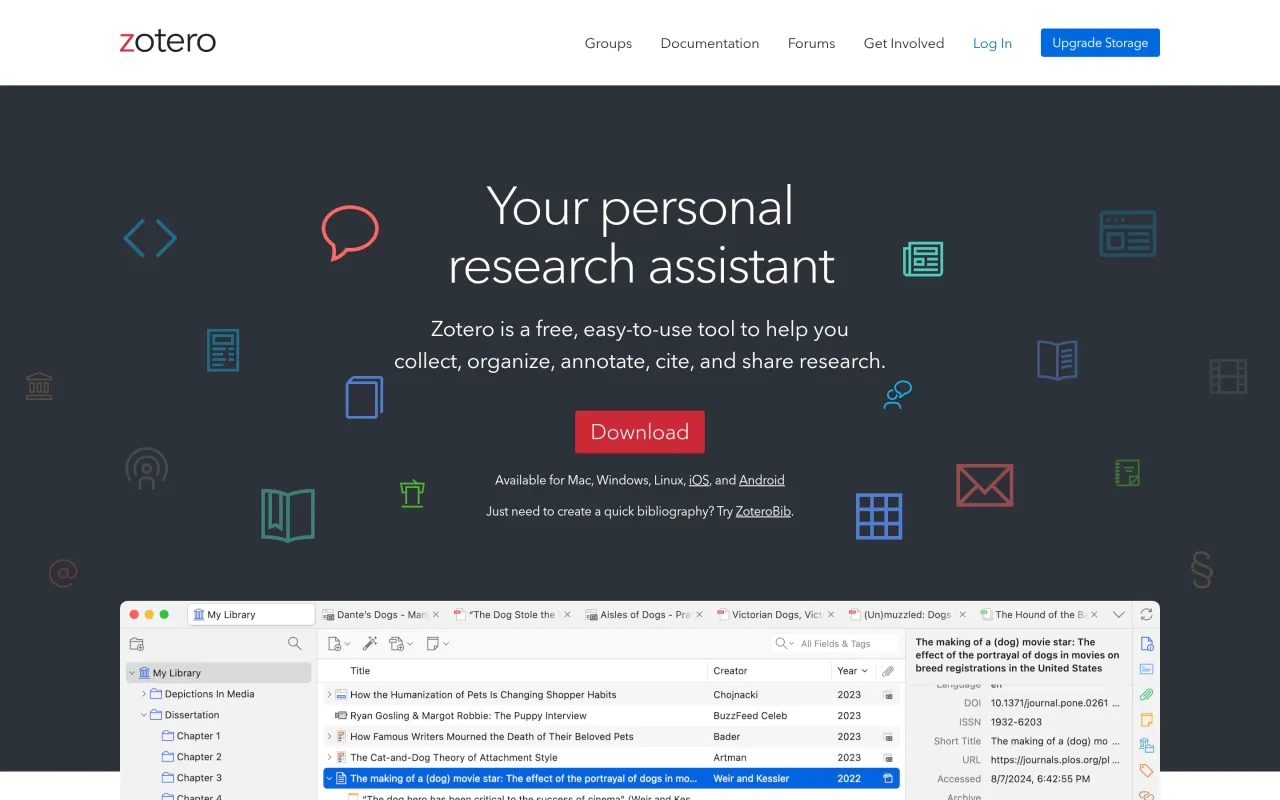
Zotero is the reference manager that nobody has to talk you into. A browser button grabs whatever you are looking at — journal article, book, court case, newspaper piece — with its metadata and usually the PDF attached. You read and annotate inside the app, and when you write, the Word, LibreOffice or Google Docs plugin inserts citations and builds the bibliography, in any of thousands of styles you can swap after the draft is finished.
It is open source and run by a non-profit, which is why the app has no paid tier and no seat licence. The money question is storage: sync gives you 300 MB free, and an annotated PDF library eats that during one literature review. From there you either buy storage, or spend an hour pointing Zotero at your own WebDAV space and never think about it again. Worth knowing before you invite collaborators — a group library draws on the owner's quota, not each member's.
If you cite a dozen sources a year, your word processor's built-in citation tool is adequate and this is overkill. If you are writing a thesis, or you have ever lost an afternoon re-finding a paper you know you read, install it on day one and let it collect everything.
 calibre
 LibreOffice
 PDFgear
 Skim
Skim