 Documents, PDF & office
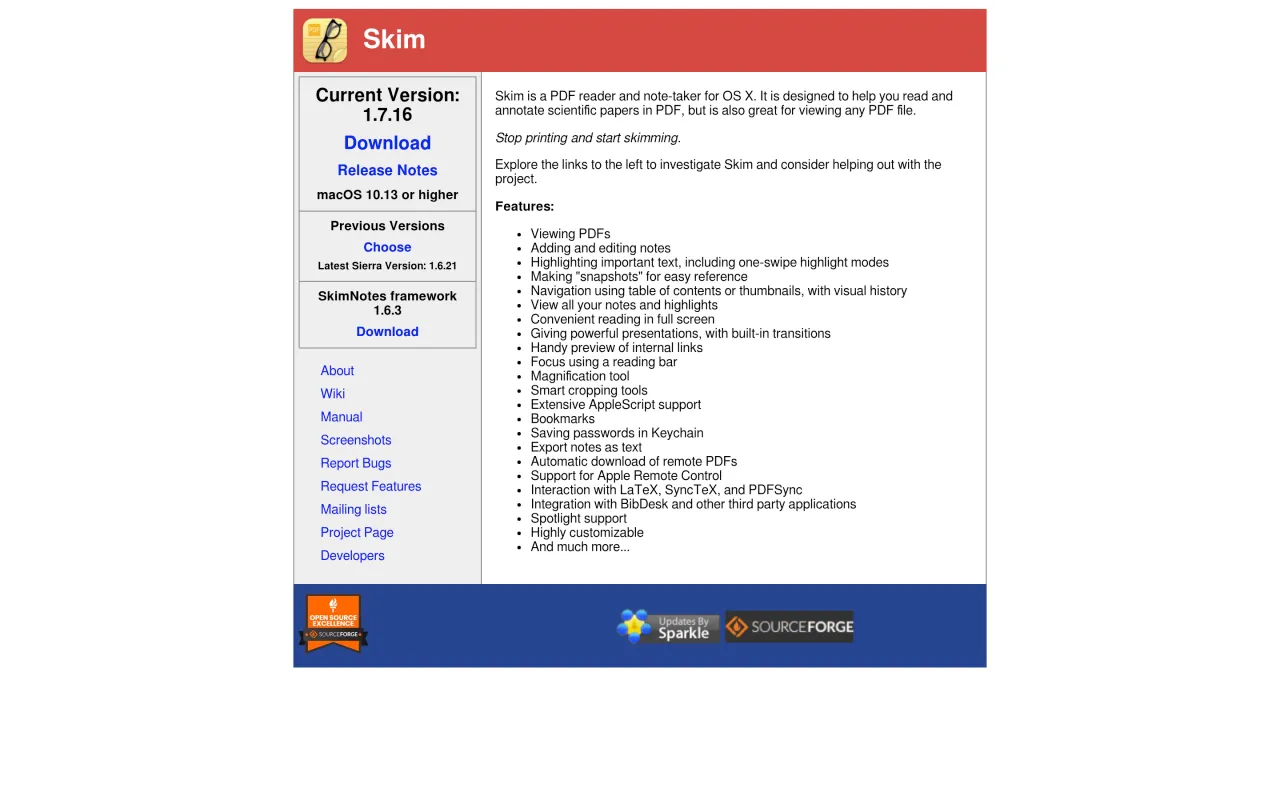
Skim exists because reading a journal article is not the same job as editing a document, and the apps built for the second are bad at the first. It opens a PDF, gives you highlighting and margin notes that live in a sidebar you can export, and lets you tear off a snapshot window so the figure on page 4 stays visible while you read the methods on page 11. That one feature is why people who read papers for a living still have it installed twenty years on.
For anyone writing in LaTeX it goes further: SyncTeX support means command-click in the PDF jumps to the line in your source, and back again. It is also deeply scriptable, so a citation workflow can drive it from AppleScript.
The licence is BSD, the download is direct from SourceForge, and nothing in the app asks you for anything. What you do not get is editing — no changing page content, no OCR on a scan, no filling a fussy government form. Keep a separate tool for that.
If you read the occasional PDF and never annotate, Preview is already enough and installing this is pointless. The moment you are holding two hundred papers and need your own notes back out of them, Skim is the obvious first move.
 calibre
 LibreOffice
 PDFgear
 Zotero