 Documents, PDF & office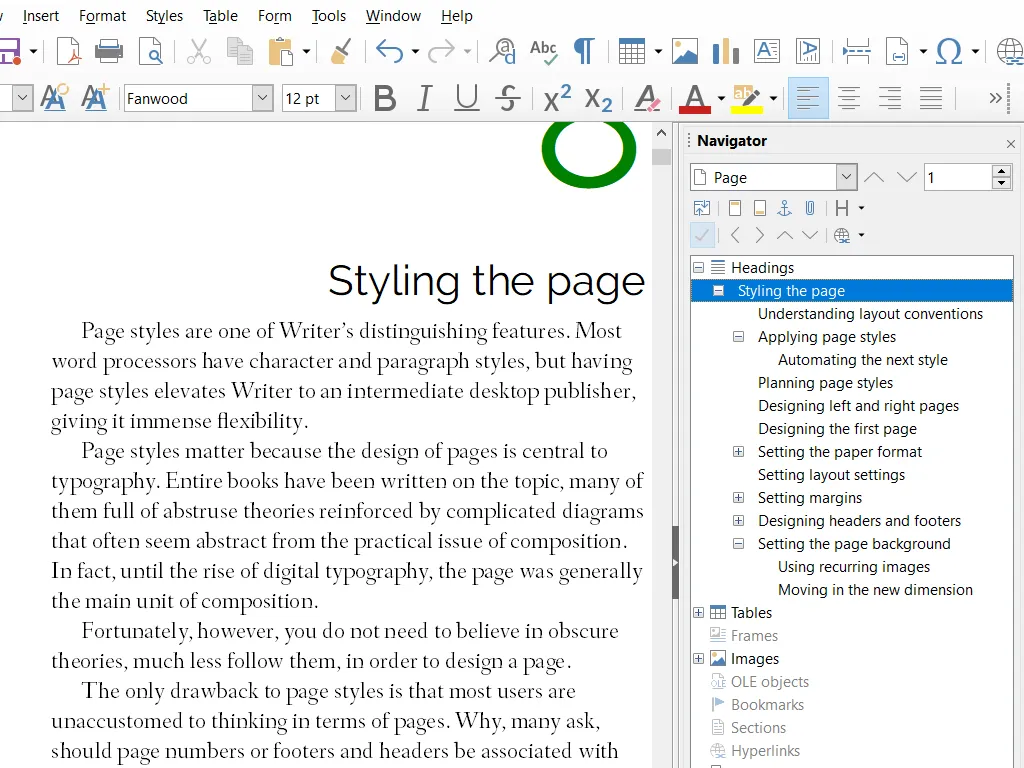
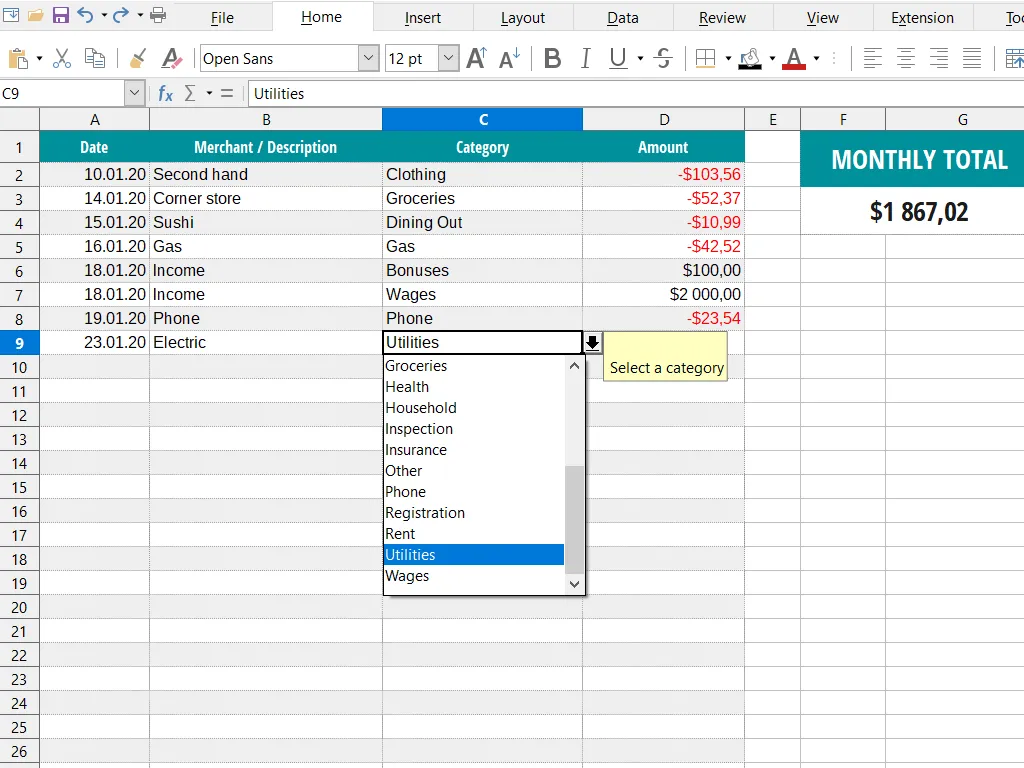
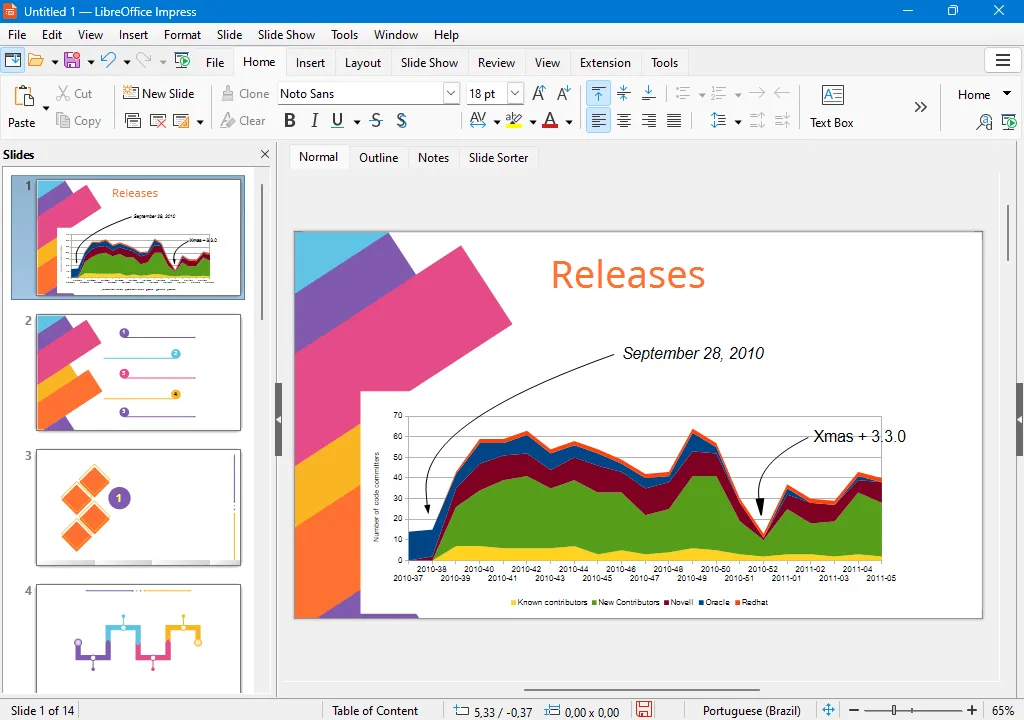
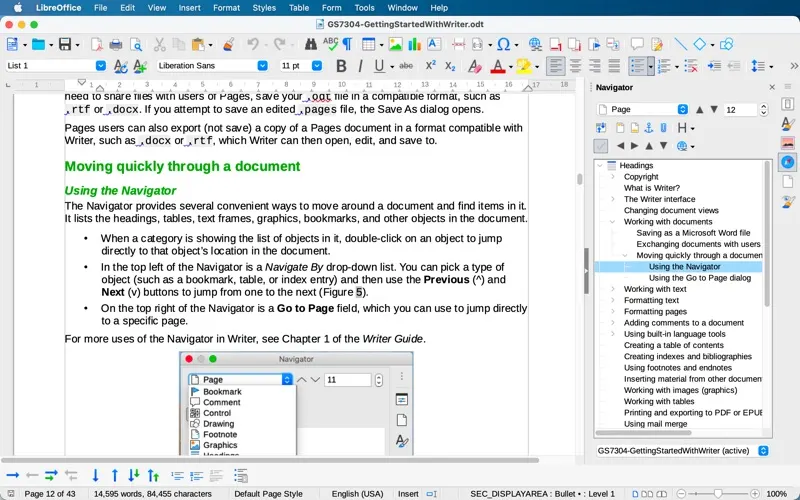
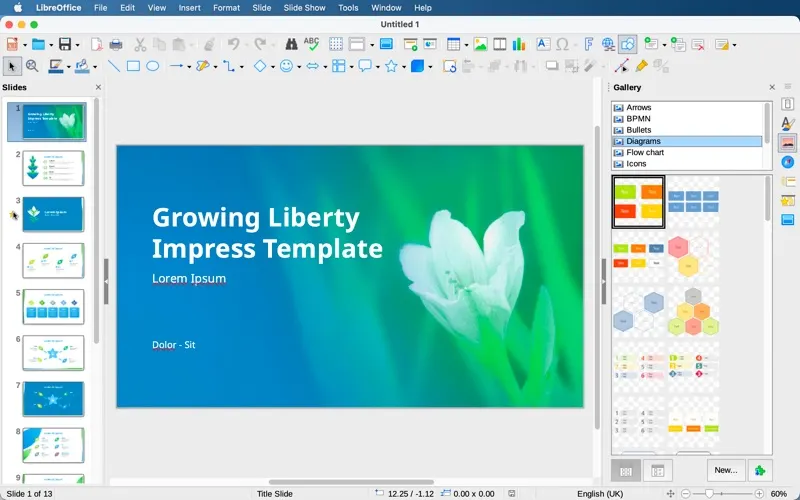
LibreOffice is the office suite you install when you have decided you are done renting one. Writer, Calc, Impress, Draw and the Base database arrive in a single download, they run natively on Apple Silicon, and none of them ask you to sign in before you can type. It also opens the archaeology: .doc, .xls, .ppt, WordPerfect, old StarOffice files, things Microsoft itself has stopped reading.
Where it genuinely beats the paid options is PDF export, including hybrid PDFs that carry the editable original inside the file, so a document you send stays a document you can reopen and change.
The honest limit is exchange fidelity. A plain report or a working spreadsheet moves between LibreOffice and Microsoft 365 fine. A deck with custom animations, a contract full of tracked changes, or a workbook built on VBA macros and pivot tables will shift, and you will spend the afternoon fixing it. There is also no live co-editing — this is a desktop suite, not a collaboration tool.
So: if your day is commenting on other people's Word files inside a company that runs on Microsoft, keep paying. If you write your own documents, keep your own spreadsheets, and mainly want them to open in fifteen years, this replaces a hundred dollars a year with nothing at all.
 calibre
 PDFgear
 Skim
Skim Zotero