ImageOptim
lossless image compression by drag and drop
Open source
The free thing is the desktop app. Compressing images on a server or inside a build pipeline means the ImageOptim API, which is a separate paid web service from the same developer. Mac only, with no Windows or Linux build. It is a batch optimiser rather than an editor: no real resizing workflow and no format conversion pipeline, so pair it with something like Retrobatch if you need those. Lossy mode exists but you have to switch it on and eyeball the results yourself.
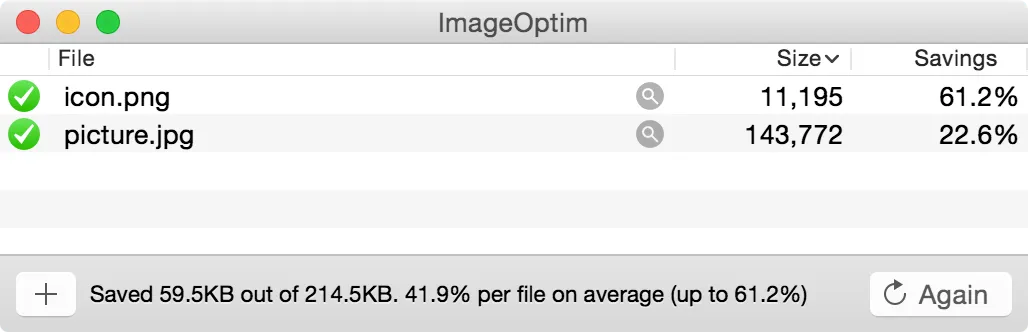
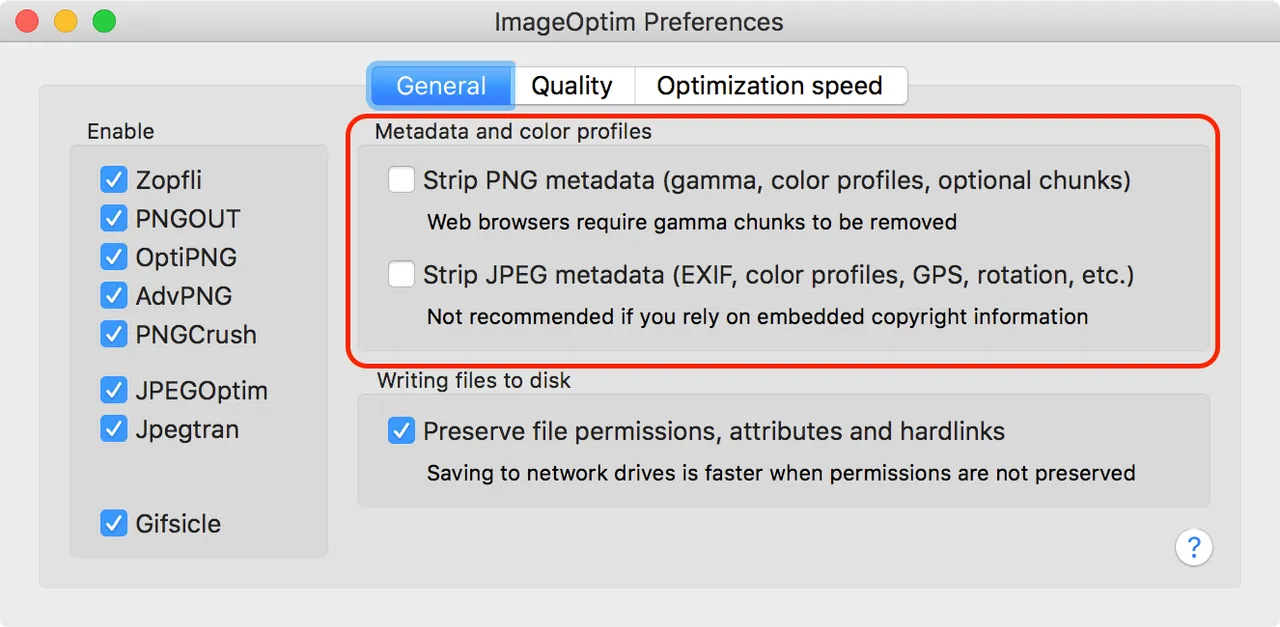
ImageOptim does one job. You drag a folder of PNGs and JPEGs onto it, and it rewrites them smaller in place, with no visible quality loss unless you ask for one. Under the hood it is a well-chosen stack of open-source encoders — Zopfli, PNGOUT, MozJPEG, pngquant — run in an order that squeezes out more than any of them alone, plus the unglamorous but valuable step of deleting the colour profiles, thumbnails, GPS tags and editor cruft that bloat exported files.
For anyone who ships images to a website by hand, this quietly removes a recurring bill. The upload-a-file compression services exist mostly because people do not know a local tool this good is free.
Two boundaries are worth naming. The desktop app is free; the ImageOptim API, which does the same work on a server or in CI, is the developer's paid product, and that is a fair trade. And the app is a compressor, not an editor — it will not resize your images for retina, convert anything to WebP, or rename files.
If your images already go through an automated build step, or through a CDN that optimises on the fly, you do not need this. It earns its place when the last step before upload is a human with a folder.
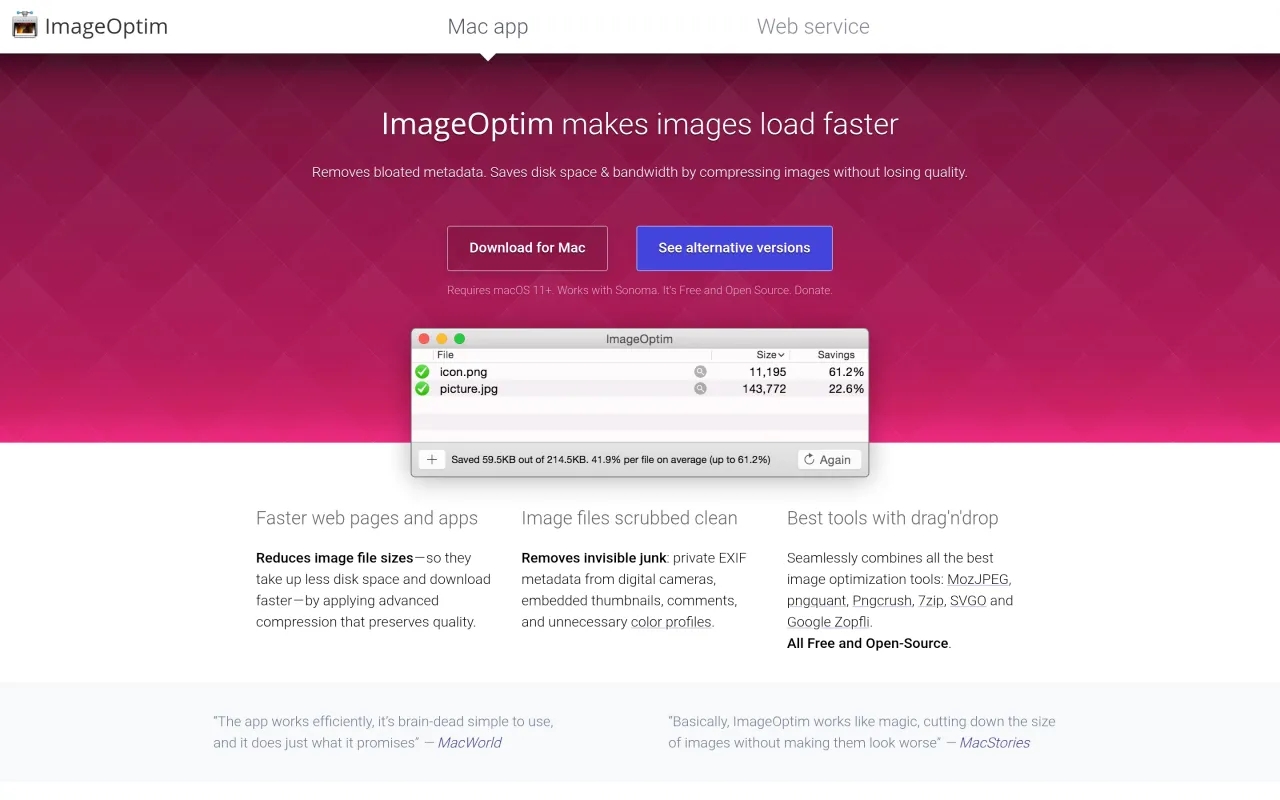
What it looks like

What it does
- Lossless by default — strips metadata and re-encodes without quality loss
- Bundles Zopfli, PNGOUT, MozJPEG, pngquant and other optimisers
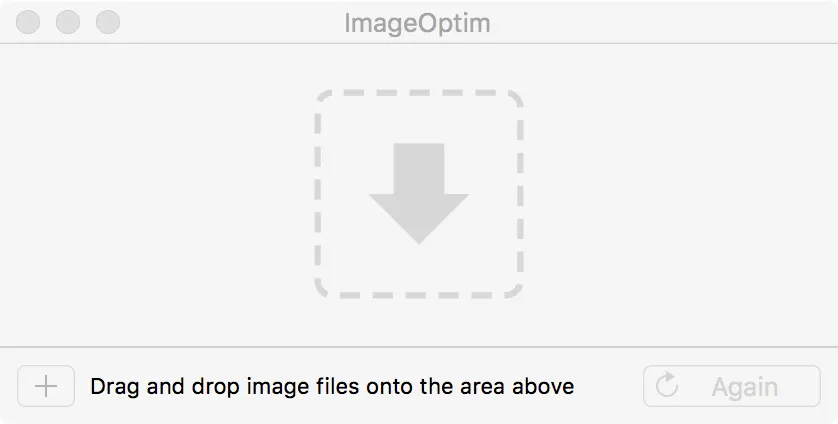
- Drag-and-drop batch processing that rewrites files in place
- Optional lossy mode with a quality slider for bigger savings
- Free under GPL v2 or later, with source on GitHub
Cancel instead
Also bought outright in design
The facts
- Price
- Free
- Licence
- Free and open source
- What you get
- No licence to buy, and the source is public.
- Details
- Free. The developer's page says "It's Free and Open Source" and that "ImageOptim is free, open-source software under terms of the GPL v2 or later". Donations are optional. The separate ImageOptim API web service is the commercial product.
- Free trial
- Yes
- On Setapp
- No
- Minimum macOS
- not stated
- Developer
- Kornel Lesiński
- Source
- Repository
- Price checked
- 2026-09-22
Check it yourself - Price band
- Free