LifetimeMac

Inkscape

SVG-native vector editor with no licence to buy at all

Open source

The catch

Inkscape on macOS is a port of a Linux application, and it feels like one: keyboard shortcuts, file dialogs, font handling and trackpad behaviour all differ from what you expect, and older releases needed XQuartz. It can crawl on large or filter-heavy documents. Colour management and CMYK print production are weak next to Affinity Designer or Illustrator. Support is forums and community documentation, and releases are slow because the work is volunteer-driven.

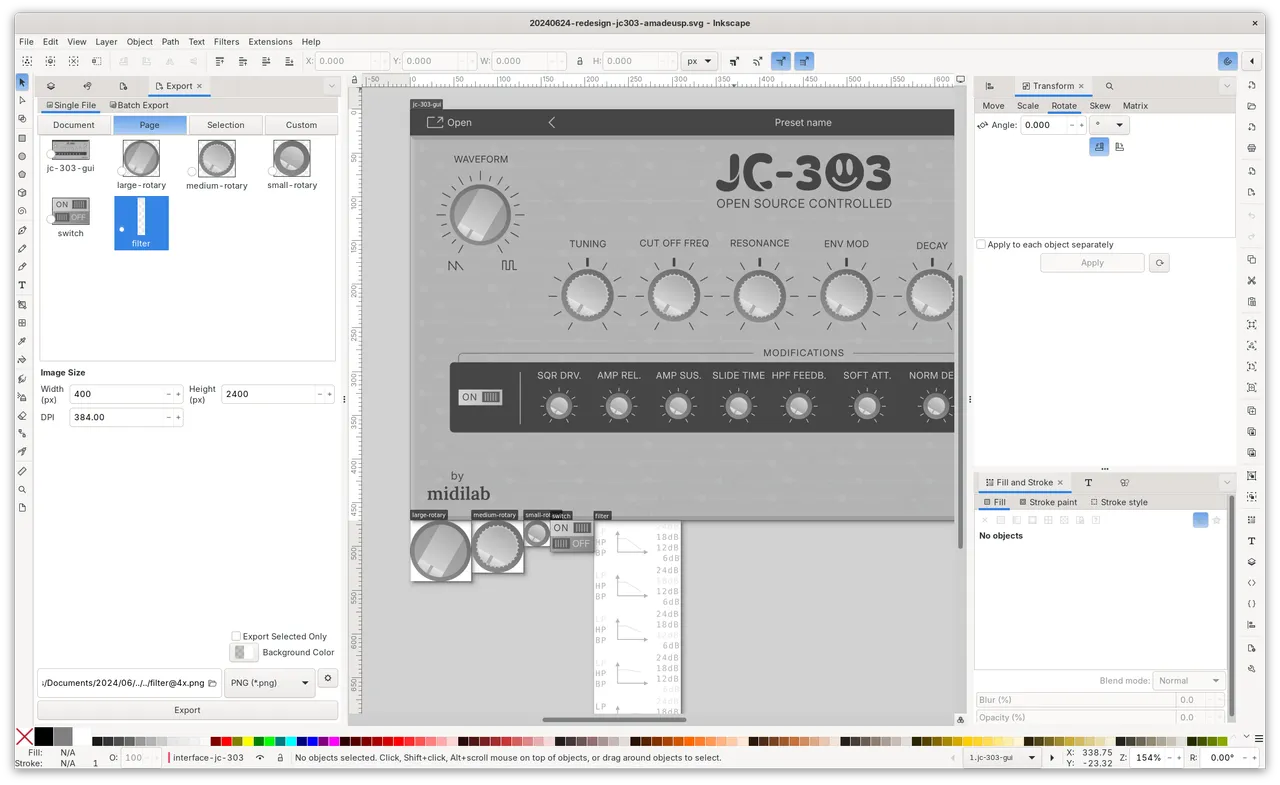
Inkscape has been the free vector editor for about twenty years, and the thing that keeps it useful is that its native format is ordinary SVG. Nothing is wrapped in a proprietary container, you can open the XML editor and change an attribute by hand, and a file you make today will still open in a browser in a decade. For laser cutters, CNC toolpaths, plotter work and technical diagrams, that plain-file quality matters more than polish.

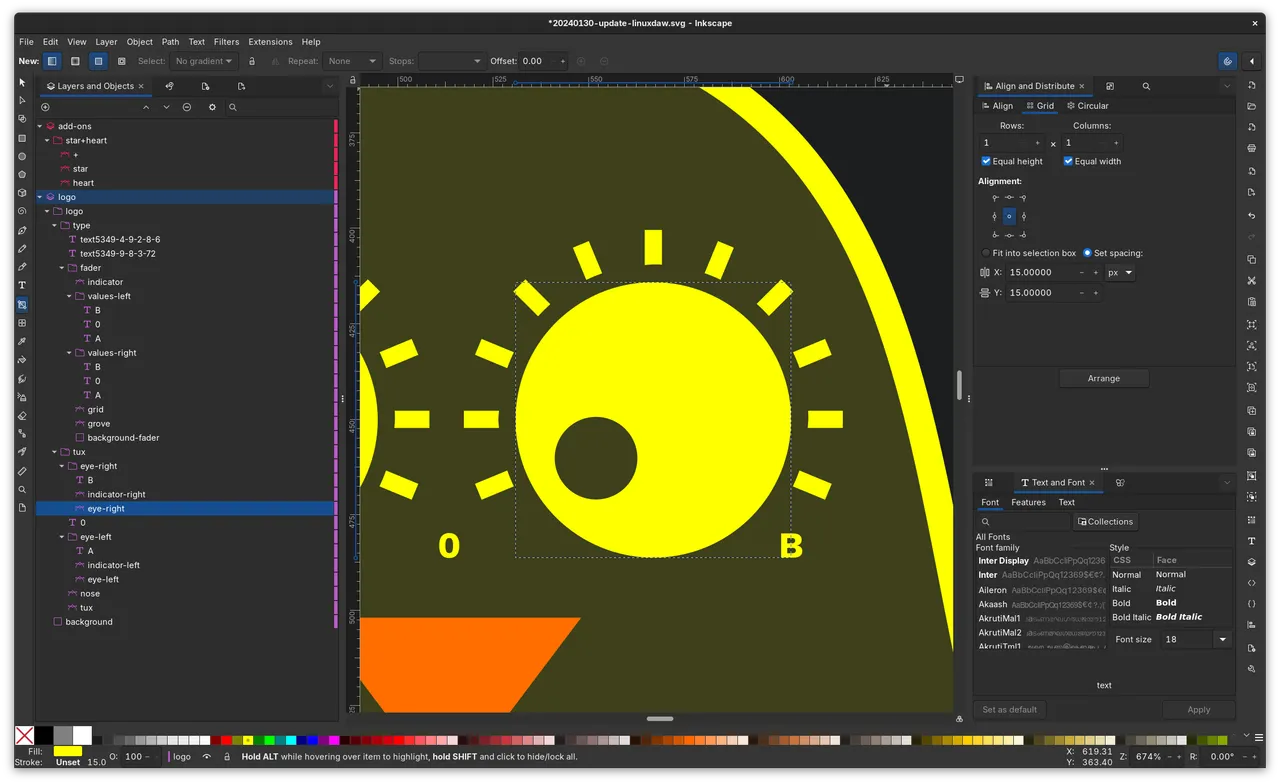
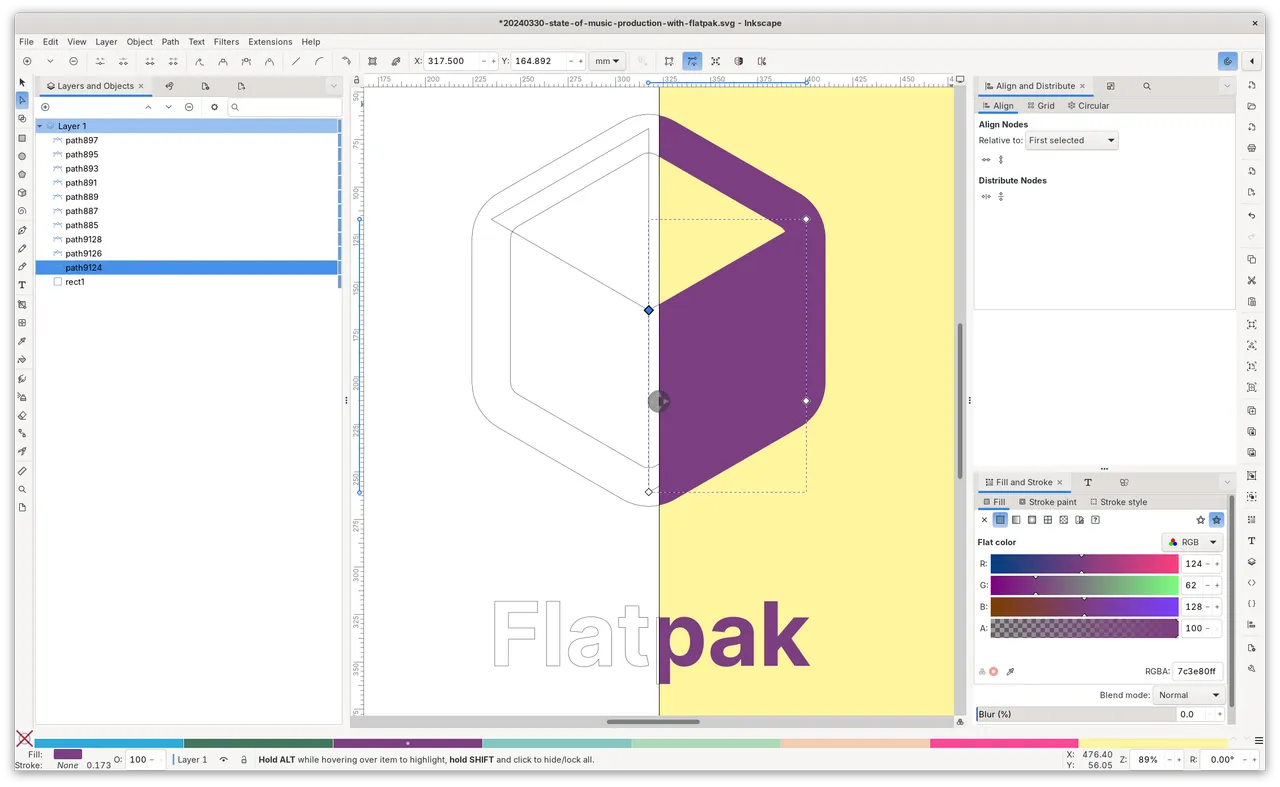
The feature list is not a compromise either: node editing, boolean operations, live path effects, clones and tiling, bitmap tracing, and an extension system people have built real production pipelines on.

The price you pay is not money, it is comfort. This is a GTK application wearing a Mac costume. Shortcuts land in unfamiliar places, the font dialog is its own world, and scrolling with a trackpad takes adjusting to. Big documents with blur filters will make a fan spin.

If you do print work with spot colours or CMYK separations, Inkscape will fight you and Affinity Designer is worth the one-time money instead. But if you need to edit an SVG properly, occasionally or daily, there is no argument for paying anything here.
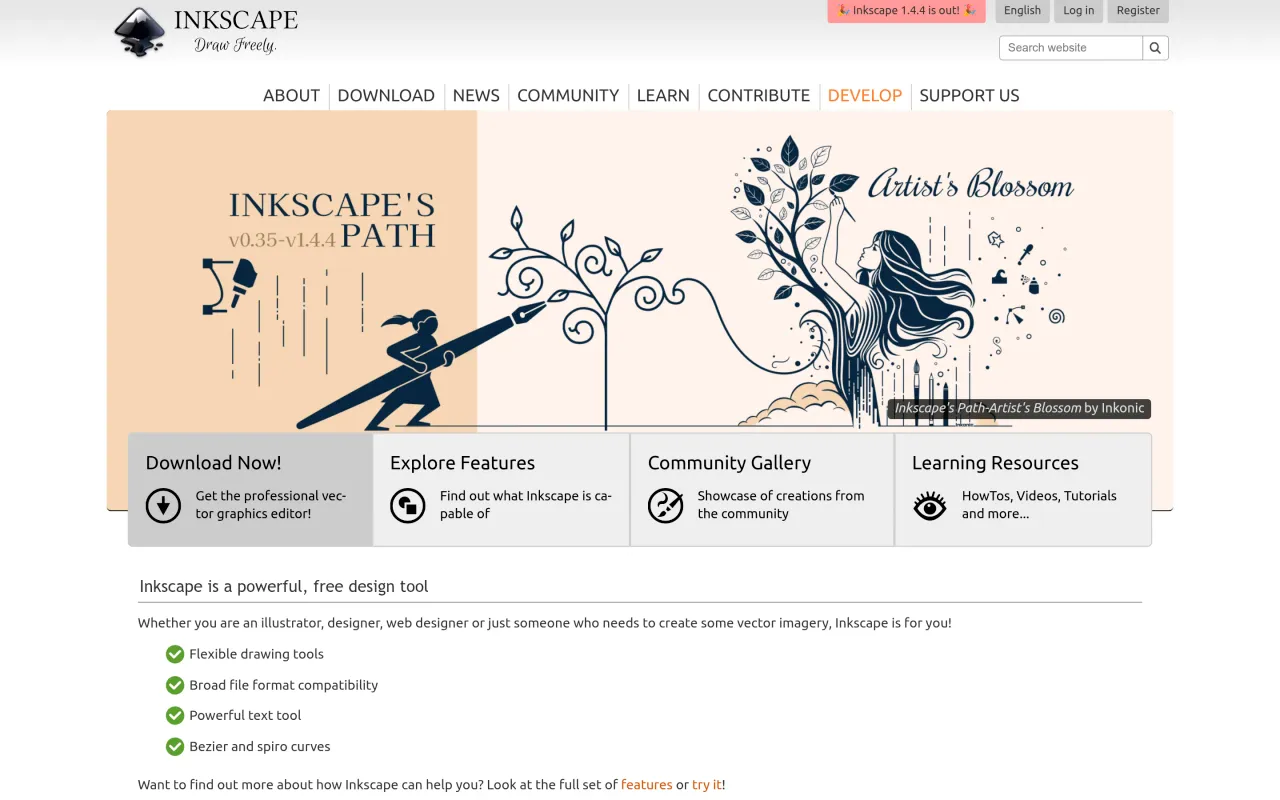

The Inkscape page at inkscape.org
Page capture from inkscape.org, taken 2026-09-22. Images belong to their developers.
  • Full SVG-standard editing, including direct access to the XML tree
  • Node and path editing, boolean operations, live path effects, clones and tiling
  • Bitmap tracing and a large extension ecosystem
  • Imports and exports SVG, AI, EPS, PDF, PS and PNG
  • Runs on macOS, Windows and Linux with no account required

The facts

Price
Free
What you get
No licence to buy, and the source is public.
Details
Free. No licence, no account, no paid tier. The project's About page describes it as "a Free and open source vector graphics editor for GNU/Linux, Windows and macOS", licensed under the GPL. Donations are optional and go through the Software Freedom Conservancy.
Free trial
Yes
On Setapp
No
Minimum macOS
not stated
Price checked
2026-09-22
Check it yourself
Price band
Free