LifetimeMac

Krita

free and open-source digital painting studio for illustrators

Open source

The catch

Paying on the Mac App Store buys convenience and supports the project; it does not unlock a single feature the free download lacks. Krita is painting-first: it is not a vector illustration, page layout or photo-management tool, and its PSD support is good but not exact. The macOS builds have historically trailed the Windows and Linux ones on performance and on graphics-tablet edge cases, so test your tablet before you commit a deadline to it. Support is community forums, not a helpdesk.

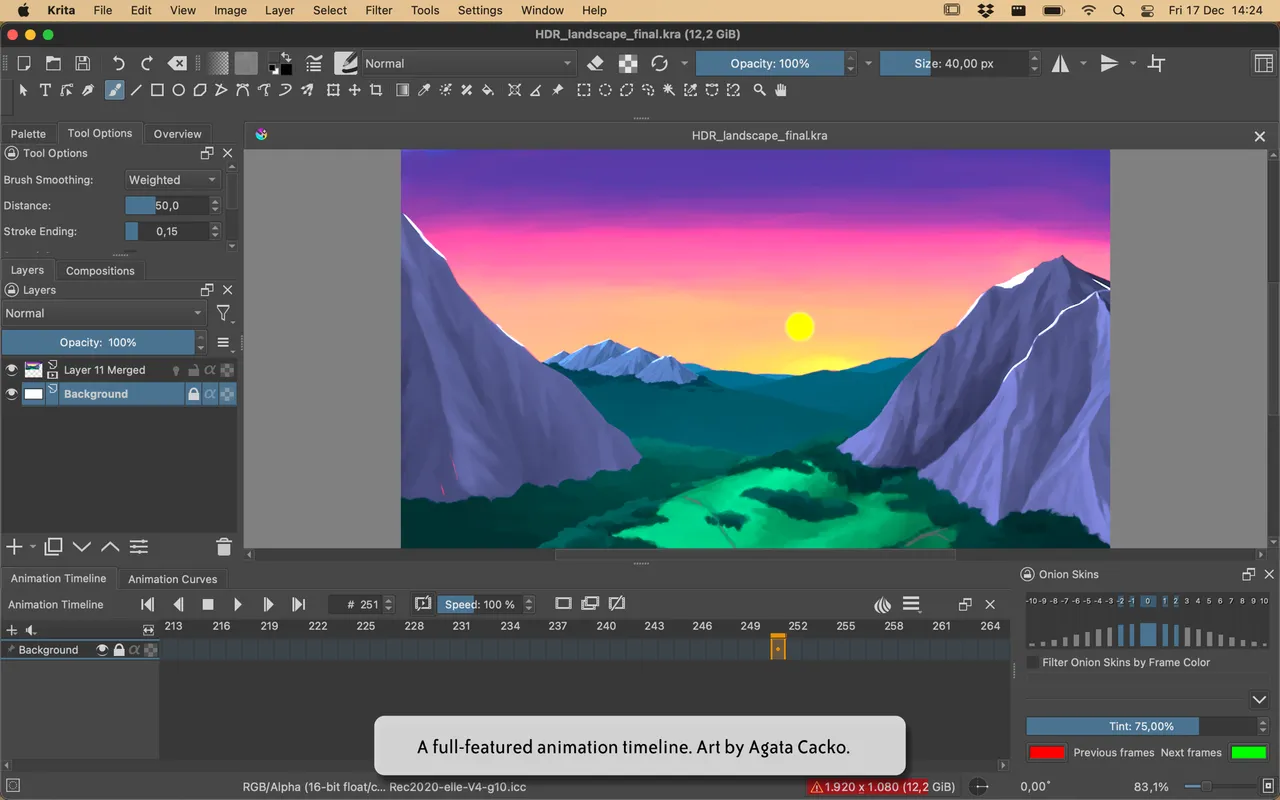
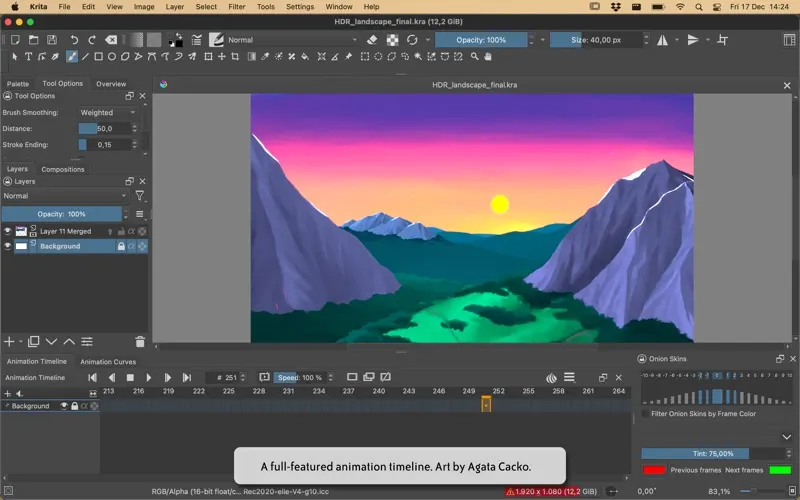
Krita was written by and for people who paint, and it shows in the brush engines. You can dig into how a brush spreads, smudges and reacts to pen pressure at a level of detail most apps never expose, and the stabiliser is good enough that shaky line art stops being an excuse. There is an animation timeline too, which makes it one of the few free tools where you can rough out a short loop without leaving the app.

Nothing is behind a payment. The $12.99 Mac App Store listing is the project's tip jar with automatic updates attached, and the free download from krita.org is the same program. If you want to support the developers, buy it there; if you want to try it first, just download it.

Where it gets uncomfortable is the Mac side. The macOS builds have lagged Windows and Linux for years on speed and on tablet quirks, so plug in your Wacom or Huion and draw for half an hour before you trust it with paid work.

Do not come to Krita for photo retouching, page layout or vector logo work — that is Inkscape, Affinity or GIMP territory. And if you are already comfortable in Procreate on an iPad, Krita on a Mac will feel like a different job rather than an upgrade.

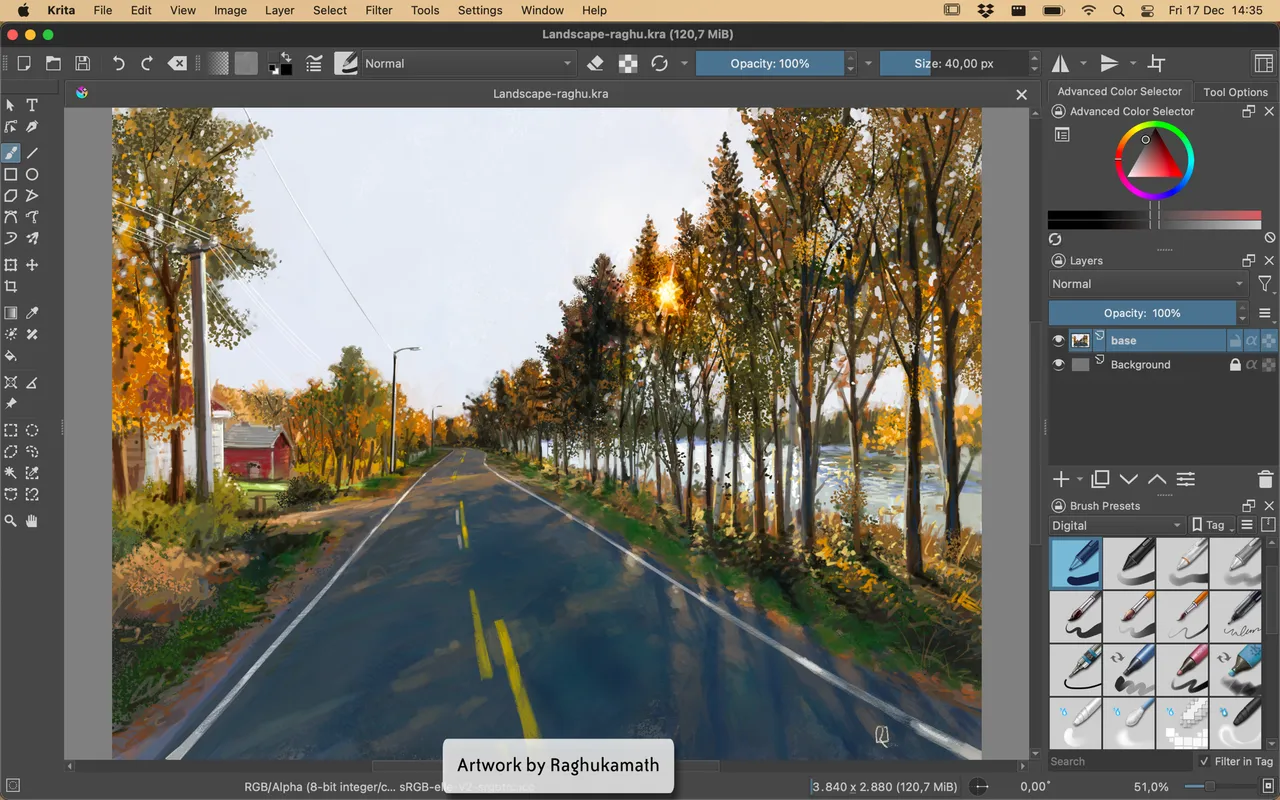
Krita screenshot 1 of 3
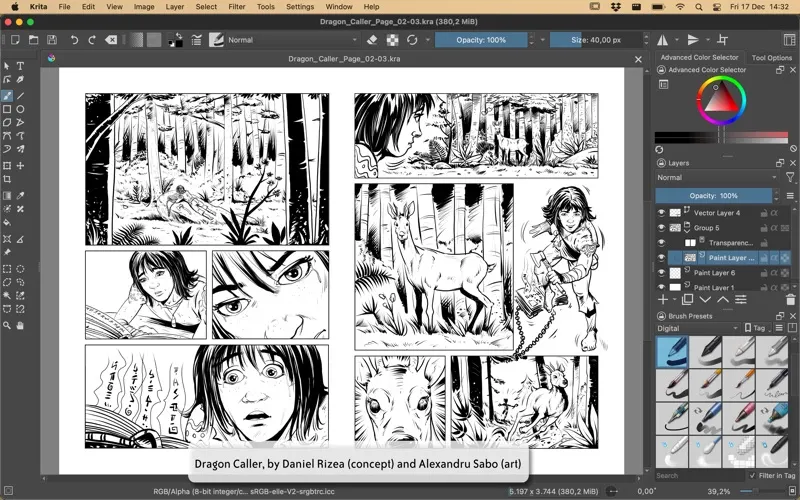
Krita screenshot 2 of 3
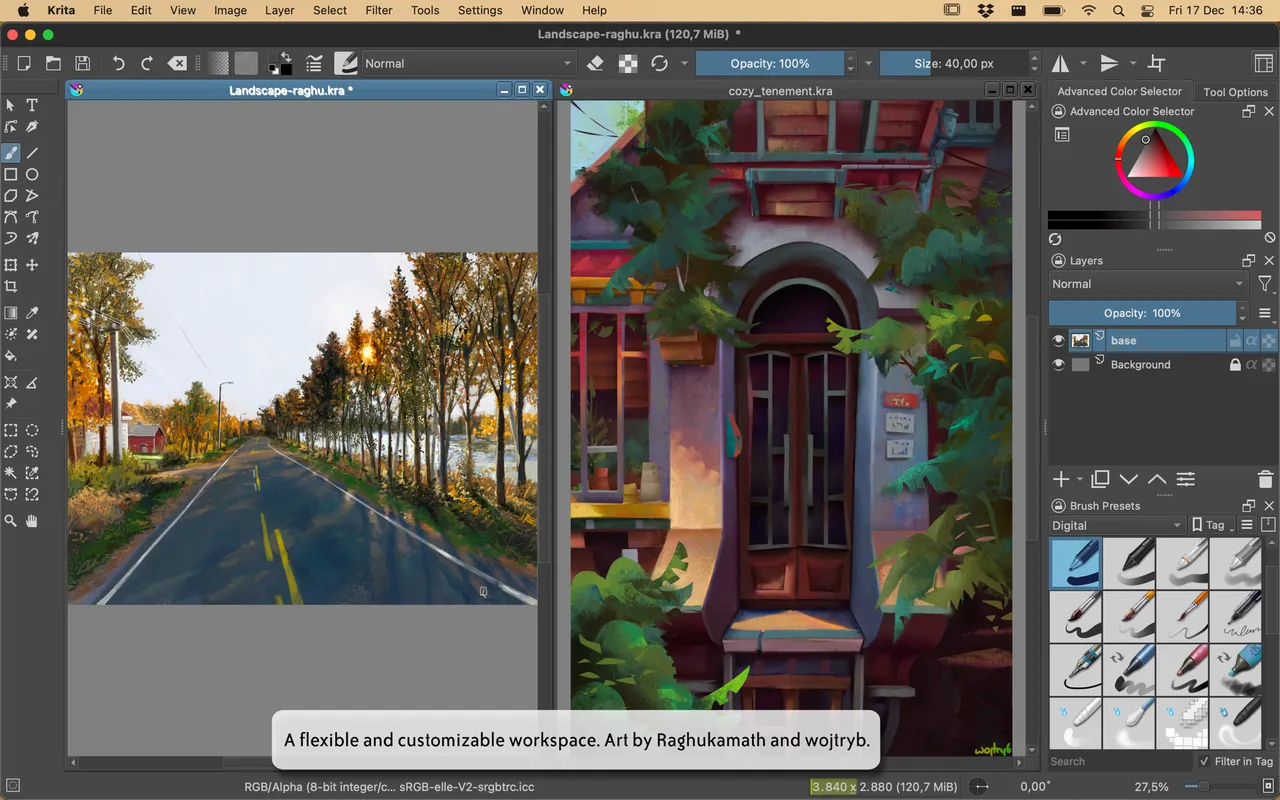
Krita screenshot 3 of 3
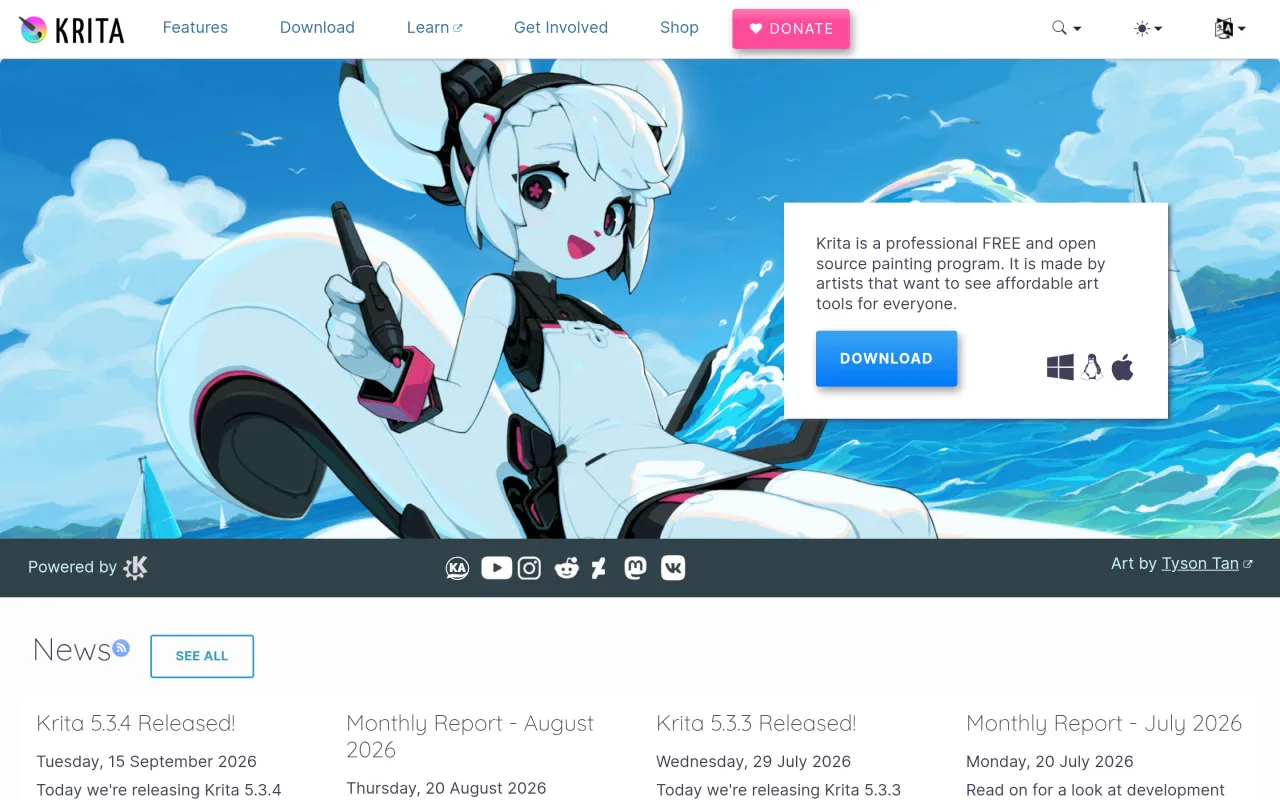
The Krita page at krita.org
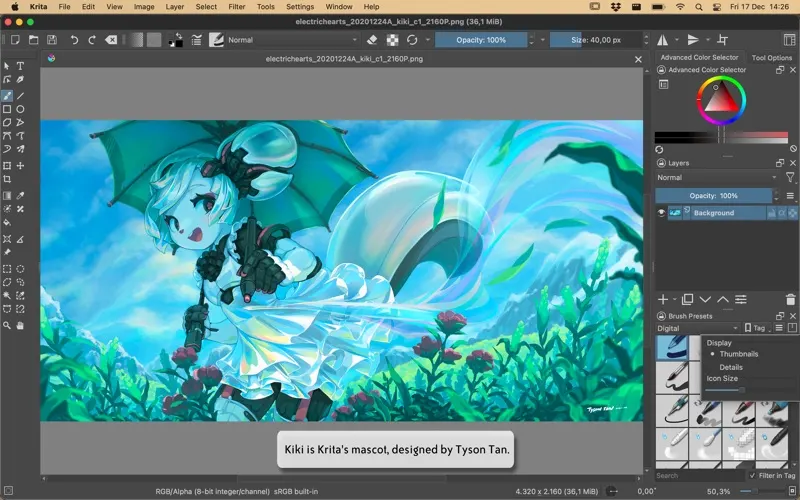
3 screenshots published by the developer via Mac App Store (id 1594607976). Page capture from krita.org, taken 2026-09-22. Images belong to their developers.
  • Large set of configurable brush engines with stabilisers and presets
  • Frame-by-frame animation timeline built in
  • Layer masks, filter layers, blend modes and wrap-around tiling mode
  • Vector, text and clone layers alongside raster painting
  • Same features whether you download it free or pay on the Mac App Store

The facts

Price
Free
What you get
No licence to buy, and the source is public.
Details
Free from krita.org, which states that "Krita is a free and open source application" under the "GNU GPL v3 license". Paid store builds exist only to fund development, including $12.99 on the Mac App Store; the project says those versions "get automatic updates" and that "the money will support Krita development".
Free trial
Yes
On Setapp
No
Minimum macOS
not stated
Price checked
2026-09-22
Check it yourself
Price band
Free