 Privacy, security & networking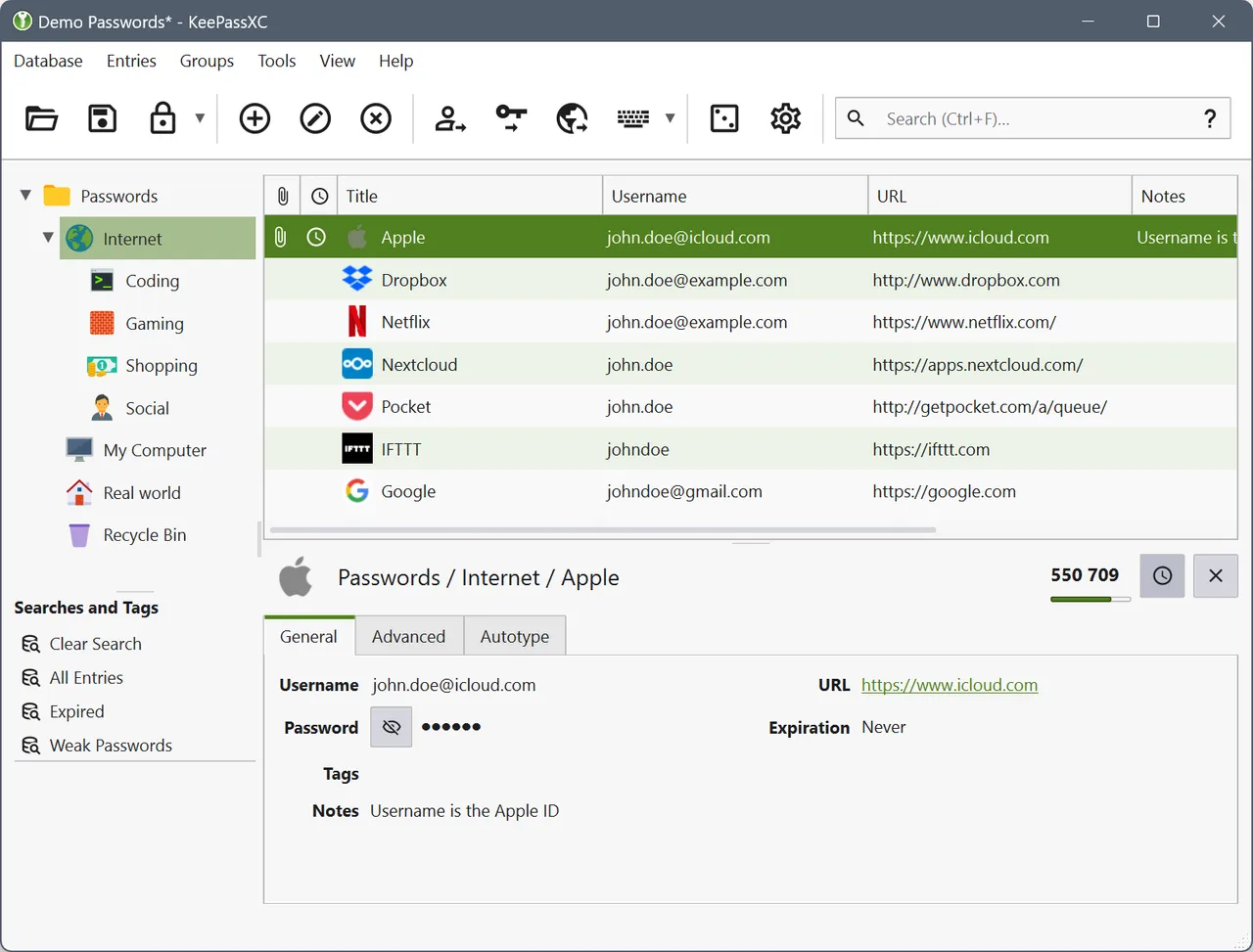
KeePassXC is a password manager with no company attached to it. Your passwords live in one encrypted KDBX file that you can see in Finder, copy to a drive and open in a dozen other clients. Nobody can deprecate your vault, raise its price, get breached on your behalf or lock you out of it, because there is no server involved at all.
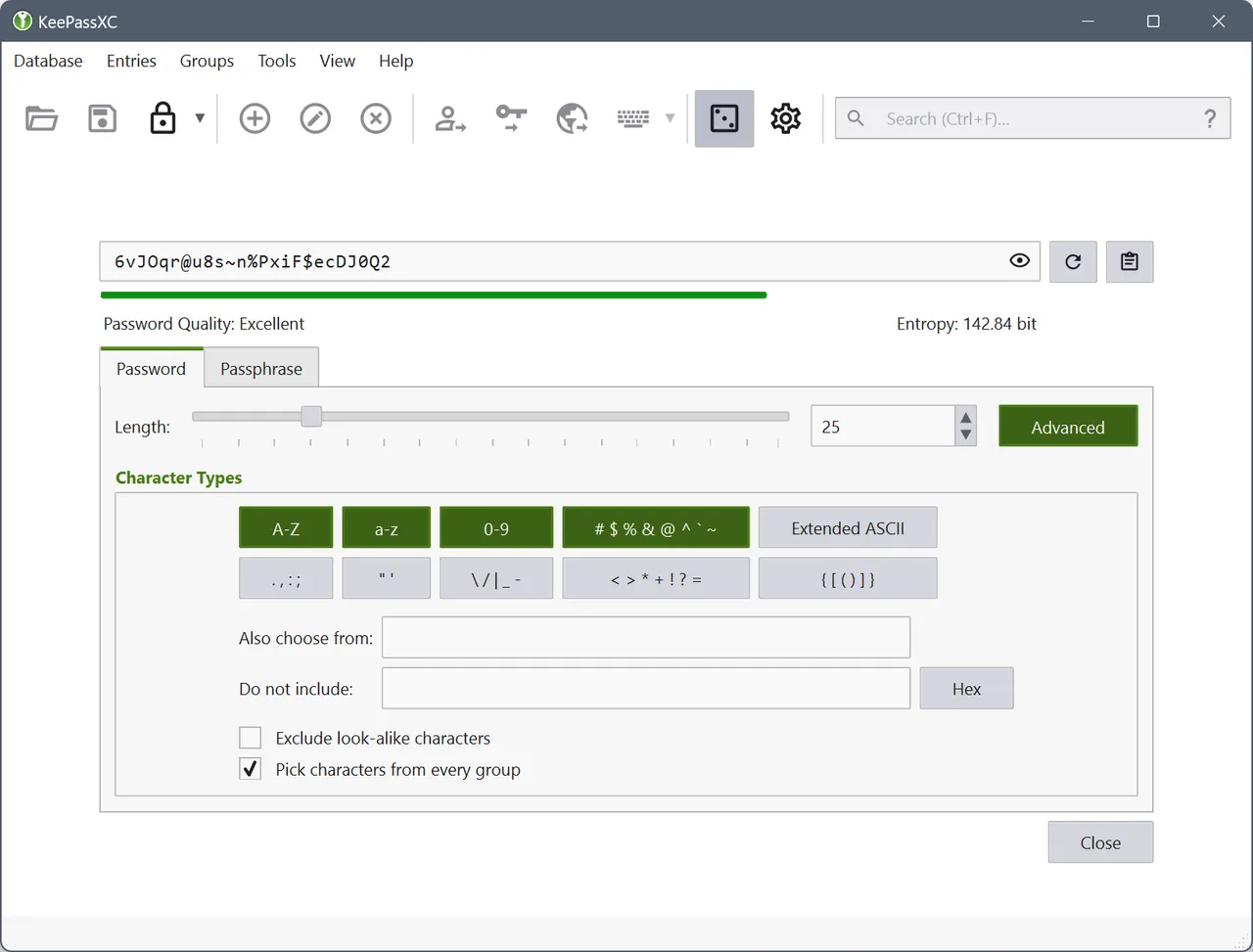
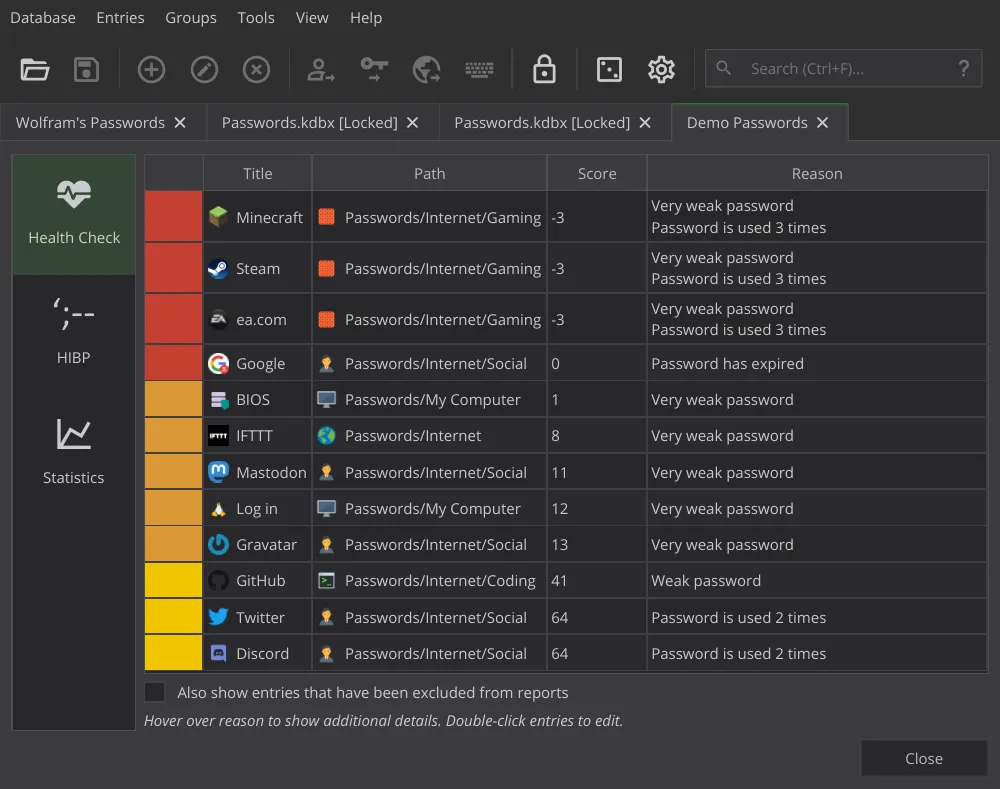
Day to day it does the things you expect: the browser extension fills logins, it generates passwords, it stores TOTP secrets so your second factor is in the same place, and it supports a YubiKey as part of unlocking the database rather than as an afterthought. Reports flag reused and weak entries.
The trade is explicit, and it is sync. A hosted manager quietly keeps your Mac, phone and work laptop in agreement; here that is your arrangement to make, usually by putting the KDBX file in iCloud Drive and being careful not to edit it in two places at once. On iOS you buy a separate client from a different developer.
If you have one Mac, or you are already comfortable with a synced folder, this is as good as a password manager gets and the file is yours forever. If you share passwords with family, want recovery when you forget the master password, or do not want to think about file conflicts, pay the subscription — that is what it buys.
 Cryptomator
 LuLu
LuLu VeraCrypt
 Micro Snitch