ScreenFlow
screen recorder with a real multi-track editor attached, bought outright
Paid upgrades
You own the major version you bought. Telestream has charged for every major since version 1 and will not tell you what the next one costs until you ask, which is the weakest part of the deal at this price. The Stock Media Library and Premium Support are annual subscriptions, and the store states that stock-media purchases and renewals are non-refundable, so add them deliberately rather than by picking the bigger bundle button. The store lists support for macOS Sequoia and Sonoma only, and releases are slow, so check compatibility before buying if you have already moved to something newer. The trial is unlimited in time but watermarks exports.
Cost over five years
$199 once = 8 months of Descript. Over five years that is $1,440 rented against $199 owned — $1,241 kept, and you still have the app.
Descript priced at $288 a year — Creator plan at $24 per person/month, billed annually. Checked 2026-09-22.
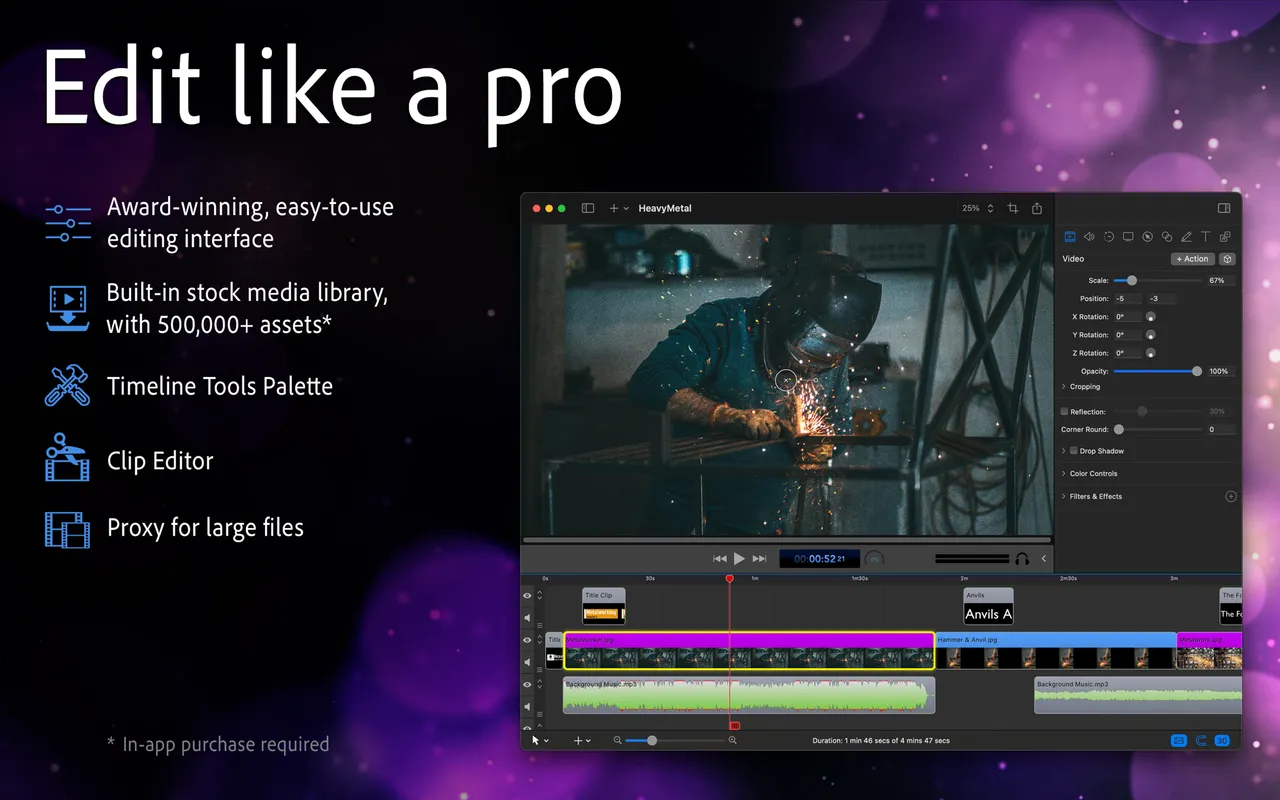
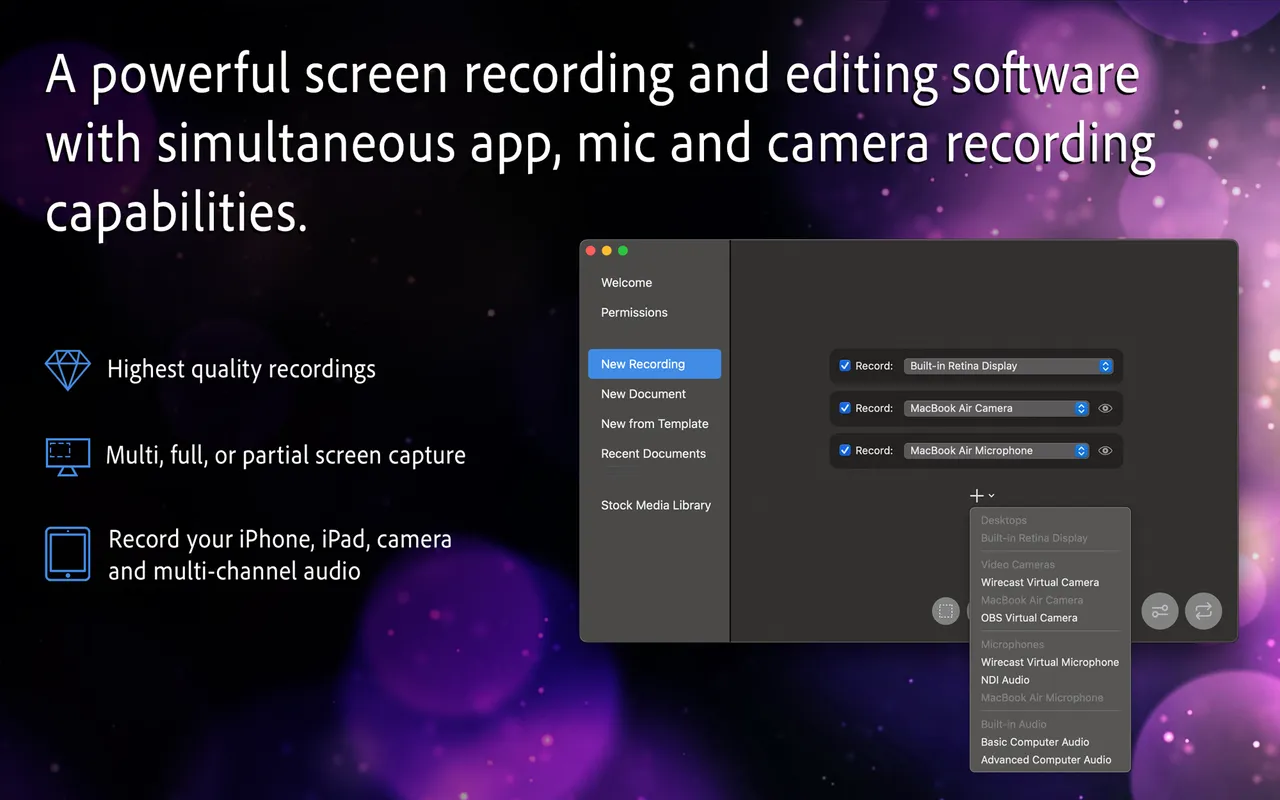
ScreenFlow is what you buy when the recording is only the first ten minutes of the job. It captures screen, camera, mic and system audio as separate tracks, then hands you an editor that behaves like an editor: ripple deletes, keyframed zooms, audio ducking under narration, callouts that follow the cursor, and text that animates on without exporting to another app. People make paid courses in it.
$199 is real money for a Mac utility and it buys ScreenFlow 10 outright. The two upsells on the store page are subscriptions and neither is the app: the Stock Media Library is a yearly media licence, and Premium Support is a yearly support contract that happens to include 25% off the next upgrade. Most buyers want the plain $199 line.
The honest weakness is the upgrade path. Majors have always cost money and the price is not on the site, so factor in an unknown fee every few years. Telestream also ships slowly and lists only Sonoma and Sequoia support, which matters if you upgrade macOS on day one.
Skip it if you record to send, not to edit. A weekly two-minute walkthrough for a colleague does not need a timeline, and the free tier of a share-link tool covers that. ScreenFlow is for the video that someone else will watch on purpose.
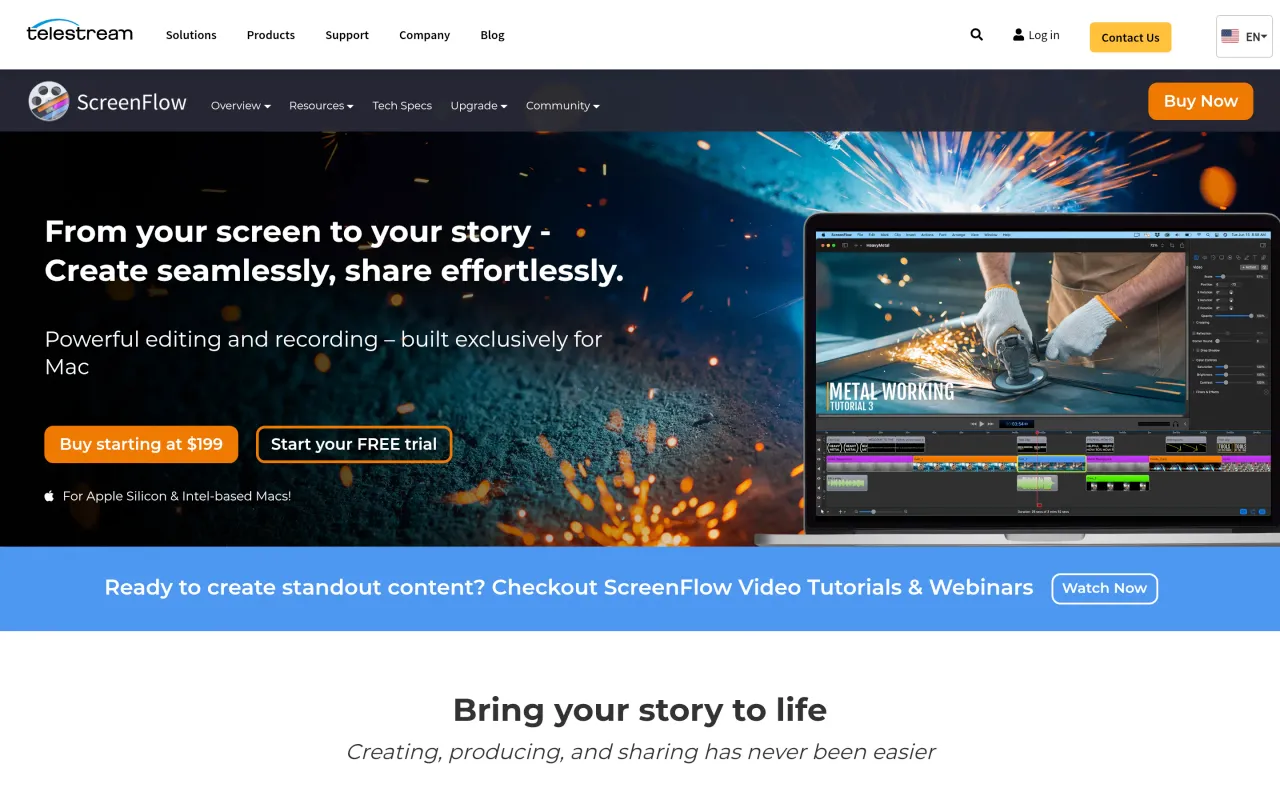
What it looks like

What it does
- Records screen, camera, microphone and system audio at once
- Multi-track timeline with transitions, keyframes and animation
- Callouts, cursor zoom and text animation built for tutorials
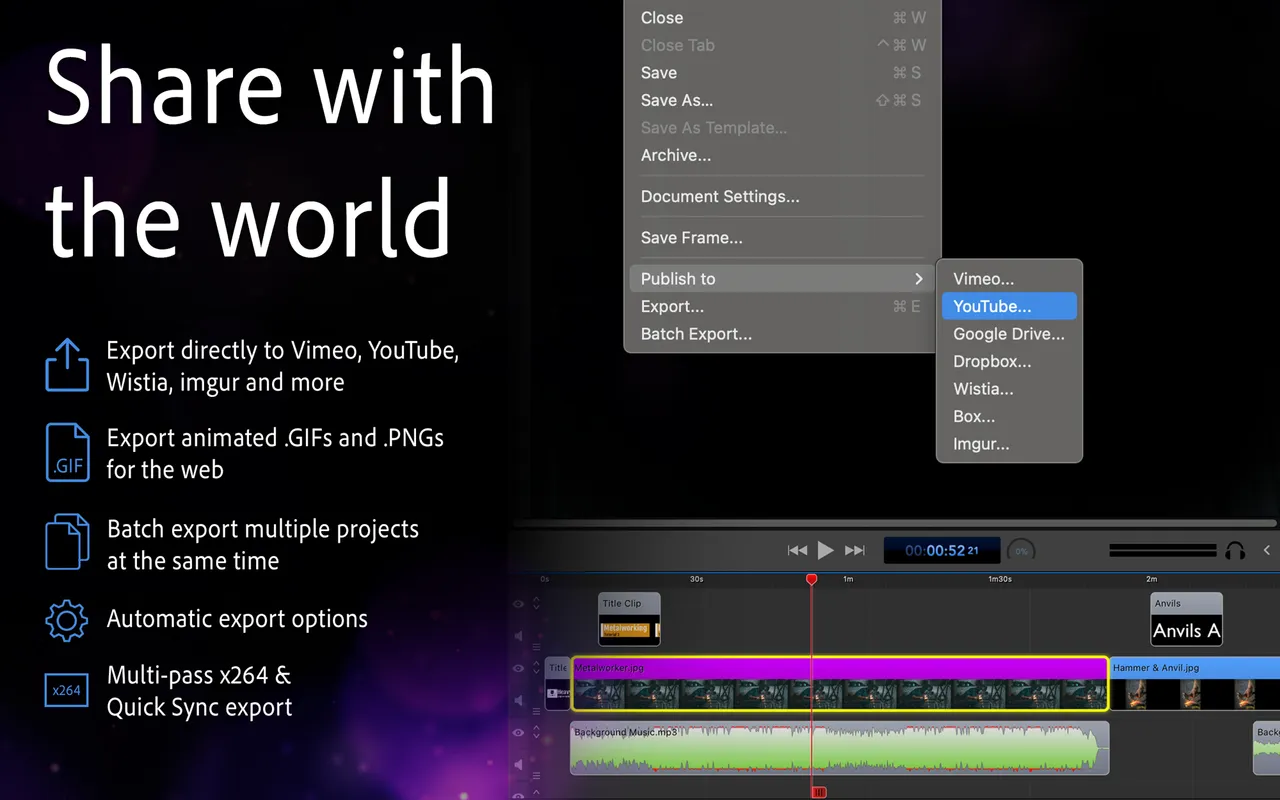
- Export presets for YouTube, Vimeo and course platforms
- Unlimited free trial, watermarked until you buy
Cancel instead
Also bought outright in capture
iShowU Studio 2
record and edit in one app, on a genuine perpetual licence
$79xScope
rulers, guides, loupe and mockup overlay floating above every window
$49.99PixelSnap 2
measure anything on screen, over any app, without opening a design tool
$39CleanShot X
screenshots, recording and annotation in one $35 app
$35The facts
- Price
- $199
- What you get
- One payment, and the developer charges for major versions on a stated cadence.
- Details
- ScreenFlow 10 is $199 one-time. Two bundles exist: Super Pak at $275, which adds the Stock Media Library, and Super Pak + at $325, which also adds Premium Support. Those two extras are the only subscriptions here — the Stock Media Library is $99 per year with a discounted first year, and Premium Support is $59 per year and includes 25% off future ScreenFlow upgrades. Upgrade pricing exists for owners of versions 4 to 9 but is not published; versions 1 to 3 buy new. Volume discounts for multiple copies on request.
- Free trial
- Yes
- On Setapp
- No
- Minimum macOS
- macOS 14 (Sonoma)
- Developer
- Telestream
- Price checked
- 2026-09-22
Check it yourself - Price band
- $120 and up