Lifetime Mac
Documents, PDF & office
TextSniper

Grab text out of any image, pdf or video frame on screen

Price: $7.99 once

This versionThe next major is a new purchase

Price read on textsniper.app, the page Buy direct opens.

The catch

Major upgrades cost extra, and the 7-day refund covers the direct purchase, not the App Store one

The full picture

The developer states outright that "major upgrades and features come at an additional upgrade cost", so you own what you bought rather than every future release. The $7.99 and $9.99 licences come direct via Gumroad while the $11.99 unlimited licence is a Mac App Store purchase, which means the advertised 7-day money-back guarantee covers the direct tiers only. It captures from what is on screen, one selection at a time, so it is not a batch OCR tool for a folder of scans. Accuracy is Apple's on-device recognition: excellent on printed text, unreliable on messy handwriting.

Pays back in
under a month
Seats
1 Mac$7.99 covers 1 Mac and $9.99 covers 3, both direct; the $11.99 Mac App Store licence is unlimited devices.
Developer account
None needed
Buy once$7.99Rent 5 years$1,200

$1,192 kept over five years, and you still have the app.
Against Adobe Acrobat Pro at $240 a year, annual prepaid plan at US$239.88/yr; OCR is a Pro-tier feature, not Standard. Also replaces Online OCR services.

What it looks like

Images belong to their developers.

What you’re buying

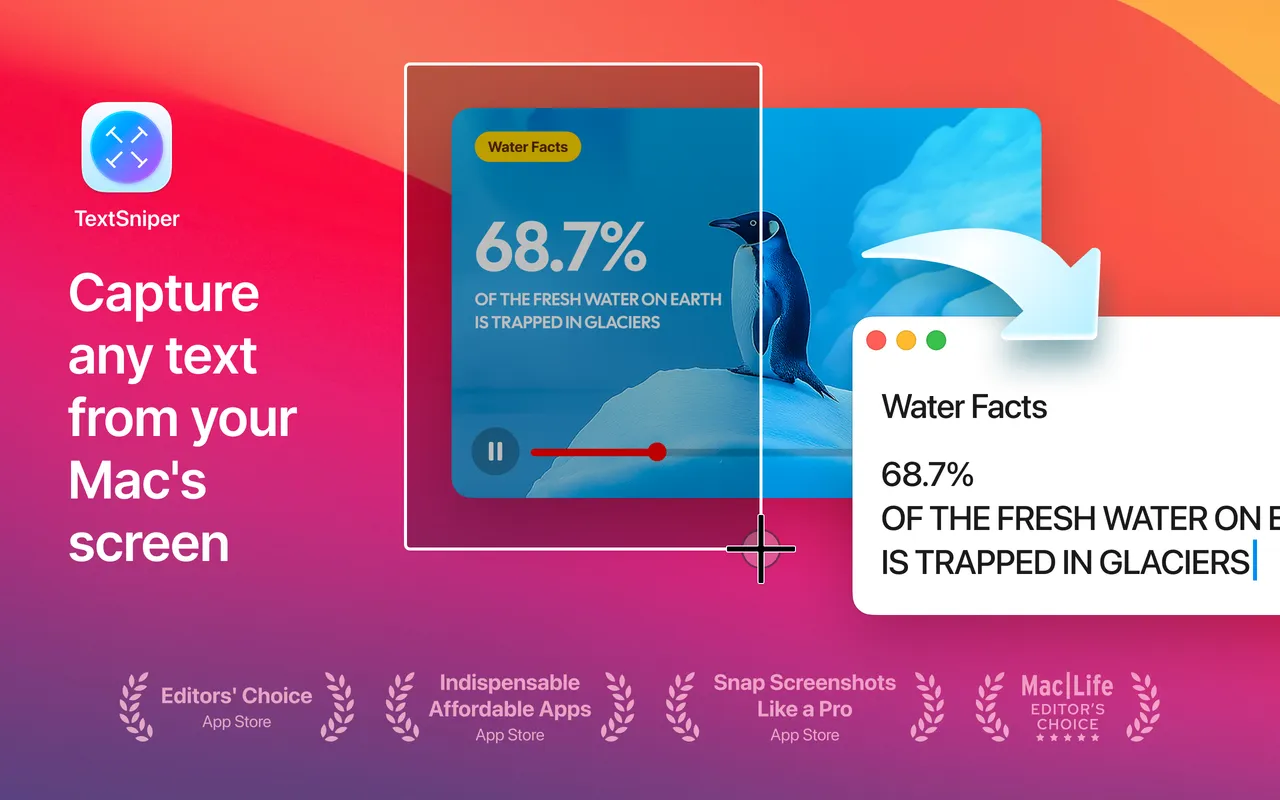
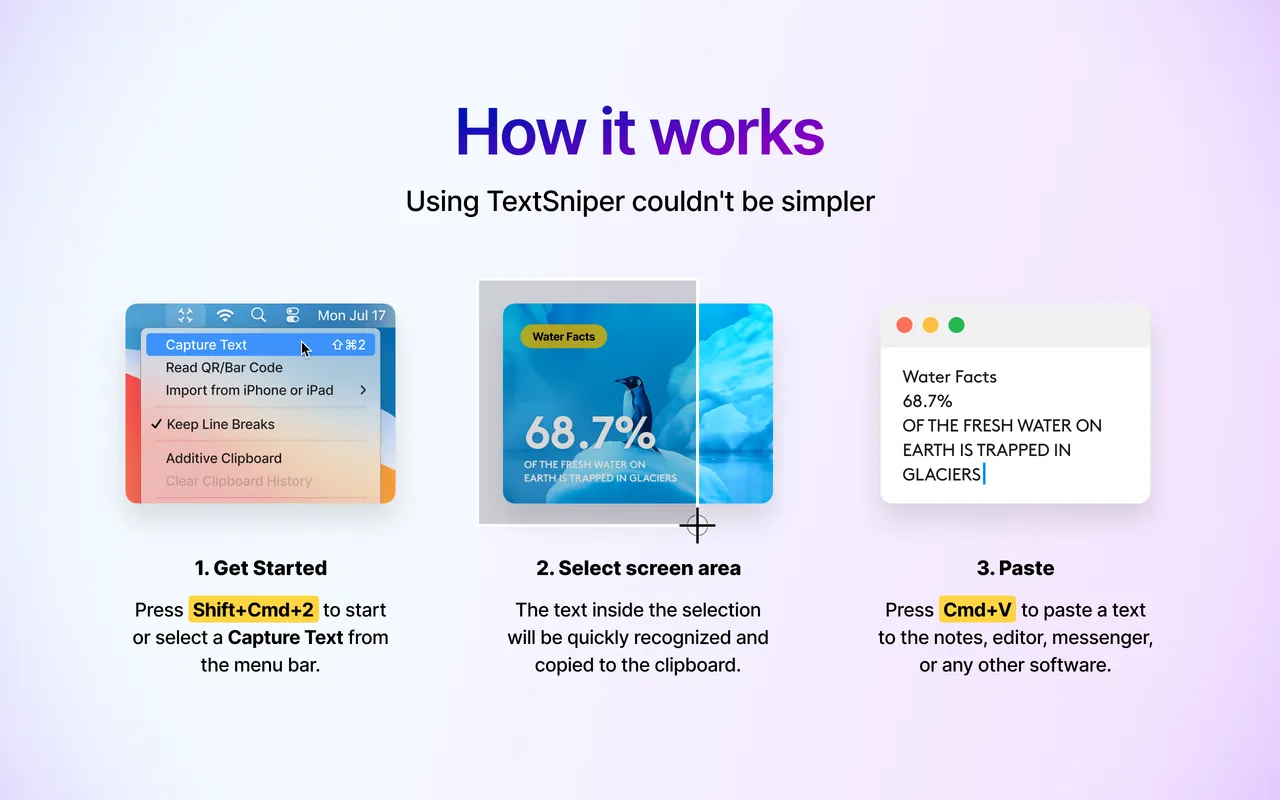
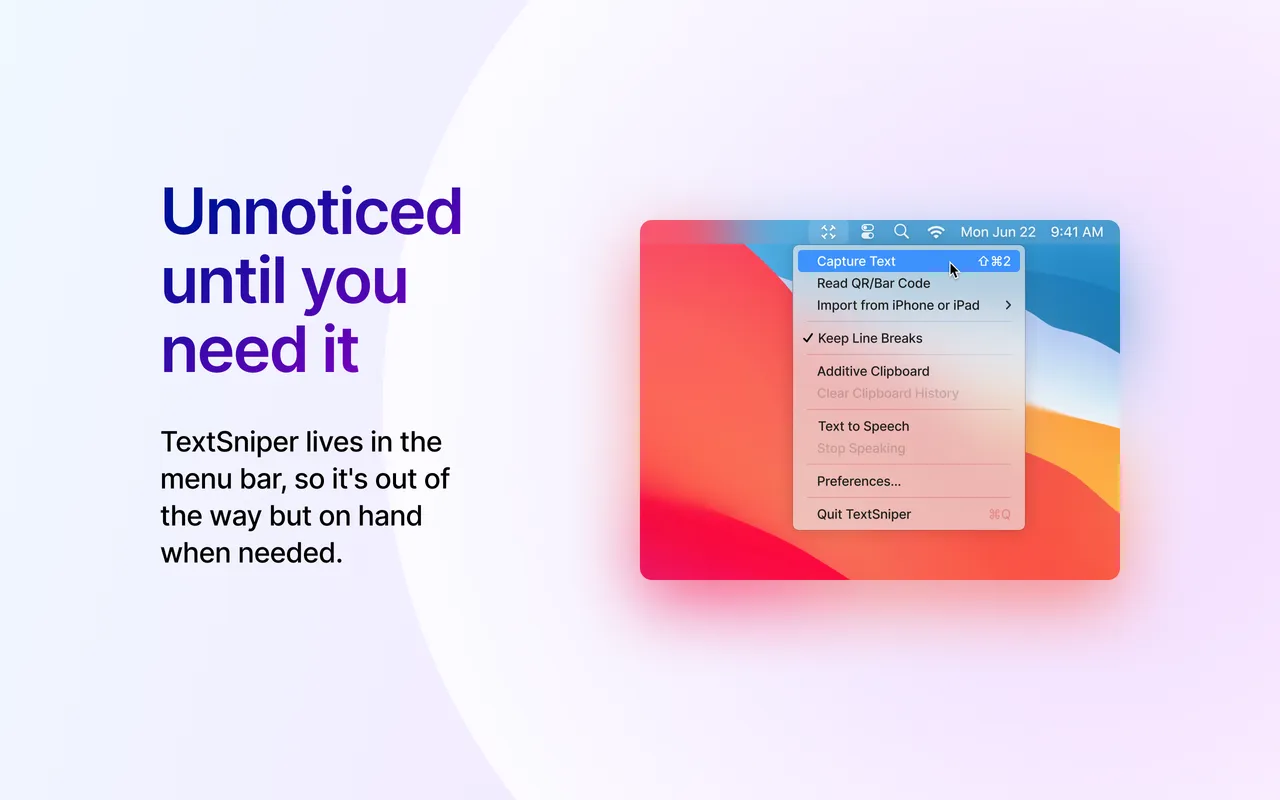
TextSniper does one thing. You press a hotkey, drag a box around anything on screen, and the text inside it is on your clipboard. A locked PDF, a screenshot someone pasted into Slack, a frame of a video tutorial, a photo of a printed page — it all becomes text you can paste. Recognition is Apple's own on-device engine, so nothing leaves the machine and it works with the wifi off.

Eight dollars covers one Mac, ten covers three, and both of those come through Gumroad direct from the developer — that is the purchase the seven-day money-back guarantee applies to. The twelve-dollar unlimited-devices licence is a Mac App Store sale instead, so Apple's refund rules govern it. The developer says openly that major upgrades will cost extra, which at this price is hard to be indignant about.

Two limits worth knowing before you buy. It reads the screen, one selection at a time, so a folder of two hundred scans wants a proper batch tool instead. And accuracy tracks Apple's recognition: printed text is near-perfect, handwriting is a coin flip. If you already keep Acrobat Pro around for other reasons, its OCR covers this. If you don't, this deletes the entire category of upload-your-document-here websites for less than lunch.

What owners report

Points that recur across the discussions below. A report of what users say, not our verdict: we don’t review software.

Praised

  • Owners describe using it constantly, several of them independently saying multiple times a day or week and that it has stayed in their setup for years
  • The repeated selling point is that it captures anything drawn on screen in one step — video frames, Zoom shares, locked PDFs, UI text that refuses to be selected — rather than only images

Criticised

  • The recurring objection is overlap: posters keep naming free or already-owned tools that do the same job, including the open-source TRex and macOCR, CleanShot X, and a free Shortcut
  • Several point out it is a front end for Apple's own Vision OCR, which is why the free equivalents match it on accuracy

Details

The price in full

One-time purchase, three tiers sold through two channels. Direct from textsniper.app via Gumroad: $7.99 for 1 Mac, $9.99 for 3 Macs. Mac App Store: $11.99 for an unlimited-devices licence. The 7-day money-back guarantee is a direct-purchase promise; App Store buyers go through Apple's refund process. Also included in Setapp.

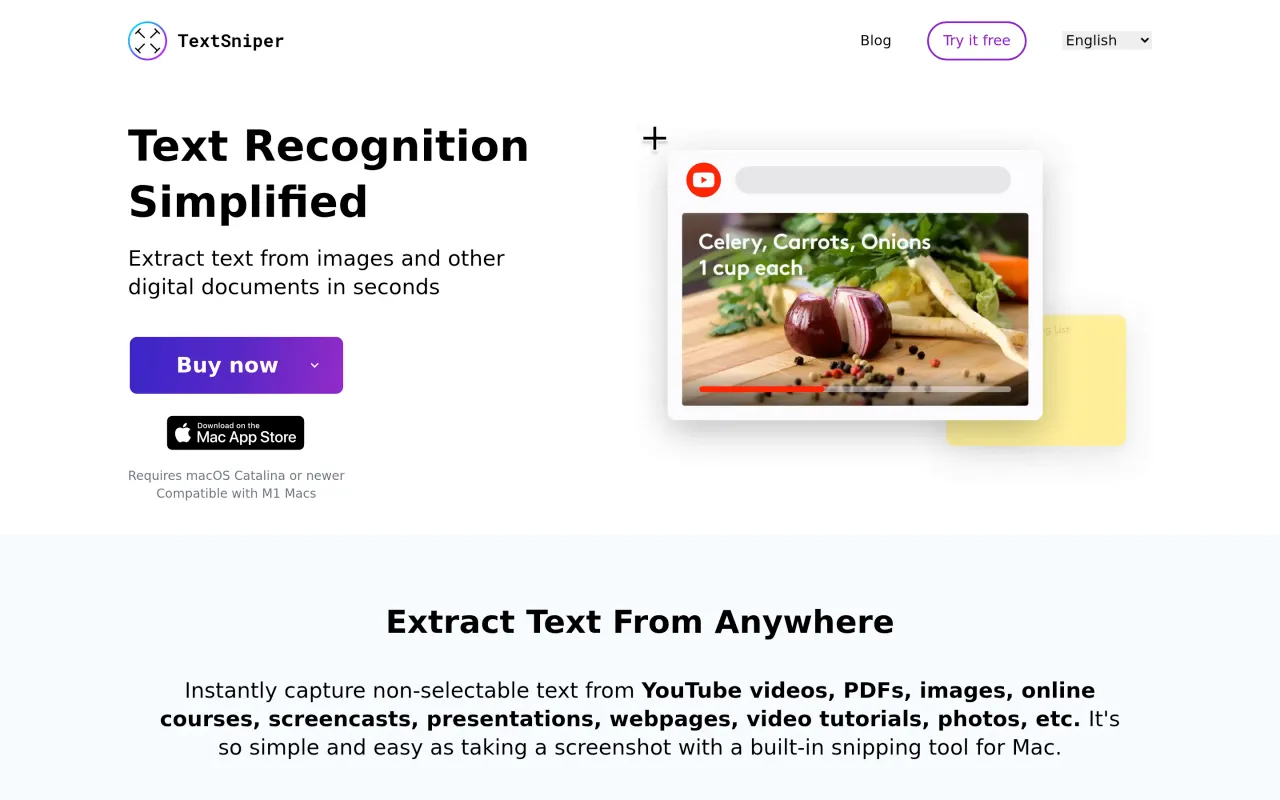
The TextSniper page at textsniper.app
The developer’s own page. textsniper.app, captured 22 Sep 2026
Free trial
Yes
Works offline
Yes
Apple Silicon
Native
On Setapp
Yes
Minimum macOS
not stated
Developer
TextSniper

Also bought outright