TinkerTool
free GUI for the hidden macOS preferences Apple ships but does not show
Free
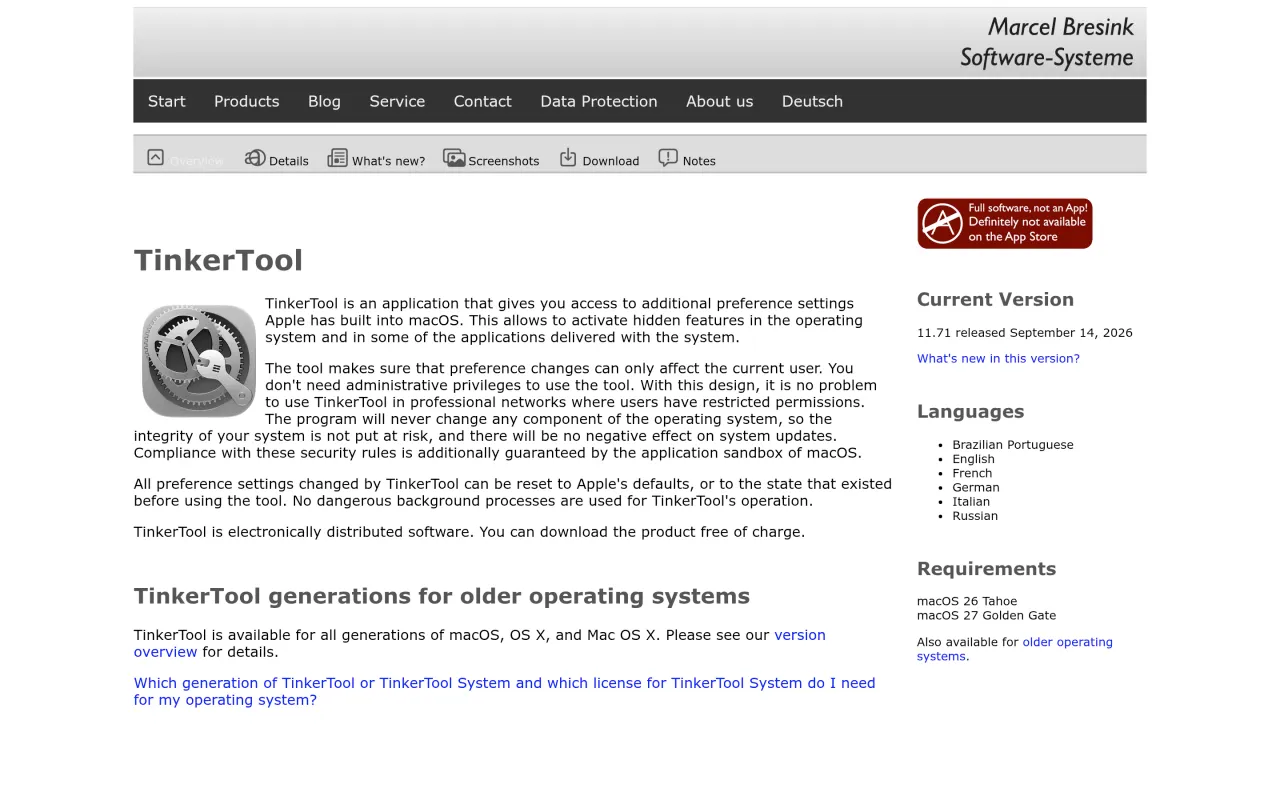
TinkerTool cannot add features — it can only switch on preferences Apple already wrote, and Apple quietly drops hidden preferences between releases, so an option you remember may no longer exist. Changes are per-user: they do not apply to other accounts or to the login screen. You need the build that matches your system; 11.71 (September 2026) covers macOS 26 Tahoe and macOS 27 Golden Gate, and earlier systems have their own builds. Disk cleanup, log inspection and privilege repair live in the separately licensed TinkerTool System, whose price is not quoted on this page.
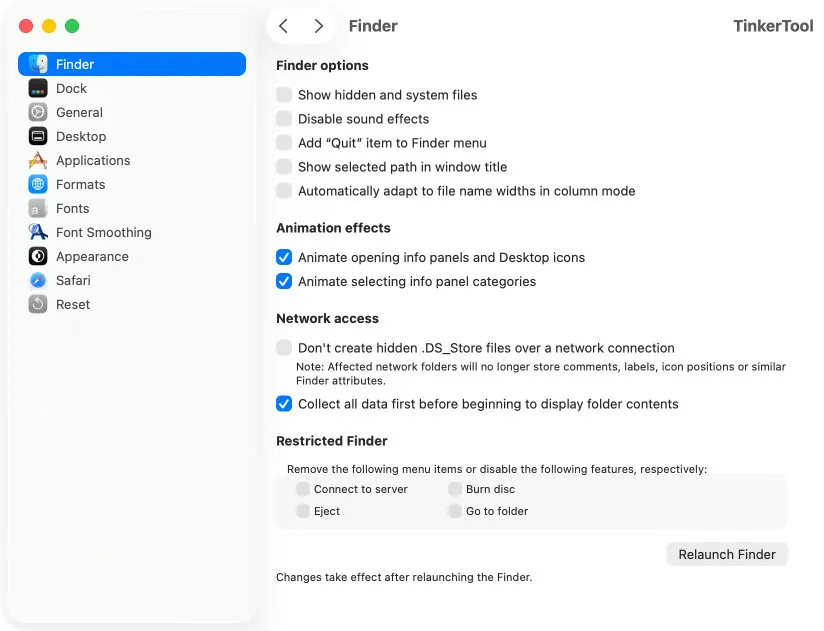
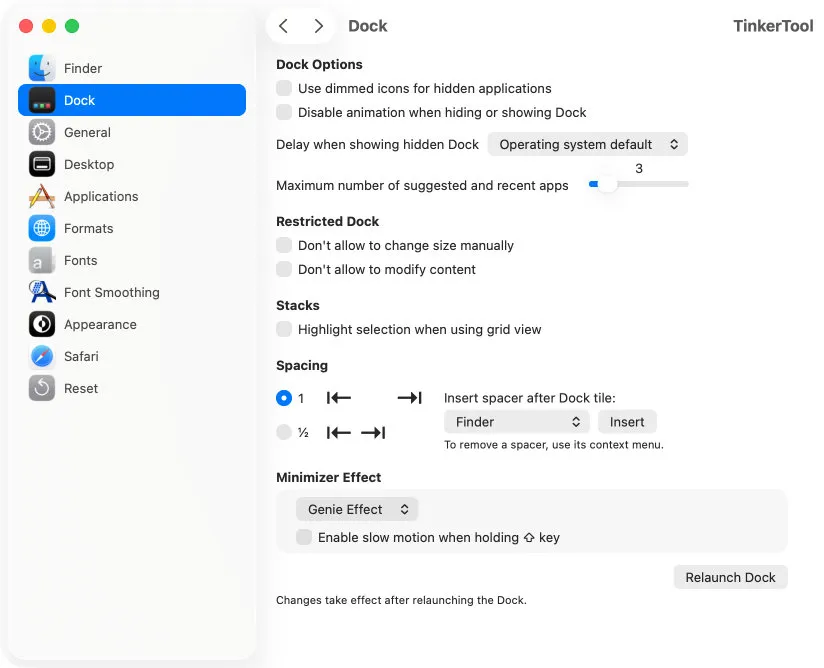
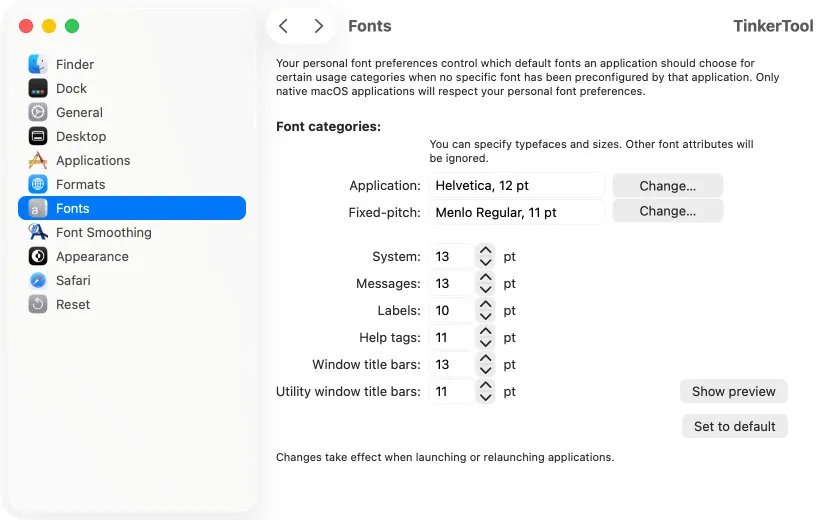
TinkerTool is a window onto the preferences Apple built into macOS and then left out of System Settings: Finder showing full paths, Dock animation speed, where screenshots land and in what format, font smoothing, Safari and Mail internals. Marcel Bresink has shipped a matching build for every macOS release since 2003, and 11.71 covers macOS 26 and 27.
Two decisions make it worth trusting. Everything it changes is user-level, so it never asks for an admin password and never touches system components — a macOS update will not undo or break what you set. And every switch can be put back, either to Apple's default or to whatever state it was in before you opened the app. That is more than you get from pasting a command into Terminal and hoping you noted the old value.
The limit is genuine. TinkerTool can only surface what Apple already wrote, and Apple removes hidden preferences between releases, so something you used two systems ago may simply be gone. Settings apply to your account only, not to other users and not to the login window.
If you were after disk cleanup, log inspection or permissions repair, that is Bresink's other app, TinkerTool System, and it is licensed separately. Free TinkerTool is the settings panel and nothing more — which, for most people asking, is the part they actually wanted.
What it looks like

What it does
- Reach hidden Finder, Dock, Safari, Mail and screenshot preferences
- No administrator password needed; every change is user-level
- Revert any setting to Apple's default or to its pre-TinkerTool state
- Never modifies system components, so macOS updates are unaffected
- A matching free build for every macOS release since 2003
Cancel instead
Also bought outright in utilities
The facts
- Price
- Free
- Licence
- Free
- What you get
- No licence to buy.
- Details
- Free, stated on the developer's page as: "TinkerTool is electronically distributed software. You can download the product free of charge." No tiers, no account. TinkerTool System, the administration and maintenance app from the same developer, is a separate licensed product.
- Free trial
- No
- On Setapp
- No
- Minimum macOS
- not stated
- Developer
- Marcel Bresink Software-Systeme
- Price checked
- 2026-09-22
Check it yourself - Price band
- Free